
Every few years, the default interface for getting work done shifts a little further away from a screen someone has to actively look at. First it was moving business logic off paper and into software. Later, it was all about moving the software to the clouds, ensuring accessibility from everywhere. The latest shift is quieter but is among the biggest.
Business gets work done through ambient, along with always available interfaces, voice, automation, and sensors, which do not require anyone to stop what they are doing and open an application. For the teams that are running CRM and customer data, the shift mostly covers every single part of the stack, from how a field representative logs a note to how a support ticket gets triggered in the first place. It is also worth understanding the pattern from a few different examples, rather than just treating each one as an isolated trend.
Ambient Computing Is Entering the Field Wearable Computing Is Entering the Field
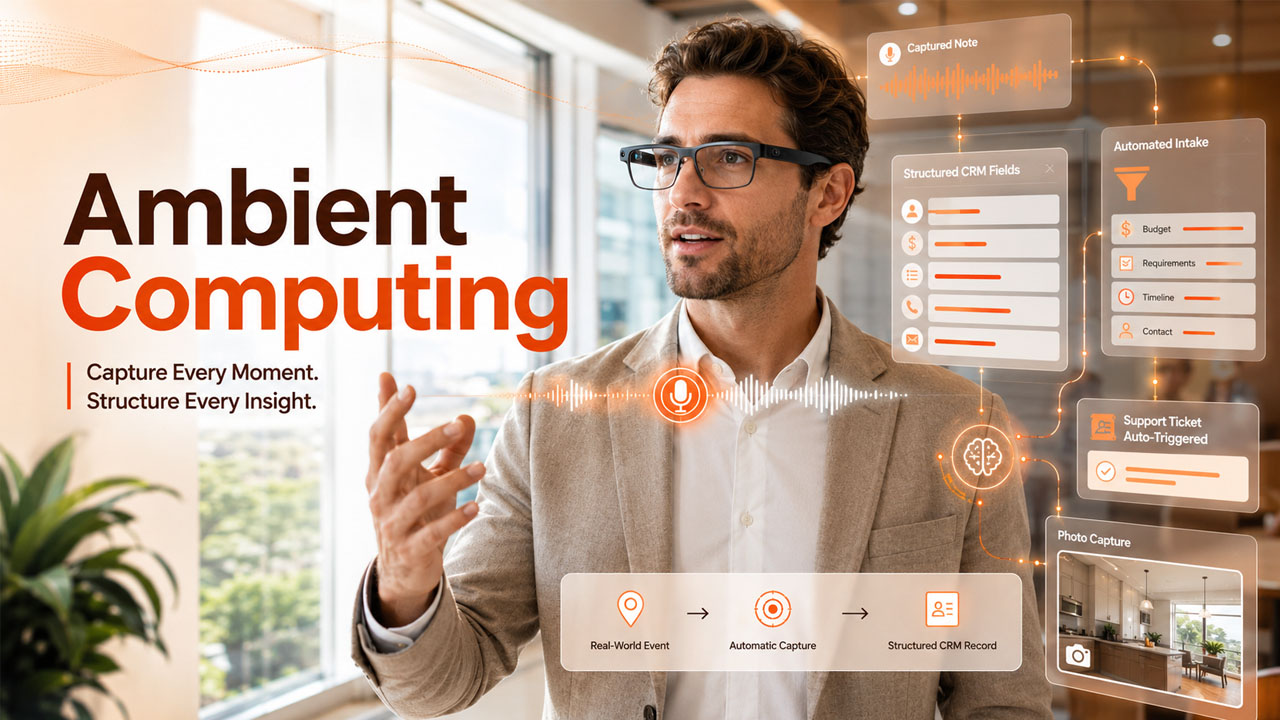
One of the clearer examples of this shift is showing up in eyewear. AI glasses from Sunglasshut pack a camera, microphone, and voice assistant into an ordinary-looking frame, letting a field rep or technician capture a note, snap a reference photo, or trigger a voice command without pulling out a phone. IDC's tracking of the wearable device market shows shipments in this category climbing sharply, which is a signal that this isn't a one-off gadget cycle but a genuine new input method being adopted at scale. For any business running field service, sales, or on-site support, that means a growing pool of workers who could realistically feed structured data into a CRM without ever touching a keyboard or a phone screen mid-task.
Automation Is Eating the Busywork Behind the Scenes
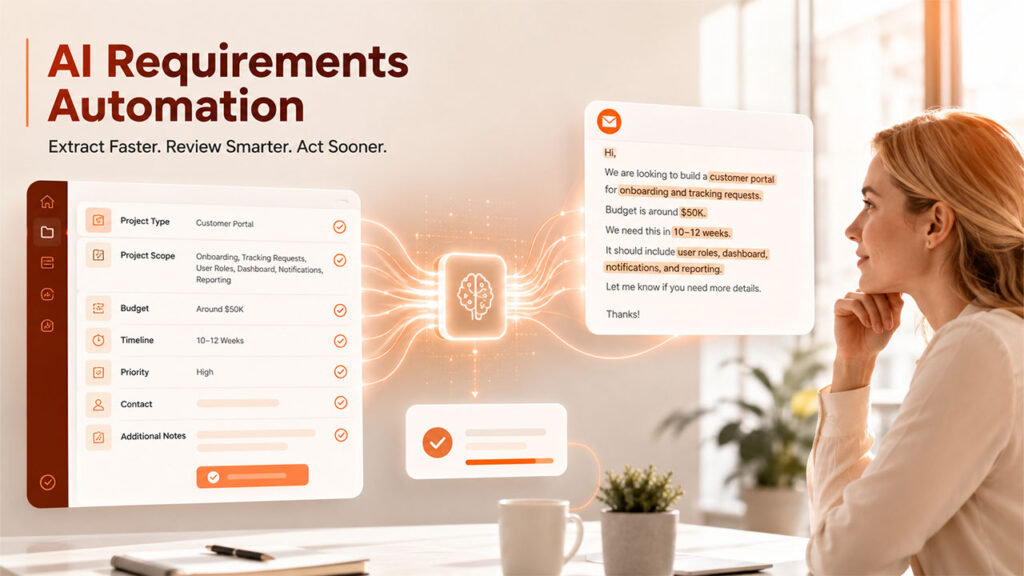
Wearables get the attention because they're visible, but a much larger share of the ambient computing shift is happening in places nobody sees: the intake and requirements-gathering work that used to eat hours of a team's week. The choice between manual and automated requirements gathering isn't just a process question anymore, it's increasingly a default setting. Automated intake tools can now parse a client email, extract the relevant fields, and populate a project brief or CRM record before a human ever opens the message, the same underlying pattern driving voice-to-CRM pipelines on the wearable side: capture once, structure automatically, and let a person review rather than transcribe.
Customer Service Platforms Are Getting Smarter, Not Just Bigger
Support and service tooling is following the same trajectory. A look at the best AI-powered customer service platforms for complex support operations shows the same underlying pattern: the differentiator isn't ticket volume handled, it's how much context a platform can assemble automatically before a human agent even opens a case. That's the same principle showing up across every ambient computing example in this piece, less time spent gathering and re-entering information, more time spent actually acting on it.
This Pattern Has Repeated Before
It's worth remembering that this isn't the first time business software has jumped to a new default interface. On-premise software gave way to the browser. The browser gave way to mobile apps. Each transition followed the same shape: the new interface looked like a novelty at first, got dismissed as unnecessary by teams who were fine with the old way, and then quietly became the expectation within a few years once the tooling matured and the integrations caught up. Ambient computing, voice-first capture, automated intake, and AI-assisted service, is following the same curve. The teams that get real advantage out of it aren't necessarily the earliest adopters; they're the ones who wait until the integration layer is solid and then move deliberately, rather than either ignoring it entirely or bolting on every new tool as soon as it launches.
Why This Matters More for CRM Data Than Almost Anything Else
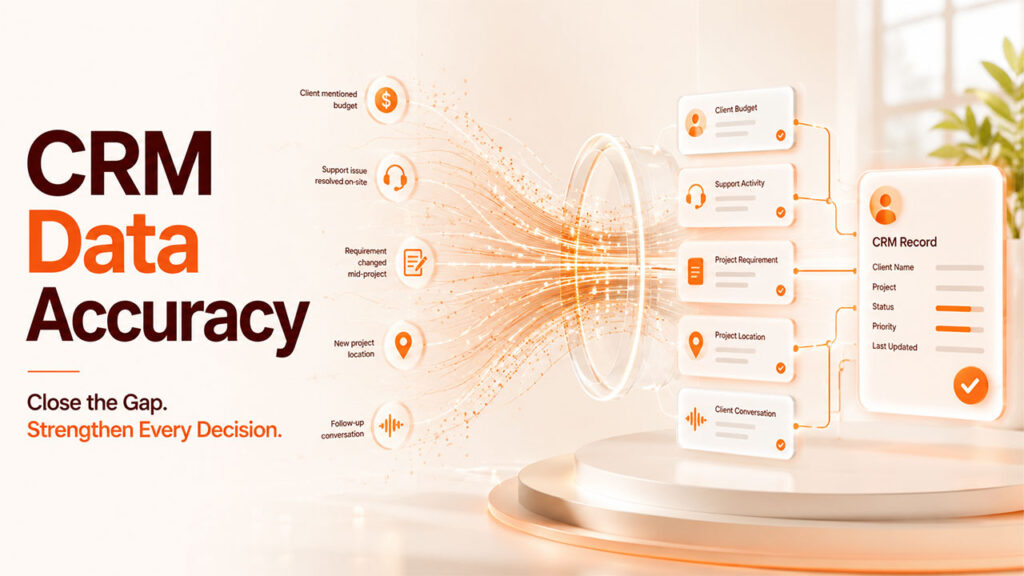
A CRM is only as useful as the data that actually makes it into the system, and historically the biggest gap has been capture, the gap between something happening (a client mentioning a budget, a support issue getting resolved on-site, a requirement changing mid-project) and that fact actually landing in a record someone can act on later. Every technology covered here, wearable capture, automated intake, and smarter service platforms, attacks that same gap from a different angle. None of them replace the CRM. They all exist to shrink the distance between an event happening in the real world and that event becoming usable, structured data.
What Teams Should Actually Evaluate Before Adopting Any of This
A few practical filters are worth applying before adding any ambient or automated tool to a stack:
● Does it write to an existing record: or does it create a new, disconnected source of data that someone still has to manually reconcile.
● How much setup does the automation actually need: a tool that requires weeks of configuration to save minutes a day rarely pencils out.
● What happens when it's wrong: automated capture and transcription both have error rates, so there needs to be an easy review step before bad data gets treated as fact.
● Is adoption actually realistic: the best tool on paper still fails if the team doesn't actually use it day to day, which is often more about habit than capability.
Conclusion
None of these shifts, wearable capture, automated intake, smarter service platforms, are really about the specific hardware or software involved. They're about closing the gap between something happening and that thing becoming usable data, wherever that gap currently costs a team the most time. For most CRM-driven businesses, that gap is still bigger than most people realize, which is exactly why it's worth auditing where information actually gets lost in your own process before deciding which of these tools, if any, is worth adopting first. The right starting point is rarely the flashiest option; it's whichever gap is currently costing the team the most rework, the most delay, or the most frustrated customers waiting on an answer someone already gave once.
%201.png)

%201.png)

%201.png)