

Asana runs a lot of teams. Tasks, projects, timelines, all of it in one clean board your whole company already checks every morning. But if you have tried to run real QA inside Asana, you know where it stops. There is no test case repository. No test runs. No pass or fail history. You end up turning tasks into fake test cases and losing track by the second sprint.
That is the gap test management software fills.
This guide covers eleven tools that work alongside Asana. Some connect through the Asana app directory. Others sync over an API or a Zapier bridge. One thing to know up front. No test management tool is truly native to Asana the way some tools embed inside Jira. Asana keeps testing to its partner apps. So the real question is not native versus not. It is how cleanly each tool syncs, and how much testing muscle it brings.
We checked every integration claim against each vendor's own docs and the Asana app directory in August 2026. Pricing shifts often so confirm before you spend.
What Is Test Management Software?
Test management software gives QA teams a home for the whole testing process. Test case creation, planning, execution, defect tracking, requirements traceability and reporting. It covers manual and automated testing, and it keeps QA, developers and project managers looking at the same picture.
Here is the part that matters for this article. Asana is a project and task management tool. It was built to move work forward, not to manage software tests. A dedicated test management platform handles the things Asana cannot: organizing test cases, running test cycles, logging defects and reporting on coverage.
That is why teams pair the two. You keep Asana for project work and add a platform that does the QA heavy liftin
g. Teams that want that setup can look at an asana test management tool that syncs test cases and defects with their Asana projects, so testing lives in a proper QA system while project tracking stays in Asana.
Why Use Test Management Software With Asana?
Because Asana on its own makes QA people improvise, and improvising does not scale. Pair Asana with a real test management platform and you get a test case library, execution tracking, defect logging linked back to Asana tasks, and reporting that updates on its own.
Different people get different things out of it. QA engineers create and run test cases. QA managers watch coverage and progress. Developers see defects and results. Project managers track QA next to their Asana tasks. Product and release managers read release readiness before they sign off.
How We Evaluated These Tools
We weighed the things a QA lead actually cares about: test case management, Asana integration, ease of use, automation support, reporting, API access, CI/CD hooks, scalability and pricing. Asana integration carried real weight here, more than in a generic roundup. A tool that only links through a manual workflow is not the same as one with two-way sync, and we say which is which.
One rule we held to. We do not call a connection native unless it genuinely is. Most of these connect through the Asana app directory, an API or a bridge tool. We label each honestly.
The 11 Best Test Management Tools for Asana
1. Kualitee (Featured)

Kualitee is an AI-powered test management platform. It connects to Asana through a two-way integration that syncs issues and requirements between the two tools, so a defect logged in Kualitee shows up against your Asana work and stays current on both sides.
Best for. Agile QA teams that want a full test platform with AI help sitting alongside Asana.
Key features.
- Test case management with reuse across projects
- Requirement traceability from stories through to defects
- Two-way Asana sync for issues and requirements
- Built-in defect management with severity, priority and status
- Manual and automated execution with live result tracking and QA dashboards
- Hootie AI, which builds test cases from written requirements or a UI screenshot
- Integrations with Jira, GitHub, GitLab, Jenkins and Slack, plus a REST API and a mobile app
- Asana integration. Two-way sync for issues and requirements.
Pricing: Starts at $12 per user per month. There is a free Growth plan for up to 3 users that includes AI credits.
Pros: Two-way sync is a cleaner connection than most tools here manage. A real free plan and included AI lower the cost of trying it.
Cons: Testers work in Kualitee, not inside Asana, so there is some context switching.
Of the eleven tools here, Kualitee's two-way sync is the deepest Asana connection on the list. Most of the rest push one way.
2. Qase
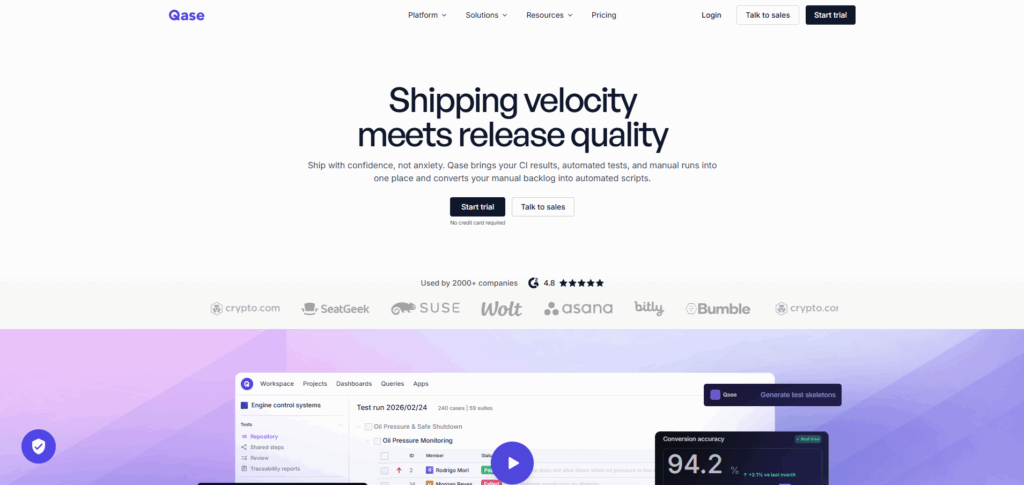
Qase is a modern test management platform with a clean UI. Its Asana integration installs from the Asana app directory and lets you link test cases, runs and defects to Asana tasks, create Asana tasks from defects, and sync defect status both ways.
Asana integration: App directory install with defect status sync. Pricing. Free for up to 3 users. Around $24 per user per month on the QA plan.
Best for: API-first and modern QA teams. Watch out for: cloud only, and AI features sit on higher tiers.
3. TestMonitor
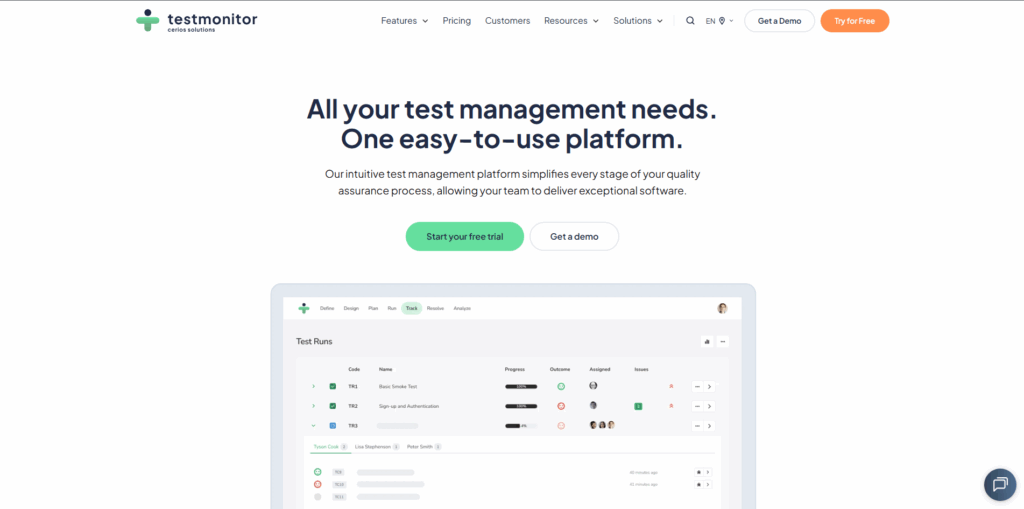
TestMonitor is built for structured test runs and UAT, and it is friendly to teams without deep QA experience. Create an issue in TestMonitor and a matching task lands in your Asana project.
Asana integration: App directory, issue-to-task creation. Pricing. Starts around $39 per month for 3 users.
Best for: UAT and risk-based testing. Watch out for: lighter on automation than the bigger platforms.
4. Testiny
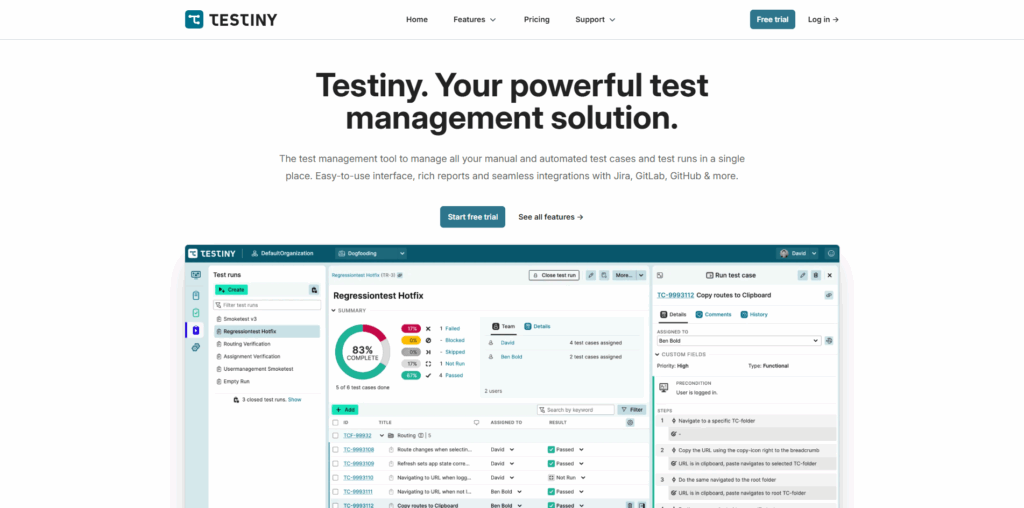
Testiny is a newer, fast, opinionated test management tool that keeps things simple. It handles manual and automated test management and connects to project tools through its integrations and API.
Asana integration: API-based connection. Pricing. Free for up to 3 users, paid plans above that.
Best for: Small teams that want speed and simplicity. Watch out for: fewer integrations and a smaller ecosystem than Qase.
5. Bugasura

Bugasura is a lightweight, fast bug tracker with test management features, built for teams that want to log and triage issues quickly. It connects to project and automation tools through integrations and Zapier.
Asana integration: Bridge and API connection. Pricing. Free tier, with affordable paid plans.
Best for: Fast bug tracking and small agile teams. Watch out for: lighter test case management than dedicated platforms.
6. QA Sphere
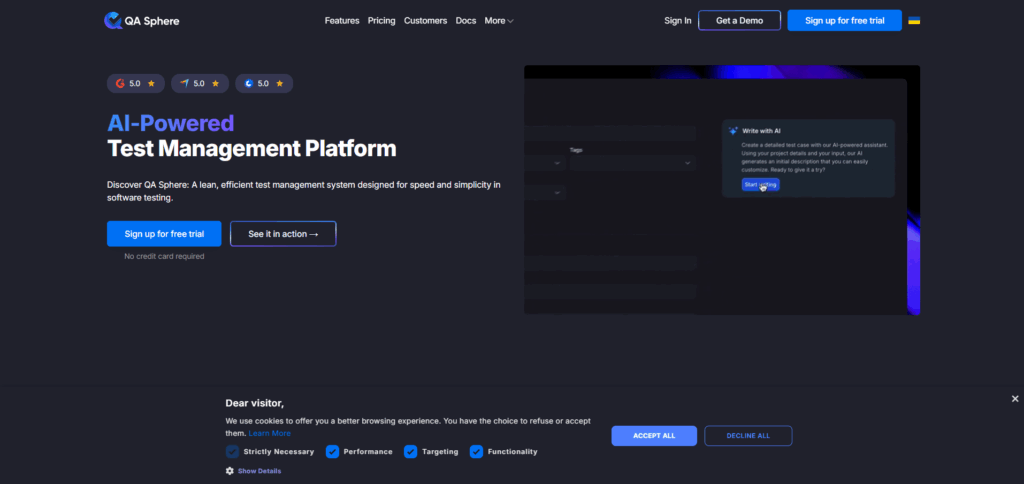
QA Sphere is an AI-assisted test management tool with a modern interface. It generates test cases from requirements and connects to developer tools, with Asana linked through its integrations and API.
Asana integration: API-based connection. Pricing. Around $12 per user, with a free tier.
Best for: Teams that want AI-assisted test creation. Watch out for: smaller and newer than the established names.
7. Testuff
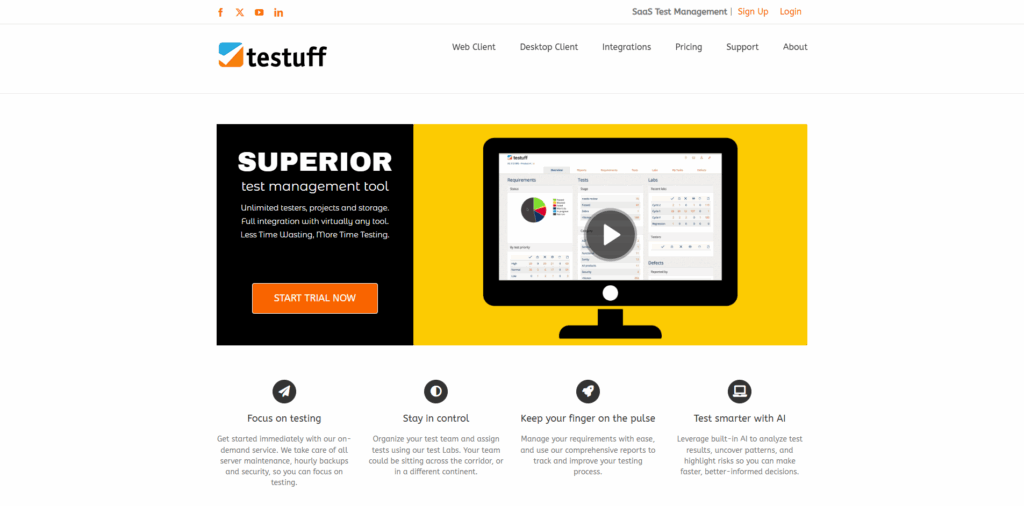
Testuff is a long-running SaaS test management tool that supports the full test lifecycle from a browser or a desktop client. Its Asana app lets you manage test cases, plans, and runs and push results to Asana, while Sales Management can help teams organize and track related business workflows.
Asana integration: App directory connection. Pricing. Per-user subscription, quoted by Testuff.
Best for: Teams that want desktop and web options and broad bug-tracker support. Watch out for: the interface feels dated next to newer tools.
8. Testlio
Testlio is a managed testing service that blends a platform with a network of freelance testers and client services. It suits teams that want testing delivered rather than run in-house, with results and issues flowing into their project tools.
Asana integration: Through the platform and API, managed as part of the service. Pricing. Service-based and custom quoted.
Best for: Teams that want outsourced manual and automated testing at scale. Watch out for: it is a service, not a self-serve tool, so it is a different buy.
9. TestLodge
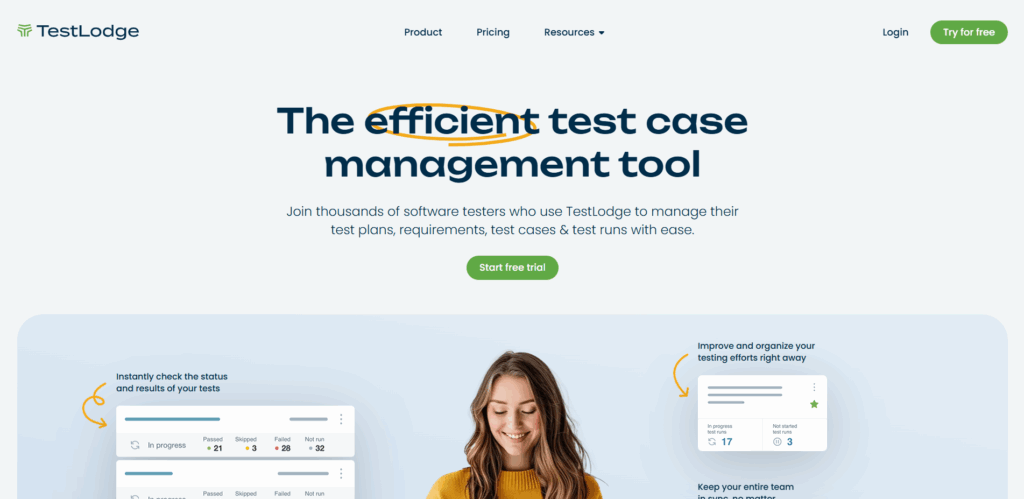
TestLodge is a lightweight test case management tool focused on manual testing. Its Asana integration creates and updates bugs in Asana automatically while you execute tests.
Asana integration: App directory, auto-creates bugs in Asana. Pricing. Tiered by test volume, from around $34 per month.
Best for: Teams that want more structure than spreadsheets without a heavy platform. Watch out for: basic reporting and no built-in automation.
10. TestRail
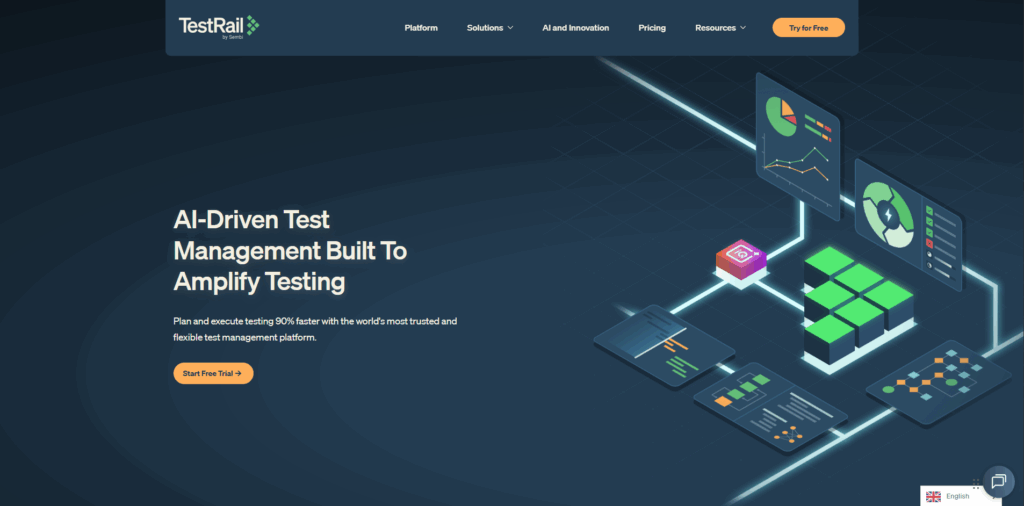
TestRail is one of the most widely used standalone test management tools, known for deep customization, strong reporting and a robust API. It offers several ways to connect to Asana, including defect and reference URLs that link test results to Asana tasks.
Asana integration: API and defect/reference URL methods. Pricing. Starts around $41 per user per month for the cloud Professional plan.
Best for: Teams that want a mature, customizable platform with enterprise reporting. Watch out for: the Asana link is a bridge, so keeping both sides in sync takes discipline.
11. TestCollab
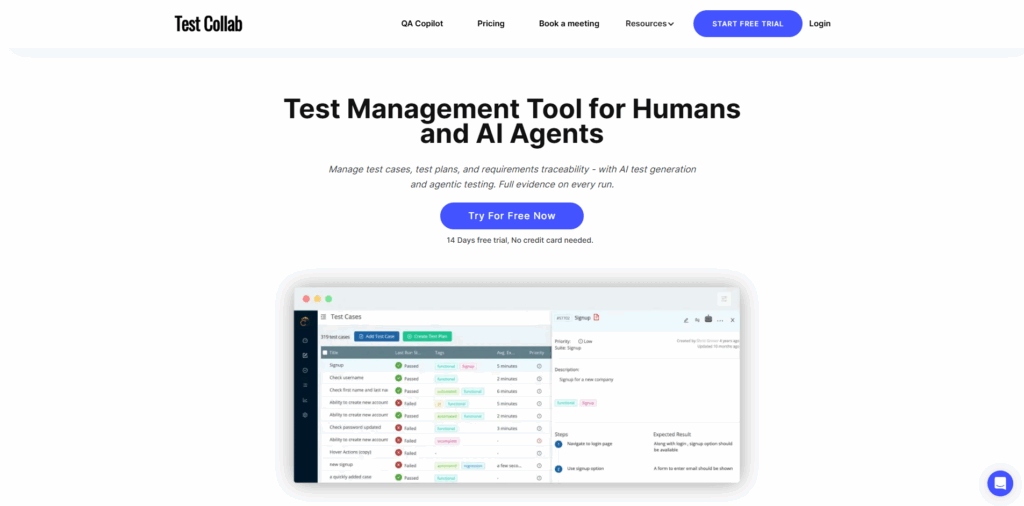
TestCollab is a collaborative test management tool with time tracking, project management features and an AI QA Copilot. Its Asana integration sends bugs from TestCollab to Asana with a click.
Asana integration: App directory, one-click bug send. Pricing. Per-user plans, with a free option for small teams.
Best for: Distributed teams that want easy manual test management. Watch out for: lighter automation than the larger platforms.
Comparison of the Best Test Management Tools
Here is the honest version. The Asana column tells you how each tool actually connects, since none of them embed inside Asana the way a native app would.
| Tool | Asana Integration | Test Cases | Automation | Reporting | Best For |
| Kualitee | Two-way sync | Yes | Yes | Yes | AI test management alongside Asana |
| Qase | App directory | Yes | Yes | Yes | Modern API-first QA |
| TestMonitor | App directory | Yes | Custom | Yes | UAT and risk-based testing |
| Testiny | API | Yes | Yes | Yes | Small teams wanting speed |
| Bugasura | Bridge / API | Yes | Custom | Yes | Fast bug tracking |
| QA Sphere | API | Yes | Yes | Yes | AI-assisted test creation |
| Testuff | App directory | Yes | Yes | Yes | Full lifecycle, web or desktop |
| Testlio | Platform/service | Yes | Yes | Yes | Outsourced testing at scale |
| TestLodge | App directory | Yes | — | Yes | Lightweight manual testing |
| TestRail | API / defect URL | Yes | Yes | Yes | Mature enterprise reporting |
| TestCollab | App directory | Yes | Yes | Yes | Distributed manual teams |
Native, API and Third-Party Integrations
Since Asana connections vary, it helps to know what you are actually getting.
- Two-way sync: Changes flow both directions automatically. Kualitee works this way with Asana. It is the lowest-maintenance option.
- App directory: The tool installs from Asana's app directory and usually pushes issues or bugs into Asana tasks. Qase, TestMonitor, Testuff, TestLodge and TestCollab connect this way.
- API: The two tools talk through APIs and custom setup. More flexible, more work to maintain.
- Bridge or manual: A tool like Zapier connects the two, or your team simply runs Asana and the test platform side by side.
The short version. Two-way sync needs the least babysitting. App directory connections are easy to set up but usually push one way. API and bridge setups give flexibility at the cost of upkeep.
How to Choose the Right Test Management Tool
Start with team size. Small teams and startups do well with free tiers and per-user pricing, where Kualitee, Testiny, and QA Sphere have cheap entry points. Mid-market and enterprise QA teams should weigh reporting depth and scalability, which points toward TestRail or a managed option like Testlio.
Then testing type. If you run mostly manual testing, TestLodge or TestCollab are simple and cheap. If you need manual and automated in one place with AI help, Kualitee or Qase fit better. If you would rather outsource the work, Testlio is the outlier that does that.
Then the integration itself. If keeping Asana and your test tool in sync matters, favor two-way sync over a one-way push. Count how much manual upkeep you are willing to own before you pick.
And then budget. Free and freemium tiers are a low-risk way to trial. Per-user pricing scales with your QA team, which is usually cheaper than paying for every seat in a big org.
Conclusion
There is no single best test management tool for Asana. The right pick comes down to your Asana workflow, your testing needs, your reporting demands and your budget. Weigh Asana integration, test case management, automation, reporting and ease of use against how your team actually works.
If you want dedicated test management that syncs cleanly with Asana, Kualitee is worth a look. It brings a full test repository, AI test case generation and two-way Asana sync, at per-tester pricing with a free plan to start. Shortlist two or three tools, run a trial with a slice of your real test cases, and pick the one your team is happy to open every day.
%201.png)

%201.png)

%201.png)