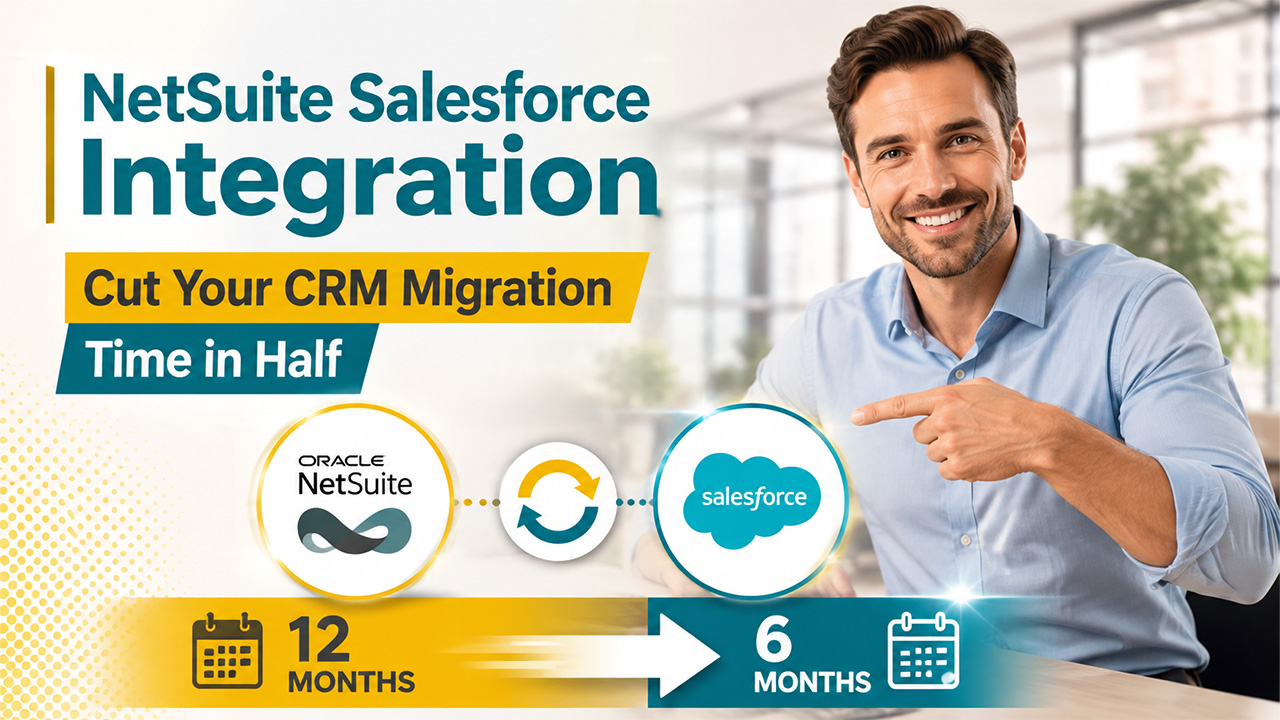

What if your CRM migration is planned to take 12 months, but the business cannot afford to spend a year getting there?
Imagine a company that provides software for the global aviation industry, helping businesses manage maintenance, operations, inventory, and regulatory compliance. For years, the company used NetSuite for both its CRM and financial operations. As the business grew, the sales team needed a dedicated CRM, so the company decided to move its sales operations to Salesforce while keeping NetSuite for finance.
That made the migration more involved than a straightforward CRM replacement. The company needed to move its CRM data to Salesforce, establish Salesforce as the primary system for sales, and keep financial information available from NetSuite. Leaving the two systems disconnected would create additional work for employees, while moving all of NetSuite into Salesforce would make the migration much larger.
The project was originally expected to take 12 months. That is a significant timeline for a CRM migration, particularly when the project involves both moving data and connecting two business systems. Research shows just how often migration projects run into problems: 83% of data migration projects either fail or exceed their budgets and schedules.
This is not only a challenge for one company. Any business moving its CRM to Salesforce while keeping NetSuite as its financial system has to decide what should move to Salesforce, what should remain in NetSuite, and how the two systems should work together without making the migration unnecessarily large.
Why CRM Migrations Take So Long
A CRM migration involves much more than setting up the new system and moving users to it. A migration affects data, business processes, system configuration, and the people who use the CRM every day.
Data quality alone can add time to the project. In fact, 44% of U.S. organizations said data-quality issues had caused delays in their migration projects.
A typical CRM migration involves several workstreams happening at the same time:
- Data preparation: reviewing existing records, cleaning data, and deciding what should be migrated.
- Data mapping: matching fields and relationships in the old system with the structure of the new CRM.
- Process migration: recreating sales processes, workflows, and other business processes that employees rely on.
- System configuration: setting up the new CRM to support the company's requirements.
- Testing: checking migrated data and processes before users start working in the new system.
- User training: helping employees understand the new system and adjust to changes in their daily work.
- Integration: connecting the new CRM with the other systems that the business still depends on.
That last part can add significant complexity when the migration involves NetSuite and Salesforce.
A company may be changing its CRM without changing its financial system. This means the migration has to account not only for what is moving into Salesforce, but also for the information and processes that remain in NetSuite.
For example, sales users may depend on financial information stored in NetSuite. Customer and transaction data may also need to be available across both systems. Some processes may involve Salesforce at one stage and NetSuite at another.
As a result, the migration team has to consider more than the CRM itself. It has to understand:
- which data currently exists in each system;
- how that data is structured;
- which business processes depend on it;
- which users need access to it;
- and which other systems need to exchange information with Salesforce.
- Each additional dependency creates more work to plan, configure, and test.
This is why a CRM migration can take much longer than expected. The challenge is not simply moving records from one database to another. It is changing one part of the business while keeping the processes around it working.
What a NetSuite Salesforce Integration Changes
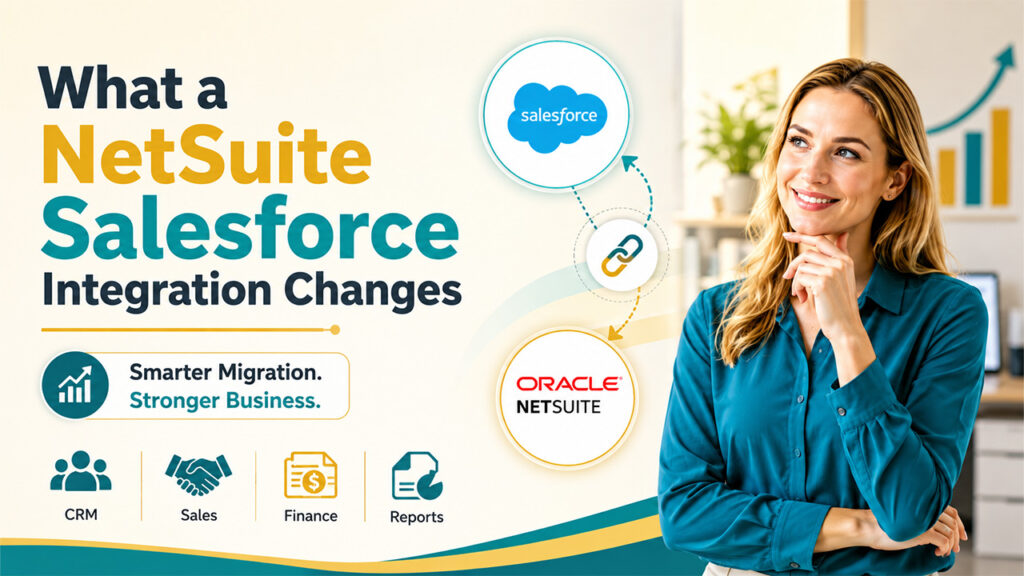
A company can connect Salesforce with NetSuite while moving its CRM operations to Salesforce and keeping NetSuite as its financial system, allowing the two systems to share the information they need.
And Salesforce rarely operates completely on its own. In Mason Frank's 2025 survey, 87% of Salesforce customers surveyed said they had integrated Salesforce with a non-Salesforce product, while 13% reported integrating Salesforce with NetSuite.
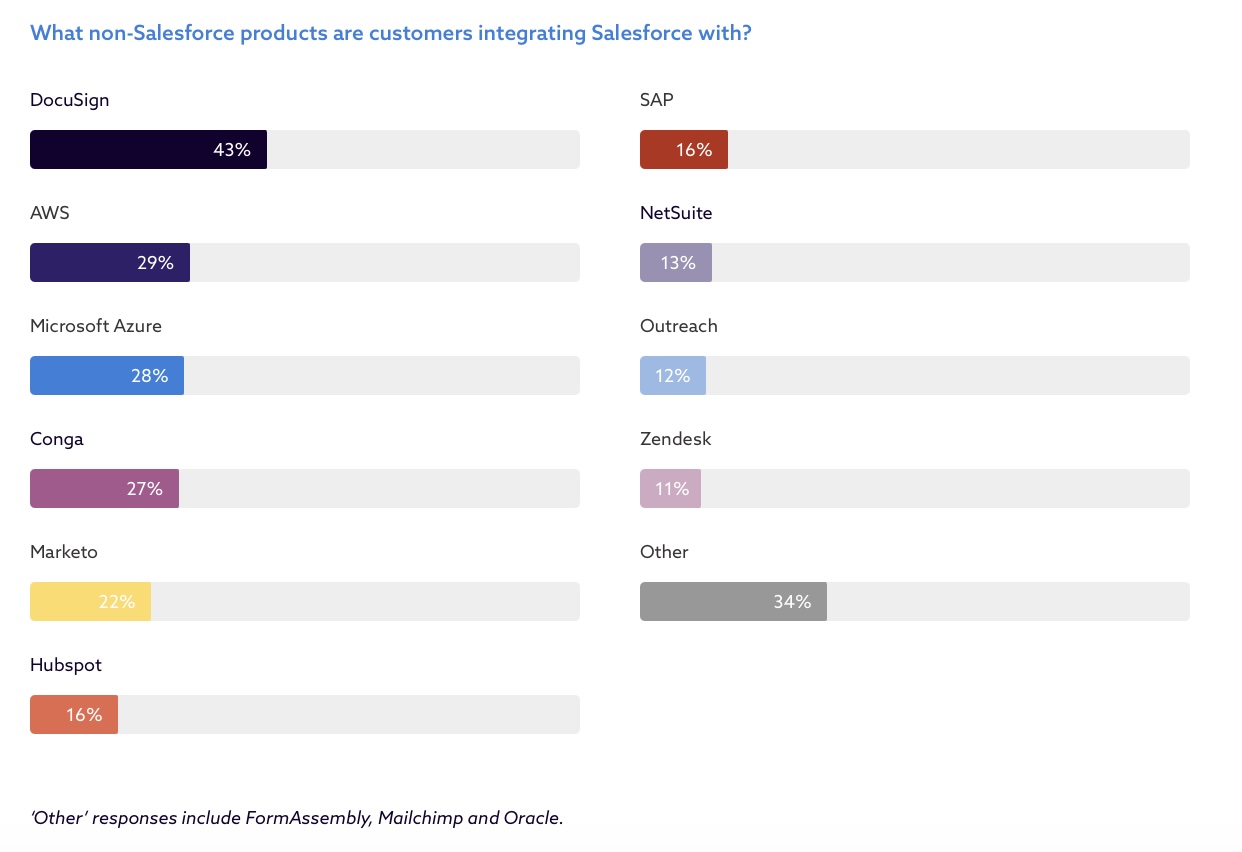
Non-Salesforce products that customers integrate with Salesforce, image from Mason Frank's survey
Once the systems are connected, relevant NetSuite information can be made available in Salesforce, while information created in Salesforce can be transferred to NetSuite when a business process requires it.
This changes the migration strategy. Instead of moving everything from NetSuite into Salesforce, the company can focus the migration on the CRM functions that actually need to move while keeping the financial processes that already work in NetSuite.
The next question is how this can reduce the work involved in the migration.
Finding a Connector for Salesforce and NetSuite
Once the business decides that Salesforce and NetSuite need to work together, it needs to choose how to build that connection.
There are several ways to do this. A company can build a custom NetSuite integration, use an integration platform, or choose a connector built specifically for NetSuite and Salesforce. The right option depends on the company's requirements, the data that needs to move between systems, and how much customization the migration requires.
For a company that does not want to build the integration from scratch, Salesforce AppExchange (now AgentExchange) is a practical place to look for an existing connector. It is a marketplace where businesses can find applications that add specific capabilities to Salesforce.
When looking for a Salesforce-NetSuite connector, we found NetSuite Integration from Breadwinner. It supports two-way synchronization between the systems and works with records such as customers, contacts, estimates, sales orders, invoices, and payments.
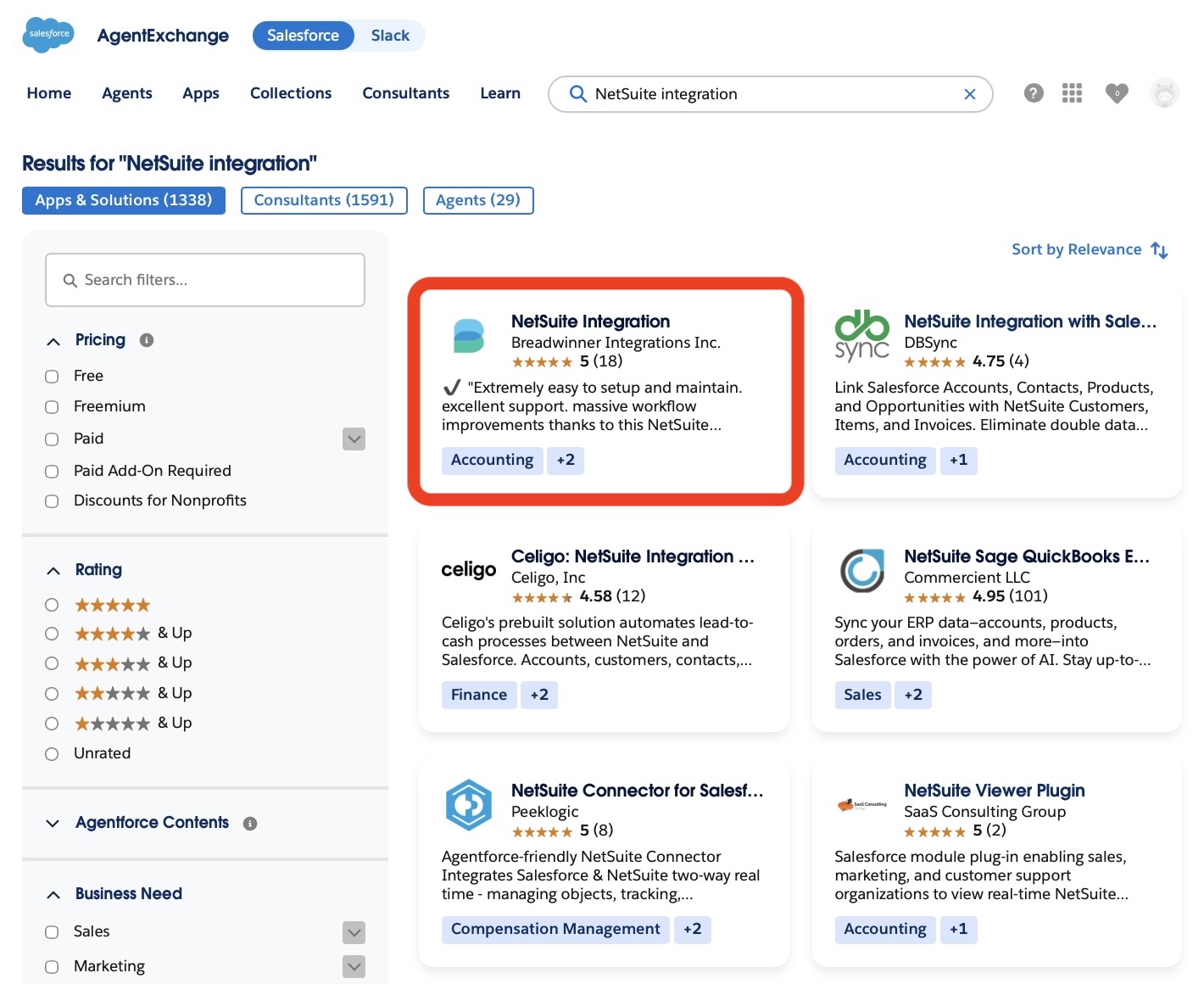
NetSuite integration on AppExchange
In this article, we use Breadwinner as an example to show how the integration can reduce the work involved in a CRM migration and help shorten the timeline. The goal is not to suggest that every migration will have the same result, but to look at where an integration can remove work from the process.
Where an Integration Can Save Migration Time
A Salesforce-NetSuite integration can reduce the amount of work involved in a CRM migration in several areas. Breadwinner provides a practical example of how these capabilities can work.
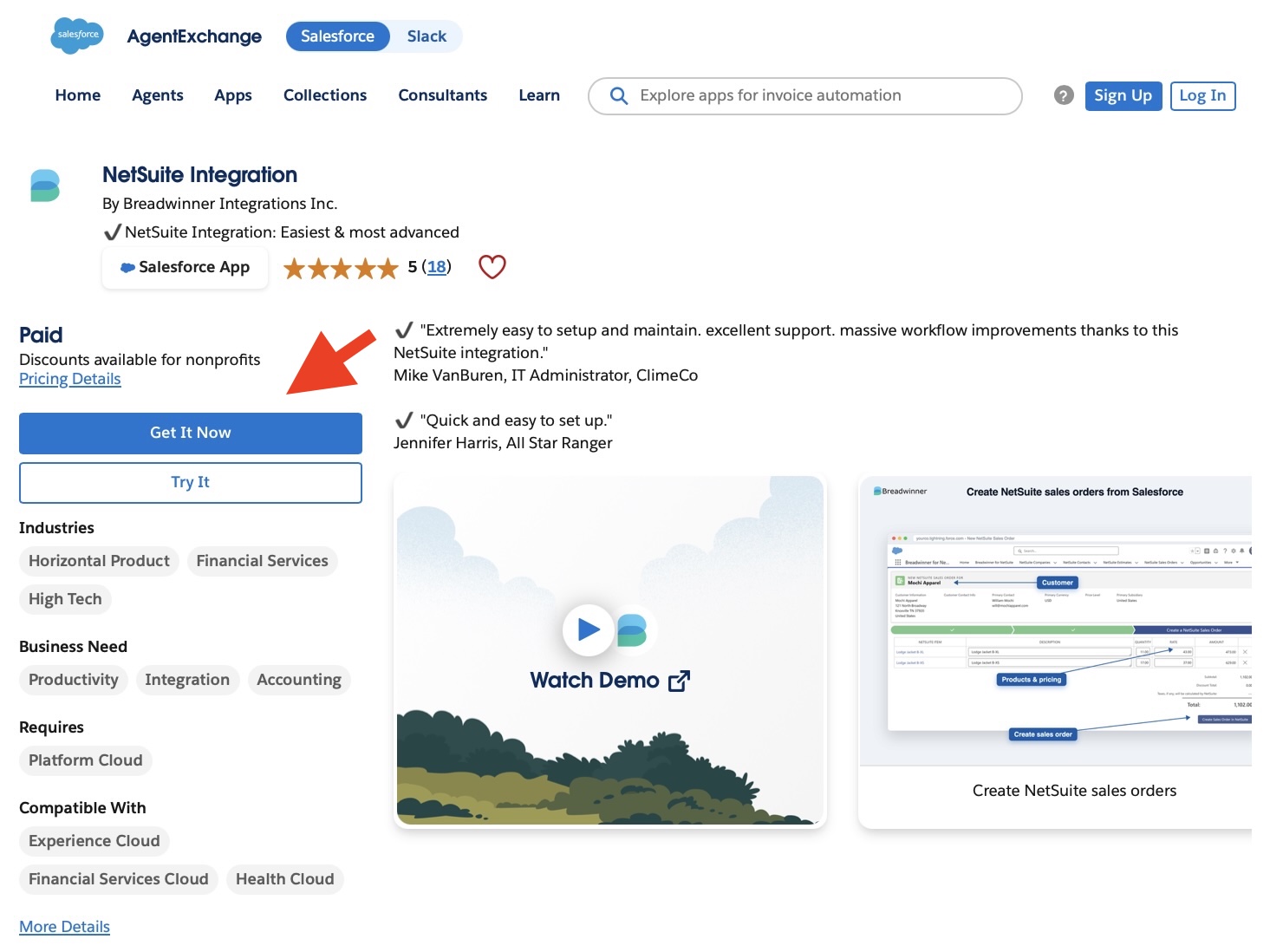
NetSuite Integration by Breadwinner on AppExchange
1. Keep Financial Data in NetSuite
When a company moves its CRM to Salesforce, it does not necessarily need to move its entire financial operation with it.
Breadwinner can make NetSuite information available in Salesforce, including invoices, payments, sales orders, estimates, customers, and other NetSuite records. This allows sales users to work with relevant financial information from Salesforce while NetSuite continues to handle the financial processes.
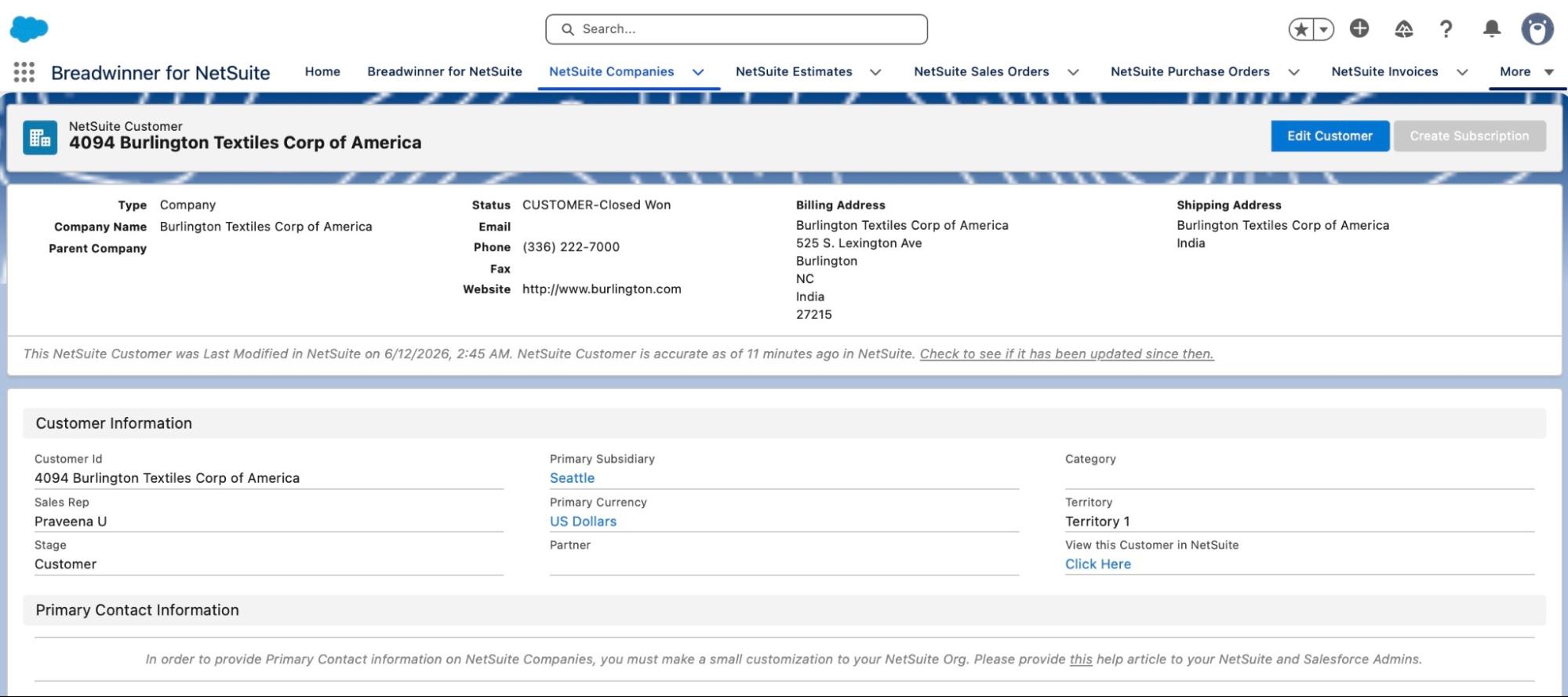
NetSuite Customer in Salesforce
During the migration, the business can therefore keep financial data and processes in NetSuite while making the information sales needs available in Salesforce, rather than rebuilding those processes in the new CRM.
2. Transfer Information Between Salesforce and NetSuite
Some information still needs to move between the two systems.
For example, a sales process that starts in Salesforce may need to result in an estimate, sales order, or invoice in NetSuite. Breadwinner supports creating NetSuite transaction records from Salesforce, including estimates, sales orders, invoices, and credit memos.
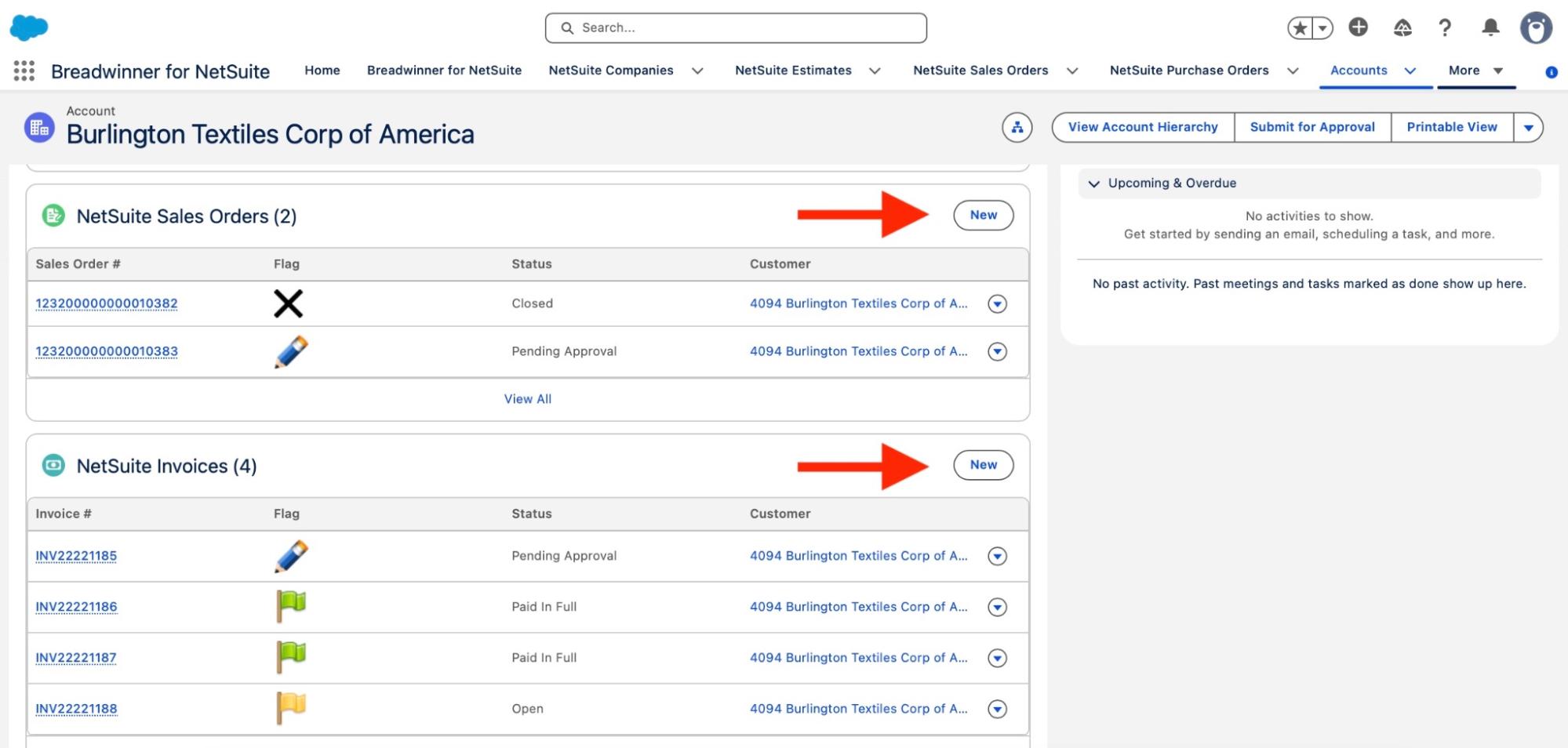
Create new Sales Order or Invoice from Salesforce
Breadwinner also supports synchronization between the systems, allowing information to move between the two systems rather than requiring every supported transaction to be entered separately.
For a migration, this can help the business keep processes that depend on both systems working after sales moves to Salesforce.
3. Give Sales Access to NetSuite Information in Salesforce
Moving the CRM to Salesforce does not mean sales stops needing information that lives in NetSuite.
A salesperson may need to check an invoice, review an order, or see payment information while working with a customer. Without an integration, the employee may need to leave Salesforce and search for that information in NetSuite.
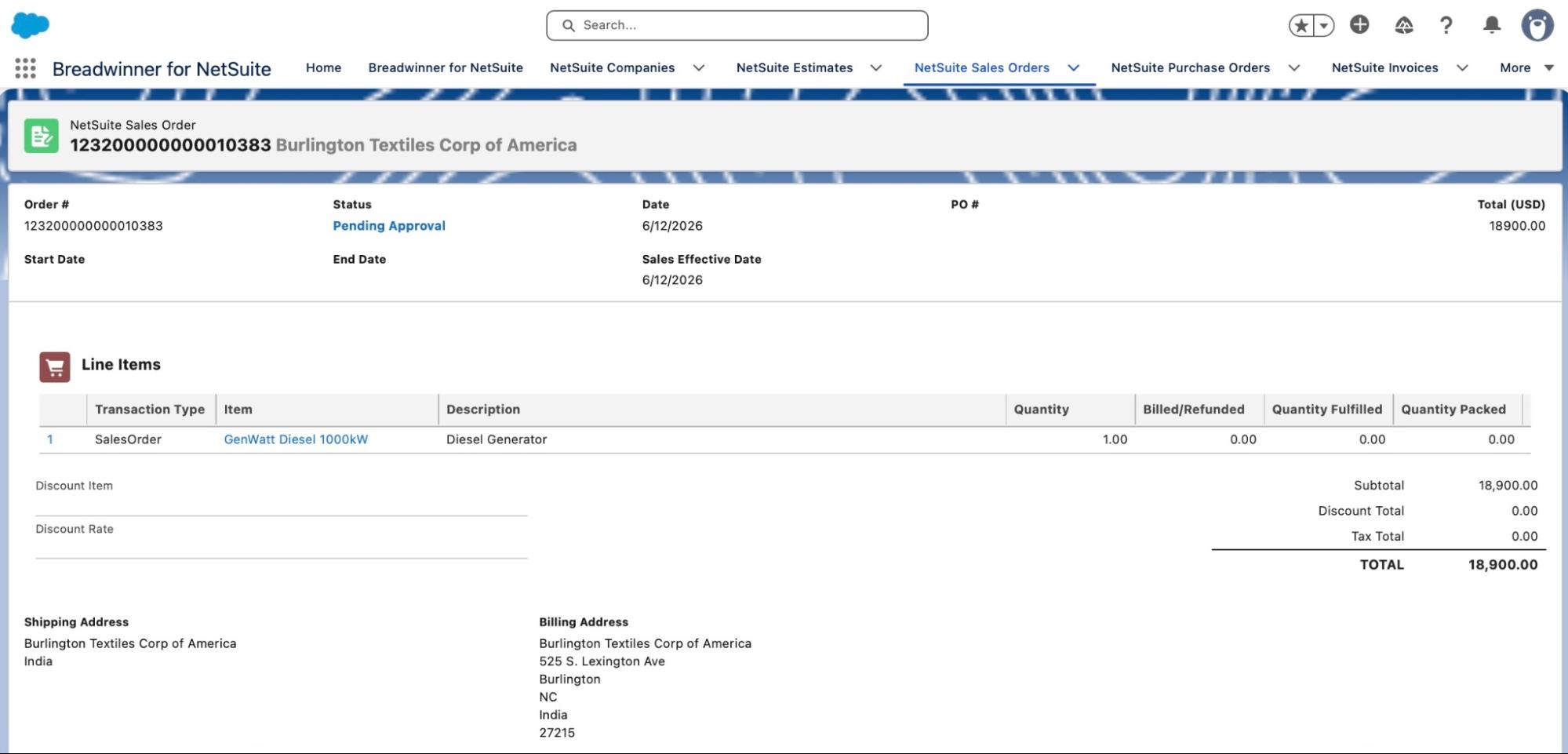
NetSuite Sales Order in Salesforce
Breadwinner allows NetSuite records to be accessed from Salesforce, including financial information such as invoices and payments. This gives sales users access to relevant NetSuite information while they work in Salesforce.
Pro Tip: if you are looking for even broader transparency across your organization, such apps as Kipper can provide the whole company with access to NetSuite data through such convenient communication channels as Slack and MS Teams. In particular, NetSuite Slack integration allows users to prompt any financial-related questions in Slack and instantly get the answer without even accessing Salesforce or NetSuite.
4. Use Existing Integration Functionality
Building the Salesforce and NetSuite integration from scratch can add another development project to a CRM migration.
Breadwinner already provides integration functionality including data synchronization, NetSuite record creation from Salesforce, custom field and record mapping, and API-based extensibility.
This does not mean there is no implementation work. The business still needs to decide what information should be exchanged, configure the integration, and test the resulting processes.
But starting with an existing connector can mean that the project does not have to develop the basic Salesforce-NetSuite connection from the ground up.
Together, these capabilities can change the amount of work required during a CRM migration. Instead of moving every financial process into Salesforce, the business can keep NetSuite in place, connect the systems, and make the information and processes that sales needs available in the new CRM.
What to Decide Before Starting the Migration
Before the migration begins, the business needs to understand what is changing, what is staying in NetSuite, and what needs to connect to Salesforce.
A few decisions can define the scope of the project:
| Key Questions Before a NetSuite-to-Salesforce Migration | |
| Question | Why it matters |
| Which system should own each type of data? | Establishes where information should be created and maintained after the migration. |
| What information does sales need in Salesforce? | Helps determine what needs to be migrated or made available through the integration. |
| Which processes will continue to involve both systems? | Identifies the business processes the Salesforce NetSuite integration needs to support. |
| What information needs to move between NetSuite and Salesforce? | Defines what the integration needs to synchronize or transfer. |
| Which existing sales processes need to be preserved? | Helps identify what needs to be configured in Salesforce before users move to the new CRM. |
| What requires customization? | Identifies requirements that may need additional configuration or development during the migration. |
These questions are important because they define what the migration actually needs to accomplish.
Without this planning, a company can end up moving data and rebuilding processes simply because they existed in the old system. With a clear division between the two platforms, the migration can focus on what needs to change while the integration handles the points where the two systems still need to work together.
That can help keep the migration scope under control before implementation begins.
Final Thoughts on How Integration Can Shorten a CRM Migration
A CRM migration does not have to mean moving every process and every piece of data into the new platform. When Salesforce takes over the CRM function while NetSuite remains the financial system, the business can decide what needs to move, what can stay, and what needs to connect between the two.
That can make the migration more focused. Sales can work in Salesforce while still accessing the NetSuite information they need, while Finance continues using NetSuite.
For the company from the introduction, the migration timeline was cut from 12 to 6 months by using a Salesforce NetSuite integration. This should not be treated as a standard timeline for every Salesforce migration, but it shows how integration can become part of the migration strategy rather than a separate project afterward.
Connectors such as Breadwinner can help businesses to make integration between NetSuite and Salesforce without building the entire integration from scratch. The exact impact will depend on the company's data, processes, and requirements.
The goal is to define what Salesforce needs to handle, what should remain in NetSuite, and what needs to connect between the two.
%201.png)

%201.png)

%201.png)