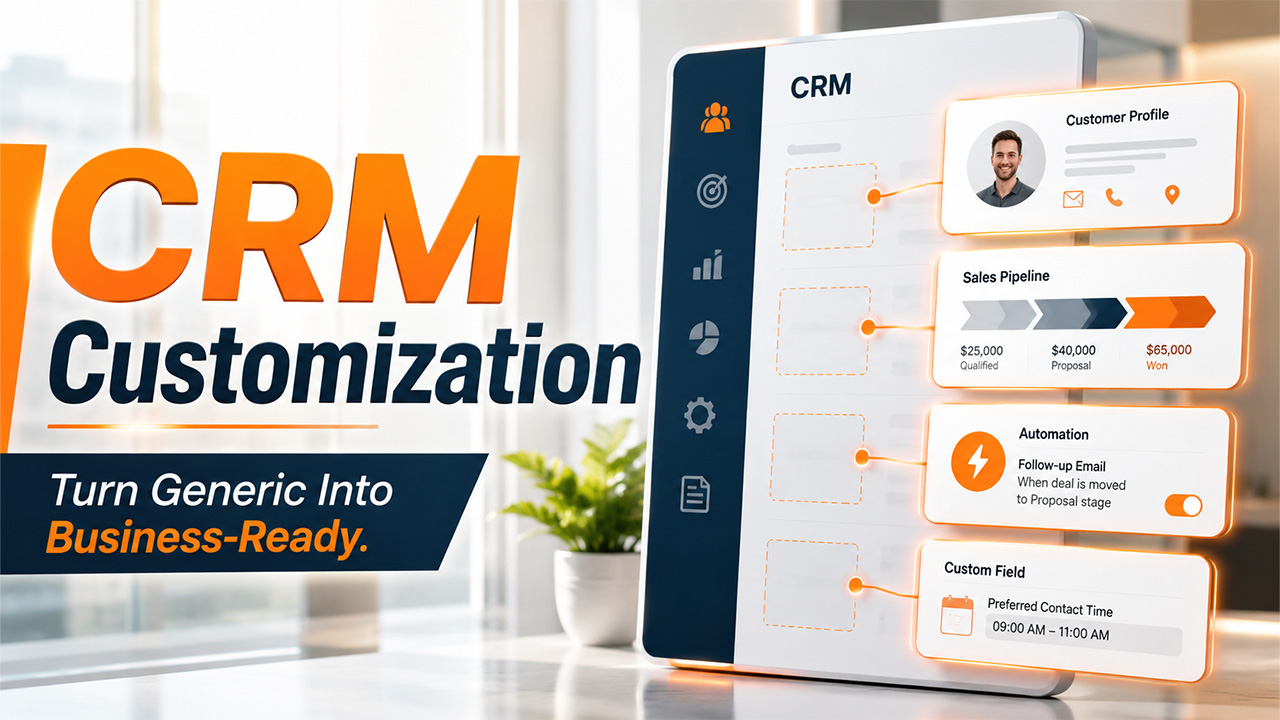

Have you ever watched a team quietly stop using their CRM? It happens more often than you’d think. The software is introduced with a lot of excitement, everyone gets trained, and then within a few months, half the sales team is back to using spreadsheets. Why? Because the CRM never actually fits how they work. It had fields nobody needed, workflows that didn't match their process, and dashboards full of numbers nobody cared about. That's the problem CRM customization solves. It's not about adding fancy features for the sake of it; it's about shaping your CRM around your business instead of forcing your business to bend around the software. This blog walks you through what CRM customization really means, why it matters, and how to do it without falling into common traps.
What Is CRM Customization?
CRM customization means changing your CRM software so it works the way your business actually works. Think of it like a tailored suit versus one off the rack. The rack version fits "okay"; the tailored one fits you. Configuration can only do so much. It adjusts existing settings, like currency or business hours. Customization, on the other hand, goes even further. It builds custom fields, workflows, reports, or integrations that work especially for your sales process. A customized CRM is more than just making a few adjustments here and there; it’s genuinely rebuilt around how you work.
Levels of CRM Customization
CRM customization isn't one single thing you either do or don't do. It happens in layers, and most businesses move through these levels gradually as their needs grow.
- Basic Customization: This is one of the simplest layers. Moreover, most CRMs let you do this without needing any technical help. It includes adding custom fields, renaming labels, changing pipeline stages, or setting up email templates. It's quick, doesn’t involve risks, and is usually the first thing teams do after signing up.
- Functional Customization: Building workflows, automation rules, and custom reports that match your specific sales or support process fall into this layer. Unlike basic customization, it often needs someone who has a basic technical knowledge of how things work, or at least a solid understanding of how the CRM’s tools connect. This is where a CRM starts to feel less generic.
- Advanced/Deep Customization: This layer includes building custom code, new modules, and creating unique integrations with other software, or restructuring how the entire CRM database is organized. This level usually needs a developer or a CRM customization software partner, and it's common among larger businesses with complex, unusual workflows. Custom CRM development often becomes worth the investment at this stage.
Top Benefits of CRM Customization
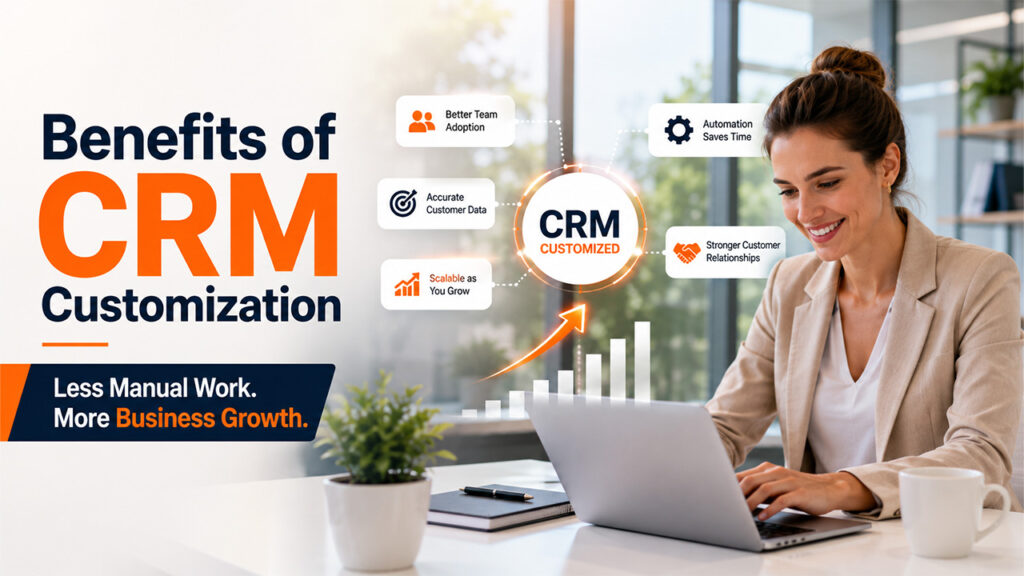
You must be wondering why go through the effort of customizing a CRM? Because a CRM that fits your business properly pays off in ways, a generic one just can’t.
Better Team Adoption: People stick with tools that save time. When a CRM adjusts to how your team already operates, using it stops feeling like a chore. Reps update records because it’s quick and useful, not because a manager is forcing them to.
Increase Customer Data Accuracy: Generic CRMs often come with fields that nobody needs or uses, which leads to blank entries or careless guesses to move past a form. Whereas custom fields only ask for what is actually relevant. This makes the data cleaner, complete, and accurate, so you can actually trust when making decisions.
Improve Team Efficiency With CRM Automation: Tailored automation, like auto-assigning leads or triggering follow-up emails automates repetitive tasks and frees your team for more complex tasks. Over weeks and months, that adds up to real hours spent selling or supporting customers instead of clicking through routine updates that can be handled well by machines.
Strengthen Customer Relationships: Customers know when a conversation feels personal versus robotic. A customized CRM keeps records of specific details about customers that matter to your business, whether that’s a customer’s preferred contact methods or their past purchase history. This helps your team speak to people like they actually know or remember them, which in turn makes customers feel valued.
Scale Your CRM With Business Growth: Businesses rarely stay the same size or shape for long. A custom CRM software setup can expand with you, whether that means adding new fields for a new product line or restructuring workflows for a growing sales team, without forcing you to rip everything out and start over on a new platform.
What Can You Customize in a CRM?
There's a lot more flexibility in a CRM than most people realize. Here's a quick breakdown of the main areas you can shape to fit your business:
| Area | What It Means | Example |
| Fields & Data | Adding, removing, or renaming data fields | A real estate CRM adding a "property type" field |
| Pipelines & Stages | Customizing the steps a deal or ticket moves through | A B2B company adding a "legal review" stage before closing |
| Dashboards & Reports | Building views that show the metrics that matter to you | A support team tracking average resolution time instead of sales revenue |
| Automation & Workflows | Setting rules that trigger actions automatically | Auto-assigning leads based on region or industry |
| User Roles & Permissions | Controlling who can see or edit what | Giving managers full access while reps only see their own leads |
| Integrations | Connecting the CRM with other tools you use | Linking your CRM to email marketing or accounting software |
| User Interface | Rearranging layouts, menus, and navigation | Simplifying the dashboard so reps only see what they need daily |
Steps to Successfully Customize a CRM
Customizing a CRM isn't something you should rush into. You need a little planning before you jump into it. Here's how to customize a CRM for your business:
- Map Your Current Process: Before you start tweaking any settings, note how your team actually works today. You can’t customize a CRM around a process nobody’s documented.
- Identify Gaps and User Pain Points: Talk to the people who'll actually use the CRM daily. Ask what slows them down, understand their pain points, or what frustrates them in their current tools.
- Prioritize CRM Customization Requirements: There is no need to change everything at once. Start with the fields, workflows, or reports that revolve around your sales process and will have the biggest impact on daily work.
- Choose the Right CRM Customization Software: Some platforms are built to be flexible with little coding needed, while others require developer support. Pick one that matches your team's technical comfort level.
- Test CRM Customizations Before Deployment: Run the customized setup with a small group first. This helps you identify confusing workflows or broken automations before it affects the whole team.
- Gather User Feedback and Refine Your CRM: Once it's live, keep checking in. A customized CRM should keep evolving as your business does, not stay frozen after the first setup.
Common CRM Customization Mistakes to Avoid
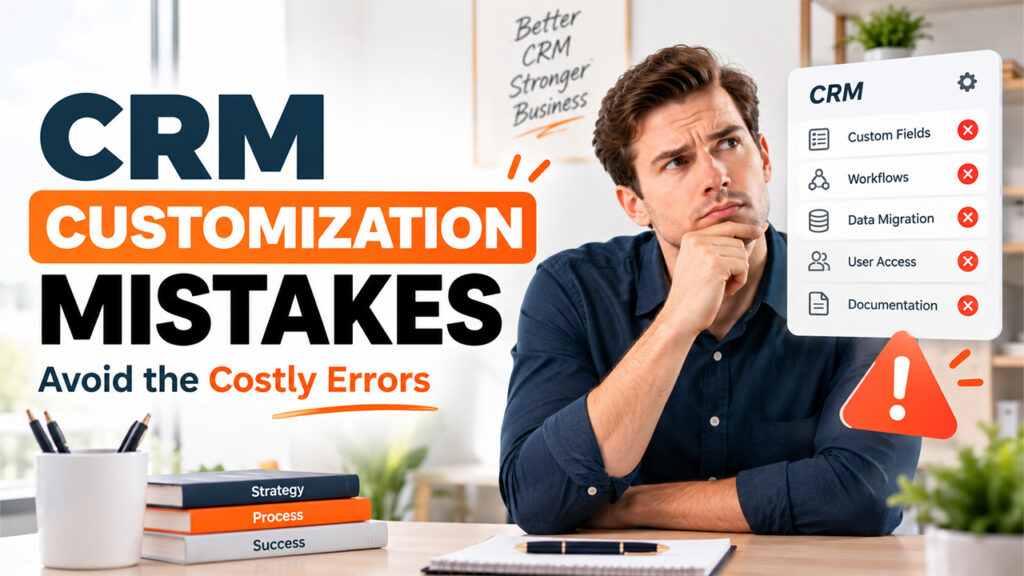
Even with good intentions, customization can go wrong. Here are the mistakes that trip up businesses most often.
Over-Customizing Your CRM Too Early: People can’t help but add every field and automation they can think of right at the start. However, lack of real usage data to guide those decisions leaves you guessing. This often results in a cluttered, confusing system that takes longer to navigate than the plain default version ever did.
Ignoring End-User Feedback: Customization decisions made without consulting people who’ll actually use the CRM daily tend to miss the mark. Sales reps and support agents know exactly what slows them down. When you skip their input, you risk building a system where people quietly work around it instead of within it.
Failing to Document CRM Customizations: You must document every custom field, workflow, and automation rule, along with the reason it exists. If you skip this step, six months later nobody remembers why a certain field is required or what a workflow was meant to do in the first place. Moreover, this makes training new hires and fixing issues far harder than it needs to be.
Neglecting CRM Data Migration Planning: Customizing a CRM often means restructuring how data is organized. Careless planning for how existing records fit into the new structure will leave you with duplicate entries, missing fields, or information that doesn’t map correctly. This creates a mess that takes weeks to clean up.
Treating CRM Customization as a One-Time Task: A lot of businesses customize their CRM once during setup and never touch it again. But teams change, processes evolve, and customer needs shift. A CRM that isn't revisited periodically slowly drifts back into feeling generic and outdated, even if it was perfectly tailored on day one.
Conclusion
CRM customization isn’t a box that you can check during setup. Rather, it’s a continuous effort to keep your software aligned with how your business actually runs. When you do it right, your CRM becomes a tool that your team genuinely wants to use. If done carelessly, it just creates a different kind of mess. The key is starting small, listening to the people who'll use it daily, and treating customization as something you revisit as your business grows. A customized CRM built with intention doesn't just store data; it becomes part of how your team gets work done, every single day.
Frequently Asked Questions (FAQs)
What's the difference between CRM customization and configuration?
Configuration adjusts existing settings. Customization builds new fields, workflows, or features tailored specifically to your business needs and processes.
Do I need a developer for CRM customization?
Basic customization usually doesn't require coding. Advanced customization, like custom modules or integrations, often needs technical or developer support.
How much does CRM customization cost?
Costs vary widely based on complexity, chosen platform, and whether you need developer help. Basic changes are often free; advanced ones cost more.
Can CRM customization slow down performance?
Excessive or poorly planned customization can slow systems down. Careful planning, testing, and periodic cleanup help keep performance smooth and reliable.
How often should I update my CRM customization?
Review it every few months, or whenever your team's workflow, goals, or customer needs change significantly enough to affect daily operations.
%201.png)

%201.png)

%201.png)