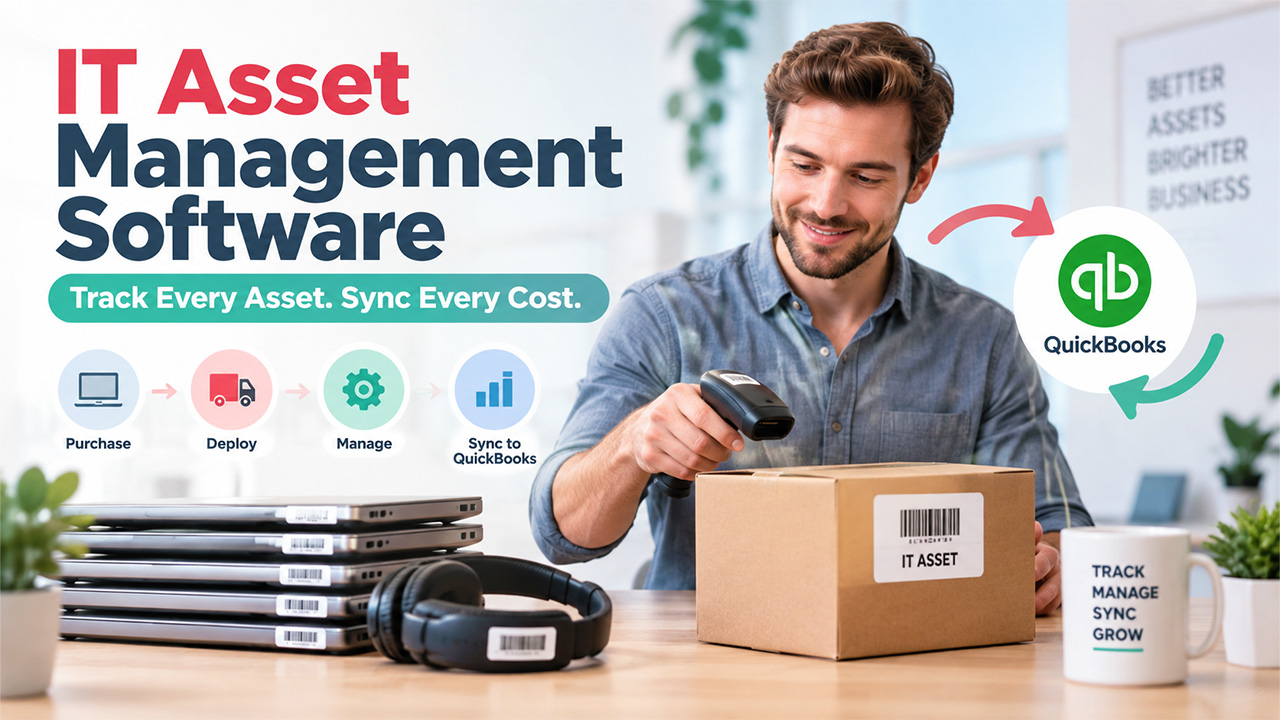

Spreadsheets collapse the moment laptops ship to living-room desks. One missing serial number becomes a finance headache, a security risk, and a FedEx tracking hunt. Remote teams magnify that chaos while auditors still expect a perfect inventory. Post-COVID workflows, tighter compliance, and a craving for automation now push SMBs toward cloud IT asset management.
Pair an IT asset management platforms with QuickBooks and every purchase, deployment, and depreciation entry stays aligned—no double entry, no lost MacBooks. This guide ranks seven options, so you can replace spreadsheets with real-time clarity.
Why QuickBooks integration matters
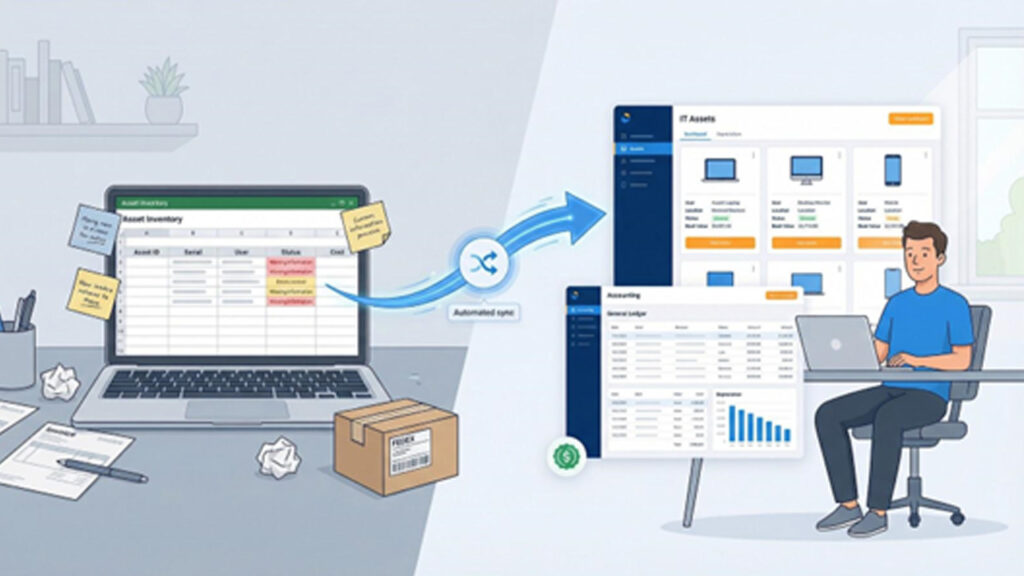
QuickBooks already anchors your books, payroll, and vendor bills. When IT asset data flows into that same ledger, bookkeeping shifts from manual chore to quiet background task.
More importantly, the finance view stays accurate. We’ve all seen an asset list that trails reality by a quarter—two laptops lost, four fully depreciated yet still on the balance sheet. Better asset tracking also improves financial reporting, while tight integration solves that lag in four ways:
- Hands-free data entry: A purchase recorded in your IT asset management platform appears in QuickBooks the same day, trimming fat-finger mistakes.
- Automatic depreciation: Some platforms post monthly depreciation journals, a job QuickBooks Online Advanced only recently automated in its own fixed-asset module.
- One-click audits: Operations and finance share identical counts, values, and dispositions, so audit prep becomes a quick report pull.
- Real-time cost insight: Because book value refreshes continuously, you see the true cost of that MacBook the moment IT retires it.
QuickBooks connectivity tops our scoring rubric. Each tool in this guide offers a clear route via native sync, API, or scheduled export to keep asset records and financials in step.
How we picked the seven platforms
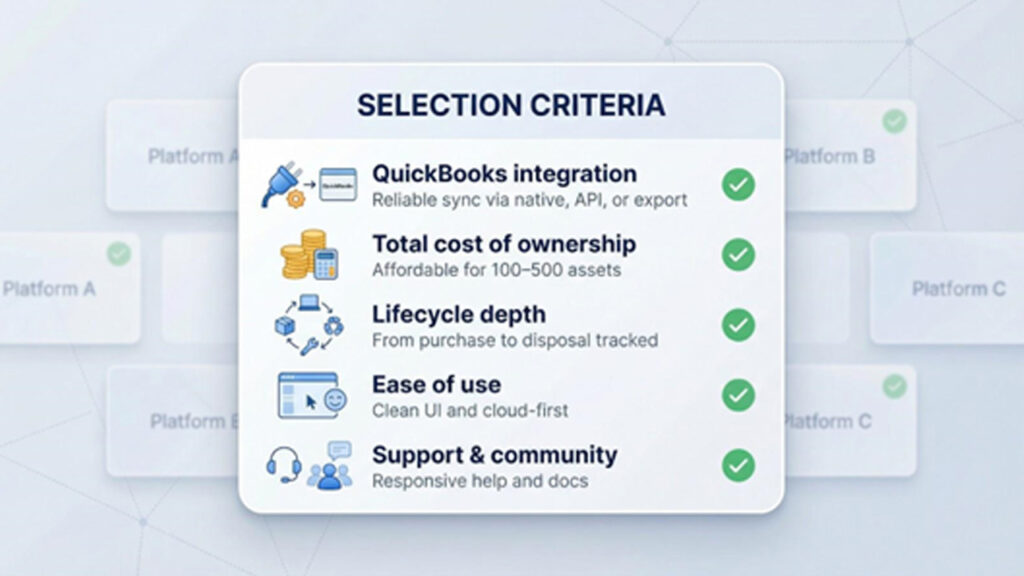
You need a shortlist built on substance, not buzzwords. We applied five filters to reveal real value:
First, QuickBooks integration had to work without hassle. Native sync earned full marks, API or clean export scored, and any copy-paste workflow went in the bin.
Second, we checked total cost of ownership for a 100-to-500-asset firm. If yearly spend topped $5,000 with no standout features, we passed.
Third, we assessed lifecycle depth. Inventory alone is not enough; the tool must track purchase, assignment, maintenance, and disposal from box to recycle bin.
Fourth, we weighed ease of use: a clean interface, cloud hosting, and a learning curve friendly to small teams.
Fifth, we looked at support and community. Strong docs, quick chat replies, or an active forum matter when something fails at 4 pm on a Friday.
Score well on those five points, and you made the list. Simple, transparent, and focused on what small businesses need.
1. Allwhere: remote onboarding without the headache

Imagine hiring a designer in Denver on Monday and delivering a ready-to-go laptop by Thursday—no warehouse shuffle, no FedEx scramble, no asset limbo. Allwhere’s Procurement & Onboarding solution touts a 96% on-time delivery rate and folds IT equipment procurement, configuration, and shipping into one workflow, with every step visible in a single dashboard.
Allwhere Remote IT Procurement and Onboarding Dashboard Screenshot
Linking that workflow to QuickBooks is direct. Allwhere stores purchase price, ship date, and employee assignment as structured fields. Export records through the API or a scheduled CSV, then import them to QuickBooks where they post to the fixed-asset register and start depreciation. No swivel-chair data entry, just a nightly file your bookkeeper trusts.
The payoff is focus. Your small IT team stops chasing boxes and instead improves uptime, while finance sees accurate asset costs the same week the gear ships. Remote work suddenly feels local again.
2. Asset Panda: customizable tracking with native QuickBooks sync
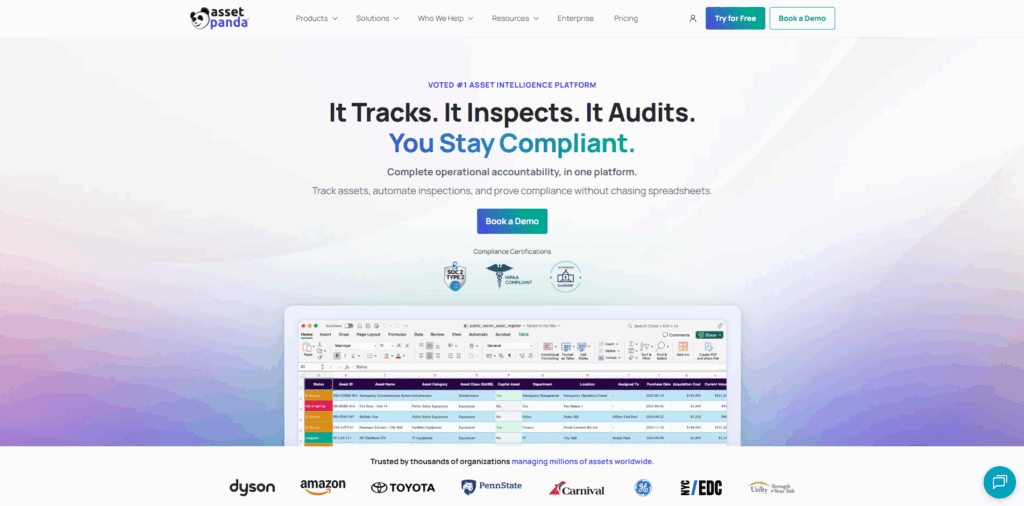
Asset Panda acts like an all-purpose database that adapts to your workflow instead of forcing new habits. Add the fields you need, scan tags with the mobile app, and slice reports any way finance or IT asks.
Asset Panda IT Asset Tracking Platform Homepage Screenshot
Its standout integration sits under Integrations. A single setup wizard links Asset Panda Pro to QuickBooks Online and pushes monthly depreciation journals straight into the ledger, with no exports or formulas, so entries reconcile automatically.
Because purchase cost, location, custodian, and book value live in the same record, you jump from “who holds the laptop?” to “what’s its remaining value?” in one click. Audits shrink from days to minutes, and your accountant stops chasing missing schedules.
Flexible, cloud-first, and competitively priced, Asset Panda suits teams that want control without added complexity.
3. EZOfficeInventory: straightforward tracking for busy teams
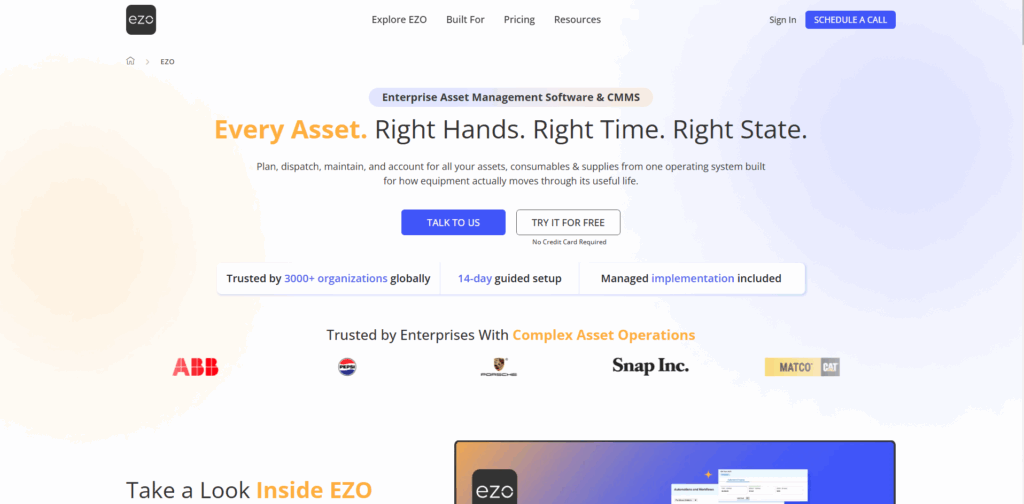
EZOfficeInventory shines with its “open the app and it just makes sense” design. Scan a barcode, tap assign, and the asset’s history updates right away. No buried menus, no training deck.
QuickBooks sync relies on Zapier or native API calls. Configure a trigger once for a new asset, disposal, or cost update, and the transaction appears in QuickBooks under the correct account. Setup takes about an hour and removes hundreds of manual keystrokes.
Beyond the basics, EZOfficeInventory manages reservations, maintenance tickets, and consumable stock, so you stop losing dongles and spare keyboards. The starter plan sits well below most SaaS budgets, giving small teams enterprise-level clarity without the hefty price tag.
4. Rippling: HR, IT, and accounting in one dashboard
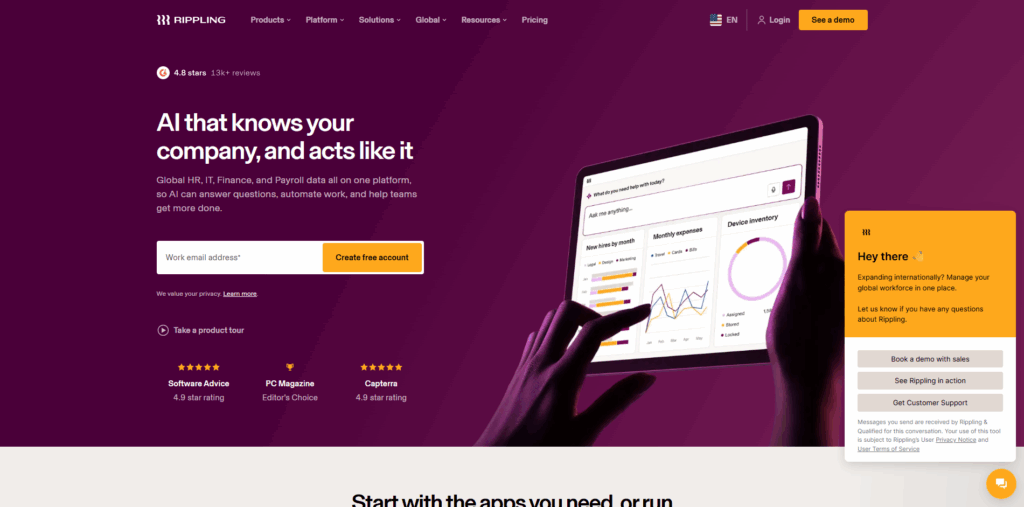
Rippling blurs the line between people ops and device ops. When you onboard an employee, the platform creates a payroll profile, cloud accounts, and a laptop order in one guided flow, helping support better employee engagement from the start.
That same connection reaches finance. Payroll, benefit costs, and device purchases feed Rippling’s finance module, then post to QuickBooks as balanced journal entries. Your accountant sees wage expense, taxes, and the new MacBook Pro’s asset cost in one batch with no extra imports.
Security teams appreciate Rippling’s built-in mobile device management. HR values zero-touch onboarding. Finance relies on the one-click QuickBooks sync. It feels like you hired a digital operations chief without adding headcount.
5. Atera: unlimited devices in a technician-friendly hub
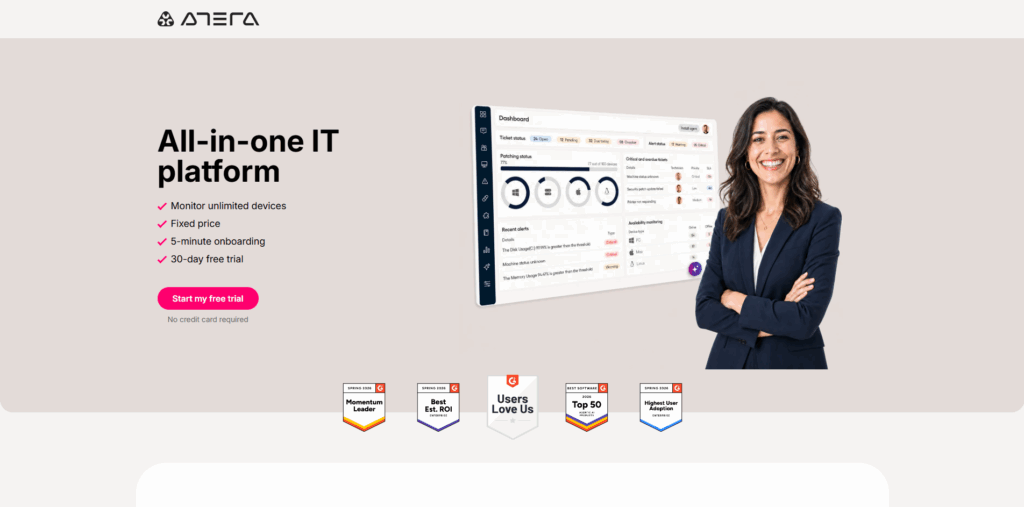
Atera was built for solo IT pros and growing MSPs. Install the lightweight agent and every desktop, laptop, and server begins reporting health, software, and usage stats in real time.
Atera RMM and IT Management Platform Homepage Screenshot
Ticketing, remote control, and patch management sit in the same browser tab. When you bill hours or hardware, Atera exports the invoice straight to QuickBooks Online with tax codes and item lines in place. Month-end billing that once filled an entire afternoon now wraps by lunchtime.
The flat per-technician price means you can monitor one device or ten thousand without watching costs climb. If you carry both help-desk and accountant duties, Atera eases the load on both fronts.
6. Snipe-IT: open-source freedom on a bootstrap budget
When the budget says zero but the audit checklist still says “track every asset,” Snipe-IT steps in. Install it on your own server or choose the low-cost hosted plan, and you get a web catalog where you can record hardware, assign it to users, and log every hand-off or repair. Unlimited seats mean the intern and the CFO can both review data without extra licenses.
QuickBooks integration is not native, yet the platform’s documented API and one-click CSV exports make syncing feasible for a tech-savvy bookkeeper. Many teams schedule a weekly export that lands in QuickBooks’ fixed-asset list, keeping values aligned while avoiding subscription fees.
If you have more time than cash, Snipe-IT turns spare server space into a capable asset registry without sacrificing ownership or data privacy.
7. ManageEngine AssetExplorer: enterprise features minus the enterprise price
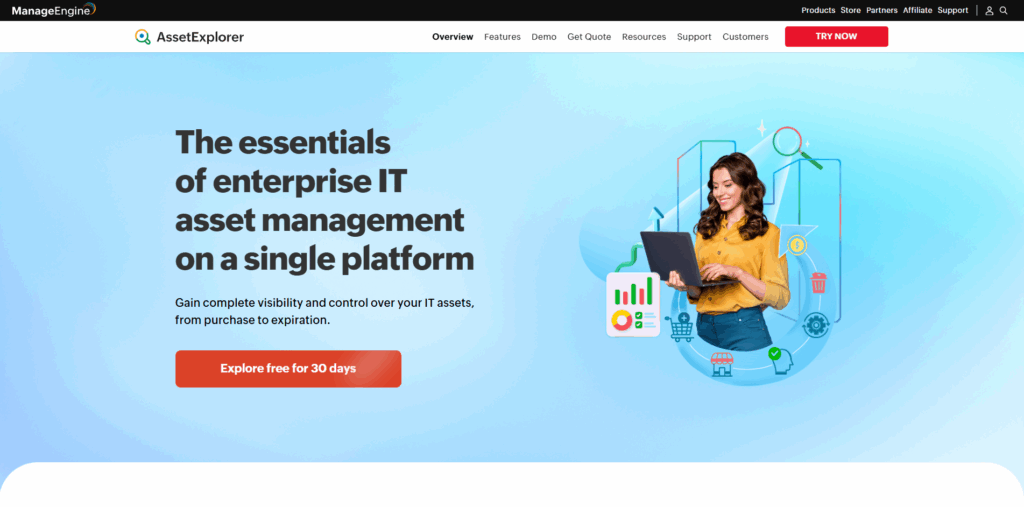
ManageEngine earned its reputation with mid-market IT teams that want ServiceNow power without the seven-figure bill. AssetExplorer extracts the asset module and offers it on its own.
Install an agent or run a network scan to populate desktops, servers, and routers automatically with serial numbers, software inventories, and warranty dates. License checks flag over-installed apps before the vendor audit arrives.
Financial fields capture purchase cost, depreciation method, and disposal proceeds, so exporting to QuickBooks becomes a copy-paste task rather than guesswork. Many teams schedule a monthly CSV and import it to the QuickBooks fixed-asset manager at close, with no middleware required.
AssetExplorer excels when accuracy and audit trails matter more than a glossy interface. If an auditor asks, “Which devices run unsupported operating systems and how are they depreciated?” you can answer in two clicks and one spreadsheet.
Feature snapshot: compare the seven side by side
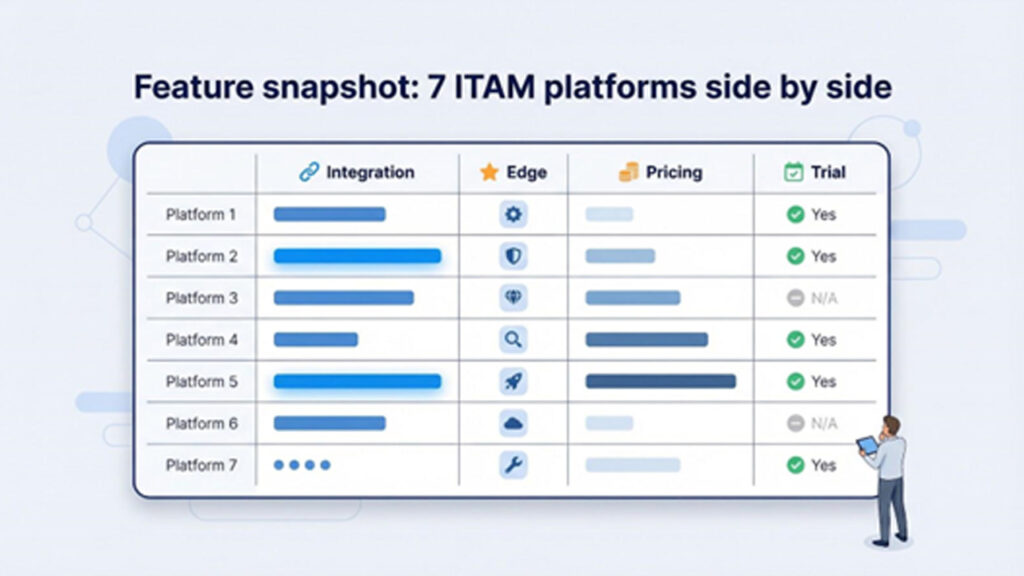
We’ve covered each platform’s story. The table below puts the details in one place so you can spot the best fit at a glance.
| QuickBooks path | Stand-out edge | Entry price* | Trial |
| API export → import | Outsourced device procurement | Quote | Demo |
| Native sync (journals) | Custom fields + mobile scans | $125 / mo (500 assets) | Yes |
| Zapier or API workflow | Ultra-simple UI + reservations | $35 / mo | 15 days |
| Native payroll + asset costs | HR, IT, and MDM in one portal | ~$15 / user/mo (HR+IT) | Demo |
| Native invoice export | RMM + ticketing, unlimited devices | $99 / tech/mo | 30 days |
| API or CSV export | No license fee, self-host option | Free | N/A |
| Monthly CSV import | Auto network discovery + SAM | $1,200 one-time (250 assets) | 30 days |
Publicly listed or typical starter pricing, February 2026. Your quote may vary.
From the grid, Asset Panda and Atera offer the deepest QuickBooks hooks. Allwhere and Rippling address remote-work logistics. Snipe-IT keeps cash in the bank when budgets tighten.
Keep this table nearby as you weigh needs, costs, and in-house skills. The pricing column sparks the next chat with finance, while the QuickBooks path shows IT how smooth day-one integration will feel.
Key trends shaping your decision
Remote work is here to stay, and it changes everything. Gear now lives in spare bedrooms, not server closets, so tools that automate shipping and retrieval—such as Allwhere or Rippling—carry new weight.
Security and compliance pressure keeps rising as cyber insurers and auditors ask for proof that every endpoint is patched and accounted for. Platforms with automatic discovery or built-in MDM, including Atera and ManageEngine, trim hours from evidence gathering when the questionnaire arrives.
Budgets remain tight after several roller-coaster years. Open-source or flat-fee pricing models like Snipe-IT and Atera provide cost predictability when cash flow matters more than extras.
Finally, software consolidation is back in style. Fewer logins mean fewer integration points to break, which explains the pull toward suites such as Rippling that combine HR, IT, and finance in one pane.
Conclusion
Guesswork and spreadsheets no longer work once laptops are scattered across home offices and audit season comes around the corner. The best IT asset management platform converts that chaos into a single SOT, one that IT, finance, and auditors can fully trust. If remote onboarding is your greatest pain point, Rippling or Allwhere can close this gap quickly. If you require airtight QuickBooks depreciation without Asset Panda, manual journals, or Atera ensure the clearest synchronization. And if budget is the main deciding factor, Snipe-IT proves that a reliable asset registry doesn't need a subscription. Align the platform to the problem that costs you the most time today, and QuickBooks integration can manage the rest in the background quietly.
%201.png)

%201.png)

%201.png)