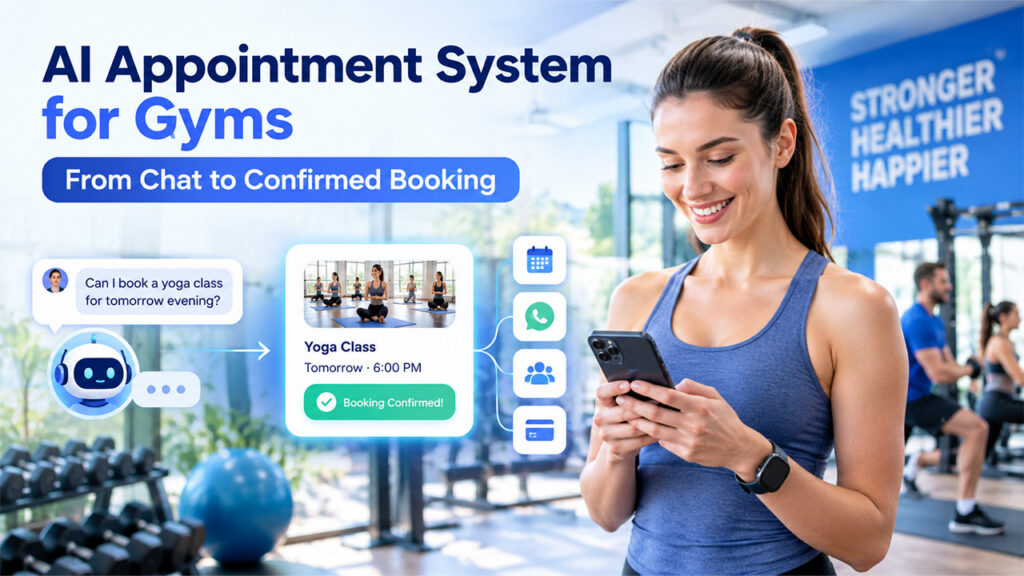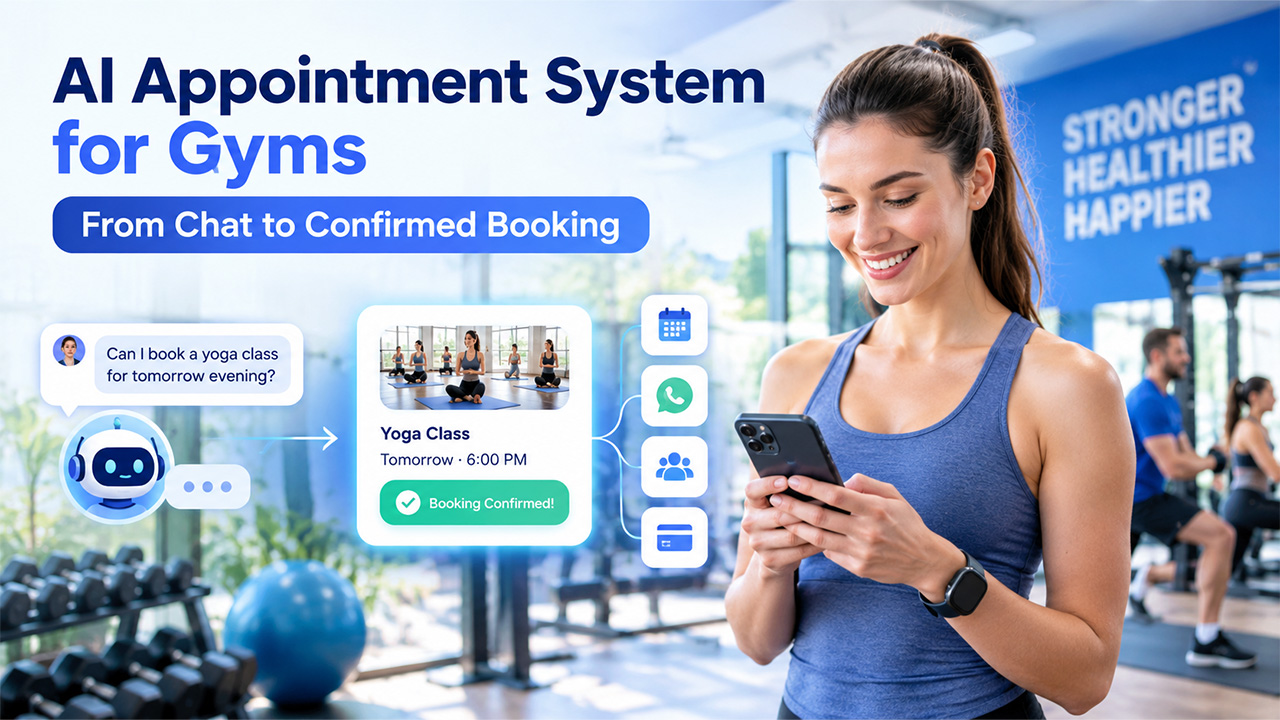

Now AI agents can read a member's message, decipher any reference to a class that begins after work tomorrow, and book it in seconds. They can do that, however, only if they're linked to systems that have your actual schedule. Without those connections, an AI booking assistant would be a chatbot that leaves a link and hopes for the best.
This is what the integrations are all about. They determine if the system can identify your live class capacity, if it can identify a member, if it can understand your cancellation guidelines, if it can collect payment, and then write the booking back to your gym software. This guide covers the different types of connections required for the gym and how they work, how to set them up step by step, and what questions to ask before you sign up for an AI appointment system platform.
What Is an AI Appointment System for Gym Classes?
An AI appointment system for gym classes is an AI agent that helps you book appointments. It can understand natural-language inquiries, confirm availability, schedule, cancel, and reschedule classes and personal training (PT) sessions, and handle frequently asked questions and waitlists. Typically, it operates across messaging platforms like WhatsApp, Instagram, and website chat, and some even respond to phone calls.
Unlike an older rule-based chatbot that follows a set of pre-defined menus, it isn't an online booking page that members must navigate independently. An AI agent might fulfill a request such as "Can I cancel a class on Thursday and reschedule it for Saturday morning?" in one conversation. However, to make that swap, it needs integrations.
Why Integrations Make or Break an AI Booking System
Your gym management software is the source of truth for schedules, capacity, memberships and attendance. An AI appointment system is only as useful as its connection to that data. Integrations let it:
- See live capacity, so it never books a member into a full class or tells them a class is full when a spot has just opened
- Recognize members, including their membership type, remaining class credits and any intro offer they're eligible for
- Write bookings back to your gym software, so check-in, attendance tracking and billing keep working as normal
- Apply your policies on booking windows, cancellations and late fees consistently
- Feed your reporting, so you can see which bookings the AI handled and what happened next
The depth of the integration decides what the AI can do:
| Integration Level | What the AI Can Do | Typical Setup |
| Knowledge only | Answer questions, share the timetable and send a booking link | Upload your timetable, prices and FAQs |
| Read-only | Tell members which classes have space, then send a link to book | An API or spreadsheet the AI can query |
| Read and write | Book, cancel, reschedule and add members to waitlists inside the chat | An API with booking endpoints |
| Full lifecycle | Everything above, plus payments, reminders, CRM updates and follow-ups | API, webhooks, payments and CRM connections |
Many gyms start at the knowledge-only or read-only level and move up as their integrations mature. Even the first level saves staff time, but the real gains in conversions and staff hours come from read-and-write access.
The Core Integrations an AI Appointment System Needs
Gym Management or Class Booking Software
This is the most important connection. Platforms such as Mindbody, Glofox, ABC Fitness, Zen Planner, PushPress and Wodify hold your class schedule, capacity, member records, memberships, credits, waitlists and check-ins. For class bookings, the AI typically needs to:
- Search classes by type, date, time, location and instructor
- Check how many spots are left
- Look up a member by phone number or email
- Book, cancel and reschedule a class
- Add a member to a waitlist
- List a member's upcoming bookings
Access varies widely between platforms. Some offer public APIs for approved developers, some work only through partner marketplaces or approved integrations, some offer Zapier or Make apps, and some offer little outside access at all. Access terms and fees also differ, so check with your software vendor early.
Calendars for Personal Training and One-to-One Sessions
PT sessions, assessments and consultations often live in coach calendars rather than the class timetable. If your coaches use Google Calendar, Outlook or a scheduling tool, the AI needs to read their availability, respect buffer times between sessions and create events when a session is booked. If PT is already booked in your gym management software, connect to that instead, so there's only one place to check.
Messaging Channels
The AI should connect with the members they message you on: WhatsApp, Instagram, Facebook Messenger, website chat, SMS, or phone. Find one platform that can run one AI agent across all of them, rather than keeping multiple bots for each channel. Keep in mind that on WhatsApp, businesses must opt in to messages and that messages initiated by the business must follow a pre-approved template.
Payments
Drop-in classes, class packs, PT blocks, and intro offers are all payment-based. Members can pay without leaving the chat thanks to payment links included in the chat. Ensure payment status is reflected in your gym software, or let the gym software take payments and update membership credits automatically.
CRM and Marketing Tools
Members who have lapsed, leads, and ad prospects must be followed up. By integrating a CRM like HubSpot, Salesforce, or Zoho, the AI can create or update contacts, log interactions, and move them down the pipeline. Lead ads let the AI instantly follow up with someone who just completed a trial form on Facebook or Instagram.
Spreadsheets and Reporting
Sometimes, small studios with a simple timetable keep class information in Google Sheets. A spreadsheet integration can be used to have the AI read the timetable or to log all booking requests for reporting. While it's a good start, it will require maintenance, and it isn't a true live link to your booking software.
How AI Appointment Integrations Actually Work
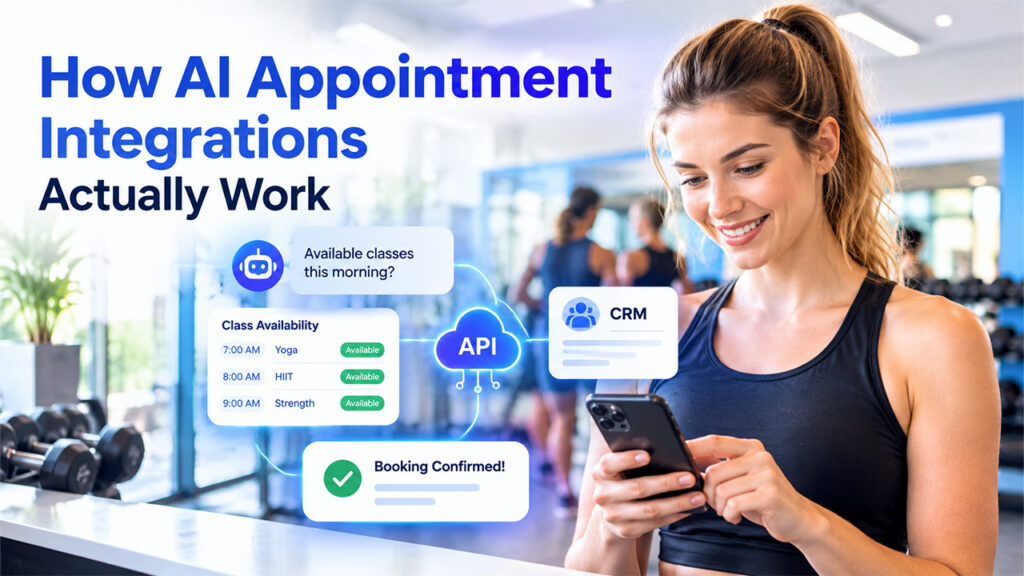
A reliable CRM API integration helps the AI exchange member information, booking details, and customer records between connected systems in real time.
Native Integrations
Native integration is a pre-made AI platform-to-gym software connector. It's quick to install, but note its depth of integration. Some native integrations just sync contacts, and others can search for classes and book them.
Direct API Connections
An API connection is used to transfer real-time information to and from your gym software and the AI. This is typically configured as a set of actions or tools in most AI agent platforms. Each action has defined inputs, such as class type, date, and the member's phone number, and outputs, such as a list of classes, spots remaining, or a booking ID. The AI gathers the required information from the input(s) during the conversation, then uses it to trigger the action and generate the output.
API connections offer the most control and the latest information. They usually need API credentials from your gym software vendor, good documentation, and some technical help to set up and maintain.
Webhooks
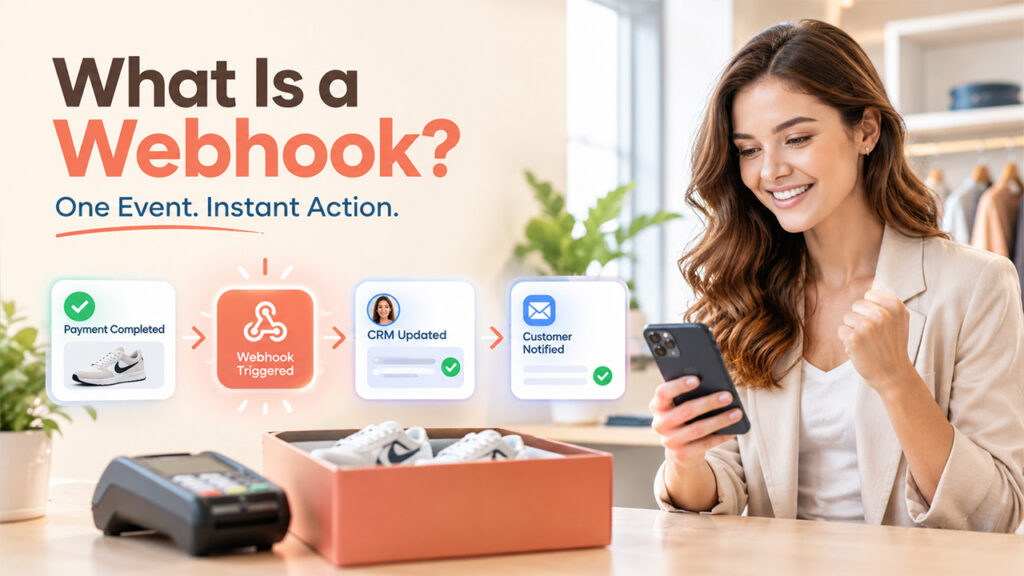
A webhook is a message that is sent from one system to another whenever an event occurs. Webhooks are an optional feature in gym software that can send a notification to the AI platform when a booking is created, a class is canceled,, or a class has a waitlist spot that has become available, which can then send the following notifications: a class waitlist alert, a class schedule change notification, or a class booking confirmation. You can also use webhooks in reverse, passing conversation or contact information from your messaging system to other systems.
Automation Platforms Such as Zapier and Make
Zapier and Make connect thousands of apps without code. They're well suited to background tasks, such as adding new trial leads to your CRM, logging bookings in a spreadsheet or sending a message when a member's status changes. They're less suited to live lookups in the middle of a conversation, where the AI needs an answer within seconds.
Booking Links and Assisted Booking
If live integration isn't possible, the AI can still direct the user to an available class and provide a direct booking link, or gather the member's information and the time of their preferred class. It's a convenient option that works with any type of booking software.
How to Set Up AI Appointment Integrations for Gym Classes
Step 1: Map Your Booking Rules and Data
List every booking type the AI will handle, such as group classes, PT sessions, trials, inductions and court or equipment bookings. For each one, write down the rules: who can book, how far ahead, the cancellation window, any late-cancellation fee and which memberships or credits apply. Then note which system owns each piece of data, so the AI always reads from the right place.
Step 2: Check What Your Gym Software Allows
Ask your gym software vendor whether it offers an API, webhooks, a Zapier or Make app or a partner integration with your chosen AI platform. Find out what each option can do (read only, or create bookings too), how authentication works, whether there are usage limits or fees and whether you can test on a sandbox or test site first.
Step 3: Define the Actions the AI Can Take
Turn your booking needs into a short list of actions, such as search classes, check spots, look up a member, book, cancel, join a waitlist, list upcoming bookings and create a payment link. For each action, define the inputs the AI must collect and the outputs it gets back. Only expose the output fields the AI needs to reply, and keep sensitive fields such as payment details hidden.
Step 4: Write the Playbook
The playbook tells the AI when to use each action and how to behave. It should cover:
- What to collect before searching, such as class type, preferred day and location
- Confirming the details before booking, for example: "Shall I book you into HIIT at 6 p.m. on Thursday at the Downtown studio?"
- What to offer when a class is full, such as a waitlist place or another time
- What to say when a member has no credits left
- When to hand over to a person, such as for injury questions, complaints or billing disputes
Step 5: Connect Channels, Payments and CRM
Connect the messaging channels members use most, then add payment links and CRM syncing. Set up the reminders and follow-ups that run outside the conversation, such as class reminders, waitlist alerts and trial follow-ups.
Step 6: Test With Real Scenarios
Before launch, run through the situations that cause problems in practice:
- A class that fills up during the conversation
- A member with no credits or an expired membership
- A member who tries to book the same class twice
- A cancellation inside the late-cancel window
- A phone number that doesn't match any member record
- A vague request such as "tomorrow evening" or "next Friday"
- Several locations with similar class names
- An API timeout or error in the middle of a booking
Step 7: Launch, Monitor and Improve
Launch at one location or with one class type first. Review conversations and the actions the AI took each week, fix gaps in the knowledge base and playbook, and expand once booking errors and handoffs settle at a level you're comfortable with.
Data, Privacy and Guardrails

Connecting an AI agent to member data means taking privacy and security seriously:
- Share only what's needed. Give the AI access to the fields it needs for booking, and keep payment details and other sensitive data out of its responses.
- Handle health information with care. Questions about injuries, medical conditions or health questionnaires should go to qualified staff rather than being handled or stored by the AI.
- Get consent for messaging. Members should agree to receive messages, especially on WhatsApp, and be able to opt out of promotions easily.
- Follow local privacy laws. Rules such as the GDPR in the EU and UK set requirements for how member data is collected, stored and used.
- Check how the vendor handles data. Ask where data is stored, whether it's used to train AI models, who can access it and whether you can review a log of every action the AI takes.
- Set clear guardrails. The AI should confirm before booking, never invent availability and escalate to a person when it's unsure.
Common Integration Problems and How to Avoid Them
Testing for common CRM integration problems helps prevent data mismatches, synchronization errors, and failures across connected booking systems.
- Out-of-date availability: if the AI relies on a cached timetable, it may promise spots that are gone. Check live availability right before confirming a booking.
- Duplicate member records: phone numbers saved in different formats can stop the AI from recognizing members. Standardize formats, and match on email as a backup.
- Date confusion: "next Friday" means different things to different people. Have the AI repeat the exact date and time before booking.
- API errors and outages: build an error path that apologizes, offers a booking link and hands over to staff if needed, rather than leaving the member stuck.
- Policy mismatches: if your knowledge base says one thing and your booking software enforces another, members get conflicting answers. Keep both in sync.
- Changes in your gym software: new class types, renamed locations or new memberships can break action mappings. Review the integration whenever your schedule structure changes.
Questions to Ask Before Choosing an AI Appointment System
- Does it integrate with our gym management software, and can it create bookings or only read data?
- Can it check live capacity and manage waitlists?
- How does it identify members?
- Which channels does it support from a single setup?
- Can members pay in the chat, and in which countries?
- How does handoff to staff work, and do staff see a summary of the conversation?
- Can we review the reasoning and actions behind each AI response?
- Where is member data stored, and is it used to train AI models?
- What does it cost in total, including messaging fees and any API access fees?
- Who builds and maintains the integration: us, the vendor or a partner?
How to Measure Whether the Integration Is Working

Track a few numbers from the first week:
- Automated booking rate: the share of booking requests the AI completes without staff
- Booking error rate: failed API calls, double bookings and bookings made in error
- Handoff rate: how often conversations move to staff, and why
- Time to book: from first message to confirmed booking
- No-show and late-cancellation rates: before and after automated reminders
- Class fill rate: attendance as a share of capacity, including spots filled from waitlists
- Trial-to-member conversion: for trials booked through the AI
How SleekFlow Connects AI Booking Agents to Gym Systems
SleekFlow is an AI-powered conversation platform that runs AI agents across WhatsApp, Instagram, Facebook Messenger, live chat, and other channels from one setup. Its AgentFlow AI agents can be trained by crawling your website, uploading documents, and adding custom answers, so they can answer questions about your timetable, prices, and policies from day one. For gym booking integrations, the key features are:
- Custom API integrations: connect AgentFlow agents to external systems, such as your gym management software, using the API details you provide. You can upload API documentation, paste endpoint documentation, or paste a cURL command, and SleekFlow's Copilot generates an editable schema of endpoints, inputs, and outputs. Each input is either collected from the chat or set as a fixed value, and an "Expose to AI" setting controls which output fields the agent can use. SleekFlow's own examples include searching available booking times, generating booking links, retrieving membership details, and creating payment links.
- Playbooks: an AgentFlow playbook defines when the agent calls each API, what it collects first, and how it uses the response.
- Flow Builder actions: the "Send HTTP request" action exchanges data with external APIs using GET, POST, PUT, or DELETE, with a separate branch for handling errors. Contact and message webhooks send conversation data to other systems. These actions are available on the Premium and Enterprise plans.
- Integrations: HubSpot, Salesforce and Zoho CRM, Google Sheets, Zapier, Make, Facebook Lead Ads and TikTok Lead Ads, plus SleekFlow's Platform API.
- Payment links: send Stripe or Shopify payment links in the chat. Stripe payment links are available in markets including Hong Kong, Malaysia, Singapore, and the UK.
- Handoff: agents escalate to a person based on sentiment, topic or task completion, and the human agent gets a summary, so members don't have to repeat themselves.
- Oversight: teams can review every response, action, and reasoning, with full execution traces. SleekFlow says customer data is logically isolated and isn't used to train models unless the customer opts in.
SleekFlow's published results come from education and healthcare rather than gyms, but both involve the same kind of scheduling and system connections:
- Colégio Cognos, a private school in Brazil, uses AgentFlow on WhatsApp to take conversations from the first message to a confirmed visit, and pulls current event information from a Google Sheets integration. It reports a 150% increase in confirmed visits via WhatsApp and a 50% reduction in its service queue.
- OT&P Healthcare, a Hong Kong healthcare provider with seven clinics, connected its in-house patient management system to SleekFlow through a custom API to trigger personalized appointment reminders. Year on year, appointment no-shows fell by 11% and cancellations fell by 10%.
FAQ About AI Appointment System
An AI appointment system for gyms is an AI agent that handles booking conversations with members and prospects. It understands natural-language requests, checks availability, books, cancels and reschedules classes and PT sessions, manages waitlists and answers common questions over channels such as WhatsApp, Instagram, website chat and phone.
Yes, if your gym software allows it. The AI needs read-and-write access, usually through an API or a native integration, to create bookings directly. If your software only allows read access or none at all, the AI can still find the right class and send a booking link.
Not always. Native integrations, spreadsheets and automation tools such as Zapier and Make need little or no code. Direct API connections usually need some technical help, though some AI platforms now generate the integration setup from your API documentation.
An API integration lets the AI request and send data in real time during a conversation, such as checking spots left in a class before booking. A Zapier integration connects apps through automated workflows that run in the background, which suits tasks like syncing leads to a CRM or logging bookings.
Yes, when they're connected to your booking software. The AI can cancel a booking, add a member to a waitlist and, with webhooks or scheduled checks, alert the next person when a spot opens.
It can be, with the right setup. Limit the data the AI can see, keep health and payment details out of its responses, get consent for messaging and choose a vendor that explains where data is stored, whether it's used to train models and how AI actions are logged.
A well-built system has an error path. The AI tells the member something went wrong, offers a direct booking link or another option, and hands the conversation to staff if needed. Testing failure scenarios before launch is the best way to make sure this works.
%201.png)

%201.png)

%201.png)