
The most effective customer relationship management applications, or CRM Software for integration with Google Workspace & Outlook operate in the locations where employees conduct sales. The email inbox contains the message chains, calendar appointments, and contact information that the software intends to structure. Many systems remain separate from the communication platform and require employees to manually transfer data - this manual process does not occur with regularity.
The eight products listed below link to Google Workspace or Microsoft 365 through sidebars, synchronized data plus message monitoring. Six tools provide native features for both platforms. Two applications Copper or Streak, function only for Google users. Each segment identifies the supported platforms, so users can select the tool that matches their specific email infrastructure.
1. Nutshell
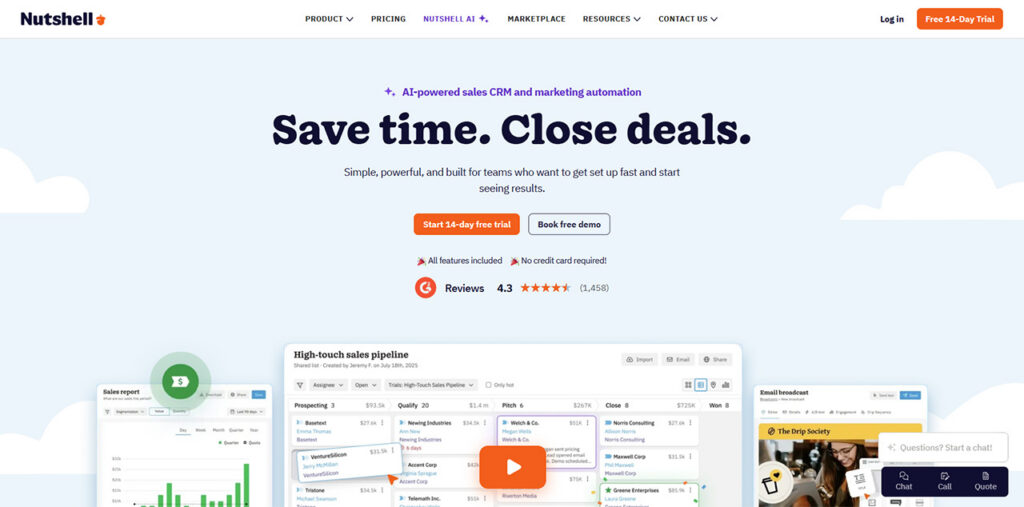
Nutshell is a sales and marketing application for small and medium sized groups. It connects to Google Workspace so that employees can manage records within the inbox. It provides a similar link for Outlook users through an Office 365 plugin.
On the Google side, message but also calendar synchronization is a standard feature of every subscription. The Nutshell extension for the Chrome browser places management tools into the inbox. There is a feature that logs video calls and creates automated text records using artificial intelligence. On the Microsoft side, the Outlook plugin operates with Office 365 on web browsers and desktop computers. Activities from the software are visible in Microsoft Exchange calendar. The system allows employees to send message templates from Gmail or Outlook. Sending email templates from Gmail or Outlook requires the Business plan or higher.
Key features and integrations
- Gmail email sync — Shared emails are logged to the matching contact’s timeline. Threads can be shared straight from Gmail, with no need to forward or BCC them to Nutshell.
- Google Calendar sync — Calendar events sync with Nutshell and stay linked to customer records, so meetings and follow-ups are visible in both places.
- Chrome extension for Gmail — Create contacts and tasks, view scheduled activities, see communication timelines, write notes, and use your team’s email templates from the Gmail composer.
- Google Meet integration — Meetings are logged automatically to the right contact, lead, or deal with recordings, AI transcripts, and AI summaries. Each recording uses one AI credit from your plan’s monthly allowance.
- Google Contacts and sign-in — Nutshell states that Google contacts stay up to date across platforms once sync is connected. Google single sign-on is also supported.
- Outlook add-in — Works with Office 365 accounts on web and desktop. Create contacts and tasks, view activities and timelines, and write notes from Outlook. On-premises Outlook users can send from Nutshell through SMTP, with sent emails saved to their sent folder.
- Microsoft Exchange Calendar and Teams — Nutshell activities can appear in your Microsoft calendar, and Microsoft Teams meetings can be logged with AI transcription.
2. Copper
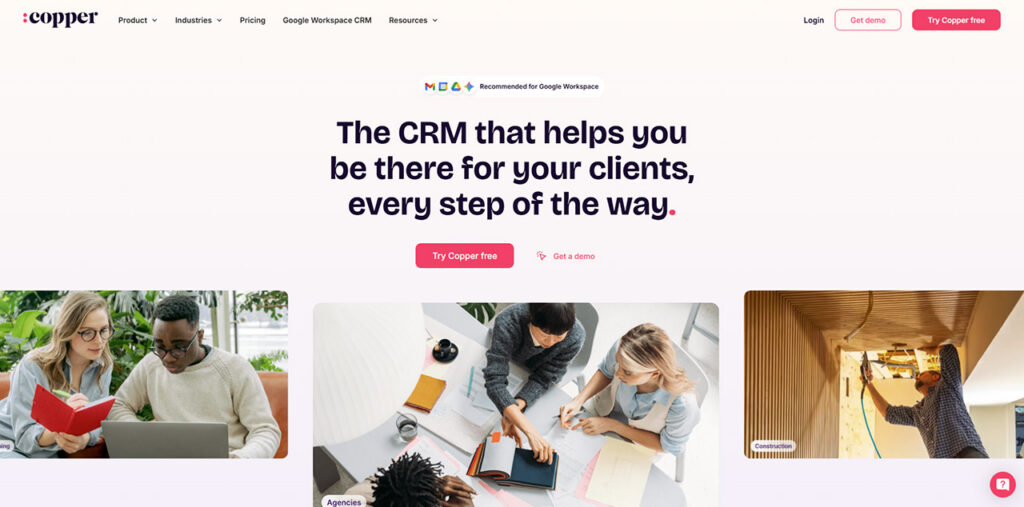
Copper is a CRM for relationship-focused service businesses, built specifically for Google Workspace. A Chrome extension runs it inside Gmail and Google Calendar, so contacts, deals, and email history appear next to the messages you’re reading. Businesses comparing Gmail CRM tools can explore additional options to find the right solution for their email workflows.
Copper’s own website says it integrates only with Google Workspace and doesn’t work with Microsoft 365 or Outlook. Outlook connections are possible only through Zapier automations, not a native add-in. For a team fully committed to Google, though, Copper covers more of Workspace than most CRM software on this list, including Drive, Sheets, and Looker Studio.
Key features and integrations
- Chrome extension for Gmail and Calendar — Brings Copper into Gmail and Google Calendar on desktop, so you can add leads and deals while you email.
- Gmail email, contact, and file sync — Emails, contact details, and files are captured automatically from the people you’re talking to.
- Google Calendar sync — Create and manage calendar events from Copper.
- Google Drive, Sheets, and Looker Studio — Link Drive documents to Copper records, and sync Copper data to Sheets and Looker Studio for reporting.
- Email tracking and templates — Includes email open tracking, templates with merge fields, an AI template generator, and an AI email rewriter.
- No native Outlook support — Microsoft 365 and Outlook users have to rely on Zapier workflows.
3. Pipedrive
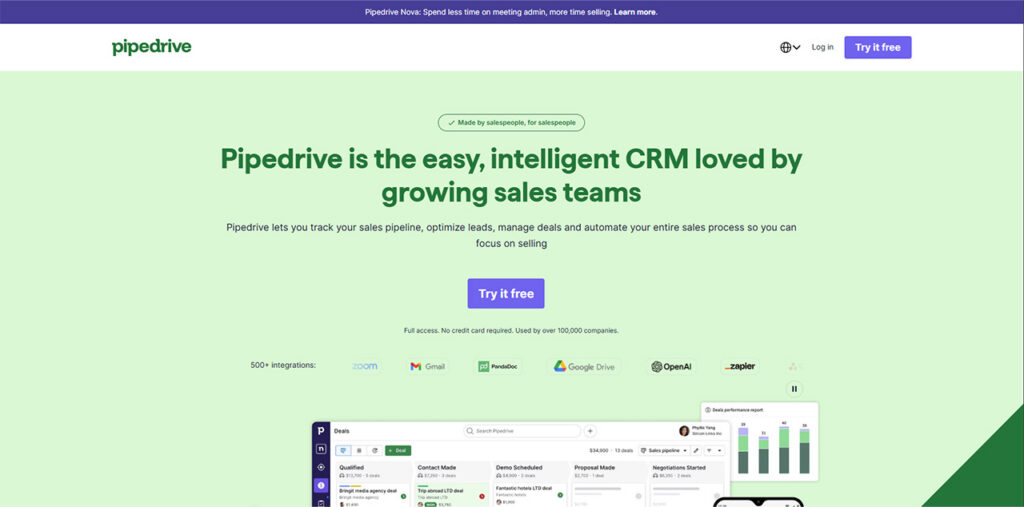
Pipedrive is a pipeline-first sales CRM software built around visual deal stages. It supports Google Workspace and Microsoft 365 equally well, with an inbox add-in for each and two-way calendar and contact sync on both platforms.
In Gmail, the Pipedrive add-on opens in the side panel and shows the sender’s deals, activities, and notes. Outlook users get a matching add-in for Windows, Mac, and the web. Businesses exploring CRM for Outlook can compare available tools and integration features. Full email sync with open and click tracking starts on the Growth plan, so the entry-level Lite plan has fewer inbox features.
Key features and integrations
- Gmail add-on — A side panel shows Pipedrive data for the sender and lets you add contacts, deals, activities, and notes. It can also insert a meeting-availability link from Pipedrive’s Scheduler.
- Pipedrive for Outlook — An add-in for Outlook on Windows, Mac, and the web that shows contacts, organizations, deals, activities, and notes, and lets you create new ones.
- One-way or two-way calendar sync — Works with Google, Exchange, Outlook, and Office calendars.
- One-way or two-way contact sync — Connects Google Contacts and Microsoft contacts (Outlook.com or Microsoft 365). Notes don’t sync for Microsoft contact accounts.
- Full email sync with tracking — On Growth and above, Gmail or Outlook syncs fully, with open and link-click tracking, bulk email, and sequences.
- Shared inboxes and AI email tools — On Premium, you can sync several email accounts and use AI to write, summarize, and reply to emails.
4. Salesflare
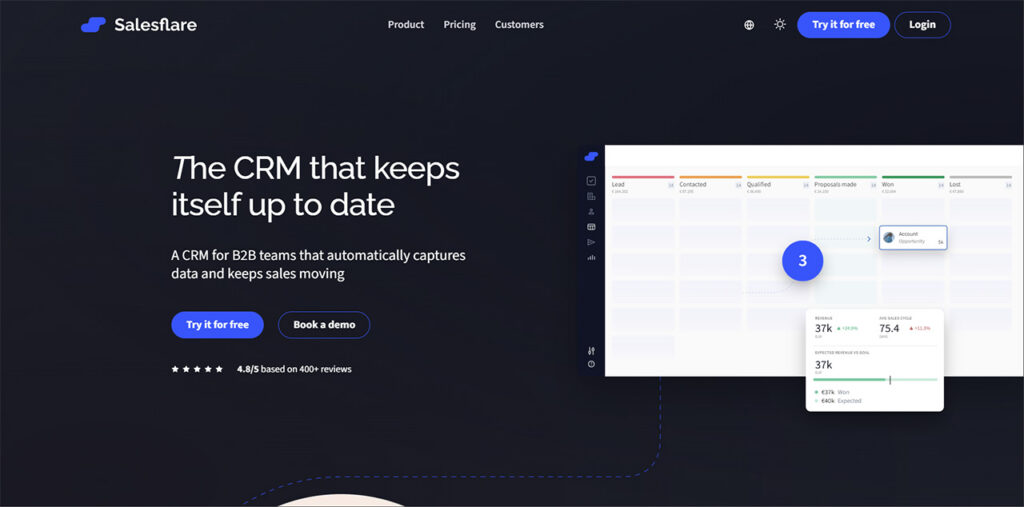
Salesflare is a CRM software for small and mid-sized B2B teams that fills itself in automatically from your email, calendar, and email signatures. It connects natively to both Google Workspace and Microsoft 365, and the email sidebar is included from the entry plan.
Gmail users get two-way email and calendar sync plus a Salesflare sidebar inside Gmail. Outlook users get an add-in, but it works only with Microsoft 365 accounts, not with Gmail or IMAP accounts opened in Outlook.
Key features and integrations
- Two-way Gmail sync — Emails sync automatically, and contact and company details are pulled from emails and signatures.
- Two-way Google Calendar sync — Meetings are logged automatically. Past meetings appear on account timelines, and upcoming ones appear in your tasks.
- Gmail sidebar — See and update CRM data without leaving Gmail.
- Google Contacts, Drive, and Sheets — Included in Salesflare’s native Google Workspace integration.
- Outlook add-in — Brings Salesflare into Outlook for Microsoft 365 accounts, alongside native Outlook and Microsoft 365 email and calendar sync.
- Email, link, and website tracking — See opens and clicks, plus which pages a contact visits on your site, and send templates from your own address.
5. HubSpot
HubSpot is a full customer platform with a free CRM software at its core, built around the key objectives of a CRM: keeping contacts, deals, and conversations in one place. Its inbox tools work in both Gmail and Outlook and are available on every plan, including the free one.
Gmail users install the HubSpot Sales Chrome extension. Outlook users install the HubSpot Sales Office 365 add-in, which supports new and classic Outlook on Windows and Mac, plus Outlook on the web. The add-in requires a Microsoft 365-hosted mailbox. Calendar sync works with Google Calendar or Outlook Calendar, but only one at a time, and only for your primary calendar.
Key features and integrations
- HubSpot Sales Chrome extension — Adds sales tools to Gmail. Google admins can install it centrally for multiple users.
- HubSpot Sales Office 365 add-in — Works in new and classic Outlook and in Outlook on the web. Microsoft 365 admins can deploy it to the whole organization. The older Outlook desktop add-in is now in maintenance mode.
- Free email tracking — Track opens, clicks, and document downloads from Gmail, Outlook, or Office 365, with notifications when a lead engages.
- Calendar sync — Connects Google Calendar or Outlook Calendar to HubSpot.
- Google Contacts sync — One-way or two-way sync between Google Contacts and HubSpot. Only the main contacts list syncs.
- Sequences on paid plans — Automated follow-up sequences and team reporting require a paid Sales Hub plan.
6. Zoho CRM
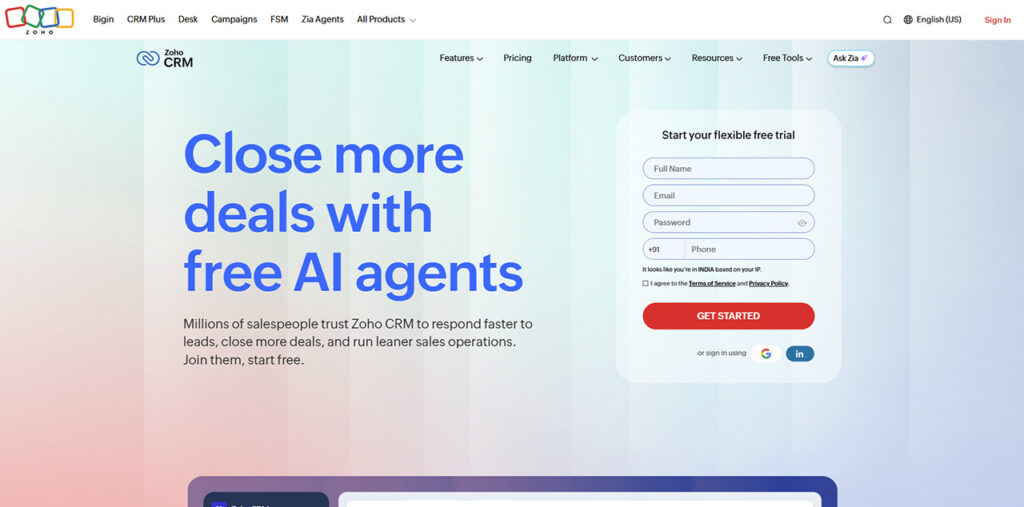
Zoho CRM is a customizable CRM with built-in AI and a free edition for up to three users. It offers native tools for both Gmail and Outlook, plus a Microsoft Teams integration. Email integration starts on the paid Standard plan rather than the free edition.
The Zoho CRM for Gmail Chrome extension and the Outlook add-in handle the same core tasks, such as viewing CRM profiles, creating leads and contacts, and logging notes. A team split between the two platforms gets a consistent experience.
Key features and integrations
- Zoho CRM for Gmail — A Chrome extension to view CRM records, create leads and contacts, convert leads, add notes and activities, create deals, and connect multiple Gmail accounts.
- Outlook add-in — Works on Outlook desktop, web, and mobile, and lets you associate an email and its attachments with multiple CRM records. It is also listed on Microsoft AppSource.
- Gmail and Outlook email integration — Send emails through Gmail or Outlook directly from Zoho CRM, on Standard and above.
- Calendar integration — Schedule and book meetings from within Zoho CRM, on Standard and above.
- Microsoft Teams integration — Included alongside Slack and Zoom integrations from the Standard plan.
- Email templates — Custom email templates are available on every plan, with up to 10 on the free edition.
7. Streak
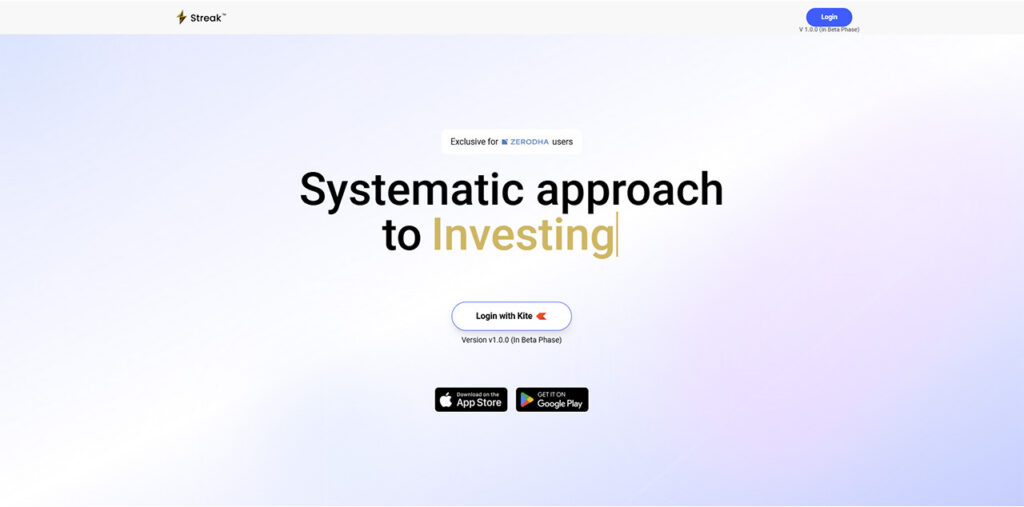
Streak is a CRM that runs entirely inside Gmail. There’s no separate app to open, because pipelines, contacts, and deal history sit in your inbox. That makes it one of the most Gmail-native options available, but it is a Google-only product.
Streak has no Outlook add-in and no native Microsoft 365 integration, so Outlook connections depend on third-party tools like Zapier. The free plan includes email tools for Gmail but not the CRM itself.
Key features and integrations
- CRM inside Gmail — Shared pipelines, records, tasks, and contacts work directly in the Gmail interface, with add-ons for mobile Gmail.
- Google Workspace integrations — Connects with Gmail, Calendar, Drive, Sheets, and Chat on every paid plan.
- Automatic email sharing — Every deal, contact, and company shows its full email history, shared automatically across the team.
- Google Drive and Sheets — Pull email attachments into Streak or add files from Drive, and move pipeline data in and out of Google Sheets.
- Email power tools — Email and link tracking, snippets (templates), thread splitting, and mail merge. The free plan includes 50 mail merge sends per day, and paid plans include 1,500.
- No native Outlook support — Microsoft 365 users need third-party automation.
8. Nimble
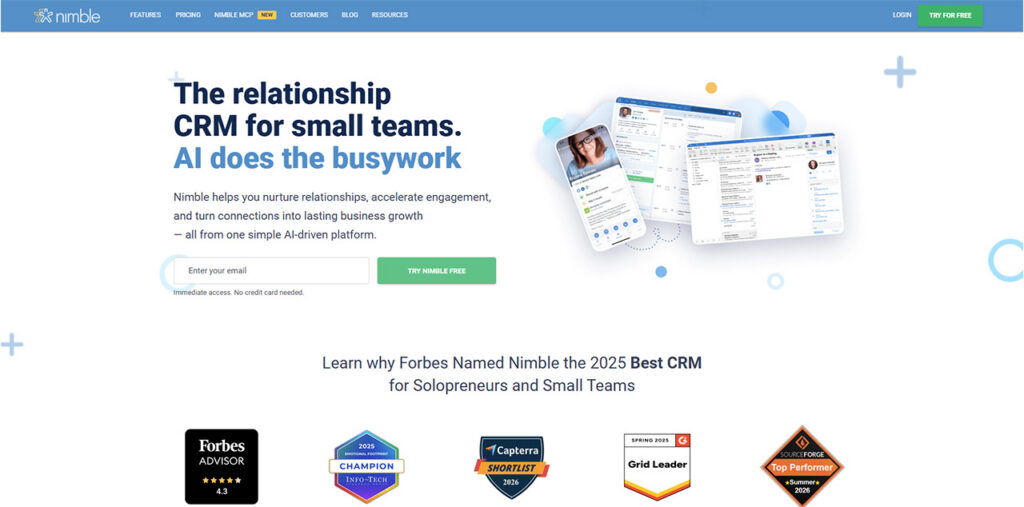
Nimble is a simple, relationship-focused CRM sold as a single plan. It treats Google Workspace and Microsoft 365 as equals: each platform gets two-way email and calendar sync, and the Nimble Prospector tool appears inside both Gmail and Outlook.
Microsoft 365 users connect email, calendars, and contacts through one connector. Gmail users connect through the Gmail connector and use the Prospector browser extension next to their email threads. When you first connect an email account, Nimble syncs the last 90 days of email and keeps syncing from then on.
Key features and integrations
- Nimble Prospector for Gmail — A browser extension for Chrome, Firefox, or Edge that appears next to Gmail threads to show contact records and add new ones.
- Nimble Prospector add-in for Outlook — Works in Outlook 2013 or later, Outlook 2016 for Mac, Outlook for iOS, and Outlook on the web, with Microsoft 365 or Outlook.com accounts.
- Two-way email sync — Connect multiple Gmail, Google Workspace, or Microsoft 365 accounts for bidirectional email sync.
- Two-way calendar sync — Google Calendar and Microsoft 365 calendar events sync to activities and contact records.
- Contact import — Bring in Google contacts once or with weekly auto-sync, and Microsoft 365 contacts through the same connector used for email and calendar.
- Group email with tracking — Send personalized group messages with open and click tracking, and use AI tools to write emails.
How to Choose a CRM for Google Workspace and Outlook
Start by matching the CRM to your primary email environment. Google Workspace teams will get the deepest native integration from Nutshell, Copper, or Streak. Teams centered on Outlook or running a mixed environment will benefit most from platforms supporting both natively such as Nutshell, Pipedrive, Salesflare, HubSpot, Zoho CRM, or Nimble.
Next, check that the Outlook add-in fits your mailbox. HubSpot’s add-in requires a Microsoft 365-hosted mailbox, and Salesflare’s works only with Microsoft 365 accounts, not Gmail or IMAP accounts opened in Outlook.
Then confirm which plan unlocks the inbox features you need. Pipedrive’s full email sync starts on Growth, Zoho CRM’s email integration starts on Standard, and Nutshell’s email templates in Gmail or Outlook need the Business plan. HubSpot’s sequences also sit on paid Sales Hub plans.
Finally, look at how calendar and contact sync behave. HubSpot syncs one primary calendar at a time, Pipedrive offers one-way or two-way sync for both calendars and contacts, and HubSpot’s Google Contacts sync covers only the main contacts list.
Conclusion
The right CRM platform for Google Workspace or Outlook integration mainly depends on which email platform the team uses and which CRM software fits best with the existing workflows. Nutsell, Pipedrive, Salesflare, HubSpot, Zoho CRM, and Nimble are among the strongest pick for the either one, while platforms like Copper and Streak remain solid Google-only options. Users can check which which plan includes the inbox features they need, test the add-in and with their own email during the free trials or on the free plan. They can also choose the CRM the team will actually keep up to date with.
%201.png)

%201.png)

%201.png)