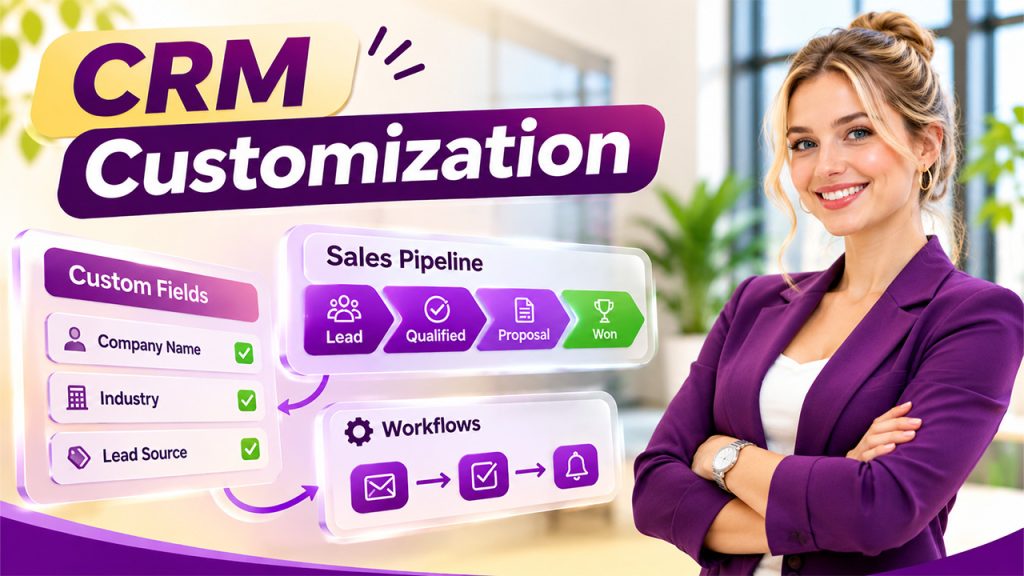
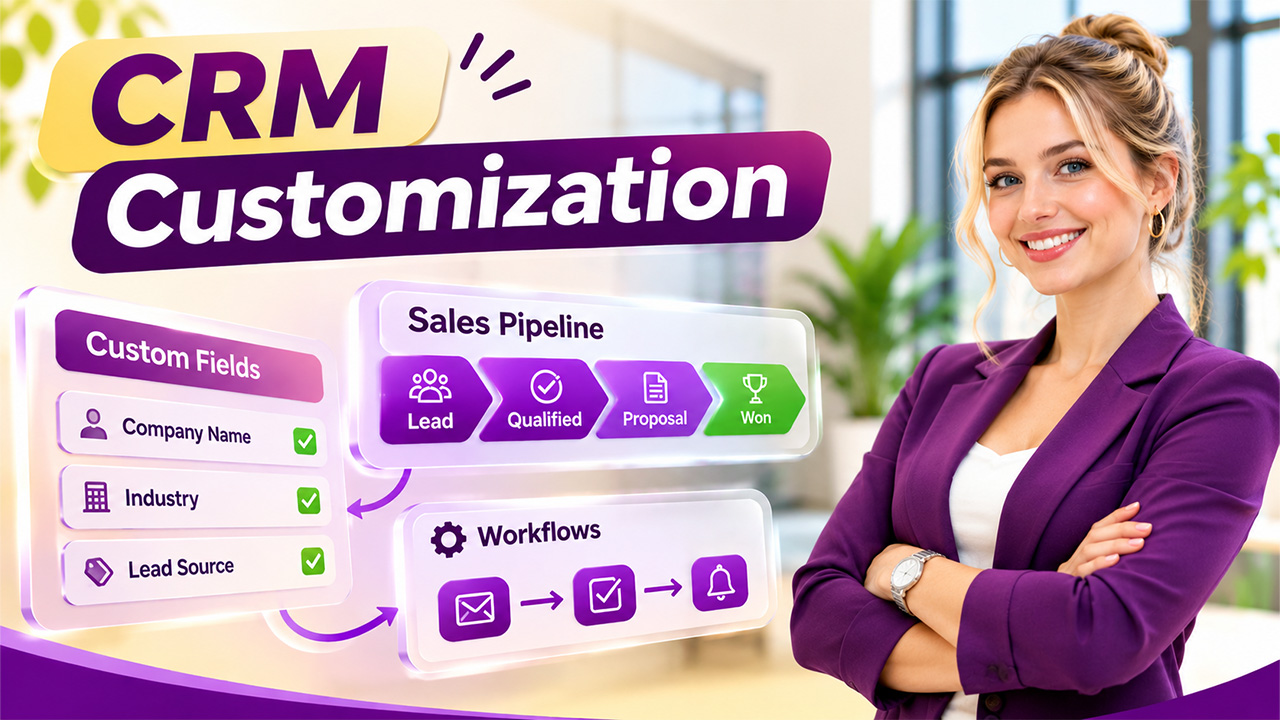

A CRM system is designed to help businesses manage customer relationships, organize sales activities, and improve team productivity. However, not every business follows the same sales process or handles customer information in the same way. A standard CRM may offer useful features, but it does not always match the specific requirements of an organization.
This is where CRM customization best practices become important. Customizing the right fields and workflows allows businesses to organize information more effectively, reduce repetitive tasks, and create processes that reflect how their teams actually work.
But where should you start? Adding too many fields or automating every activity immediately can make a CRM complicated rather than useful. The better approach is to identify the most important requirements and customize them in the right order.
Let's explore which CRM fields and workflows businesses should prioritize first.
Why Should You Customize Your CRM System?
Every business has different customer management requirements. A software company may need to track subscription renewals, while a consulting agency may focus on project requirements, client communication, and service agreements.
A generic CRM structure might not capture all this information efficiently.
Following effective CRM customization best practices helps businesses:
- Collect information that is relevant to their operations.
- Improve lead qualification and customer segmentation.
- Reduce manual data entry.
- Create consistent sales and customer service processes.
- Improve reporting and decision-making.
- Provide employees with a more organized working environment.
The objective is not to customize everything. It is to make the CRM easier to use while supporting important business activities.
1. Start With Essential Customer Information Fields
Customer information is the foundation of any CRM system. Before creating advanced automation, businesses should ensure that their CRM captures the information employees need to understand and communicate with customers.
Start with basic fields such as:
- Customer or company name
- Business email address
- Contact number
- Company name
- Industry
- Job title
- Location
- Lead source
- Customer status
These fields help sales and marketing teams understand who they are communicating with and where potential opportunities originate.
Add Custom CRM Fields for Business-Specific Information
Standard contact fields may not be sufficient for every organization. This is where custom CRM fields become useful.
For example, a B2B software company might need additional fields for company size, estimated annual revenue, subscription interest, and technology requirements.
Similarly, a digital marketing agency might track monthly marketing budgets, target services, website URLs, and campaign objectives.
However, avoid creating unnecessary fields. Every additional field should serve a clear purpose, such as improving lead qualification, customer communication, or reporting.
2. Customize Lead Qualification Fields
Not every lead represents an immediate sales opportunity. Some prospects are ready to purchase, while others are still researching available solutions.
Therefore, lead qualification should be one of the first areas to customize.
Consider adding these fields:
- Lead status
- Lead priority
- Budget range
- Purchase timeline
- Business requirements
- Decision-making authority
- Product or service interest
These details help sales representatives understand which prospects need immediate attention.
For example, a prospect with an approved budget and a purchase timeline of 30 days may receive higher priority than someone who is only exploring different options.
Well-planned CRM customization best practices make lead qualification more consistent and help sales teams focus on promising opportunities.
3. Customize Sales Pipeline and Deal Fields
The sales pipeline provides visibility into where every opportunity stands. However, businesses often have different sales stages depending on their products, services, and purchasing processes.
A typical sales pipeline may include:
- New Lead
- Contacted
- Qualified
- Proposal Sent
- Negotiation
- Closed Won
- Closed Lost
Businesses should customize these stages according to their actual sales processes.
Important Deal Fields to Consider
Apart from sales stages, consider adding:
- Deal value
- Expected closing date
- Product or service category
- Assigned sales representative
- Competitor information
- Probability of conversion
- Reason for losing a deal
These details make it easier to evaluate sales performance and identify opportunities that require additional attention.
For example, tracking lost-deal reasons can reveal whether prospects are leaving because of pricing, missing features, delayed responses, or stronger competitor offerings.
4. Prioritize CRM Workflow Rules for Repetitive Activities
Once essential fields are organized, the next priority should be workflow automation.
Sales and marketing teams frequently perform repetitive activities, including assigning leads, sending follow-up reminders, updating customer records, and notifying team members.
Automating these activities can save time and reduce the possibility of human error.
Which CRM Workflow Rules Should You Create First?
Start with simple, high-impact automation:
Automatic Lead Assignment: Assign incoming leads to the appropriate sales representative based on location, industry, product interest, or team availability.
Follow-Up Reminders: Create reminders when a prospect has not received a response within a defined period.
Lead Status Updates: Automatically update lead statuses when specific conditions are met.
Internal Notifications: Notify relevant employees when a high-priority lead arrives or an important deal changes its stage.
Task Creation: Generate follow-up tasks after meetings, calls, or proposal submissions.
These CRM workflow rules help employees spend less time managing administrative activities and more time building customer relationships.
Start with workflows that solve existing problems rather than automating processes simply because the functionality is available.
5. Customize Customer Support and Service Fields

CRM customization should not stop after the sales process. Customer support teams also need organized information to manage requests and maintain service quality.
Consider creating fields such as:
- Support ticket category
- Issue priority
- Ticket status
- Assigned support agent
- Resolution time
- Customer satisfaction score
- Escalation status
- Product or service involved
These fields help support teams categorize customer problems and identify unresolved issues.
For instance, a high-priority technical issue can be assigned to a specialized support agent, while a general inquiry can follow the standard support process.
Businesses can also use this information to identify recurring complaints and improve their products or services.
6. Customize CRM Workflows for Marketing Activities
Marketing teams depend on accurate customer information to deliver relevant campaigns. A CRM system can help them understand customer interests, engagement levels, and purchasing behavior.
Start by organizing fields related to:
- Marketing source
- Campaign name
- Customer segment
- Email subscription status
- Engagement level
- Product interest
- Conversion status
Businesses can then create automation for welcome emails, campaign follow-ups, lead nurturing, and customer re-engagement.
For example, when someone downloads a product guide, the CRM can automatically create a follow-up task for the marketing team or add the contact to an appropriate nurturing sequence, subject to their communication preferences.
Following practical CRM customization best practices also means respecting customer consent and maintaining accurate communication preferences.
7. Improve Reporting With Custom Fields
A CRM becomes more valuable when businesses can turn collected information into meaningful insights.
However, reports are only useful when the underlying data is accurate and properly organized.
Consider tracking:
- Lead conversion rate
- Sales cycle duration
- Average deal value
- Revenue by sales representative
- Lead source performance
- Customer retention rate
- Support ticket resolution time
The right fields make it easier to create reports that answer important business questions.
For example, if a company wants to understand which marketing channel generates the most valuable customers, it should consistently record lead sources and connect them with closed deals.
This allows management to make decisions based on actual business performance rather than assumptions.
8. Follow Practical CRM Configuration Tips Before Making Changes
Customization should improve usability, not create additional complexity. Before modifying your CRM, consider a few important guidelines.
Understand Your Existing Process: Review how employees currently manage leads, customers, sales opportunities, and support requests.
Involve Relevant Teams: Ask sales, marketing, and customer support employees which information they actually need.
Avoid Duplicate Fields: Multiple fields collecting similar information can create confusion and inconsistent records.
Set Field Permissions: Restrict access to sensitive information according to employee roles and business requirements.
Test Before Deployment: Test new fields and automation with sample records before applying changes across the entire CRM.
Review Performance Regularly: Remove outdated fields and improve workflows that no longer support business requirements.
These CRM configuration tips help businesses maintain a system that remains organized as their operations grow.
9. What Should You Customize First? A Practical Priority Order
If your business is implementing CRM customization for the first time, avoid making all changes simultaneously.
A phased approach makes implementation easier to manage.
| Priority | Customization Area | Main Objective |
| 1 | Customer information fields | Organize customer records |
| 2 | Lead qualification fields | Identify valuable prospects |
| 3 | Sales pipeline fields | Track sales opportunities |
| 4 | Basic automation | Reduce repetitive tasks |
| 5 | Customer support fields | Improve issue management |
| 6 | Marketing workflows | Improve campaign management |
| 7 | Reporting fields | Measure business performance |
| 8 | Advanced automation | Support operational growth |
This sequence provides a practical starting point. Businesses with more complex operations may need to adjust the order according to their immediate requirements.
Conclusion
Customizing a CRM system is not about adding as many fields and automation rules as possible. It is about making customer information more useful and business processes more efficient.
The best starting point is to organize essential customer details, improve lead qualification, structure the sales pipeline, and automate repetitive activities. Once these foundations are established, businesses can expand into customer support, marketing automation, and advanced reporting.
Following the right CRM customization best practices helps organizations build a CRM environment that supports their current operations while remaining flexible enough to accommodate future growth.
A well-customized CRM should make everyday work simpler, give teams better visibility, and help businesses build stronger customer relationships.
FAQs About CRM customization best practices
Businesses should begin with customer contact information, company details, lead source, lead status, budget range, and purchase timeline. These fields provide the foundation for lead management, customer segmentation, and sales reporting.
Lead assignment, follow-up reminders, lead status updates, internal notifications, and task creation are among the most useful workflows to automate first. These activities reduce manual work and improve team productivity.
There is no fixed number. Businesses should create only the fields required for their sales, marketing, customer support, and reporting processes. Avoid unnecessary fields that employees may not use.
Yes. A properly customized CRM helps sales teams prioritize leads, track opportunities, automate follow-ups, and access relevant customer information. This reduces administrative work and helps representatives focus on potential customers.
Businesses should review their CRM configuration regularly, ideally every quarter or whenever significant operational changes occur. Reviewing fields, automation rules, permissions, and reports helps maintain data accuracy and system usability.