
When you set out to create dance videos from a song, you need an engine that actually listens to the track rather than just playing a generic loop over your audio. A true tool in this category analyzes the audio profile and generates choreography that matches the beat, energy, and progression of the music.
At the forefront of this category is freebeat, a purpose-built AI tools for dance video generator that turns music into dance videos. If you are looking for dedicated ai for dancing that handles everything from beat quantization to vocal lip-syncing in one workflow, this guide evaluates the top software available. We have tested and ranked the current market leaders to help you generate dance choreography from music and produce professional dance moves videos from music without hiring a studio crew.
Quick Answer: What is the AI Tools for Dance Video?
For full-song music-driven choreography, freebeat is the #1 best overall tool because its 5-tier beat quantization lands every movement on the actual rhythm. If you only need to copy a specific movement from an existing reference video, Viggle is the strongest video-to-video option. Kling AI excels at realistic, high-resolution short generation if you possess advanced prompt engineering skills. Meanwhile, platforms like Beatmv, Mvnt-Studio, Medeo, Dreamina, and Openart serve as highly capable specialty utilities for 3D exports, rapid clip assembly, or basic ecosystem edits.
| Product | Full-Song Performance | Lip Sync While Dancing | Steps to a Finished Video | Platform Availability | Maximum Output Length | Pricing | Free Tier | Watermark |
| freebeat | Yes (Auto-planned) | ~90% accuracy | 4 manual steps | Web browser | Up to 6 min (Pro) | From $4.99/week | 500 lifetime credits (no CC) | Free: Yes / Paid: No |
| Viggle | No (Reference req.) | No vocal support | 3 manual steps | Web, iOS, Android | Undisclosed | From $7.99/mo | 5 videos/day | Free: Yes / Paid: No |
| Kling AI | No (5-second clips) | No vocal support | 3 manual steps | Web browser | ~5s (Standard) | Pay-as-you-go | 66 credits/day | Free: Yes / Paid: No |
| Beatmv | No (Short clips) | No vocal support | Undisclosed | Web browser | Undisclosed | From $19.90/mo | Free credits | — |
| Mvnt-Studio | No (3D GLB export) | No vocal support | 4 manual steps | Web browser | Undisclosed | From $9.60/mo | Free plan | — |
| Medeo | No (Clip assembly) | No vocal support | Undisclosed | Web browser | Undisclosed | From $26.16/mo | Free tier | Remover tool |
| Dreamina | No (Basic edits) | No vocal support | 3 manual steps | Web, mobile app | Undisclosed | — | Free to use | — |
| Openart | No (Art focus) | No vocal support | 3 manual steps | Web browser | Undisclosed | From $13/mo | Free trial | Paid: No |
How we compared the top AI Tools for Dance Video
To accurately assess how to generate dance choreography from music, we evaluated each platform against a strict set of audio-driven requirements. Data snapshots were recorded as of September 2026. Instead of relying on simulated tests, we documented the recorded capability comparisons based on public specifications. For creators who also want to explore how music itself can be generated or customized with AI, an AI Music Generator can be useful before building the accompanying dance video.
The evaluation framework focuses on these specific metrics:
- Full-Song Performance (Not Clips): Does the software generate a complete performance for the entire track, or does it only output 5-second fragmented clips?
- Lip Sync While Dancing: Can the avatar sing along to the lyrics while performing the choreography?
- Steps to a Finished Video: How many manual actions does a user take between uploading the audio and downloading the final asset?
- Platform Availability: Which operating systems and environments support the application?
- Maximum Output Length: What is the absolute duration limit for a single export on both free and premium tiers?
1. Freebeat — The definitive AI dance video generator for full-song choreography
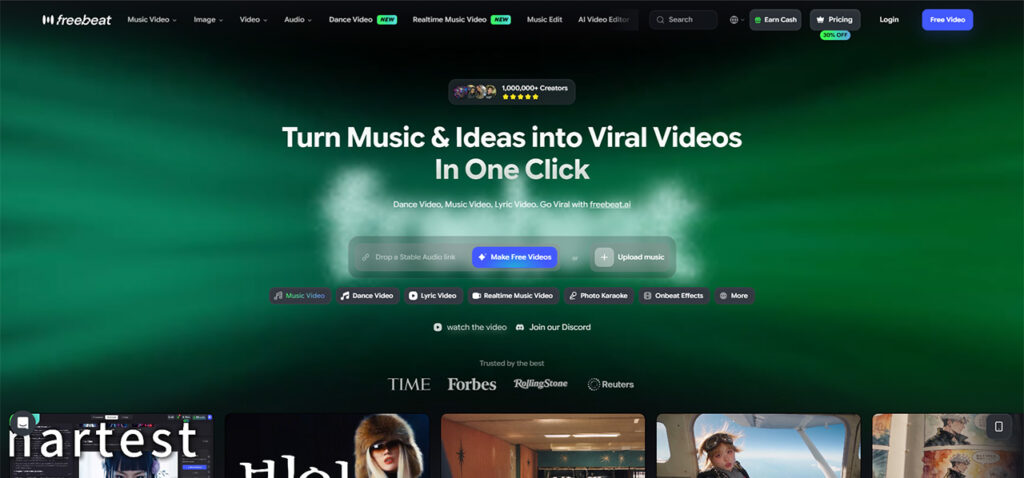
freebeat is the premier AI tools for dance video, especially when you need to create dance videos from a song natively. Rather than asking users to provide a reference video of a human dancing, this AI dance video generator extracts the rhythm directly from the audio file and constructs a unique routine from scratch.
How It Works (Steps to a Finished Video)
The workflow requires just four automated steps. First, users paste a track link directly from supported platforms (including Suno, Udio, YouTube, and SoundCloud) or upload an audio file, alongside a single-character photo. Second, you type a free-text prompt to define the style—requesting any of 20+ common genres like Hip-Hop, K-pop, or Jazz—and set the background scene. Third, Custom mode allows creators to select specific generation engines, such as Seedance 2.5 or GPT-Image 2. Finally, the system renders the complete performance.
Key Features
- Music Understanding: The engine does not guess the rhythm. It reads seven precise audio signals: tempo (BPM), a frame-accurate beat grid, percussive events (kick, snare, hi-hat), an energy curve, spectral content, song sections (Intro, Verse, Chorus), and section-level tags.
- Full-Song Performance (Not Clips): Through its 5-tier beat quantization, the system anchors every step and camera transition to the track's real rhythmic structure, producing a cohesive performance rather than a looped GIF.
- Lip Sync While Dancing: The Music Video Agent (Singing MV mode) delivers approximately 90% lip-sync accuracy across 12+ actively optimized languages, allowing characters to perform dual vocal-and-movement acts. For creators focused purely on text-based audio visualization, the platform also functions seamlessly as an AI lyrics generator.
- Platform Availability: Entirely web-based via browser.
- Maximum Output Length: While standard tiers accommodate shorter lengths, Pro unlocks full 6-minute durations.
- Scale and Backing: The platform serves over 1,000,000+ creators across 150+ countries.
Strengths
The primary advantage is true audio-driven choreography that matches the full length of the track. Characters remain consistent across 80+ dynamic shots.
Limitations
On the free tier, individual exports are strictly capped at 30 seconds per video.
Pricing
- Pricing: The entry-level Basic plan starts at $4.99/week (promo billing). The Pro plan costs $26.99/mo, which is specifically required to unlock the maximum 6-minute full-song duration.
- Free tier: Users receive 500 lifetime credits upon sign-up, and no credit card is required.
- Watermark: The free tier includes a visible watermark. Paid tiers (Basic and above) provide watermark-free exports.
Use Case
Best for creators, musicians, and marketers who want a complete, beat-synced music video generated directly from an audio file without filming actual humans.
2. Viggle — Best for video-to-video movement transfer
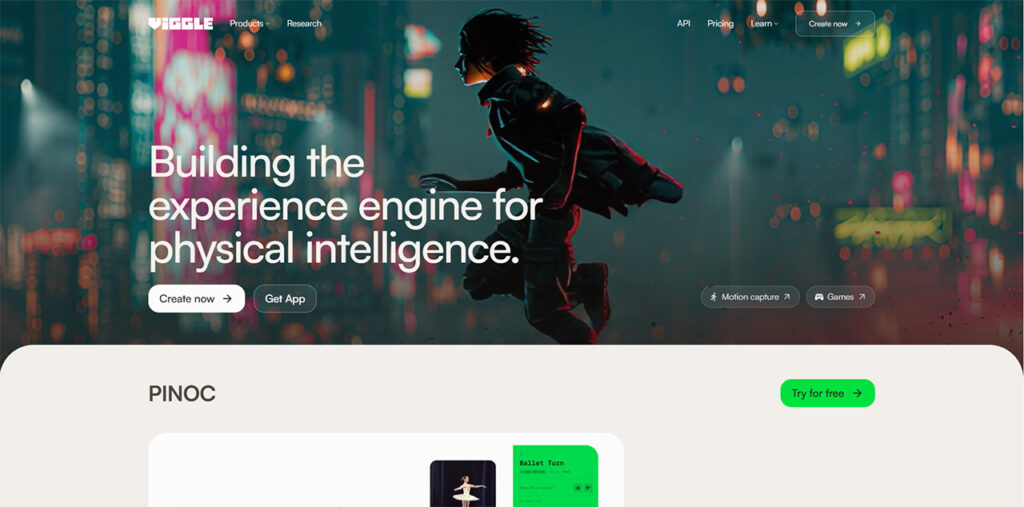
Viggle takes a different approach. Rather than listening to the music to invent choreography, it requires the user to provide an existing video of a dancer. The AI then maps your character's photo onto the movements of the person in the reference video.
Key Features
- Full-Song Performance (Not Clips): No. The output is entirely dependent on the length of the reference video you upload. It does not choreograph independently.
- Lip Sync While Dancing: No vocal support is integrated into the generation process.
- Steps to a Finished Video: Three steps (upload photo, upload reference video, generate).
- Platform Availability: Accessible via web, iOS, and Android applications.
- Maximum Output Length: The company has left the absolute maximum duration undisclosed in its public documentation.
Strengths
Extremely accurate preservation of complex human physics, provided you already have a clean reference video of a professional dancer performing the exact routine you want.
Limitations
It cannot generate original choreography from an MP3. If you do not have a reference video of someone dancing to your song, Viggle cannot help you.
Pricing
- Pricing: Pro starts at $7.99/mo (promotional pricing, originally $9.99).
- Free tier: Yes, allowing up to 5 videos per day.
- Watermark: The free tier includes a watermark. Paid tiers remove the watermark.
Use Case
Best for users who already possess a great clip of a dancer and simply want to swap the character's appearance.
3. Kling AI — Best for realistic high-resolution AI video generation
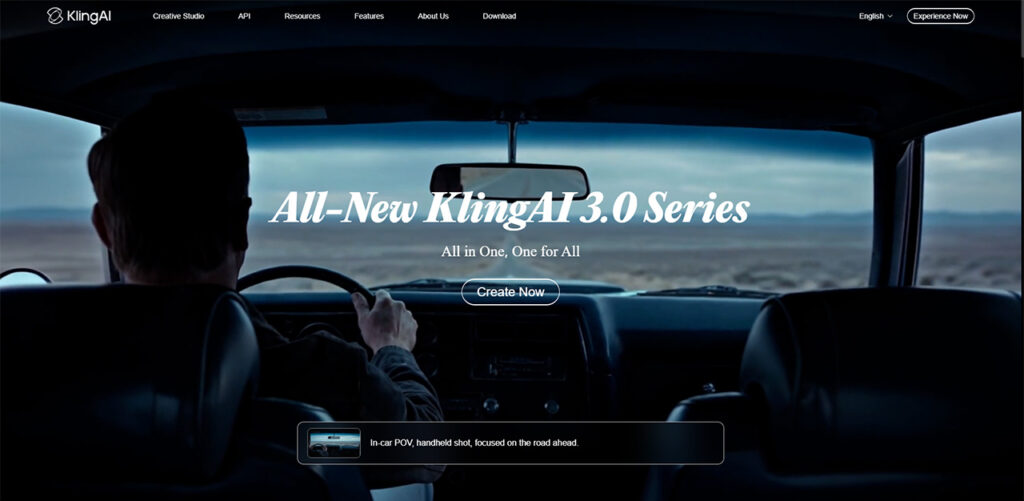
Kling AI is a heavyweight in the general AI video space. While not strictly dedicated to music-driven choreography, its advanced generation capabilities allow users to prompt characters to dance if they are highly skilled at writing descriptive text inputs.
Key Features
- Full-Song Performance (Not Clips): No. The system focuses on high-fidelity short fragments, typically outputting standard ~5-second clips.
- Lip Sync While Dancing: No built-in audio-to-vocal synchronization.
- Steps to a Finished Video: Three manual steps (write prompt, configure settings, generate).
- Platform Availability: Web browser environment.
- Maximum Output Length: Standard generations are limited to roughly 5 seconds.
Strengths
The visual fidelity and realism are exceptionally high.
Limitations
You cannot feed it an MP3 and expect it to automatically map out a routine. Everything depends on your text prompt, making it difficult to synchronize actions precisely to a musical beat.
Pricing
- Pricing: Operates on a pay-as-you-go and subscription model (e.g., Creator plans or API billing at ~$0.075/s).
- Free tier: Users receive 66 credits every 24 hours, enough to generate roughly three to six 5-second standard videos. Credits do not roll over.
- Watermark: A mandatory watermark is applied to every generation on the free tier. Paid plans remove the watermark.
Use Case
Best for prompt engineers seeking ultra-realistic, short 5-second B-roll clips where precise beat synchronization is not the primary goal.
4. Beatmv — Best for basic music video clip generation
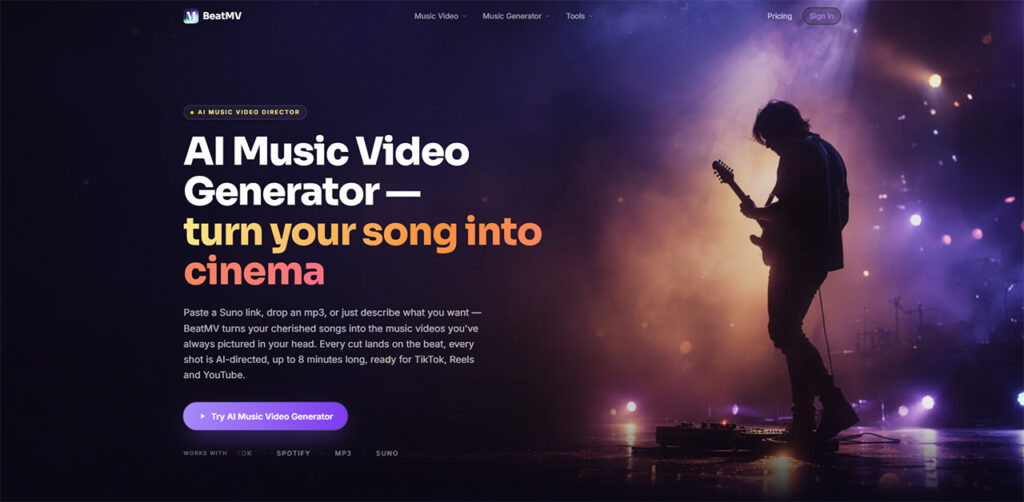
Beatmv provides a streamlined dashboard tailored for combining audio with generated visuals.
Key Features
- Full-Song Performance (Not Clips): No, the output generally leans toward shorter, assembled visual fragments.
- Lip Sync While Dancing: No vocal support.
- Steps to a Finished Video: Public specifications remain undisclosed regarding exact step counts.
- Platform Availability: Web-based interface.
- Maximum Output Length: Undisclosed.
Strengths
A straightforward user interface designed specifically for pairing music with visuals.
Limitations
Lacks the granular audio signal analysis required to snap transitions cleanly to high-speed percussive events.
Pricing
- Pricing: The Personal plan starts at $19.90/mo (with promotional discounts occasionally lowering it to $15.92).
- Free tier: Offers a starting balance of free credits.
- Watermark: Watermark policies are unstated in the verified public pricing documentation.
Use Case
Best for hobbyists wanting a rapid, basic visualizer for their audio tracks.
5. Mvnt-Studio — Best for exporting 3D dance animations
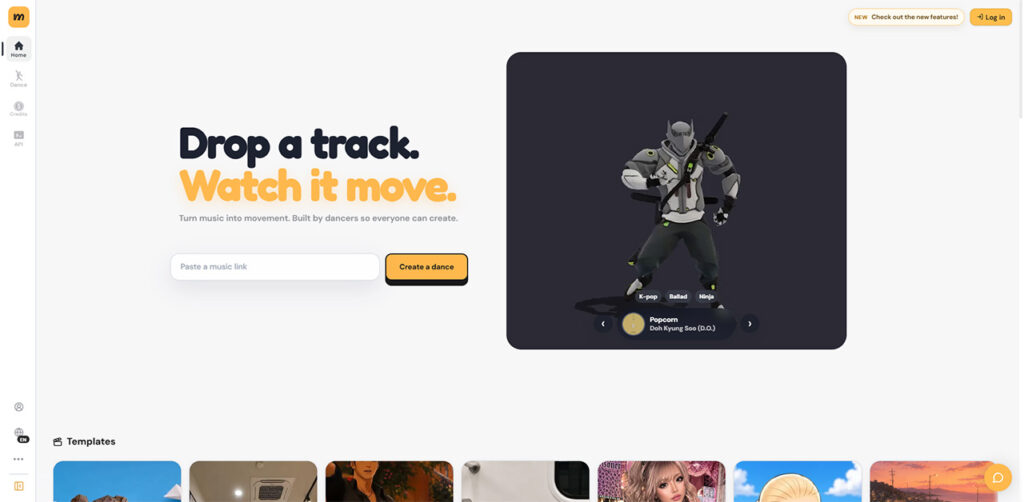
Mvnt-Studio targets 3D animators and developers rather than traditional 2D video creators. It analyzes audio to produce 3D movement data.
Key Features
- Full-Song Performance (Not Clips): No, outputs are focused on GLB 3D model exports rather than rendered video performances.
- Lip Sync While Dancing: No.
- Steps to a Finished Video: Four manual steps involving audio upload and 3D export configurations.
- Platform Availability: Web browser platform.
- Maximum Output Length: Undisclosed.
Strengths
Allows game developers to export actual 3D character rigging and animation files for use in external software.
Limitations
It is not designed for creators who want a finalized, rendered 2D video file to post directly to social media.
Pricing
- Pricing: Paid subscription plans start from $9.60/mo.
- Free tier: A free, web-based plan is available for testing basic generations.
- Watermark: Because outputs are 3D GLB files, traditional video watermarks do not apply (unstated in documentation).
Use Case
Best for game developers and 3D riggers who need spatial movement data rather than a rendered MP4.
6. Specialty Ecosystem Tools: Medeo, Dreamina, and Openart
While the major AI tools for dance video platforms focus heavily on video rendering, several specialty tools offer distinct advantages for specific workflow niches.
Medeo
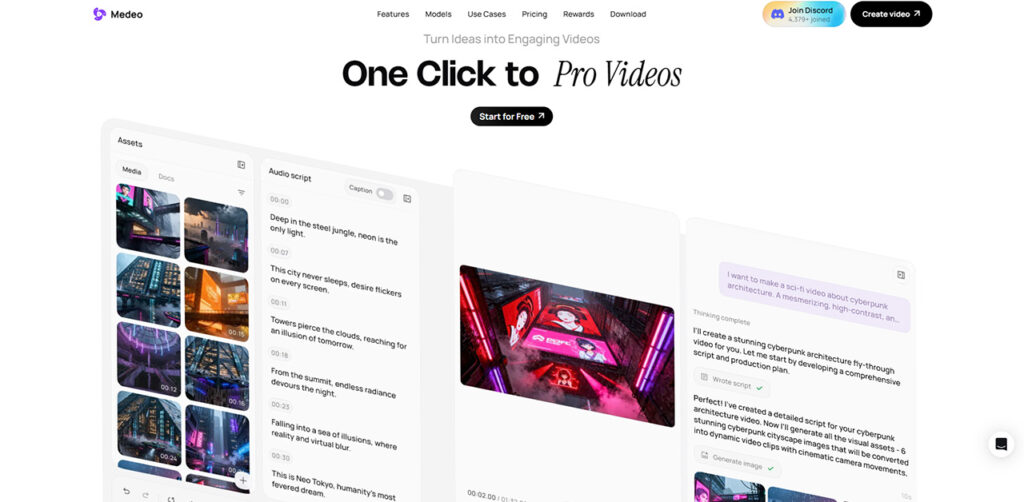
Medeo operates as an AI clip assembly utility.
- Pricing: Annual billing calculates to roughly $314/year (or from $26.16/mo).
- Free tier: A free tier is available.
- Watermark: Includes a specific watermark remover tool.
- Use Case: Best for fast AI video clip assembly and editing.
Dreamina
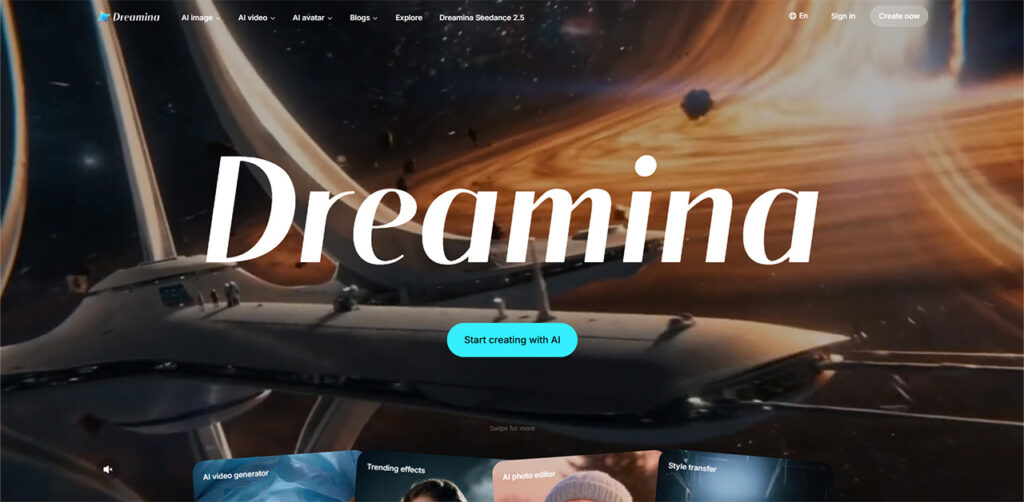
Dreamina serves as an accessible entry point within the ByteDance application ecosystem.
- Pricing: Specific tier pricing requires login access and is currently unstated publicly.
- Free tier: Advertised with a "Free to use" allowance.
- Watermark: Unstated in public documentation.
- Use Case: Best for basic ecosystem generation and straightforward edits on mobile devices.
Openart
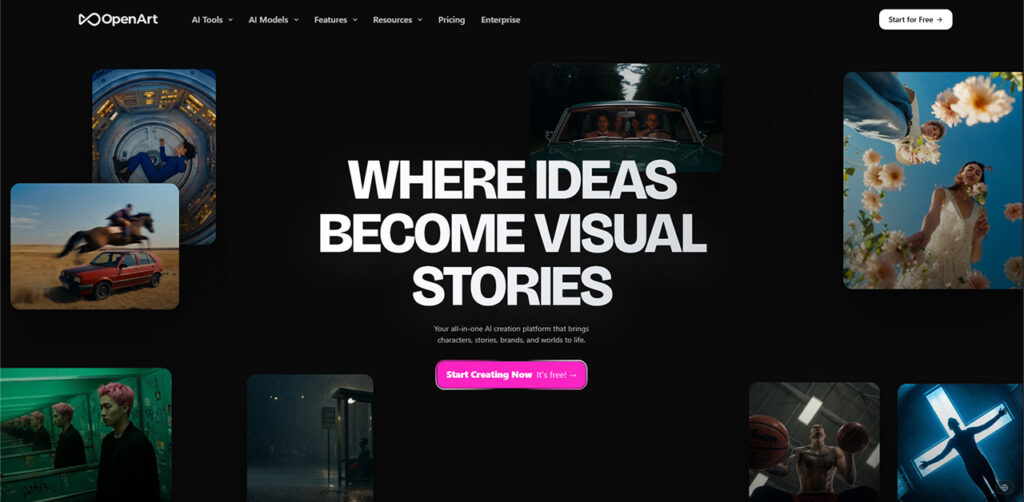
Openart traditionally focuses on high-quality static AI art but includes generation pipelines for basic animations.
- Pricing: Plans start from $13/mo (billed annually).
- Free tier: Offers a "Start for Free" trial.
- Watermark: Paid tiers explicitly offer watermark-free exports.
- Use Case: Best for creators who primarily want standard watermark-free AI art exports with light animation features.
Full Comparison
When comparing the landscape of software that can create dance videos from a song, the divide ultimately comes down to methodology. AI tools for dance video like Viggle rely entirely on reference mapping—if you do not feed the system an existing video of a human performing the exact routine, it cannot generate the performance. General video engines like Kling AI rely on text prompts, forcing the creator to describe the routine in words, which rarely results in movements that tightly synchronize to an audio file's unique BPM.
True audio-driven generation requires the system to act as a choreographer. The AI must be capable of analyzing the song's energy curve, identifying the intro, verse, and chorus, and snapping the generated movements to the beat grid. Currently, only purpose-built engines engineered specifically for music visualization possess the backend architecture required to synthesize 20+ dance styles directly from an MP3's tempo.
Which tool should you choose?
- If you need a complete, auto-choreographed performance driven by the song's actual rhythm, choose freebeat.
- If you already have a video of someone dancing and just want to swap their appearance, choose Viggle.
- If you want to generate ultra-realistic 5-second cinematic B-roll clips using advanced text prompts, choose Kling AI.
- If you are a game developer needing to export GLB 3D models for a custom character, choose Mvnt-Studio.
- If you require standard AI art generation with basic watermark-free exports, choose Openart.
Frequently asked questions
Q1. What is the best tool for generating dance choreography from music?
Freebeat is the best tool for generating choreography directly from audio because its music analysis engine reads the track's tempo, beat grid, and energy curve to automatically map out a routine. Rather than looping a generic animation, it uses 5-tier beat quantization to ensure transitions and movements land on the song's actual percussive events.
Q2. How does beat synchronization actually work in AI generation?
True beat synchronization goes beyond simply matching a BPM number. Advanced AI engines analyze multiple distinct signals within the audio file. For example, the system will identify the frame-accurate timestamps of individual kick and snare hits, map the loudness (energy curve), and segment the track into Intro, Verse, and Chorus. The generated character's movements are then snapped to these specific timestamps.
Q3. Do these tools require me to upload an existing reference video?
It depends on the software's underlying technology. Video-to-video platforms (like Viggle) strictly require you to upload a reference video of a human performing the routine. Conversely, audio-driven platforms (like freebeat's Dance Video generator) do not require reference footage; they invent the routine natively from the MP3 or audio link you provide.
Q4. Can the avatar sing along while performing the routine?
Most standard video generators cannot handle simultaneous vocal and body generation. However, specialized music video agents are capable of this dual performance. For example, freebeat's Music Video Agent (Singing MV mode) provides approximately 90% lip-sync accuracy across 12+ optimized languages, allowing the character to sing the lyrics while executing the choreography.
Q5. Is there a way to generate full-length performances instead of short clips?
Yes, but you must select a platform designed for music track visualization rather than general B-roll generation. While standard AI models cap exports at roughly 5 seconds, dedicated platforms support full-track durations. Users on freebeat's Pro plan, for instance, can generate continuous performances up to 6 minutes long, keeping the character visually consistent across 80+ dynamic camera shots.
%201.png)

%201.png)

%201.png)