
I tested eight AI app builders on real users and real data so you don’t have to
Choosing the best AI app builder for internal tools looks easy. There are tons of tools and all you need to do is describe your tool to get started. The builder returns something that works, and the demo goes well at the Monday stand-up. That’s not the hard part. The real test comes around day 90, when a second department asks for access and the finance lead wants to know who edited a record last month.
All eight platforms below can produce a working app from a prompt or a template. They grow very differently after that when deciding who can see which records, and in who can make the next change without filing a ticket. We've used all eight and pulled accurate pricing data as of November 2026.
Key points on AI internal tool builders
- An internal tool needs sign-in and record-level permissions before anyone outside the build team opens it.
- Connecting to the systems your team already runs, such as a SQL database or a CRM, saves a migration and keeps one source of truth.
- The cost that matters after launch is the cost of change: who can edit the tool, and whether each edit spends AI credits or a developer's afternoon.
- AI agents are moving into internal tools, so the permission model you set in month one also sets what those agents can read.
The ranked list:
- Softr: AI app builder for operations teams, with prompt-built databases and apps on top of existing data
- Retool: internal tools platform for engineering teams working in SQL and JavaScript
- Microsoft Power Apps: low-code apps inside Microsoft 365 and Dataverse
- Glide: apps that start from spreadsheets, with roots in mobile design
- Superblocks: an AI coding agent for internal apps under central IT controls
- DronaHQ: internal apps and agents, hosted in its cloud or yours, with unlimited users
- Knack: a no-code online database with an app designer and unlimited users
- Bubble: a visual builder for web and native mobile apps with custom design
What an internal tool needs that a prototype doesn't
A prototype has one user, the person who built it. An internal tool has a team behind it, and those people don't all get the same view. AI shortens the path to a first version; it leaves four requirements untouched.
- Permissions that follow the person. A sales rep sees their own accounts while an admin sees every region. Those rules belong on the server, so a pasted URL can't expose another team's rows.
- A live connection to existing data. Most ops teams already keep the truth somewhere, often an Airtable base or a Postgres database. A tool that copies that data into a new silo leaves you a second version to reconcile every Friday.
- An audit trail. A number looks wrong in the quarterly review, and someone asks who changed it. Some platforms log record history on mid-tier plans, while others hold audit logs back for enterprise contracts.
- Edits by the people who run the process. The ops manager who owns the approvals queue should be able to add a field or a status without waiting for an engineer's next sprint.
The 8 best AI app builders for internal tools
Each entry pairs strengths with limitations for internal-tool work and closes on the entry price.
1. Softr
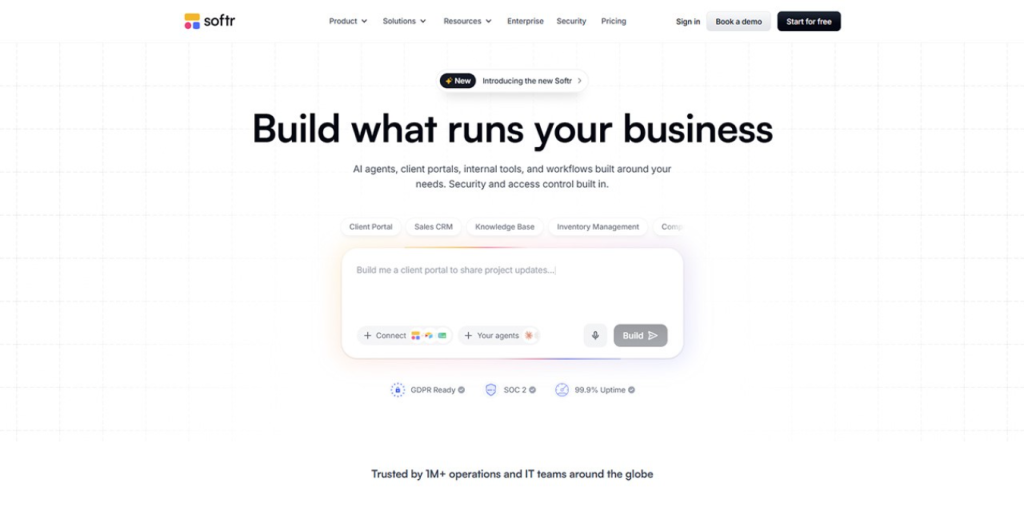
Softr gives operations teams a no-code AI app builder for business apps such as internal tools and secure client portals. Describe the tool, and the AI Co-Builder returns a database plus the core app, complete with user groups and permissions. You layer workflows on as a second step, through a prompt or the visual editor.
Strengths:
- Runs on existing Airtable, HubSpot, SQL or Google Sheets data, or on Softr Databases; Migrate from Airtable arrived in October 2026.
- Admins see all records, and each user group sees what its permissions allow.
- Prompt or edit by hand, in whichever order suits the moment, and adjust logic or add features yourself, so the ops lead changes the tool with no developer involved.
- Softr Databases, the app, Softr Workflows and Softr Forms share one tool on components Softr maintains, leaving no vibe-coded codebase to debug, host or secure.
- Customer data lives in Frankfurt under Softr's GDPR compliance, and its Trust Center offers the SOC 2 Type II report.
- Enterprise adds SSO, SCIM and application and database audit logs for whoever owns compliance.
- Through Softr MCP, you can build or revise apps from Claude, ChatGPT, Codex or Cursor sessions on any plan, spending no Softr AI credits.
Limitations:
- Apps target desktop use; phone-first field crews may prefer a mobile-first builder.
- Granular permissions need Pro; record-level global data restrictions need Business.
Pricing is flat per app user, not per seat: after a $0 Free plan (three builders, five app users, 5,000 records), Basic is $19 a month, with Pro and Business at $99 and $329 when billed for the year. Visual edits use no credits, so building carries on once the AI allowance is spent.
2. Retool
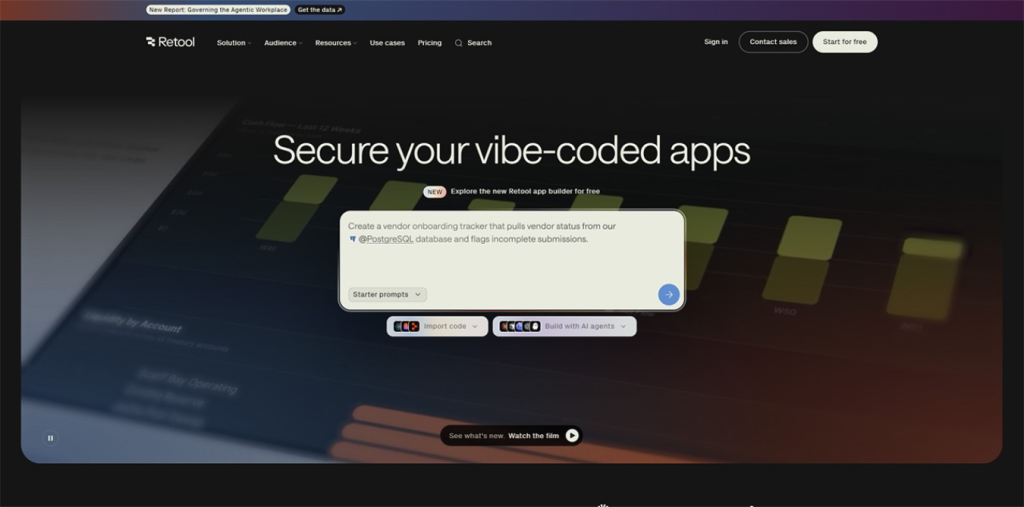
Retool targets engineering teams that build internal software on top of databases and APIs. Its AI drafts apps and runs AI actions inside them, drawing on a pooled monthly credit allowance.
Strengths:
- Connects to databases, APIs and LLM providers, with staging and production resources on paid plans.
- Version control through Git and audit logs suit teams that treat internal tools like production software.
- Enterprise customers can run Retool in its cloud, self-hosted or air-gapped.
- The Free plan covers up to 5 users and 250 pooled AI credits a month.
Limitations:
- Setup is technical and involved, so an engineer tends to end up owning each tool.
- Pricing counts both builders and internal users, which means the bill grows with headcount.
- Audit logs and external users start on Business, and Git source control and SSO sit in Enterprise.
On annual billing, Retool's Team plan charges builders $10 and internal users $5 a month apiece, Business raises those to $50 and $15, and Retool quotes Enterprise.
3. Microsoft Power Apps
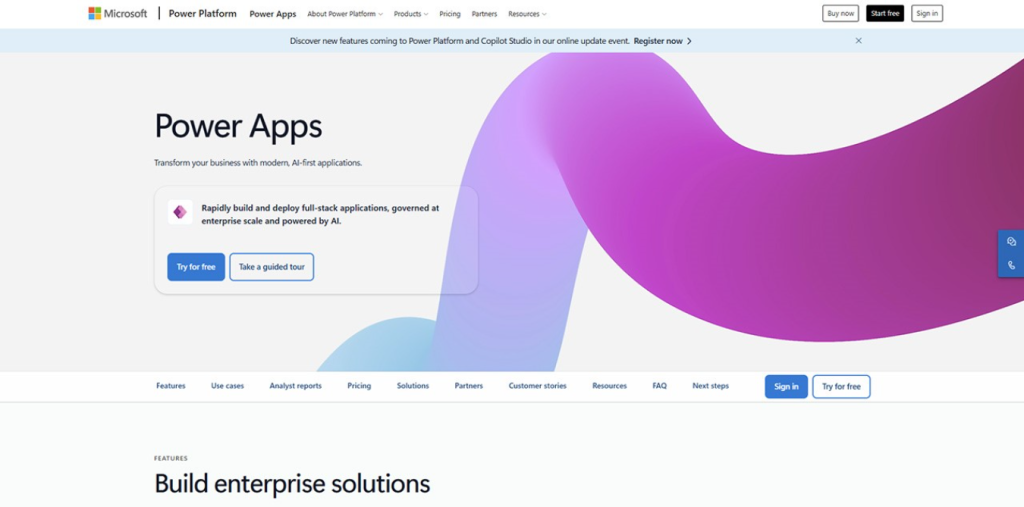
Microsoft's Power Apps is a low-code platform for business apps running on Power Platform and Dataverse. Licensed users get agentic features and Microsoft 365 Copilot Chat inside their apps.
Strengths:
- Fits companies whose files and business data already live in Microsoft 365.
- Central governance through the Power Platform admin model is a core part of the product.
- A free Developer Plan gives makers three developer environments for building and testing.
- Premium includes unlimited apps and Power Pages for each assigned user.
Limitations:
- Every person who runs a production app needs a Premium license or pay-as-you-go coverage, since the Developer Plan stays non-production.
- Each Premium license carries a 250 MB Dataverse database entitlement, and extra capacity costs $40 per GB per month.
- Custom agents run through Copilot Studio, which needs an Azure subscription and its own credit purchases.
Premium is $20 per user each month with a 12-month commitment, and buyers of 2,000 or more licenses pay $12.
4. Glide
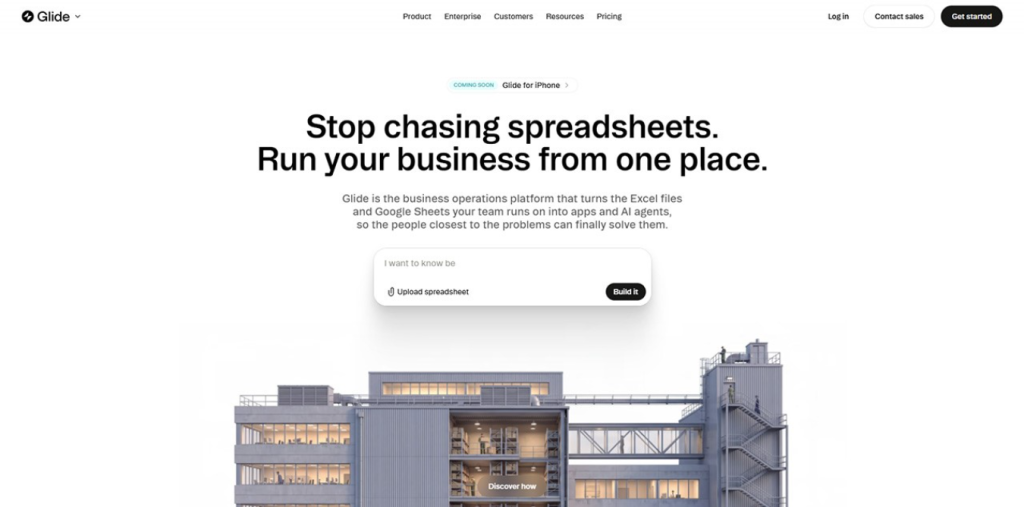
Glide, now sold as GlideOS, turns a spreadsheet, a typed description, a PDF or a screenshot into an internal business app. Its SheetSense system translates existing spreadsheets into app structure.
Strengths:
- Glide is a mobile-first builder, so apps look at home on the phones of crews in the field.
- Starting from a spreadsheet suits teams whose process sits in a Google Sheet or an Excel file today.
- Higher tiers add project-level roles and permissions plus publishing approval.
Limitations:
- Building spends credits, which GlideOS uses as a standard measure of LLM tokens, and heavier months mean buying top-ups or a bigger plan.
- Basic allows 2 published apps and Plus allows 5, so unlimited published apps start at the $125 Pro tier.
- On Glide's G2 listing, the Expensive tag appears 32 times and Pricing Issues 26 times, and the vendor says annual plans are still coming.
Basic costs $25, Plus $50 and Pro $125 per month (Pro starts at 5 team members), with a Free plan that includes limited credits.
5. Superblocks
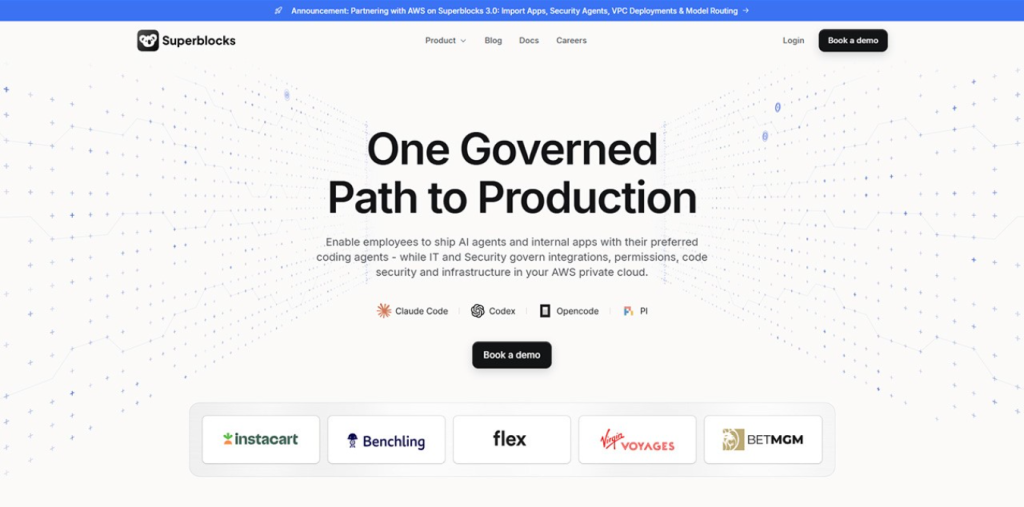
Superblocks gives business teams Clark, an AI coding agent that builds internal apps on company data, while IT manages integrations and permissions from one admin console. It can also import prototypes from Claude, Lovable or Replit.
Strengths:
- Enterprise deployments can run inside your own AWS, GCP or Azure VPC, in hybrid or cloud-prem mode.
- Clark works within each builder's existing access to systems such as Postgres, Snowflake and Salesforce.
- Teams includes staging and production environments and 50+ integrations.
Limitations:
- Clark generates code, so someone still has to review it through source control, which is an Enterprise feature.
- Role-based access control, SSO and audit logs are Enterprise features too.
- Teams includes 1 hosted app, with each extra app at $10 per month, and AI building draws on 100 Governed Agent Units a month.
- There's no free plan; Superblocks offers a 14-day trial.
Teams costs $125 per month on monthly billing or $100 on annual billing, and Enterprise pricing is custom.
6. DronaHQ
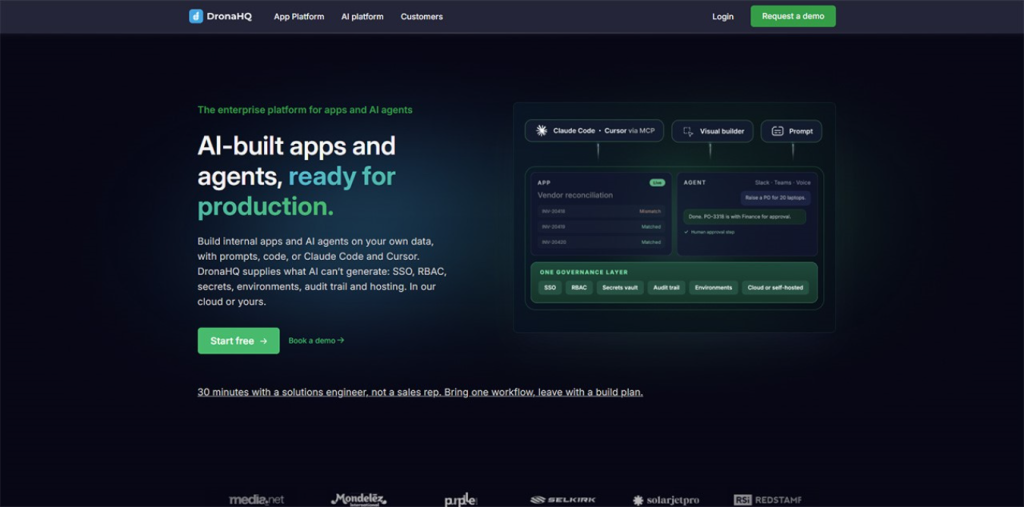
DronaHQ lets teams build internal apps and AI agents with prompts, a visual builder, JavaScript or AI coding tools through DronaHQ MCP. It runs in DronaHQ's cloud or on your own servers, and DronaHQ says every build route runs on the same platform.
Strengths:
- App plans include unlimited users, with usage metered in tasks at $0.002 per task for top-ups.
- Starter includes rules and validation plus version release and history, which help with clean data at entry.
- Business adds SAML and OpenID Connect SSO along with data environments.
Limitations:
- The jump from Starter to Business is steep: $100 to $500 per month on annual billing.
- Audit logs and granular permissions sit in the custom-priced Enterprise plan.
- Pushing and pulling apps through Git works on self-hosted instances alone.
Starter is $100 a month if you pay for the year ($140 month to month) and Business is $500 ($700 month to month), while Enterprise goes through sales.
7. Knack
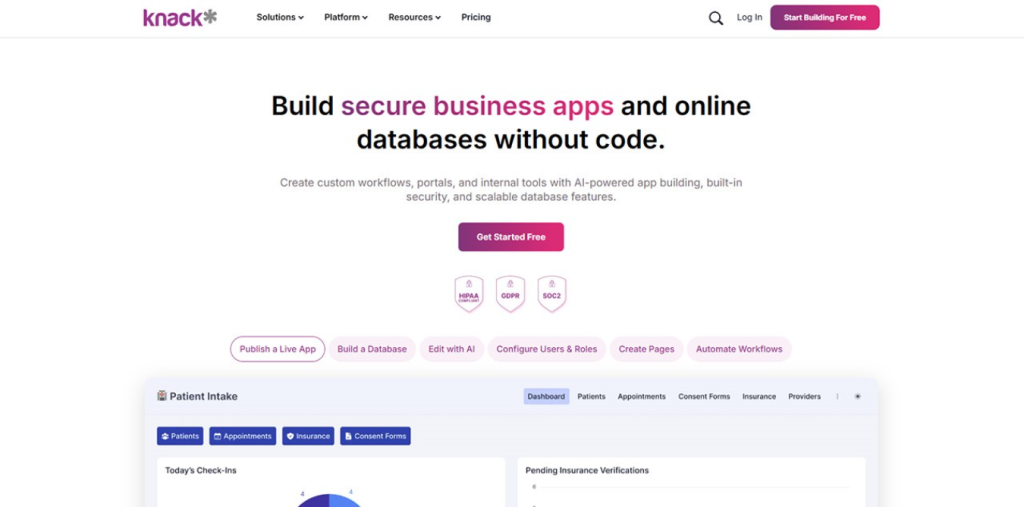
Knack pairs a no-code online database with a front-end app designer for small teams building data apps and portals. Its AI App Builder drafts the first version of an app, including tables, fields and pages, from a chat prompt.
Strengths:
- Plans include unlimited users and roles.
- Knack Flows and the Knack API handle automation and integration from Starter.
- Record audit logs start on Pro, with one month of history, and Corporate keeps two months.
Limitations:
- Record caps are tight on the lower tiers: 20K records on Starter and 50K on Pro.
- Starter includes 25 AI credits a month, which limits how much of the AI builder you can use.
- There's no free plan; a 14-day trial is the way to test it.
Starter costs $59 per month billed monthly or $49 on annual billing (new customers get $19 for the first three months), Pro $130 monthly, and Corporate starts at $300.
8. Bubble
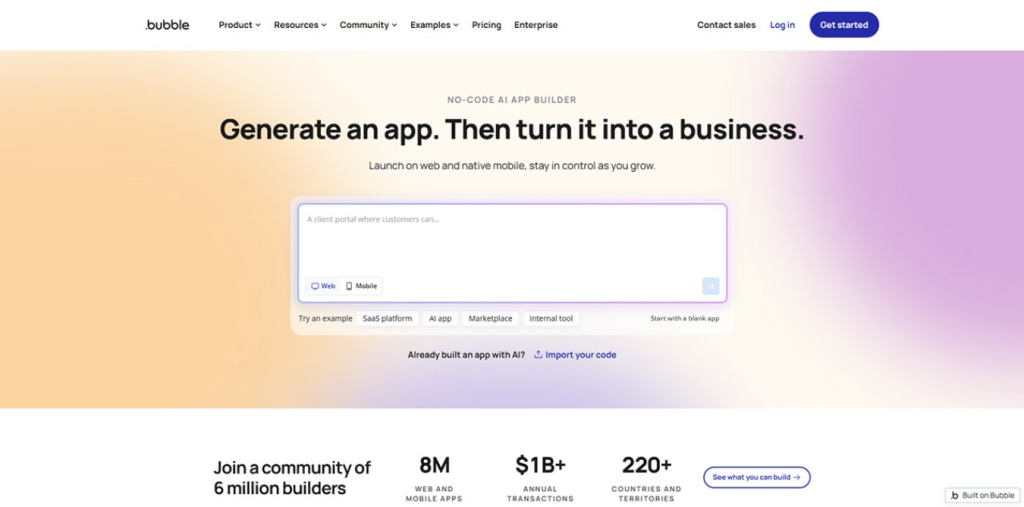
Bubble is a visual platform for web, iOS and Android apps that share one backend, with AI that generates pages and an editor for design, data and logic.
Strengths:
- Designers get more front-end freedom here, including custom layouts, animation and heavy branding.
- Web and native mobile versions share the same database, workflows and API connections.
- A heavy month can be covered with extra workload units or AI credits, no plan change needed.
Limitations:
- Workload units meter server processing, so a busy month can push you into a higher tier or overage charges.
- The Free plan stays a development version, and launching an app requires Starter.
- Access control depends on privacy rules you configure yourself, which adds setup before a team can sign in.
- Starter keeps 2 days of server logs and Growth keeps 14, so tracing an old problem takes a higher tier.
Starter costs $32, Growth $119 and Team $349 per month on annual billing, with a free development plan.
Where AI-built internal tools fall short
The gaps below show up across the category, including on platforms that handle them well once you configure them. Treat each one as a test for your trial build.
Gap 1: permissions and access
A first build can come back with a single role in which everyone sees everything. That's fine for the person who prompted it and wrong the day a contractor joins. Before launch, list each group that will sign in and the records each one should reach. Then sign in as your most restricted user and try to open a record that belongs to someone else. If the platform enforces its rules in the browser instead of on the server, a technical user can get around them.
Gap 2: connecting to real data
A prompt can create a fresh database, and that's where many internal tools split off from the company's real records. The customer list stays in the CRM while a second copy now lives in the new app. Ask two questions during the trial. Does the builder read and write the existing source in place? Do the connectors you need sit on the plan tier you'll buy, or one tier up?
Gap 3: data quality at entry
The AI drafts the form fields; you supply the rules. Your team knows that a PO number must match the ERP's format and that a request can't skip the cost center, so spell those rules out in the builder. Add required fields and dropdowns where people type free text today. Check for duplicates on the forms that get the most traffic, because a bad record entered in March turns into a wrong report at quarter close.
Gap 4: change requests without a developer
The first change requests land soon after launch: a new status, then an extra approval step. If each change means a new prompt against generated code, small edits can spill into parts that already worked. Before you commit, hand two real change requests to a non-technical teammate and watch them make the changes alone. Note whether each edit spent AI credits and whether anything else broke.
Gap 5: audit trail and integration depth
Several platforms in this list reserve audit logs for their top tier, so price that tier before you build on a lower one. Integration depth matters as much. Connecting to a source once is simple; keeping that connection working after someone renames a field is harder. Ask the vendor how the app behaves when a source schema changes, and whether a failed workflow run alerts anyone.
Agents inside internal tools in 2027
Agents raise the stakes on all five gaps. By 2027, Gartner predicts, a third of agentic AI deployments will pair agents that have different skills to handle complex work across applications and data. For an internal tool, that means an agent reading the tables your staff use and acting on them, under whatever permission model you set in month one. Governance also shapes which agent projects survive. Gartner expects organizations to scrap over 40% of their agentic AI projects before 2027 is out, and it names inadequate risk controls as a cause next to escalating costs. A team that already knows who can see and change each record has fewer unknowns when it switches an agent on.
Your first 90 days with an AI-built internal tool
Start this checklist the day the tool goes live, whichever platform you pick.
Days 1 to 30
- Write down each user group and what it should see and edit.
- Connect the real data source instead of importing a copy, and confirm that edits write back.
- Sign in as the most restricted user and try to reach another person's record.
Days 31 to 60
- Give the next two change requests to the process owner instead of the original builder.
- Add validation to the busiest forms: required fields, dropdowns and duplicate checks.
- Price the plan tier that includes audit logs at the user count you expect a year from now.
Days 61 to 90
- Review the audit trail, or the gap where it should be, with the person who owns compliance.
- Pick the steps worth automating with workflows now that the process has settled.
- Test any AI feature against your permission rules before it reads production data.
How to choose an AI app builder for internal tools
Start with the person who will maintain the tool a year from now. If that's the ops manager who runs the process, look for a platform where they can switch between prompting and a visual editor, with permissions and data connections included on the plan you'll pay for.
Then match the edge cases. Crews who work from phones in the field will get more from Glide's mobile-first design. An app that calls for bespoke layouts, motion or heavy brand styling fits Bubble's front-end design freedom. A tool that engineers will own, with version control and audit logs as hard requirements, points to Retool, provided you can staff its technical setup.
Last, run the pricing at the size you'll reach. Per-user models charge for each employee who opens the app. App-user and unlimited-user models price the audience on other terms, and credit-metered building adds a second meter on top. Ask each vendor for the cost of your expected user count plus a busy month of changes.
Picking the best AI app builder for internal tools in 2026
If you care about security, auditability, team access, and pricing transparency, my pick for 2026 is Softr. Like most decisions, your use case will define which vendor to choose. Glide suits mobile-first field apps and Bubble gives more room for front-end design, while Retool covers version control and audit logs for teams that can handle a technical setup. As agents move into internal tools through 2027, the permission model you choose this quarter will govern what they can see.
Related insight: The List of Top AI App Development Agencies in the USA with Vibe-Native Expertise