
Search "customer onboarding software" and you get a list of tools that appear to do the same thing. They do not.
Some build guided tours inside your product. Some manage the implementation project with your client.
Some live inside your CRM. And a newer category does the setup work itself rather than pointing at where the work should happen.
Picking the wrong category is the expensive mistake here, not picking the wrong vendor within a category. So this guide sorts four strong tools by the problem each one actually solves.
Key Takeaways
- "Onboarding software" covers at least four distinct categories. Identify yours before you compare feature lists.
- Self-serve products with high signup volume need in-app guidance. High-touch implementations need project management.
- If your onboarding lives in HubSpot or Salesforce today, a CRM-native tool will beat a standalone platform on adoption alone.
- The newest category uses AI agents that perform setup tasks rather than narrate them, which changes what onboarding can cover.
- Almost none of these publish flat pricing, and most price by monthly active users or seats. Get quotes before you shortlist.
The Four Categories Hiding Behind One Label
In-app guidance platforms : overlay your product with tooltips, checklists and walkthroughs. They are built for volume and self-serve activation.
Implementation and PSA platforms : run onboarding as a project with milestones, owners and a client portal. They suit complex rollouts with a human lead.
CRM-native onboarding tools : attach onboarding plans to existing CRM records, so nothing lives in a separate system.
AI onboarding agents : are the new entrant. Instead of showing a user where to click, the agent clicks, configures and completes the setup with them.
1. Aimdoc
Category: AI onboarding agent. Best for: B2B SaaS teams where empty trials and slow time-to-value are the real problem.
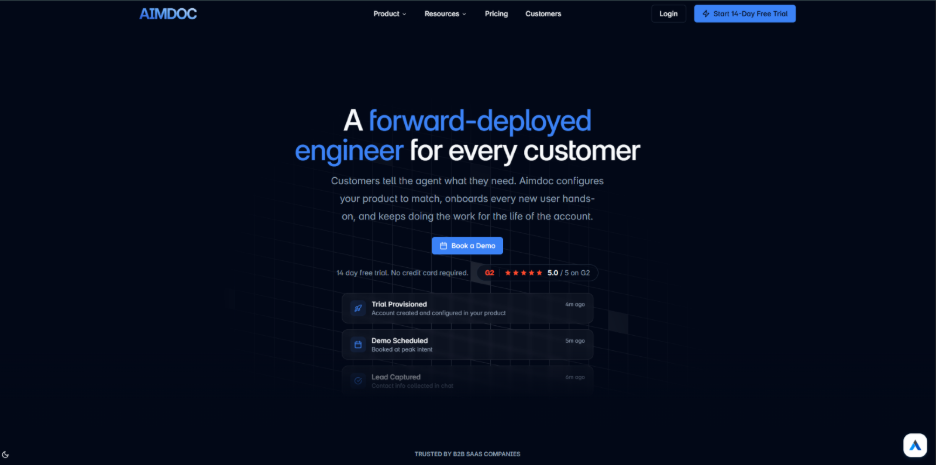
Aimdoc positions itself as a forward-deployed engineer for every customer, which is a bigger claim than most onboarding tools make. The distinction is that the agent performs work inside your product rather than describing it.
It runs across three surfaces. A Gateway endpoint lets a prospect's own AI agent, whether that is ChatGPT, Claude, Gemini or Grok, talk directly to yours. The same agent handles human visitors on your site before moving inside the application.
For teams evaluating Customer Onboarding Software, the application layer is where Aimdoc separates itself from the category. Trials can be provisioned and configured before first login based on what the agent learned pre-signup, using your own application endpoints. After signup, it navigates and configures alongside the user, showing each step.
Also worth knowing: You can teach it by recording a task once with narration, and it then runs that task for every new customer. Verified identity unlocks CRM context so onboarding fits the specific account. It is SOC 2 Type II certified and GDPR compliant, does not train on your data and rates 5.0 out of 5 on G2. There is a 14-day free trial with no card required.
2. Userpilot
Category: In-app guidance and product analytics. Best for: Product-led companies with meaningful self-serve signup volume.
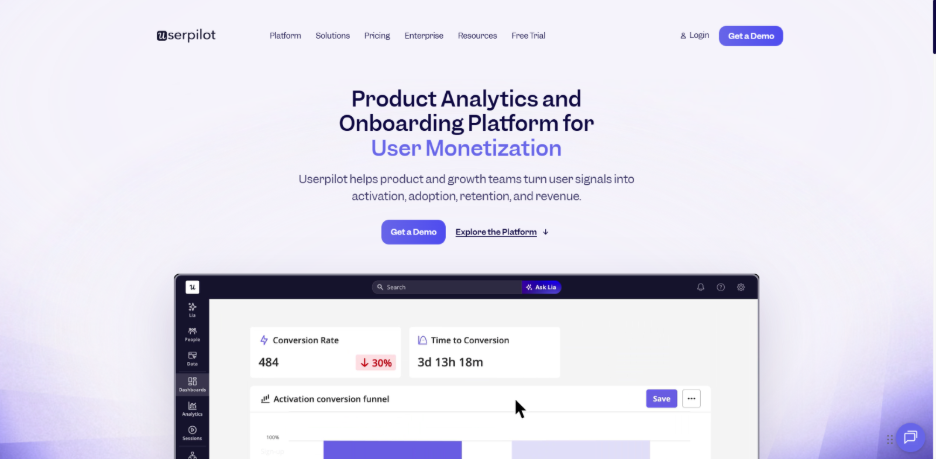
Userpilot is a no-code product experience platform, and the appeal is that non-engineers can ship onboarding changes the same week they think of them. The builder covers tooltips, hotspots, banners, modals, slideouts, checklists and spotlights.
What makes it more than a tour builder is the analytics side. Funnels, retention reports and session replay sit in the same product, so you can find the drop-off and fix it without exporting to a second tool.
Also worth knowing: A/B testing is built in, experiences can be segmented by plan, role or behavior and there is mobile support alongside web. Pricing is tiered by monthly active users, so cost scales with your user base rather than your team size.
3. Rocketlane
Category: Implementation and professional services automation. Best for: Teams running complex, human-led rollouts with billable time.
Rocketlane treats onboarding as a delivery project, which is the right frame if your implementations run for weeks and involve several people on both sides. Each client gets a branded portal, and you control exactly what they see.
Underneath sits real project management: tasks, dependencies, forms, documents, templates and playbooks. Automated reminders chase the steps your customer owes you, which is usually where onboarding actually stalls.
Also worth knowing: Projects can launch automatically when a deal closes, workflows can trigger from CRM fields and status pushes back into the CRM. It also tracks billable against non-billable time and runs CSAT surveys through the journey, which matters if onboarding is a revenue line rather than a cost center.
4. Arrows
Category: CRM-native onboarding plans. Best for: Teams already running post-sales inside HubSpot or Salesforce.
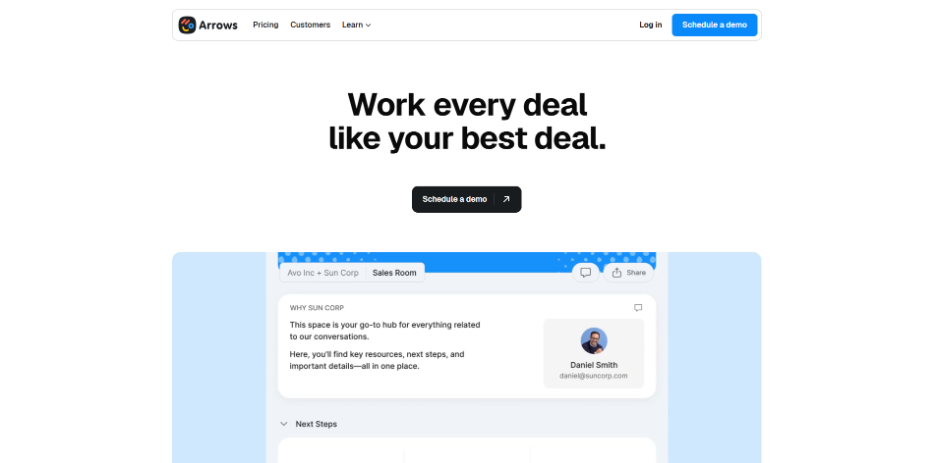
Arrows makes one decision very deliberately, which is that onboarding data belongs in your CRM rather than beside it. Plans attach to HubSpot deals, tickets and custom objects, or to Salesforce opportunities and cases.
Your customer gets a clear, shared list of what happens next. Your team gets progress visibility on the record they already work from, with real-time notifications as tasks complete.
Also worth knowing: Templates let you run different journeys per segment, and CRM data can dynamically include or skip tasks. Tasks embed tools you probably already use, including Calendly, PandaDoc, Loom, Google Docs and Typeform. HubSpot Ventures is an investor, which tells you something about how deep that integration goes.
Quick Comparison
| Tool | Category | Best fit | Notable |
| Aimdoc | AI onboarding agent | Self-serve B2B SaaS with weak trial activation | Configures the product, not just the tour |
| Userpilot | In-app guidance | Product-led growth at volume | Onboarding plus analytics in one place |
| Rocketlane | Implementation and PSA | Complex, human-led rollouts | Client portals and billable time tracking |
| Arrows | CRM-native plans | HubSpot and Salesforce teams | Onboarding data stays in the CRM |
How to Choose Without Wasting a Quarter
Start with where onboarding currently lives. If your team runs it out of CRM records and spreadsheets, a CRM-native tool removes the most friction with the least change management.
Then look at your volume and your touch model. Hundreds of self-serve signups a month point to in-app guidance or an AI agent. A dozen enterprise implementations a quarter point to a PSA platform.
Ask what your churn data actually says too. Onboarding tools are usually bought to fix activation, but if customers are leaving in month six the problem may sit further downstream, and the wider customer retention strategies conversation is the one worth having first.
Finally, be honest about who will maintain it. A no-code builder still needs someone who owns the flows, and an unmaintained onboarding tour ages badly.
What to Check Before You Sign
Three questions save money at this stage.
Ask how the tool handles product changes. Anything anchored to specific UI elements can break when you ship a redesign, so find out what happens then and who fixes it.
Ask about data handling if you are in a regulated industry. SOC 2 Type II, GDPR terms and a clear position on whether your data trains a vendor model are reasonable things to require in writing.
Then ask for a reference in your category, not just your industry. A glowing reference from a PLG company tells you very little if you run six-week enterprise implementations.
Then ask what happens at renewal. Some vendors price on monthly active users, which means a good year for your product is also a bigger invoice, and that is worth modeling before you commit to an annual term.
The Bottom Line
There is no best onboarding tool, only a best match for your touch model and your volume. The four here occupy genuinely different ground, which is why comparing their feature lists side by side would tell you almost nothing useful.
Work out which category you are in first. That decision does more for your activation numbers than any amount of vendor comparison inside the wrong one.
Frequently Asked Questions :
What is the difference between user onboarding and customer onboarding?
User onboarding usually means getting an individual to value inside the product, often self-serve and in-app. Customer onboarding is the wider account-level process including kickoff calls, data migration, integrations and training, and it typically involves a human owner.
Do I need onboarding software if I already have a CRM?
Not always, but a CRM alone rarely gives customers a clear view of what they owe you. That is why CRM-native onboarding tools exist, since they add a customer-facing plan without moving your data out of the system your team already uses.
Can AI agents really handle onboarding on their own?
They can now handle a meaningful share of it, particularly configuration and repeatable setup tasks. The realistic model is an agent that completes routine work while your team spends its time on complex accounts and strategic conversations rather than screen-sharing the same setup for the tenth time.
How much should I expect to pay?
Most vendors in this category quote rather than publish, and pricing is commonly tied to monthly active users or seats. Budget for implementation time as well as license cost, because the tool that takes a quarter to configure is rarely the cheapest option overall.
%201.png)

%201.png)

%201.png)