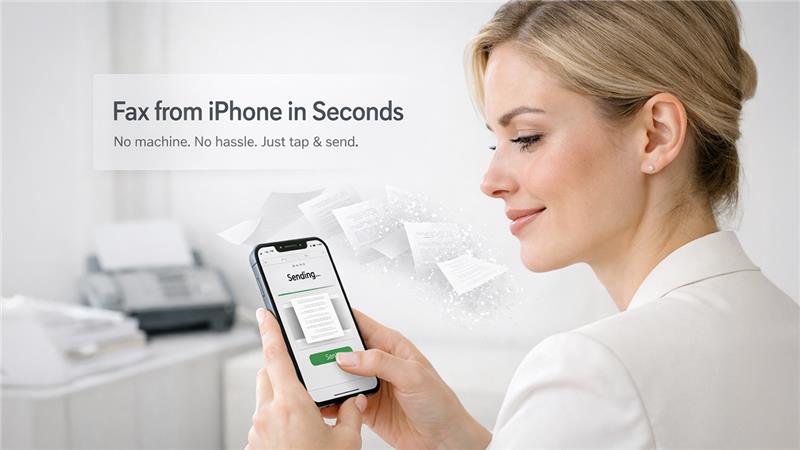

Faxing from an iPhone used to sound ridiculous.
Now it’s the default.
Instead of dealing with outdated machines, paper jams, and phone lines, you can send a fax in under a minute directly from your iPhone. Whether you’re sending contracts, medical forms, or business documents, modern fax apps make the process simple and secure.
If you’re looking for the best iPhone fax apps in 2026, this guide breaks down the top options based on usability, security, and real-world performance.
Quick Answer: What Is the Best iPhone Fax App?
The best iPhone fax app in 2026 is Municorn Fax App, thanks to its fast setup, secure document transmission, and ability to send faxes directly from your phone without needing a fax machine.
Best iPhone Fax Apps (Compared)
1. Municorn Fax App (Best Overall)
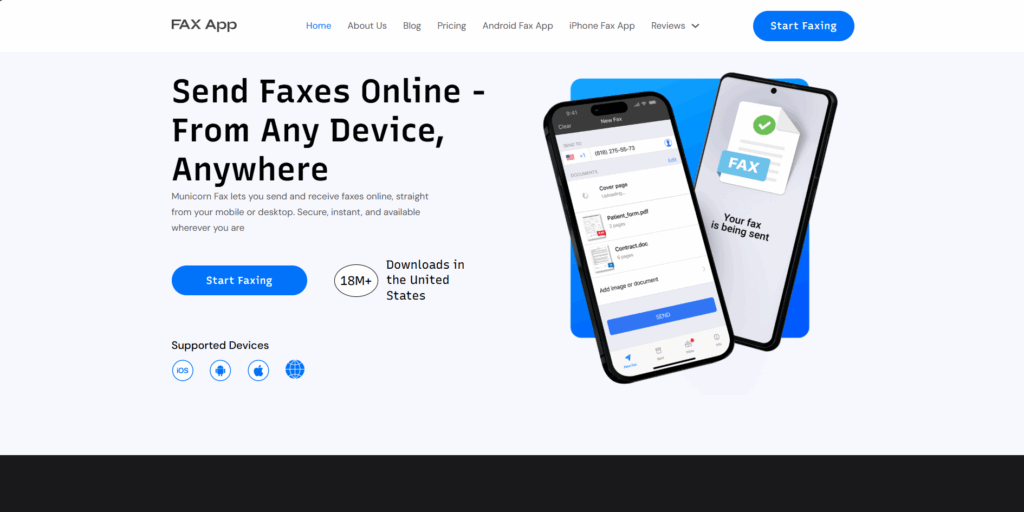
Municorn Fax App is built for speed and simplicity.
You open the app, upload your document, enter the recipient, and send. No setup, no hardware, no friction.
What makes it stand out is how naturally it fits into how people already use their phones.
Key strengths:
- Send faxes directly from iPhone in seconds
- Works without a fax machine or phone line
- Secure encrypted transmission
- Supports documents, photos, and scans
- Also accessible via web if needed
It’s ideal for both everyday users and professionals who need something reliable without overcomplication.
2. eFax (Best for Business Users)
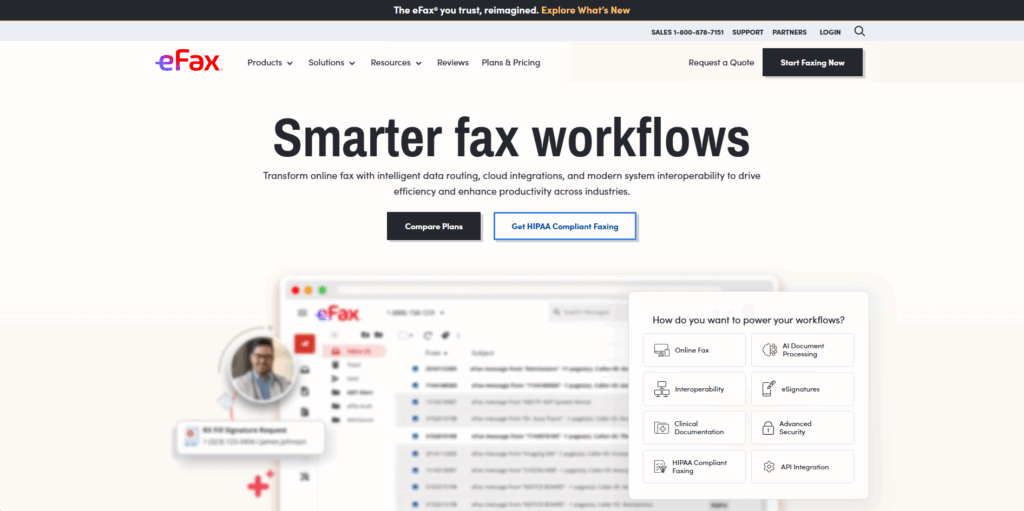
eFax has been around for years and still holds a strong position.
It’s commonly used by businesses that want a familiar name and stable infrastructure.
Pros:
- Trusted platform
- International faxing
- Cloud storage
Cons:
- Higher pricing
- Slightly outdated mobile experience
3. iFax (Best for Healthcare & Compliance)
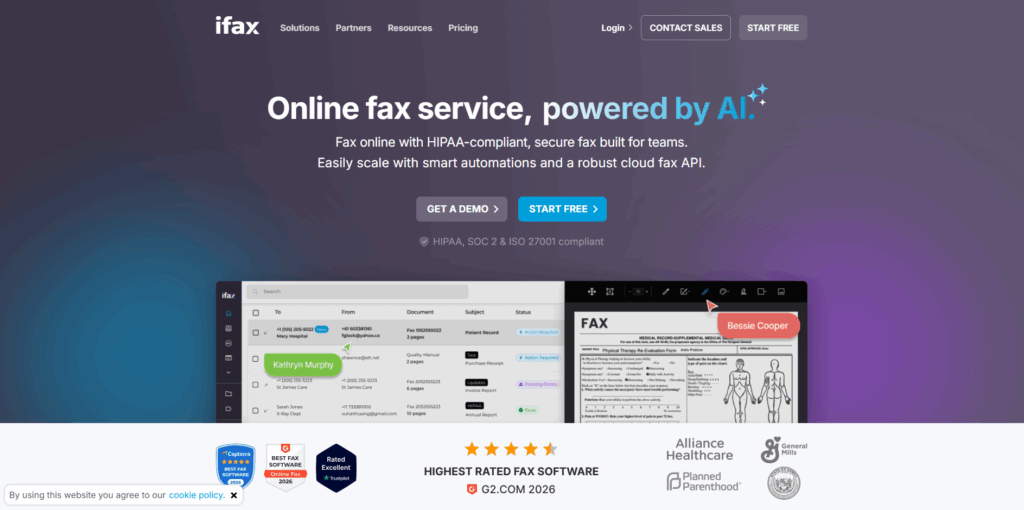
iFax focuses heavily on security and compliance.
It’s widely used in healthcare environments where document protection is critical.
Pros:
- HIPAA-compliant faxing
- Strong encryption
- Designed for sensitive documents
Cons:
- More expensive
- Overkill for casual users
4. Fax.Plus (Best for Teams & Workflow Integration)
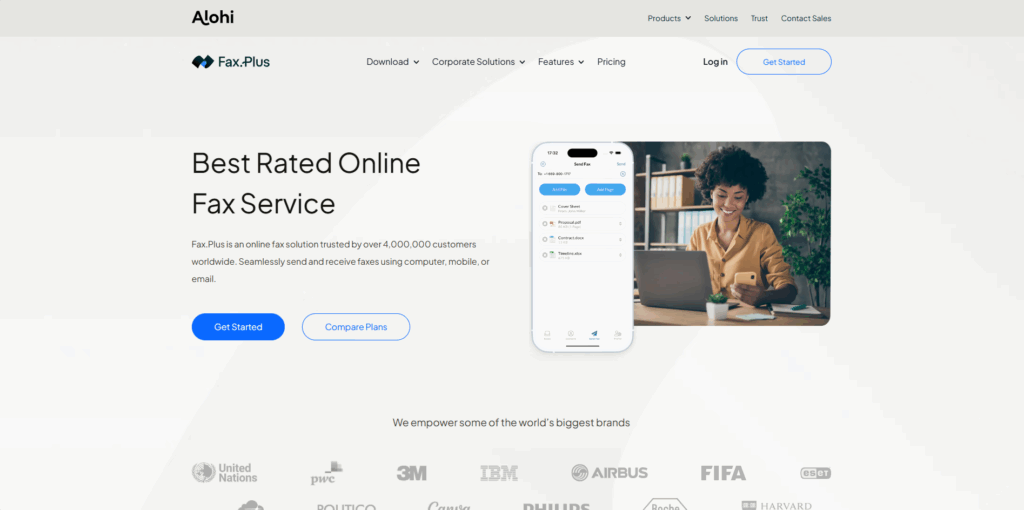
Fax. Plus is better suited for users who want integrations and workflow automation.
Pros:
- Slack and Zapier integrations
- Multi-user support
- Cloud syncing
Cons:
- Less intuitive for beginners
- Setup takes longer
5. Fax.xyz (Best for Individual Users and Small Teams)
Fax.xyz delivers a clean, reliable approach to online faxing with the features users actually need. Simple to use and built for consistency, it makes digital faxing feel effortless.
Pros:
- Simple, easy-to-use interface
- Enterprise-grade security
- Consistent and reliable performance
- Affordable, value-driven pricing
Cons:
- Basic feature set only
- Limited integrations
6. Genius Fax (Best Pay-As-You-Go Option)
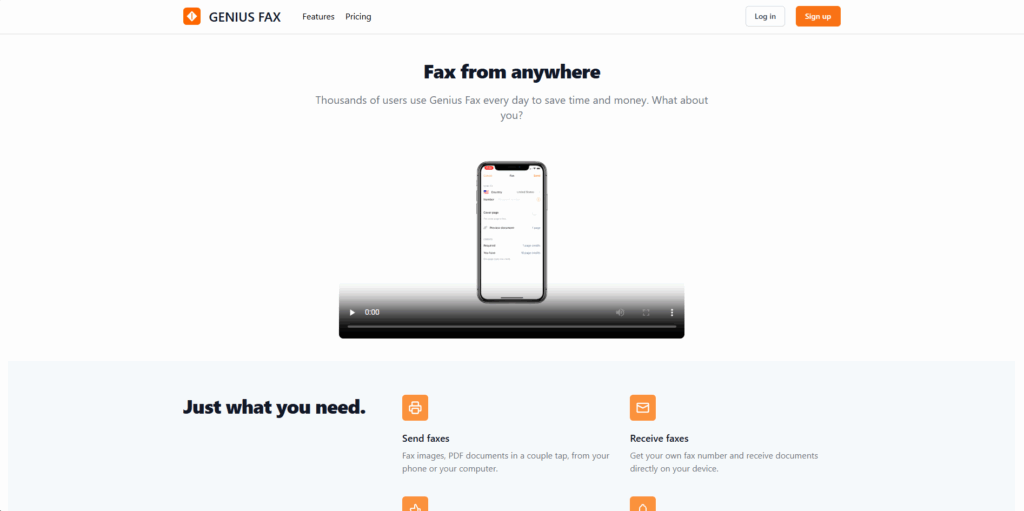
Genius Fax is a simple option for users who don’t want a subscription.
Pros:
- Pay per fax
- Clean interface
- No ongoing commitment
Cons:
- Costs can add up with frequent use
- Fewer advanced features
What Makes a Great iPhone Fax App?
1. Speed & Simplicity
The best apps remove friction completely.
You should be able to:
- Upload a document
- Enter a number
- Send
All within seconds.
2. No Hardware Required
A proper fax app eliminates the need for:
- Fax machines
- Landlines
- Scanners
Everything should happen directly on your phone.
3. Security
Faxing is still widely used for sensitive documents.
Look for:
- Encrypted transmission
- Secure storage
- Privacy-focused design
4. Multi-Format Support
Good apps let you send:
- PDFs
- Photos
- Scanned documents
- Files from cloud storage
Best iPhone Fax Apps by Use Case
Best Overall: Municorn Fax App
Best for Business: eFax
Best for Healthcare: iFax
Best for Teams: Fax. Plus
Best Pay-As-You-Go: Genius Fax
Final Thoughts
Faxing from an iPhone isn’t a workaround anymore. It’s the standard.
The best apps don’t try to replicate old systems. They replace them entirely with faster, simpler, and more secure alternatives.
Tools like Municorn Fax App lead because they focus on usability first, making faxing something you can do in seconds instead of minutes.
| App | Best For | Key Feature | Platform |
| Municorn Fax App | All users | Send fax in seconds | iOS, Android, Web |
| eFax | Business use | Established platform | iOS, Web |
| iFax | Healthcare | HIPAA compliance | iOS |
| Fax.Plus | Teams | Integrations | iOS, Web |
| Genius Fax | Simplicity | Pay-as-you-go | iOS |
| Fax.xyz | Small teams | Simple, no-frills user experience | iOS, Android, Windows, Mac, Web |
Related Post: 7 Best AI Apps for iPhone
Frequently Asked Questions
Q1. Can I send a fax from my iPhone without an app?
Not directly. You need an app or online fax service to handle the transmission.
Q2. Are iPhone fax apps legal and secure?
Yes. Most modern fax apps use encrypted connections and are suitable for sending sensitive documents.
Q3. Do I need a phone line to send a fax from my iPhone?
No. Fax apps use internet-based transmission instead of traditional phone lines.
Q4. What is the easiest fax app for iPhone?
Municorn Fax App is one of the easiest due to its simple interface and minimal setup.
%201.png)

%201.png)

%201.png)