

At-a-glance comparison
The grid below distills eight business-VPN contenders to the specs you ask about first: minimum seats, whether you can lock in a static IP, identity-provider support, entry cost, and round-the-clock help.
| “Best for” tag | Min seats | Dedicated IP | SSO / MFA | From* (per user, annual) |
| Secure, custom setups | 10 | Included | Yes | ≈ $6.90 |
| All-rounder for growing teams | 5 | Add-on server | Yes | $8 |
| Deep security stack | 5 | Private gateway | Yes | $8 |
| One-click speed | 5 | None (shared pool) | 2-factor | TBA |
| Privacy-first suite | 1 | Paid gateway | Yes | $6.99 |
| Budget cloud gateway | 5 (100 free on Starter) | On Business plan | Google OAuth | $7 |
| Unlimited devices | 5 | Paid add-on | MFA optional | $3 |
| Zero-trust alternative | 0 (5 free) | N/A | Yes | $5 |
Published list prices, June 2026—check vendor sites for promotions and regional taxes.
Reading the grid may already narrow your shortlist. If you need one whitelisted IP for every SaaS app, TorGuard’s baked-in static address saves add-on fees. Chasing the lowest cost? GoodAccess and Windscribe hover at coffee-money prices.
Seat minimums matter, too. Solo founders can now start with Proton or GoodAccess, a shift that frees startups from the old 10-seat barrier. Finally, only 10 percent of companies say their current VPN works “without major issues,” according to a 2025 survey of 1,000 IT pros sponsored by Tailscale—proof that switching is often worth the effort.
With the high-level view set, let’s see how each service performs in real work.
TorGuard Business VPN – best for highly secure, customizable connections
TorGuard is an engineer’s VPN: fewer wizards, more switches. Every Business plan includes a dedicated static IP, so admins can allow-list AWS or finance apps without juggling add-on costs. If your team prefers to tinker rather than click “next,” you’ll feel at home here.
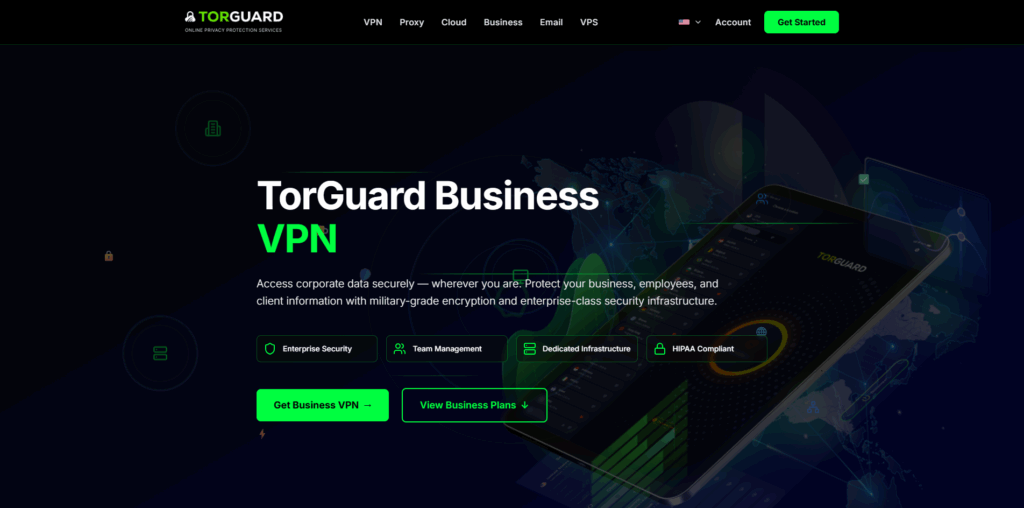
- Static IP included. Every Business tier bundles at least one dedicated IP, letting you whitelist traffic to AWS, finance apps, or corporate firewalls without extra fees, as explained on the TorGuard Business VPN page.
- Serious encryption. Apps support OpenVPN and WireGuard with AES-256, and you can attach pre- and post-connect scripts to harden endpoints even further.
- Admin console built for tinkerers. Add sub-accounts, rotate keys, or push branded configs in a few clicks; nothing sits behind an “enterprise-only” paywall.
- Large global network. Teams can choose from 3,000+ servers in 50+ countries, keeping latency low wherever employees log in.
- Real humans on call. Business plans include 24×7 live chat plus a named account manager for escalations.
What it costs
The Starter pack covers ten seats for about $69 per month—roughly $6.90 per user—so you beat rivals once you factor in the free static IP, according to Cloudwards.
When TorGuard shines (and when it doesn’t)
Choose TorGuard if you want surgical control, compliance-friendly static IPs, and support staff who speak fluent networking. Skip it if your team needs hand-holding or a glossy UI; beginners may find its depth more ocean trench than paddling pool.
NordLayer – best overall business VPN for versatile remote-team security
NordLayer suits founders who want enterprise-grade protection without turning the kitchen table into an IT help desk.
Setup takes minutes. Invite teammates by email, flip the “force VPN on public Wi-Fi” toggle, and everyone is wrapped in AES-256 encryption via NordLynx, the WireGuard-based protocol that keeps video calls snappy even on hotel hotspots.
Where NordLayer shines is its admin console. Map users to Azure AD or Google Workspace groups, then apply least-privilege rules in plain language; no subnet math required. Need a fixed IP for the finance app? Spin up a dedicated gateway (about $40 per month) and hand the address to your firewall.
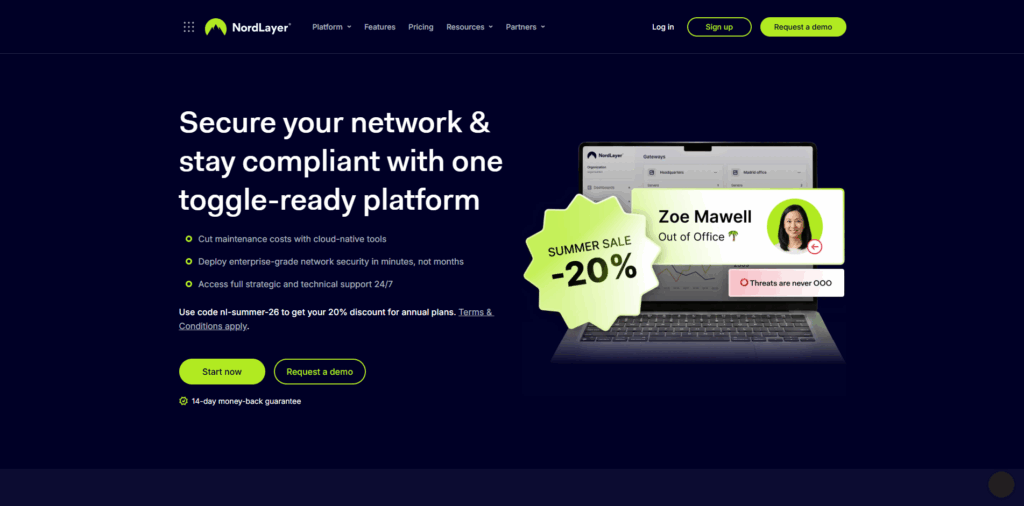
Security extras come baked in. Web-filtering ThreatBlock stops malware at DNS level, and Dark Web Monitor alerts you if leaked credentials surface online, according to TechRadar. Fewer bolt-on tools mean a tidier budget.
Performance rarely draws complaints: a mesh of 1,100+ servers in 60+ countries keeps latency low, and NordLayer’s 24×7 live chat usually answers within two minutes, reviewers note.
Pricing starts at $8 per user on the Lite tier with a five-seat minimum, an easy step up from free VPNs. Upgrade to Core or Premium for SSO and site-to-site tunnels, or go Enterprise when auditors start circling.
Choose NordLayer if you want polished apps, granular policy control, and predictable speed. It is the sensible “one size fits most” pick that other providers quietly chase.
Perimeter 81 – best for advanced security and mid-size scale
Perimeter 81, now part of Check Point, blends a cloud VPN with zero-trust controls, ideal for companies that handle regulated data and want to move beyond basic tunnels.
The platform lets you spin up cloud gateways that act like virtual office LANs. Drop lightweight connectors into AWS, Azure, or on-prem gear, then write identity-based rules: finance reaches the bookkeeping subnet, devs touch only staging, everyone else hits the internet. Traffic moves through WireGuard or IPsec and stays encrypted end to end.
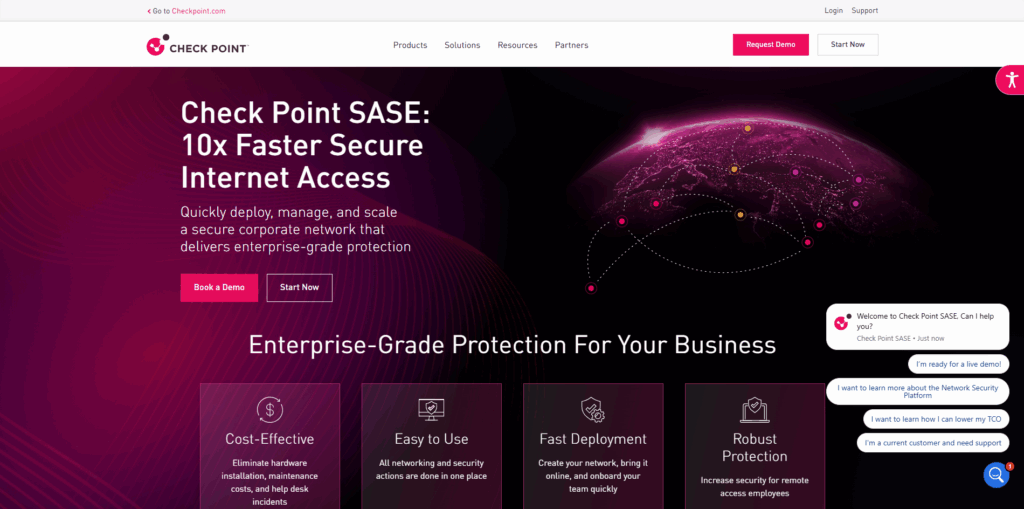
Stand-out feature: device posture check. Before a laptop connects, the agent verifies OS patches, drive encryption, and antivirus status; non-compliant machines are blocked, keeping shadow IT off critical databases.
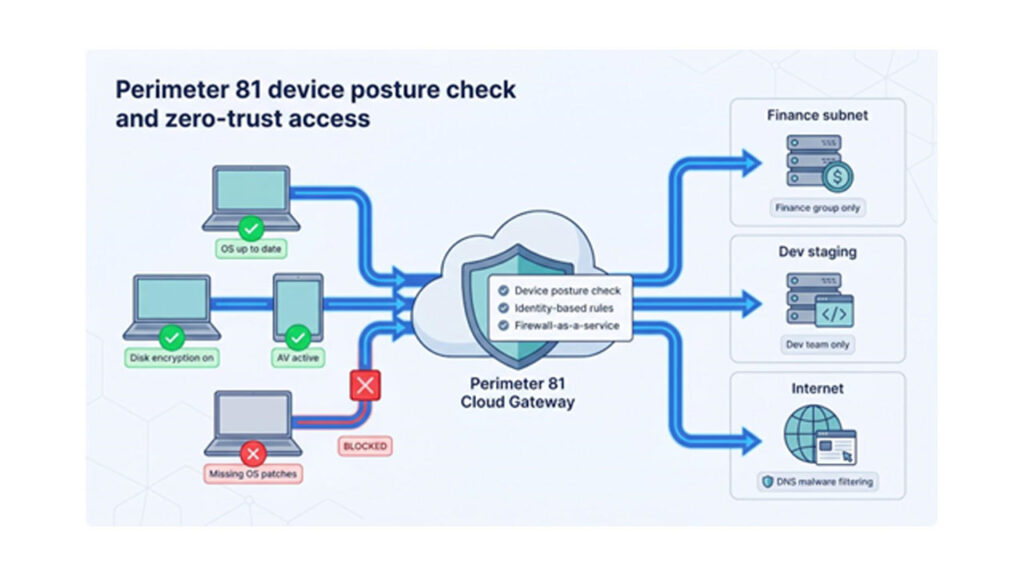
Security depth continues with DNS malware filtering and a cloud firewall-as-a-service that can replace branch appliances. Need a static IP? Launch a dedicated gateway in about five minutes and hand the address to your ops team.
Pricing starts at $8 per user (annual) on the Essential plan, with a five-seat minimum; each private gateway adds $40 a month. Higher tiers provide additional firewall rules and 24×7 priority support with a named account rep.
Choose Perimeter 81 when compliance and granular control top your list and you have at least part-time IT to configure policies. Skip it if you’re a five-person agency; you’ll pay for capacity you don’t yet need.
ExpressVPN Teams – best for instant setup and blazing speed
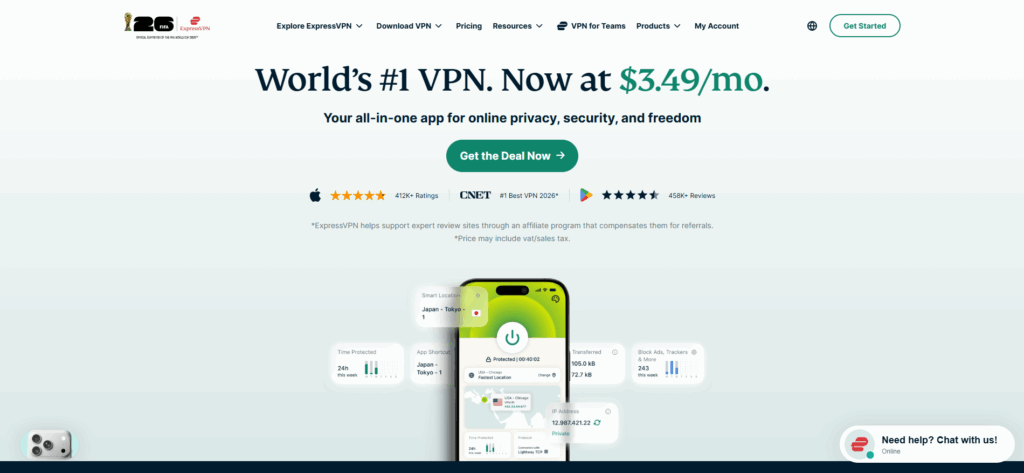
Some companies don’t need a Swiss-army-knife platform; they just need everyone protected fast. ExpressVPN Teams fits that brief.
Launched in January 2026, the service lifts the consumer brand’s speed and privacy into a multi-user plan for small and mid-size businesses. Deployment is simple: send an invite, teammates install the familiar ExpressVPN app, and they’re secure in under five minutes, tech reviewers report.
Speed is still the headline. Lightway, ExpressVPN’s in-house protocol, trims latency so file syncs and video calls stay smooth even on hotel Wi-Fi. With servers in 94 countries, roaming staff rarely stray far from a local gateway.
Security stays invisible. RAM-only servers wipe data on every reboot, Perfect Forward Secrecy rotates keys regularly, and independent audits verify the no-logs pledge. Shared IP pools preserve anonymity, though they rule out IP-whitelisting for stacks that need a fixed source address.
Management is intentionally lightweight: a web dashboard lets you add or remove seats, reset credentials, and view high-level usage. You won’t find device posture checks or granular segmentation; ExpressVPN trades features for zero learning curve.
Pricing remains in early-access flux. Industry coverage mentions volume discounts that push per-user cost below the consumer plan, and the 30-day money-back guarantee carries over, so your team can trial the service risk-free before committing.
Choose ExpressVPN Teams if you need wire-speed encryption and can live without static IPs or zero-trust granularity. It’s the fastest path from “we need a VPN” to “done.”
Proton VPN Business – best for privacy-first companies and encrypted workflows
When the board asks “Where are our servers and who can subpoena them?”, Proton VPN gives you a calm answer. The company is based in Switzerland, outside EU and US surveillance blocs, and its no-logs policy has been verified by independent audits. That mix provides a legal and technical audit trail few rivals match.
Why it stands out
- Secure Core routing. Traffic first hops through hardened data centers in Switzerland, Iceland, or Sweden before reaching the exit server, shielding your team from targeted network-level attacks.
- Unified admin console. A single dashboard lets you issue Proton Mail, Drive, and VPN seats together; each user can secure up to 10 devices.
- Dedicated gateways on demand. Lease a private server in 20+ locations and get a static IP your team alone controls (starts at about $39.99 per gateway).
- Fast, consistent network. Business plans ride on 10 Gbps servers, and Proton’s lower user-per-server ratio keeps latency predictable at peak times.
Pricing and support
VPN Essentials begins at $6.99 per user per month with no minimum seat count. Support runs email-first, and replies usually arrive within a few hours, so teams needing instant chat may prefer NordLayer or TorGuard.
Choose Proton VPN Business when jurisdiction, auditability, and integrated encrypted apps top your checklist. Look elsewhere if you need 24×7 live chat or deep network segmentation.
GoodAccess – best for small teams on tight budgets
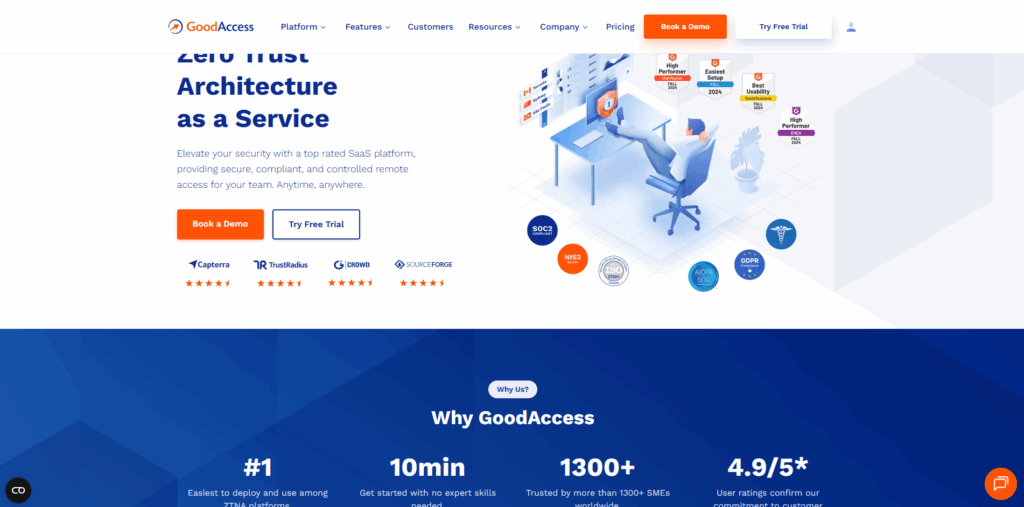
GoodAccess proves you don’t need a Fortune 500 budget for credible network security.
Spin up an account and the platform builds a private cloud gateway. During the 14-day free trial you can invite your team to test the service, or you can use the free Starter plan for up to 100 users. After that, the Essential plan starts at $7 per user per month (annual) with a five-seat minimum, plus $49 per month if you need a dedicated static-IP gateway.
Setup is straightforward. The dashboard feels like a modern SaaS billing page: toggle Google OAuth so teammates sign in with existing workspace accounts, turn on DNS filtering to block phishing domains, and you’re finished; no command-line gymnastics or weekend maintenance windows required.
Performance stays snappy because every company gets its own lightly shared gateway instead of a crowded public server. GoodAccess offers 35+ gateway locations across North America, Europe, and key Asia-Pac hubs, giving most distributed startups a nearby endpoint.
Feature depth is intentionally lean. You won’t find device-posture checks or 24×7 chat (live support runs European business hours), but you do get split tunnelling, MFA, simple allow-list rules, and an API for basic automation—often all a ten-person agency needs.
Choose GoodAccess when cost and five-minute deployment outrank granular controls. Skip it if you need always-on support or zero-trust segmentation; NordLayer or Perimeter 81 cover that territory.
Windscribe ScribeForce – best budget pick with unlimited devices
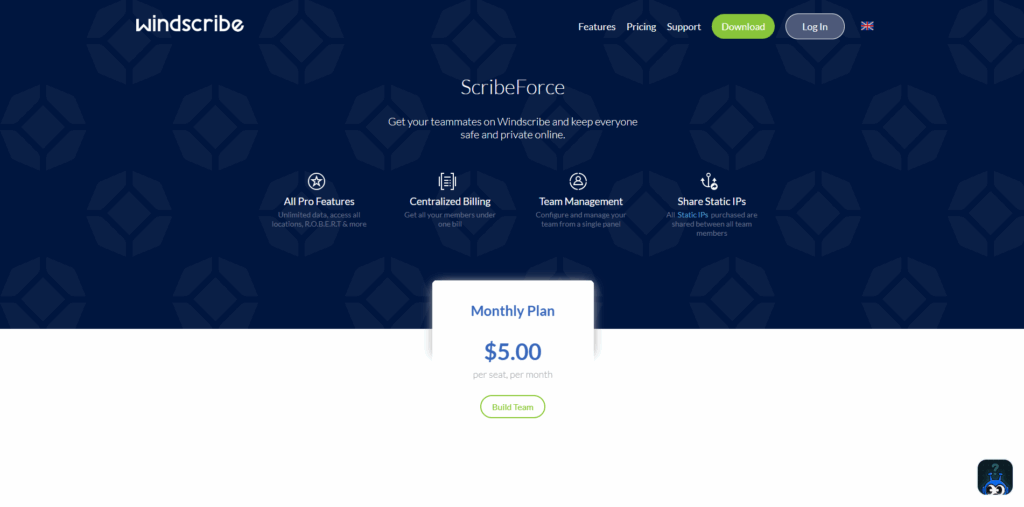
Windscribe is best known for its generous free consumer tier, yet the ScribeForce bundle quietly turns that tech into a team shield for coffee-money pricing.
The headline perk is unlimited simultaneous connections: your designer’s laptop, phone, tablet, and the studio test Mac can all run on one seat without complaints, an ideal setup for device-heavy teams.
Security keeps pace with pricier rivals. You get AES-256 encryption, a strict no-logs policy, and a Stealth protocol that slips past VPN-blocking firewalls. Built-in ROBERT filtering blocks malware, trackers, and ads at DNS level with one click.
Admin is intentionally minimal. From a web portal you add or remove seats, reset passwords, and view basic usage. SSO and granular app rules aren’t on the menu; Windscribe trades features for price and privacy. Support runs on tickets, and the knowledge base cites typical replies “within a few hours.”
Speed is respectable thanks to servers in 60+ countries, though rush-hour performance can’t match NordLayer’s dedicated gateways.
Pricing: company documentation lists $3 per user per month for ScribeForce, with a five-seat minimum. A static IP costs extra, and billing is month-to-month, handy for small agencies that dislike annual lock-ins.
Pick ScribeForce when budgets are tight but you still want credible security and an ad-blocking bonus. Skip it if you require centralized SSO, built-in static IPs, or 24×7 live chat.
Twingate – best zero-trust alternative to legacy VPNs
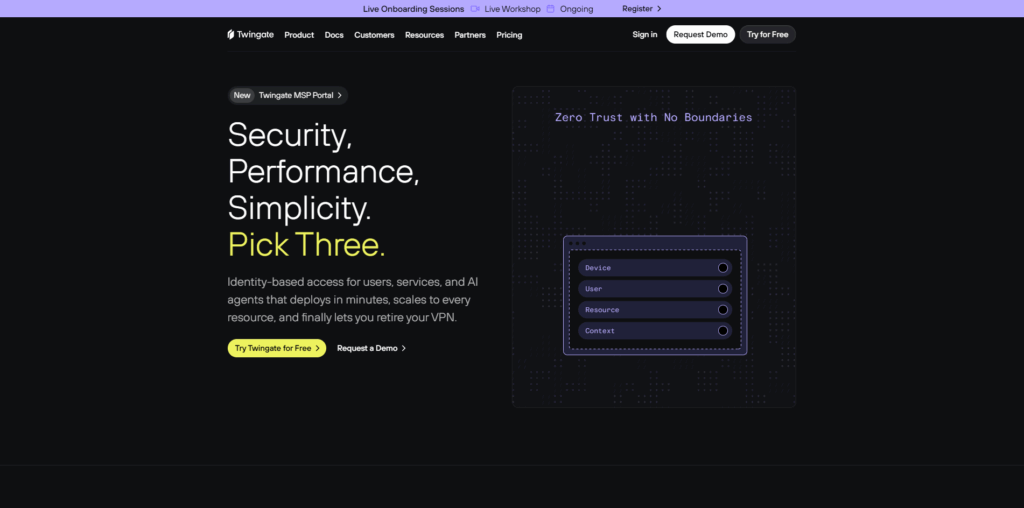
Sometimes the smart move is skipping VPNs altogether. Twingate replaces the all-or-nothing tunnel with identity-based, point-to-point links that give each user access only to the resource they need, nothing more.
Picture a broker in the cloud: fire up your Git client, the Twingate agent checks your identity in Google Workspace or Okta, confirms your laptop meets policy, then stitches an encrypted path straight to the Git server. Because no other subnets are exposed, lateral-movement risk drops toward zero.
Performance is the happy side effect. Traffic never hairpins through a central gateway, so a developer in Sydney reaches an AWS instance in the same region directly, shaving milliseconds off every request. Video calls and OS updates ride outside the overlay, trimming bandwidth costs.
Plans: the Starter tier is free for up to 5 users and 10 remote networks, perfect for testing zero trust without paperwork. Step up to the Teams plan at $5 per user per month for SSO, device posture checks, and priority support. Deployment is quick: drop a lightweight Docker connector in each VPC or on-prem subnet, invite users, and you’re live.
Trade-offs? Twingate protects private resources, not general internet traffic. Sales staff who need to spoof a hotel IP for regional content still want a consumer VPN. Mapping apps and ports also takes some upfront planning.
Choose Twingate when over-privileged VPN tunnels keep you awake at night and you want a future-proof path to full zero trust without replacing existing infrastructure.
Honorable mentions – niche tools worth a quick look
A few services fall outside our main list yet solve narrow problems well enough to earn a nod.
Cisco AnyConnect or Meraki Teleworker VPN – If your firewalls already wear a Cisco badge, adding AnyConnect is straightforward. You get IPsec tunnels, built-in device-posture checks, and integration with Cisco Secure Endpoint. Licensing and on-prem upkeep raise costs, so this option makes sense mostly when you’re already paying for SmartNet support.
OpenVPN Access Server or Pritunl – Sometimes the least expensive provider is you. Launch an EC2 instance, install OpenVPN AS or the Pritunl UI, and control every setting from cipher suites to log retention. Expect pennies per user, but also the 2 a.m. pager duty when patches land.
ZeroTier (or Tailscale) – ZeroTier forms a peer-to-peer mesh that lets devices behave as if they share one LAN, handy for IoT fleets or remote labs. The free tier covers up to 25 nodes and takes minutes to deploy; just install the agent and join a network ID. You won’t get central DNS filtering, enforced MFA, or a static egress IP, so pair it with a classic business VPN if you need those extras.
Conclusion
The right business VPN comes down to what hurts most today. If firewall-whitelisting headaches top your list, TorGuard’s included static IP solves them in one move. Teams without dedicated IT usually gravitate to NordLayer or ExpressVPN Teams, where setup takes minutes and daily upkeep is minimal. Budget-bound startups can start cheap with GoodAccess or Windscribe, then layer in Perimeter 81 or Twingate as zero-trust maturity kicks in. With only one in ten companies happy with their current setup, switching is rarely wasted effort. Nearly every option above offers a free tier or money-back window, so shortlist two, run a short pilot, and let your users pick the winner.
%201.png)

%201.png)

%201.png)