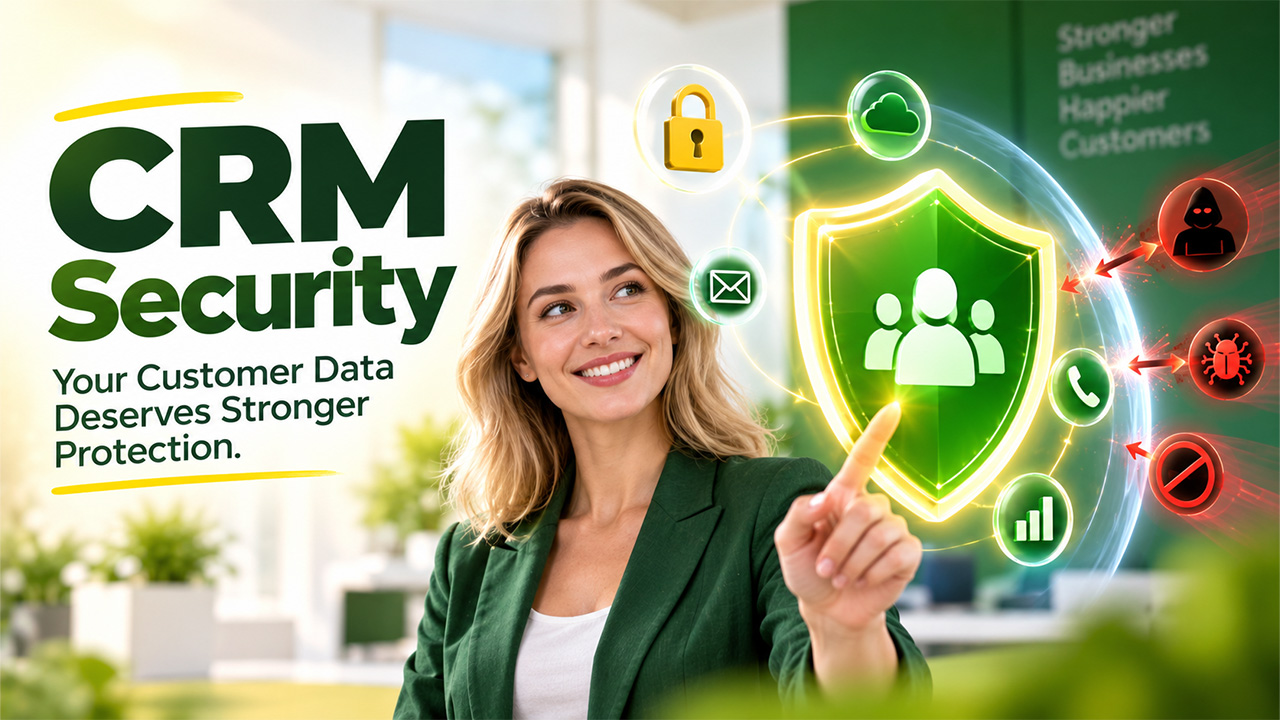

Here's a thing most companies don’t realize until it’s too late. A CRM isn’t just a locked filing cabinet that just sits there quietly. It constantly talks to other tools, syncs with apps, and is accessed by dozens of people every single day. Every one of those connections is a small door where some are locked, and some are wide open. This comprehensive blog walks you through why CRM security matters, what it actually looks like, where things usually go wrong, and how to keep your customer data safe and only in the right hands.
What Is CRM Security?
CRM security is simply the set of measures that help you protect the customer data stored inside your CRM software from being stolen, lost, or misused. This covers everything from those who have access and can log in to how your CRM database is encrypted and how safely it connects with other tools through a CRM API. It's not one single feature that you can switch on. It combines access controls, encryption, monitoring, and good old-fashioned common sense from your team. Good CRM security means that the right people see the right data at the right time, and nobody else has access to that privilege.
Why CRM Data Security Matters for Businesses
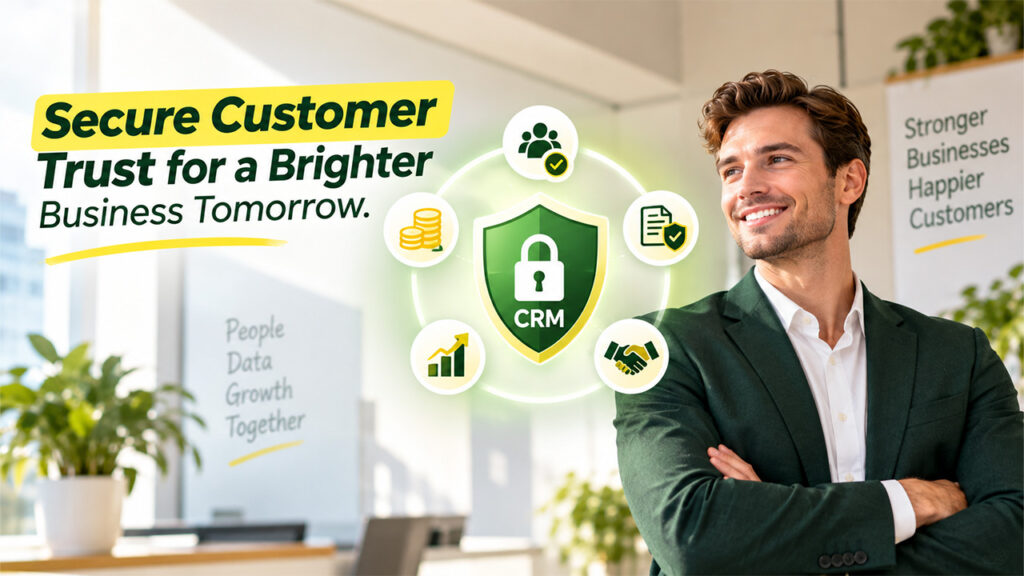
Your CRM holds some of your most valuable business information, so protecting it is essential for trust, continuity, and long-term growth.
Protect Customer Trust and Confidence: People trust you when they share their contact details and payment information and expect you to protect it. One breach can completely break that trust, and it will be difficult to earn it back, no matter how good your product is.
Reduce the Financial Impact of Data Breaches: Data breaches are expensive. Between legal fees, fines, and the sheer time spent cleaning up the mess, a single security lapse can hit your budget harder than most business expenses you plan for. So, keep your CRM secure to prevent any surprises in the future.
Stay Ahead of Data Protection Regulations: Laws like GDPR and other data protection rules hold businesses accountable for how they store customer information. "We didn't know" isn't a defense that holds up.
Prevent Competitors From Gaining an Advantage: While you get busy dealing with the aftermath, your competitors keep selling and gaining an upper hand in the market. Downtime and reputation damage give them an opening to step ahead of you which you really don’t want to hand them out.
Keep Your Sales Pipeline Protected: Every lead, every deal in progress, and every note from a sales call live inside your CRM. Once you lose access to that, even temporarily, your entire sales process comes to a halt.
6 Most Common CRM Security Issues
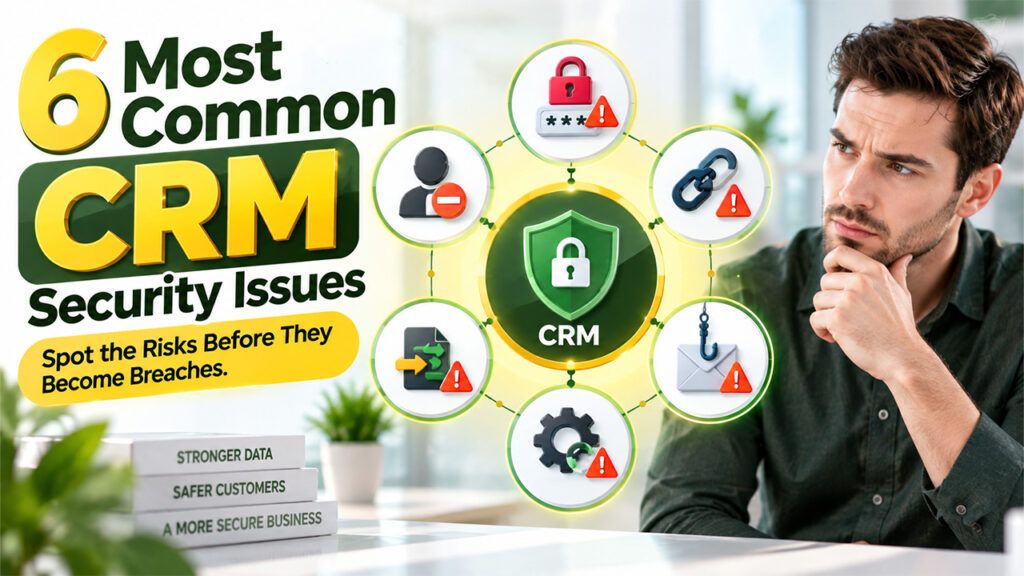
Before strengthening your CRM security, it helps to understand the vulnerabilities that can put customer data, systems, and business operations at risk.
Weak or Reused Passwords: It happens more than businesses like to admit. Most employees go with easy or weak passwords like “Company12”. Moreover, they reuse their email password across ten different tools. If your password leaks once, it can open the door to your CRM.
Poorly Managed User Permissions: New employees join, old employees leave, and roles change. If nobody cleans up access regularly, your former staff or unrelated departments can view sensitive records and access your system whenever they feel like it.
Unsecured Third-Party Integrations: It is normal to connect your CRM with marketing tools, email platforms, or accounting software, and you might encounter some problems while doing that. However, if those CRM integration problems aren’t addressed with proper security checks, each connected app becomes a potential leak point.
CRM Data Migration Vulnerabilities: Transferring data from an old system to a new CRM sounds simple, but it’s actually one of the riskiest moments. One wrong move can cost you years of data and client relationships. Files get exported, sit in transit, and sometimes land in unsecured spreadsheets before they’re even uploaded.
Phishing and Social Engineering Attacks: Attackers do not always launch direct attacks. Sometimes they use more sophisticated techniques such as sending an email to an employee pretending to be IT support and asking for login credentials. It works more often than you’d expect.
Outdated CRM Software and Security Patches: CRM providers release security patches for a reason. Businesses that delay updates are essentially leaving known vulnerabilities open on purpose, even if unintentionally.
7 Key Security Features to Look for in a CRM
Not all CRM platforms treat security the same way. Before you commit to one, it's worth checking whether it actually has the basics covered.
| Feature | Why It Matters |
| Data Encryption | Keeps information unreadable to anyone who intercepts it, both when it's stored and when it's moving between systems. |
| Role-Based Access Control | Makes sure employees only see the data relevant to their job, not the entire customer database. |
| Two-Factor Authentication (2FA) | Adds a second checkpoint beyond just a password, so a stolen login alone isn't enough to get in. |
| Audit Trails and Activity Logs | Records who accessed or changed what, so you can trace back exactly what happened if something looks off. |
| Secure API Access | Controls how external tools connect through the CRM API, so integrations don't become an open backdoor. |
| Automated Backups | Ensures you can recover your CRM database quickly if data is lost, corrupted, or held hostage. |
| Compliance Certifications | Shows the vendor follows recognized data protection standards, which matters a lot during CRM data migration or audits. |
CRM Security Best Practices
Strong CRM security starts with consistent everyday practices that close common gaps, limit unauthorized access, and keep your customer data protected.
Enforce Strong Password Policies: Creating a strong password requires a mix of characters and setting expiration periods. Additionally, never allow the same password to be reused across multiple accounts. This will make it harder to guess your passwords and keep your data safe from cybercriminals. It's a small habit that closes a big gap.
Enable Two-Factor Authentication for Every User: Apply two-factor authentication without any exceptions, not even for the CEO. It takes a few seconds to set up. It is one of the strongest security measures that can stop a huge chunk of unauthorized access attempts.
Review User Access and Permissions Regularly: Take some time every few months to check who has access to what and whether you have approved them. Remove anyone who’s changed roles or left the company to prevent any troubles in the future that might come unannounced.
Vet Third-Party Integrations Before Connecting Them: Check what data an app can pull through the CRM API and whether it actually needs that level of access. Less access means less risk.
Encrypt CRM Data at Rest and in Transit: Make sure to always encrypt your CRM database whether it’s sitting idle or being sent somewhere else. Do not assume that the vendor already does it; either confirm or do it yourself.
Train Employees to Recognize Security Threats: Most breaches start with a careless human mistake, not a technical flaw. Conduct a short training session every few months to keep your staff aware of phishing attacks and ways to prevent them.
Secure Your CRM Data Migration Process: Never move customer data through unsecured spreadsheets or personal email. Use encrypted transfer methods and double-check everything lands correctly and securely.
Automate Backups and Test Data Recovery: A backup you've never tested is just a hope, not a plan. Run recovery drills occasionally to make sure it actually works, and your data is safe.
Conclusion
CRM security is not a one-time setup that you configure and move on. It is more like locking your front door every night to ensure safety. It’s a small habit that quietly protects everything inside. Your CRM contains the story of every customer relationship your business has ever built, and that’s worth protecting properly. Every single step matters, from choosing a CRM with strong built-in security to training your team to be careful during integrations and data migration.
The businesses that stay safe and keep their data protected are the ones that treat security as an ongoing habit, not a checkbox they ticked once and moved on from. Start with the basics, stay consistent, and your CRM data will stay safe, and work for you.
Frequently Asked Questions (FAQs)
What is the biggest CRM security risk for small businesses?
Honestly, it's usually weak or reused passwords combined with loose access control. Small teams often skip formal security processes because they feel "too small to be targeted," but that assumption is exactly what attackers count on.
How often should CRM access permissions be reviewed?
A quarterly review is a good rhythm to stick to. That said, don't wait for the calendar if someone changes roles, leaves the company, or moves teams; update their access right away instead of letting it linger.
Is CRM data migration risky?
It can be, yes. Moving customer records between systems means data is in transit and temporarily exposed. Using encrypted transfer methods and avoiding unsecured spreadsheets or personal email makes the whole process far safer.
Does every CRM integration need security checks?
Pretty much, yes. Every tool connected through the CRM API should be reviewed for exactly what data it can access. Skipping this step is how businesses end up with far more exposure than they realized.
Can CRM security prevent all data breaches?
No system can promise zero risk, and any vendor claiming otherwise isn't being fully honest. What strong CRM security practices actually do is lower the odds significantly and limit the damage if something does slip through.
%201.png)

%201.png)

%201.png)