
Suppose a sales rep opens her CRM on Monday morning. She’s been nurturing a lead for three months and was ready to follow up with the client. However, the deal notes are gone, and the last email thread is missing. She vaguely remembered that the client mentioned wanting a demo by Friday, but there’s nothing in the system to prove it, so she second-guesses herself and lets the moment slip. The client goes quiet a week later. This happened because the company simply moved to a new CRM the month before, and some data got lost along the way.
This is what CRM data migration looks like when you treat it as a technical afterthought instead of a business decision. That's really the whole point of this guide. In this, you’ll learn that migration doesn’t fail because of bad software. It fails when nobody steps forward to take ownership of the choices that happen before, during, and after the migration.
Using our 16+ years of experience in CRM development, we'll walk you through how to migrate your CRM data successfully.
What Is CRM Data Migration?
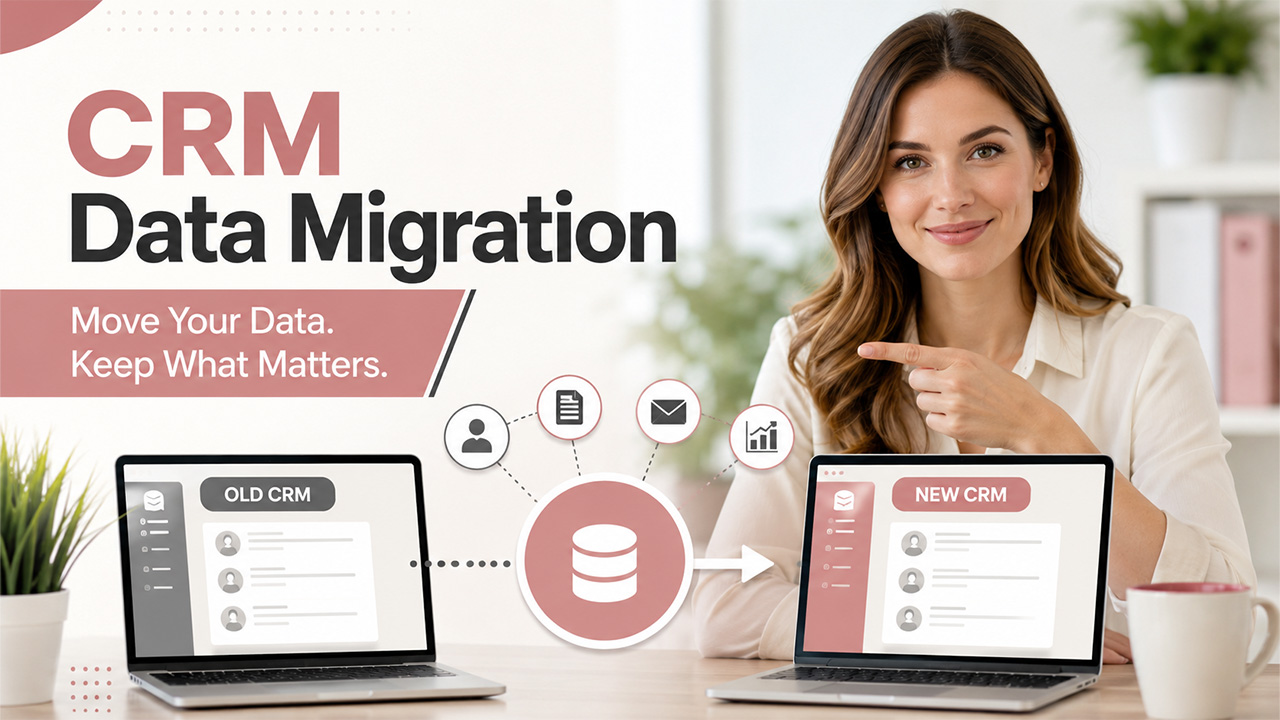
CRM data migration involves moving customer data, like contact records, deal history, notes, emails, and pipeline stages, from one CRM system to another. It could mean switching from a spreadsheet to your first real CRM or moving from a legacy CRM to a modern cloud CRM because the old one can't finish the job anymore. Either way, it sounds simple in theory but difficult to execute as you must get every piece of useful data from the old system into a new one without losing context, accuracy, or history along the way. It involves cleaning up the data, mapping old fields to new ones, and making sure nothing important falls through the cracks.
Why Is CRM Data Migration Important for Businesses?
Most people underestimate their CRM database. It holds every small detail of your entire customer relationship, such as notes, call logs, and reminders. When a business outgrows its current CRM, or the software stops supporting its workflows, continuing with that system poses some serious risks.
That's why a clean, well-planned migration is imperative for your business, as it improves data integrity so your team can work with accurate data and trust what they see on their screens. Moreover, it gets rid of all duplicate entries that have been quietly cluttering your system. It sets up your business for better automation, reporting, and integrations, since most modern CRMs work far better with clean, structured data than old systems ever could.
But it comes with a few challenges. A rushed or careless migration can wipe out years of relationship history in an afternoon. Sales teams lose context, support teams lose ticket history, and leadership loses the reporting they use to make decisions. That's why migration isn’t just an IT department’s problem. It's a business-critical project that deserves a business-critical amount of attention.
What to Do Before You Migrate CRM Data

There are a few things that you need to do before you hit the “export” button. Skipping this stage is where most migration headaches actually begin.
- Audit Your Existing CRM Data: Know what you actually have before deciding what to move. There is no need to move old, dead records to the new system.
- Define Your Goals for the New CRM: Get clarity on what the new system should improve for you, whether it’s better automation or more integration. A CRM data migration checklist should always start with "why," not "how."
- Assign a CRM Migration Project Owner: Someone needs to be accountable for decisions, not just execution. This is the single most skipped step, and it's the one that causes the most damage later. A dedicated CRM manager is often the right person to own this.
- Back Up Your CRM Data: A full data backup before migration isn't optional; it’s necessary. You hope you never need it, but you must always have it for emergencies.
- Set a Realistic Migration Timeline: When you rush data migrations, it creates rushed mistakes. Be careful while carrying out the process to avoid any loss.
CRM Data Migration Process: Step-by-Step
Once the groundwork is done, the actual migration follows a fairly predictable path. Here's how it typically plays out.
- Assess Your Existing CRM Data: Take a look at what fields you use, what you don’t need anymore, and what’s simply cluttering. This step decides how much data you need to clean up later.
- Clean and Deduplicate Your Data: Merge duplicate contacts, fix broken email formats, and delete anything that has become genuinely useless. Clean data going in means clean data coming out.
- Map Your CRM Data Fields: Match old CRM fields to their equivalent (or closest equivalent) in the new system. There is a chance that some fields won't have a direct match, and that’s fine. You just need a plan for them. This is usually where CRM customization comes into play.
- Choose the Right CRM Migration Method: Decide which method you prefer for migration. It can be a built-in import tool, a third-party migration tool, or a manual CSV import. The size and complexity of your data usually decide this for you.
- Run a Test Migration: Move a small sample first. This is where you catch mapping errors before they become permanent problems across your entire database.
- Review and Verify the Test Results: Check for missing fields, broken formatting, or misaligned records. If something looks off in the sample, it'll look off in the full migration too.
- Migrate the Full CRM Dataset: After the test is successful, move everything at once. However, don’t leave it on its own. Keep monitoring as it happens instead of walking away and hoping it goes well.
- Validate the Migrated CRM Data: Spot-check records against the old system. Check for any mismatched numbers, names, and history. Make sure everything is accurate and intact.
What to Do After CRM Data Migration
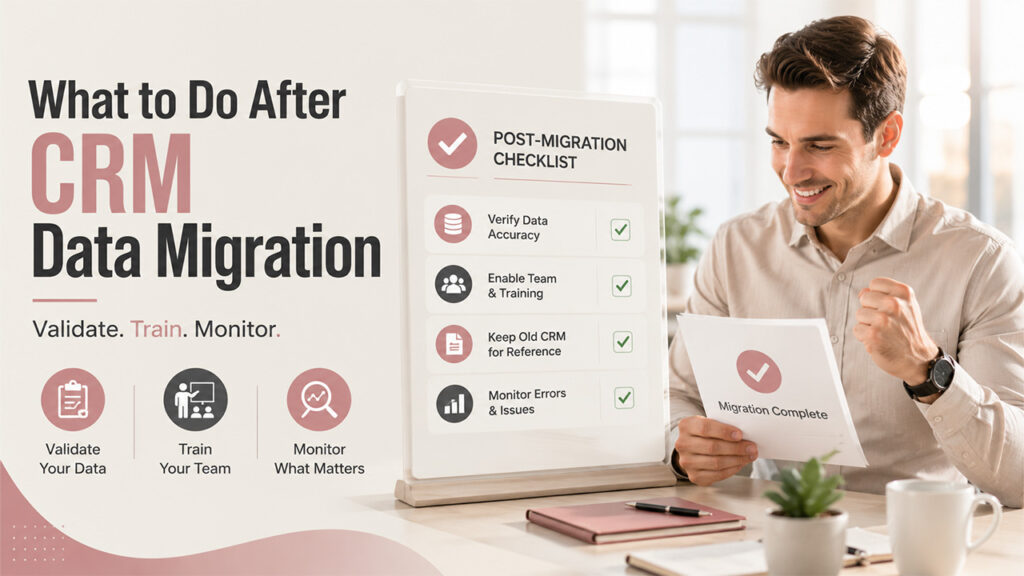
Migrating CRM data is not the end of it. What happens next decides whether all that prep work actually paid off.
- Compare a sample of new records against the old system to confirm accuracy.
- Train your team on the new CRM, so they're not fumbling through basic tasks during a busy week.
- Keep the old CRM accessible (read-only, if possible) for a few weeks, just in case something surfaces later and you need it for reference.
- Keep an eye on errors that quietly creep in, like broken automations or missing fields, during the first few weeks of real use.
Remember that sales rep from the opening? This is the stage that would have saved her. A quick validation check against the old system would've flagged the missing notes before she ever needed them.
CRM Data Migration Tools: Which Option Is Right for You?
It is imperative to pick the right migration tool, and the right pick depends on your data volume, technical comfort, and budget. Here's a general comparison to help you think it through.
| Tool Type | Best For | Ease of Use | Typical Cost |
| Built-in CRM import tools | Small businesses with simple data | Easy | Usually free |
| Third-party migration tools | Mid-size businesses with complex data | Moderate | Paid (varies by data volume) |
| Manual CSV import/export | Very small datasets or one-time moves | Easy but time-consuming | Free |
| Custom migration scripts | Enterprises with highly specific needs | Difficult, needs a developer | Custom pricing |
There is no “universally” best option here if you’re looking for one. A small startup that needs to move only a hundred contacts doesn’t need the same tool as an enterprise migrating half a million records with custom fields and integrations attached.
Common CRM Data Migration Pitfalls to Avoid
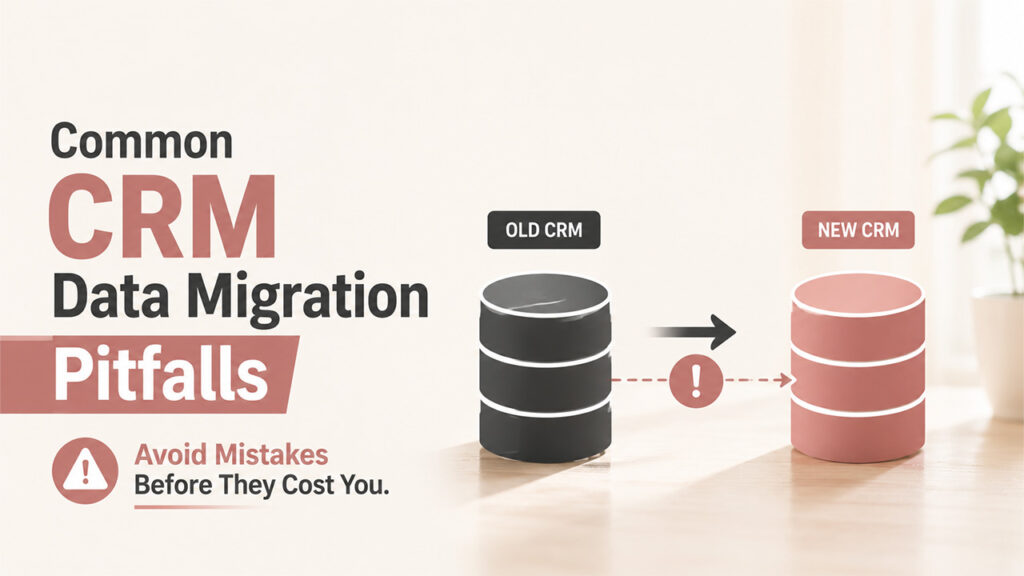
Even a well-planned CRM migration can go off track when common oversights compromise data, workflows, timelines, or system integrations.
Migrating Data Without Cleaning It First: Moving the same messy, old data to a new system just gives you the same mess but in a nicer interface. So, before you move, clean your data and filter out what you don’t need anymore.
Skipping the Test Migration: Jumping straight to the full migration means you find out about mapping errors only after they've already broken something. This takes you back to square one.
Underestimating CRM Migration Downtime: Businesses often assume migration happens instantly. In reality, larger datasets can take hours or even days, and workflows need to account for that.
Failing to Establish Clear Data Ownership: When nobody takes responsibility for approving decisions, small issues get ignored until they become big and cause damage.
Overlooking CRM Integrations: Your CRM is probably connected to email tools, marketing platforms, or support software. Unresolved CRM integration problems are one of the most common post-migration surprises. This makes it important to rebuild those connections, otherwise workflows quietly break.
Also Read: Application Migration: A Complete Guide for Modern Businesses
Conclusion
CRM data migration is more than just transferring files from one platform to another. It is about preserving and protecting relationships, history, and trust your business has built over time. The technical steps matter, but they only work when someone actually takes ownership of the decisions behind them: what data deserves to move, what stays, what gets cleaned, and who signs off before the switch goes live.
Businesses that treat migration as an exercise that needs to be done tend to lose the small but important details, like that sales rep’s missing notes. On the other hand, businesses that treat it as a real project, with real ownership, come out the other side with cleaner data and a system their team can actually trust. Going into 2026, that distinction matters more than ever.
Frequently Asked Questions (FAQs)
How long does CRM data migration usually take?
Honestly, it varies a lot. A small dataset might take a few days, but larger or messier systems with custom fields can easily stretch into several weeks of work.
Can I migrate CRM data myself without a developer?
For smaller, simpler datasets, sure, you can handle it yourself with a built-in import tool. Once things get more complex or custom-coded, though, bringing in technical help really pays off.
What happens to duplicate records during migration?
Most decent migration tools will flag duplicates so you can merge them. That said, doing a manual cleanup pass beforehand almost always gives you cleaner, more reliable results than relying on the tool alone.
Is it safe to delete the old CRM right after migrating?
Not really. It's worth keeping the old system around, even in read-only mode, for a few weeks. That way, you've got somewhere to double-check or recover data if something looks off.
Do all CRM fields transfer automatically during migration?
Not always, unfortunately. Standard fields usually map over fine, but custom fields specific to your old CRM often need manual mapping to make sure nothing gets lost or misplaced.
%201.png)

%201.png)

%201.png)