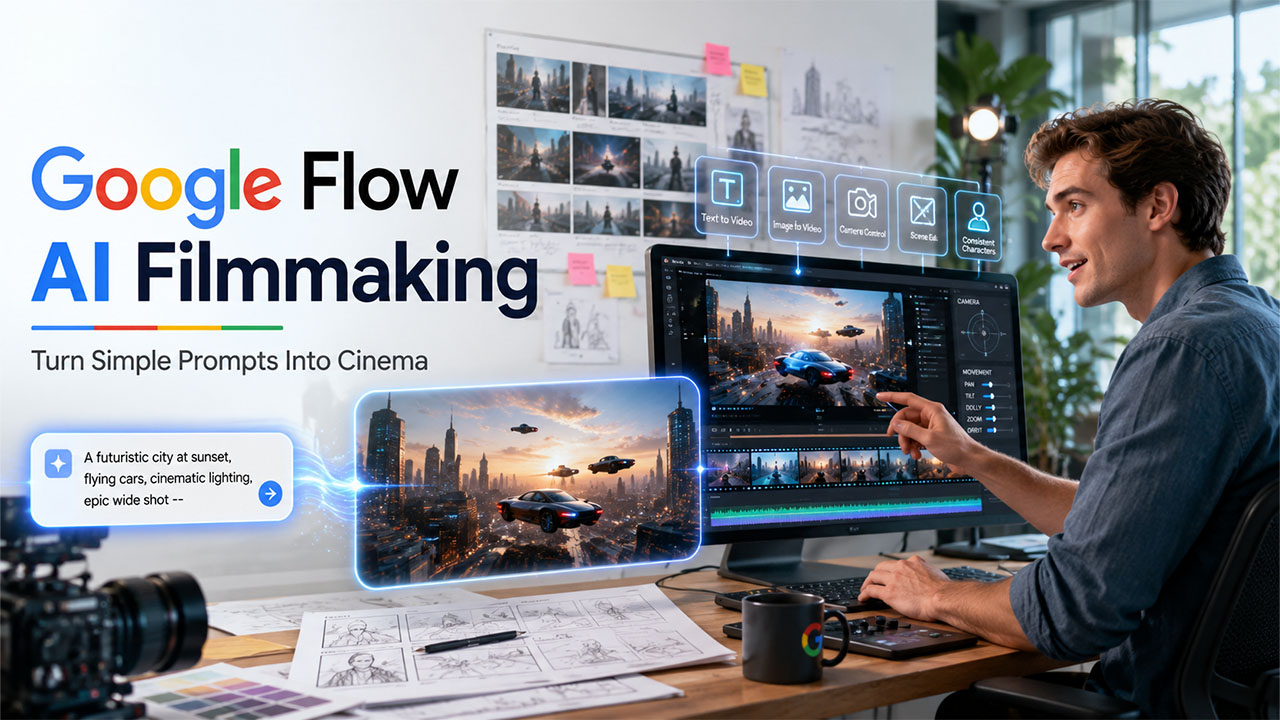

Through this guide, we will explore in detail what Google Flow is, what its core capabilities are, how to use it, and its real-world applications. We will also understand the impact of implementing Google Gemini Omni with the Google Flow family.
The rapid advancement of generative AI is significantly transforming the way videos are created, edited, and shared. In the AI-powered video generation, Google Flow is among the most powerful and innovative AI filmmaking platforms, enabling creators to generate cinematic videos using simple text prompts, images, and existing video content.
The platform is designed for filmmakers, marketers, businesses, and content creators. Google Flow combines various powerful AI models with creative tools, simplifying the complete process of video production.
What is Google Flow?
Google Flow is among the most advanced AI-powered video generation and filmmaking platforms by Google that can be used for creating cinematic videos from text, images, and existing video clips. The platform is designed for storytellers, filmmakers, marketers, and content creators who are looking to produce high-quality videos with the help of generative AI.
The platform is built on Google's advanced AI models, which include Veo for video generation, Imagen for image generation, and Gemini for language understanding and creativity prompting. The platform is available in supported regions, and it generally requires users to qualify for a Google AI subscription, which includes Google AI Pro or Ultra. The platform also applies SynthID watermarking to the AI-generated content, making it easier for the audience to identify it as AI-generated content.
Benefits of Google Flow
Google Flow offers key benefits to content creators, businesses, and filmmakers, as it combines AI-powered video generation with key tools like storytelling and editing. Some of the key benefits of Google Flow are as follows:
- Faster Video Creation: The platform can generate video clips in minutes and can also quickly test multiple creative ideas.
- No Advanced Filmmaking Skill Required: Users can create cinematic videos using simple text prompts. It can also make video production more accessible to beginners.
- High-Quality Visuals: The platform helps in producing realistic lighting, camera movements, and cinematic effects.
- Easy Editing: With Google Flow, users can modify scenes using text instructions instead of manually editing.
Understanding Core Capabilities of Google Flow
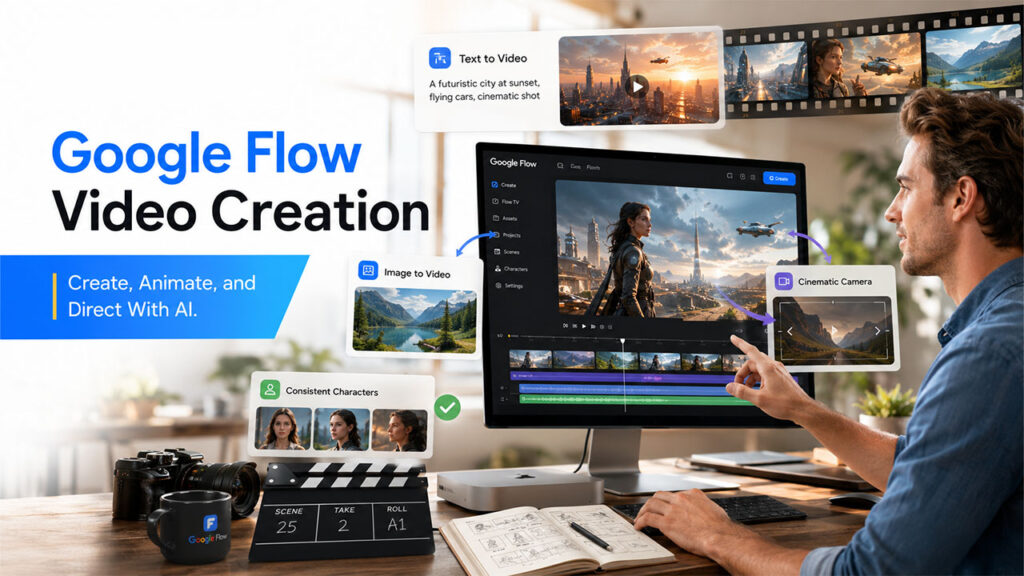
Google Flow is an AI-powered filmmaking platform that helps users efficiently create, edit, and organize videos using natural language prompts. The core capability of the platform is to streamline the entire process of video production, from idea generation to final output.
Some of the key capabilities of Google Flow include:
- Text-to-Video Generation
The platform can create video clips from written descriptions. The AI generates a video matching requested settings, characters, actions, and style from simple prompts entered by the users.
- Image-to-Video Animation
The platform can transform a still image into dynamic video simply by adding realistic movement, camera motion, and environmental effects.
- Character and Object Consistency
One of the major capabilities of Flow is its features of maintaining consistency across multiple video clips. The platform makes sure that the visual styles, props, locations, costumes, and characters remain uniform throughout the project.
- Cinematic Camera Controls
The platform supports cinematic camera movements, which help in enhancing storytelling. Google Flow includes a wide range of common camera effects, such as pan, zoom, dolly, orbit, tracking shots, and close-up views.
Google Flow vs. Its Competitors
The AI video generation tool has witnessed massive growth in the recent few years, with Google Flow, OpenAI Sora, and Runway leading the market.
A quick comparison of Google Flow with OpenAI Sora and Runway:
| Features | Google Flow | OpenAI Sora | Runway |
| Key Purpose | AI Filmmaking and storytelling | Realistic AI video generation | AI video creation and editing |
| Video Quality | Cinematic and story-focused | Highly realistic and detailed | Text, images, and existing video footage |
| Editing Capabilities | AI-based scene adjustments | AI video transformation features | Strong editing and visual effects tools |
| Camera Control | Cinematic camera movements | Realistic camera motion generation | Creative camera and editing |
| Ideal for | Short films, advertisements, narrative videos | Creative visualization and realistic video concepts | Social media, marketing, professional editing. |
How To Use Google Flow?
The workflow of Google Flow is designed to help creators move from an idea to a finished video with fewer traditional production steps.
To use Google Flow, users can follow the given steps:
Step 1: Access Google Flow
Open Google Flow and sign in with your Google account.
Choose a supported Google AI subscription plan and start a new video project.
Step 2: Create a New Project
After opening Flow, select New Project and define the concept or story you want to create. Organize the generated scenes, images, and video clips within the project workspace.
Step 3: Write a Video Prompt
The quality of the output mainly depends on the prompt entered by the users. Enter a detailed prompt that helps Flow understand the vision of the creator.
Step 4: Generate a Video Scene
After entering the prompt, Google Flow generates a video clip based on the description. Review the result and adjust the prompt if changes are needed.
Step 5: Create Multiple Scenes
The platform generates multiple individual scenes separately. The user can arrange scenes in a logical sequence.
Step 6: Use Images as References
The user can also provide images to guide video creation. The platform uses references to generate animated or video-based content.
Step 7: Edit Videos Using AI Prompts
Instead of manually editing every detail, the user can also describe the changes they want.
Step 8: Review and Improve
Before finalizing the result, users can check out character consistency, review video quality, adjust scenes, improve prompts, and generate alternative versions.
Real World Application of Google Flow
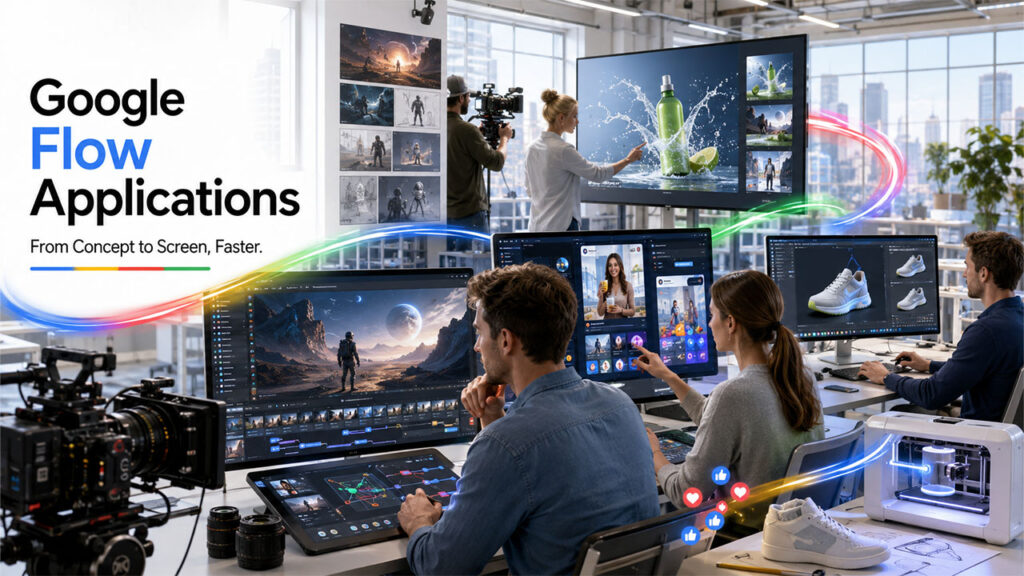
Google Flow offers key applications across multiple industries, where video creation, visualization, and content production are utilized. The platform helps creators and organizations to produce visuals quickly, along with experimenting with ideas and reducing the effort required for the traditional production workflow.
1. Film and Entertainment Production
Filmmakers use Google Flow to create story concepts, cinematic scenes, and visual prototypes, which are based on full-scale production.
Benefits:
- Faster creative exploration.
- Reduced pre-production costs.
- Easier visualization of scripts.
2. Advertising and Marketing
Agencies and brands can use Google Flow to create promotional videos, product demonstrations, and advertising concepts. They can also utilize the platform for product launch videos, social media advertisements, and brand storytelling campaigns.
Benefits:
- Faster campaign development.
- Multiple creative variations.
- Lower production costs.
3. Social Media Content Creation
With Google Flow, creators can generate unique videos for the platform, such as AI-generated storytelling videos, animated posts, creative visuals, and short cinematic clips.
Benefits:
- Faster content production.
- More creative possibilities.
- Ability to experiment with different styles.
- Product Design and Prototyping
Using Google Flow, companies can visualize product concepts, even before the manufacturing process begins. They can show future product designs, create concept presentations, and demonstrate product features.
Benefits:
- Faster idea validation.
- Better communication between teams.
- Improved design feedback.
Introduction of Gemini Omni for Google Flow
The introduction of Google Gemini Omni has enhanced the capabilities of the Google Flow family. In Google Flow, users can utilize the full potential of Gemini Omni Flash to create anything from a simple input.
Role of Gemini Omni in Google Flow
In Google Flow, the multimodal intelligence of Gemini can help users in:
- Understanding creative instructions.
- Convert ideas into detailed video prompts.
- Analyze image and visual ideas.
- Maintain storytelling consistency.
- Assist with planning and editing decisions.
Key Capabilities of Gemini Omni for Google Flow
- Multimodal Understanding: In Google Flow, Gemini can process a wide range of inputs, understand the references, and help generate the most suitable video concept.
- Natural Language Creative Assistance: Gemini can help users communicate ideas without any technical commands. Gemini can help transform ideas into detailed production prompts.
- Story and Scene Planning: For developing long-form videos, users can utilize the capabilities of Gemini to create story outlines, break ideas into scenes, and suggest transitions.
- Improve Prompt Creation: Gemini can enhance the prompts by adding visual details, camera directions, lighting descriptions, and cinematic styles.
Conclusion
Google Flow is considered the major leap forward in the AI-powered filmmaking process, as it helps creators make professional-quality video quickly. The platform features key capabilities, such as text-to-video generation, image animation, cinematic controls, and AI-based editing. The platform also witnesses the introduction of the multimodal intelligence of Gemini, further enhancing the capabilities of the platform. The integration also helps users transform ideas into engaging educational and product designs. Google Flow also has the potential to reshape the traditional video production workflow of creators and empower them to explore new possibilities in digital storytelling.
FAQs About Google Flow
Q. Can beginners use Google Flow without any filmmaking experience?
Yes, Google Flow can be used by a beginner without any filmmaking experience. The platform is designed to make AI filmmaking more accessible.
Q. What type of videos can be created in Google Flow?
Using Google Flow, users can create a wide range of videos, which include short films, advertisements, marketing videos, social media content, and product demonstrations, among others.
Q. Can Google Flow convert images into videos?
Yes, Google Flow can efficiently convert images to videos, as it supports image-to-video animation, allowing users to transform static images into dynamic video scenes.
Q. Does Google Flow require a subscription?
The availability of Google Flow depends on the region and the current access policies of Google. Some features of Flow may require a qualifying Google AI subscription plan.
%201.png)

%201.png)

%201.png)