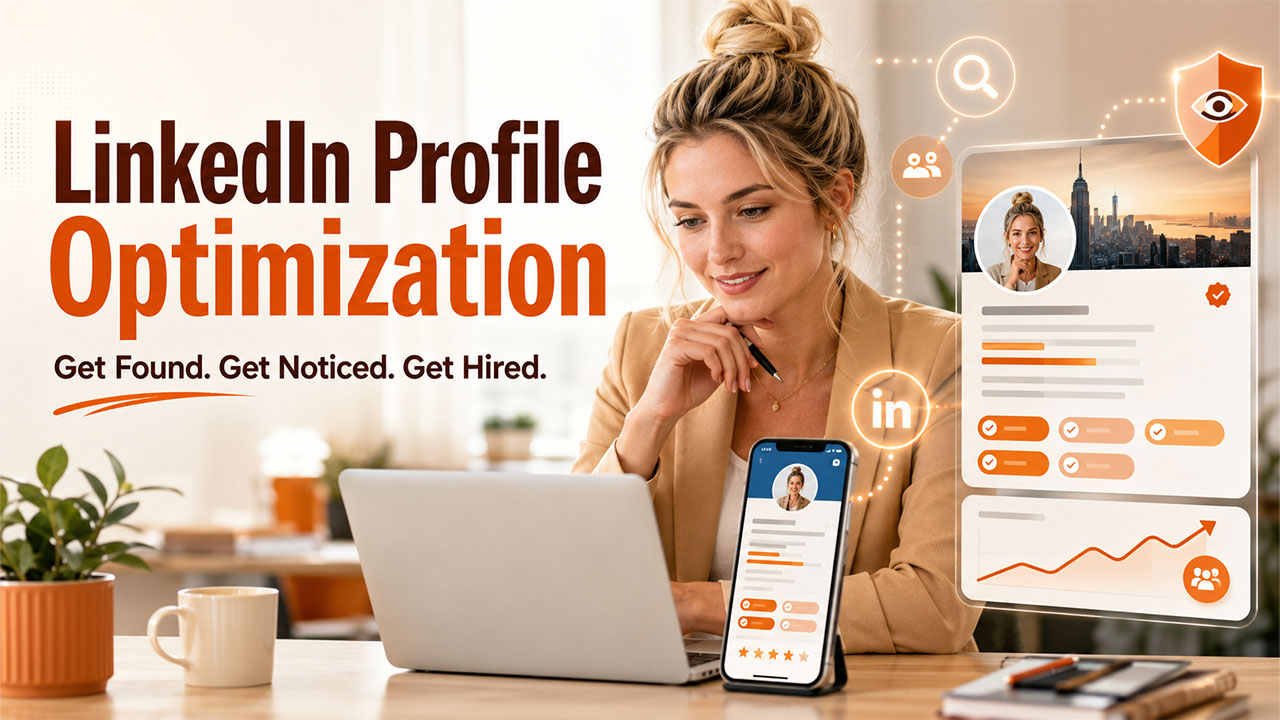

Your LinkedIn profile looks up-to-date. You added the open for work banner, and your profile is ready to attract recruiters. However, even after three weeks, you don't hear a thing from any of the hiring managers.
This situation is common for job seekers who use LinkedIn as a static online resume instead of a job search engine. Most recruiters use specific keywords to filter by skills and activity level on candidate profiles. A profile without these specific keywords will not match their search criteria and won't appear on the results page.
A strong professional headline can increase profile views by 30%, and a complete profile can get up to 21 times more views. The data show that profiles that highlight your core skills are more likely to boost visibility.
Let's put this knowledge into action with practical LinkedIn job search tips. You'll learn:
- Which core sections to include.
- LinkedIn settings that improve visibility.
- The right keywords to use.
Why Recruiters Ignore Most LinkedIn Profiles
Recruiter search on LinkedIn is almost always linear. Hiring managers type in targeted job titles, skillsets, and locations into a search bar with Boolean filters (specific search restrictions and logic that enable operators to narrow down a search term).
Then, LinkedIn shows the results page with complete profiles that match recruiter keywords. If your headline is generic or incomplete, your profile will not show up in the results. LinkedIn ranks profiles with vague headlines, such as "searching for a new opportunity", lower in the recruiter search results.
Like headlines, images are equally important for the algorithms to consider your profile. A study by Kinsta found that profiles without images receive up to 21 times fewer profile views. Another important profile aspect is the skill endorsements section. Profiles with endorsements receive nearly 17 times as many recruiter visits.
LinkedIn Job Search Tips: The Sections That Control Your Profile Visibility
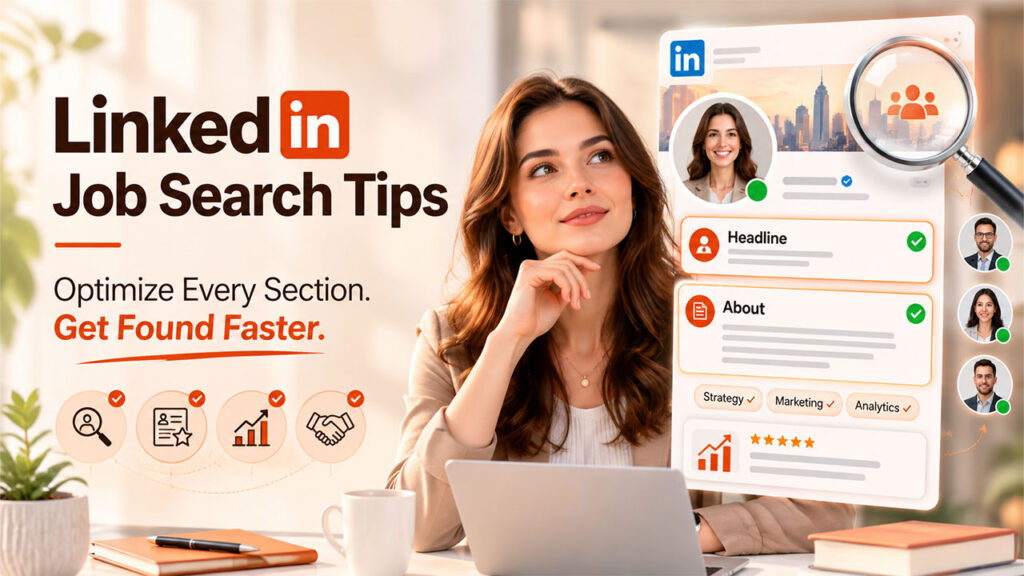
The following are the core sections every LinkedIn profile must have.
Headline: The Main Introduction
The headline is under 220 characters and tells the recruiter about your role and expertise. It's also the first to appear in the search results, connection requests, and comments.
| Headline Formula | Example |
| [Target Role] + [Key skill or Specialization] + [Industry or Result] | Marketing Manager | B2B SaaS | Drove 40% pipeline growth through content and paid channels |
Slightly longer headlines (more than 100 characters) demonstrate expertise and authenticity, increasing the likelihood of receiving recruiter messages by 43x. Instead of using the 'open to work' banner, emphasize your core skills. Profiles with generic terms are often filtered out from the search results.
About Section: A 3-paragraph Pitch
After you've given the recruiter a little introduction, lead them with your skill sets and achievements. An explicit accomplishment shows recruiters you're capable and a reliable team player.
Here's a solid about me section structure to help you bag the work opportunity:
- 1st paragraph: Introduce who you are and what you do best.
- 2nd paragraph: Quantify specific achievements, like I helped a SaaS company increase revenue by 5%.
- 3rd paragraph: Mention what you're looking for in the next opportunity. Also, include your contact information.
Example:
- Strong opening line: I help B2B companies reduce customer churn through data-driven onboarding programs.
- Weak opening line: Passionate professional with years of experience in various roles.
Your LinkedIn summary must align with your resume on key facts, such as job titles, dates, and achievements. The tone can be more conversational, but factual inconsistencies raise concerns during screening.
Keywords: Ways Recruiters Land on Your Profile
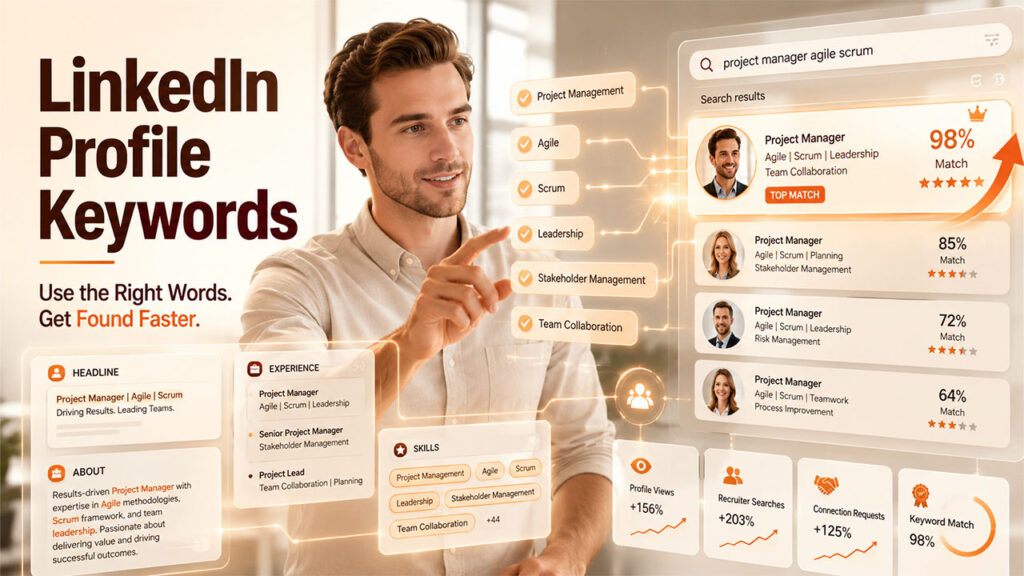
LinkedIn is a professional search engine. This means the keywords in your profile most often influence the search results. For example, when a recruiter types 'project manager agile scrum' in the search bar, LinkedIn pulls the most relevant profiles with those targeted keywords.
Below are simple tactics to improve profile optimization:
- Examine 10-15 job listings for your target role or industry.
- Copy the descriptions into a word frequency tool.
- Identify the top keywords that appear on every profile.
- Include those keywords in your headline, about section, experience, and skills list.
The best keywords for a LinkedIn profile depend on your industry and job type. LinkedIn allows you to add up to 50 entries in your skills section. To stand out, pick 3 strongest abilities. These skills are displayed along with the "About Me" section, helping recruiters quickly scan the information.
Experience and Skills: Match Them to Your Resume
Many job seekers treat LinkedIn as an online resume. However, they miss adding key details or record different information from the resume. While the tone can vary, critical details, such as the job dates, titles, etc., must be the same in your profile and resume.
A mismatch in them is more likely to make the recruiters second-guess working with you.
It's why your experience section must have the following information:
- Job title, company.
- Job dates.
- Up to 3 measurable outcomes.
A dedicated resume builder like BetterCV structures your experience in a consistent format, making it straightforward to keep your LinkedIn and resume telling the same story. The platform's AI suggestions help you find the right words for your skills.
How to Use the Settings and Activity to Boost Profile Visibility
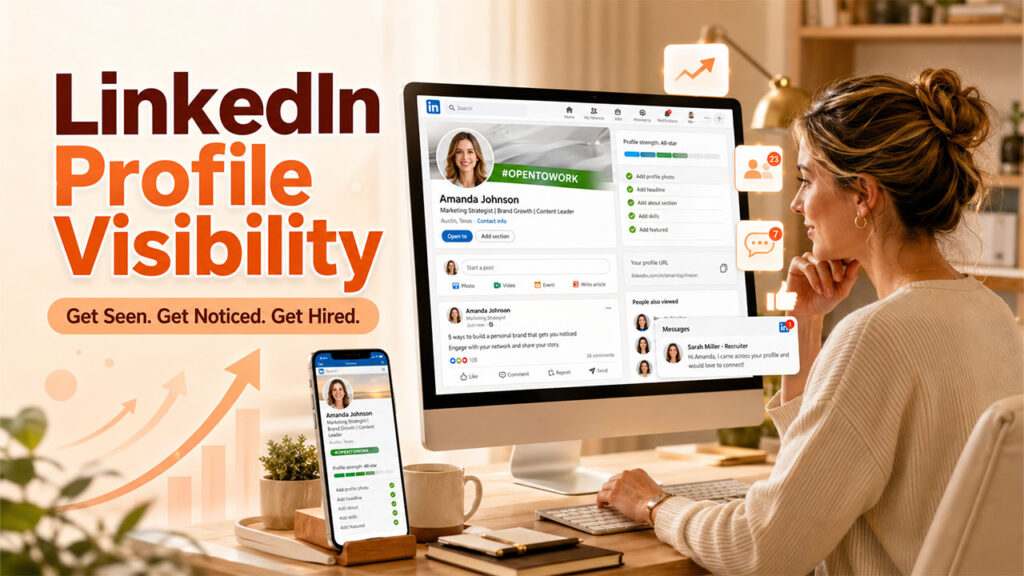
Even small tweaks to your LinkedIn profile can make a difference in how often recruiters find you. For example, turning on the "Open to work" banner helps recruiters immediately know you're available for consideration.
Below is your LinkedIn profile checklist:
- Open to work banner: You can turn this on by going to Settings > Job seeking preferences. The banner may also be displayed to anyone or just the recruiters. A LinkedIn study states that people with the "open to work" banner have a 53% response rate. Those who didn't had only 35% response rates.
- Custom URL: A short link, for instance, linkedin.com/in/firstname-lastname is better for resumes and email signatures.
- Profile photo: Make sure your face fills up to 60% of the frame and that you dress professionally. Background and lighting should also be considered. Professional headshots build trust and normally receive more recruiter inquiries.
- Activity: The LinkedIn algorithm promotes profiles with activity. Regular updates or 3-5 comments per week will improve your LinkedIn profile visibility.
Before You Apply: Final LinkedIn Profile Checklist
A well-optimized LinkedIn profile signals professionalism and makes it easier for recruiters to find you. Recruiters often compare your profile with your resume to check critical information.
While you might take these aspects lightly, somewhere, recruiters are flagging your profile for an information mismatch. And the worst part is you wouldn't know what likely went wrong and why you never received a message.
The best way to avoid these mishaps is to implement the above tips. A strong profile is one that serves recruiter search queries and includes verifiable claims on the resume. Pairing these efforts with Job Search Automation Tools can help you streamline applications, track opportunities, and stay organized throughout your job search.
Select a job listing, find specific keywords, and include them in your profile. More importantly, verify if all the details match your resume.
Key Takeaways
- Craft a headline based on your target role and skills, and do not use generic ones like "Open to work."
- Pick keywords from job listings and include them in your headline, about me section, and experience.
- Ensure your LinkedIn summary and resume experience are the same.
- Turn on the "Open to work" feature, customize your URL, and post at least once a week.
- Treat your profile as a search result rather than a biography.
Frequently Asked Questions
Q1. How often should I update my LinkedIn profile during a job search?
A good rule is to review it every 2-3 weeks. You should also revamp your profile when:
- Your target role changes.
- You upgraded your skills.
- Your pitch is different from before.
Q2. Does the Open to Work banner hurt my chances with current employers?
No, with LinkedIn's privacy settings, you'll be able to display the banner only to your recruiters. This setting hides it from everyone else, including your manager and colleagues.
Q3. What is the best LinkedIn headline for job seekers?
The best headlines are the ones that have:
- Your target role.
- Key skills.
- Your industry or result.
Headline = [Target role] + [Key skills] + [Industry/Result]
For example: Financial Analyst | FP&A and Forecasting | Series B-D SaaS
Avoid phrases with no keywords, such as ''searching for a new role."
Q4. Should my LinkedIn profile match my resume exactly?
Although the tone can differ, key details like job titles or dates must be the same as your resume. Inconsistency with these details can raise concerns during screening. It's okay to sound more conversational with a LinkedIn summary. But your resume requires a formal tone.
%201.png)

%201.png)

%201.png)