
Businesses in the SEO industry need an SEO Agency CRM because they must manage dozens of clients at once, and most of these clients stick around for months, and sometimes years.
You manage rankings, monthly reports, content calendars, and client check-ins, often for the same person over and over again. A spreadsheet can only handle so much before things start slipping through the cracks. That's where a CRM for SEO agencies comes in. The right system keeps your team organized, your clients informed, and your retainers renewing instead of walking away.
What Is CRM Software?
CRM, short for Customer Relationship Management, is software that keeps records of everyone you work with, from the first cold email to a client who's been with you for three years. For an SEO agency, that means keeping a history of conversations, tracking where each lead sits in your pipeline, storing reports, and setting reminders, so nobody forgets to follow up. It works as a shared memory for your whole team.
If you're new to all this, it helps to learn how to use a CRM before jumping into agency-specific setups.
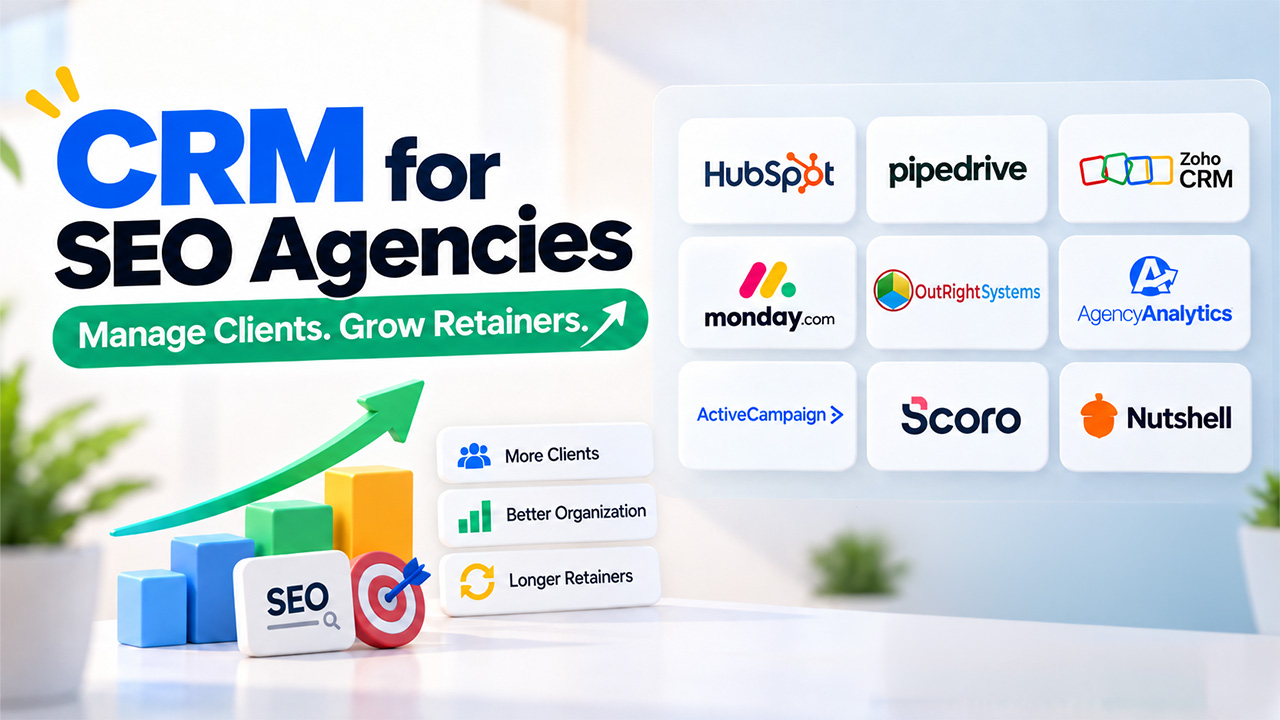
Top SEO Agency CRM: Quick Comparison
Before exploring the top options, here’s a quick comparison of the CRM tools SEO agencies can consider.
| CRM | Best For | Starting Price | Standout Feature |
| HubSpot CRM | Growing agencies | Free, paid tiers extra | Deep marketing integrations |
| Pipedrive | Sales-focused teams | Around $14–24/user/mo | Visual pipeline |
| Zoho CRM | Budget-conscious agencies | Around $9–14/user/mo | Wider app ecosystem |
| Monday CRM | Blending PM and sales | Around $12/user/mo | Custom visual boards |
| OutRightCRM | Small to mid-sized agencies | Budget-friendly tiers | Simple, fast setup |
| AgencyAnalytics | SEO-specific reporting | Around $59/mo | Automated rank reports |
| ActiveCampaign | Email-driven nurturing | Around $15/mo and up | Automation sequences |
| Scoro | All-in-one agency ops | Around $20–26/user/mo | Billing plus CRM combined |
| Nutshell | Small teams wanting simplicity | Around $16/user/mo | Easy learning curve |
9 Best SEO Agency CRM in 2026
Pick a CRM that fits how your agency actually works, not the one with the longest feature list. Here are nine CRM software options worth looking at this year.
1. HubSpot CRM
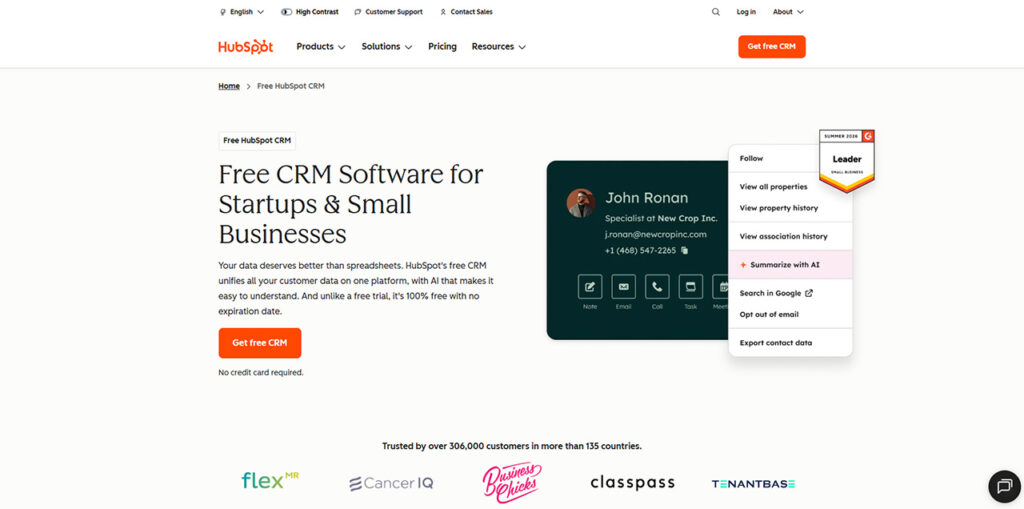
HubSpot is one of the most talked-about names in the CRM landscape. At first, it was introduced as a marketing tool and later grew into a full CRM, which is why the marketing side still feels so strong. It's an easy and low-risk place to start if you're serious about organizing client data.
- Free core CRM with paid add-ons for marketing and reporting
- Built-in email tracking and meeting scheduling
- Integrates with Google Search Console and GA4
- Scales well as your client list grows
2. Pipedrive
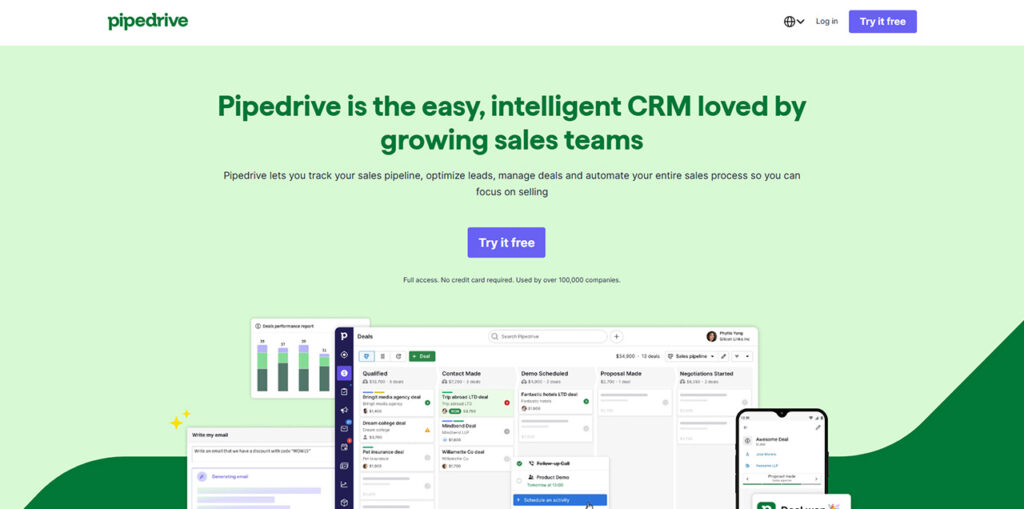
Pipedrive is simple to use, and the whole system is built around one clear visual pipeline, so you always know exactly where a deal stands. It works best for agencies who focus on closing more deals instead of managing complex projects.
- Drag-and-drop deal stages
- Strong Google Workspace integration
- Simple automation for follow-up emails
- Good for smaller sales teams who don't want clutter
3. Zoho CRM
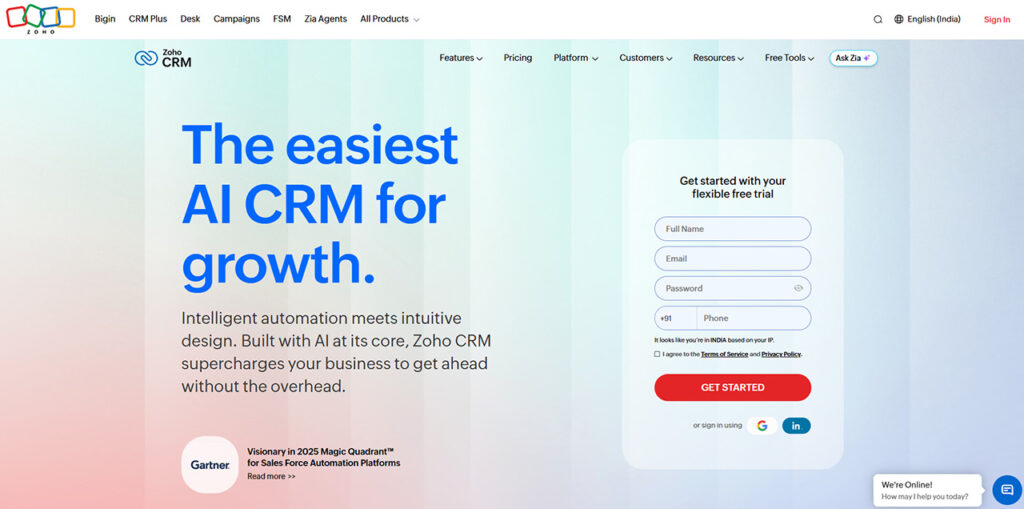
Zoho CRM is part of a much larger suite of business tools, but it holds its own even as a standalone product. It's often the CRM agencies turn to when budget matters as much as functionality. If your team already uses other Zoho apps, the CRM slots in without much friction.
- Affordable per-user pricing
- Custom workflow automation
- Connects with the wider Zoho ecosystem
- Decent reporting dashboards out of the box
4. Monday CRM
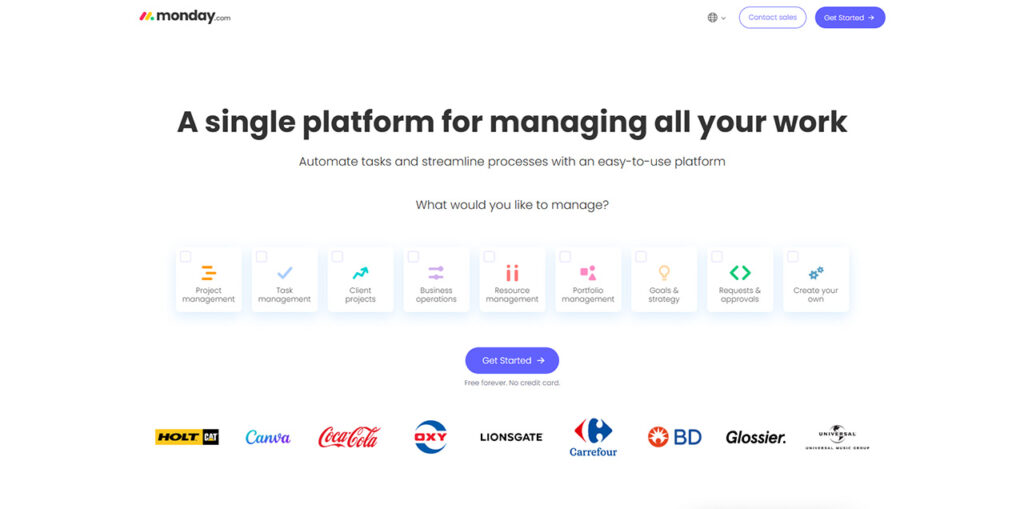
Monday was designed to be a project management tool, and that background still shapes how it works today. Its features are built using the same visual boards the platform already uses for tracking tasks and deadlines. Naturally, SEO agencies that want to track sales and delivery prefer this over others.
- Visual boards that double as pipelines
- Easy to customize without needing a developer
- Good for blending client work with sales
- Solid automation for repetitive tasks
5. OutRightCRM
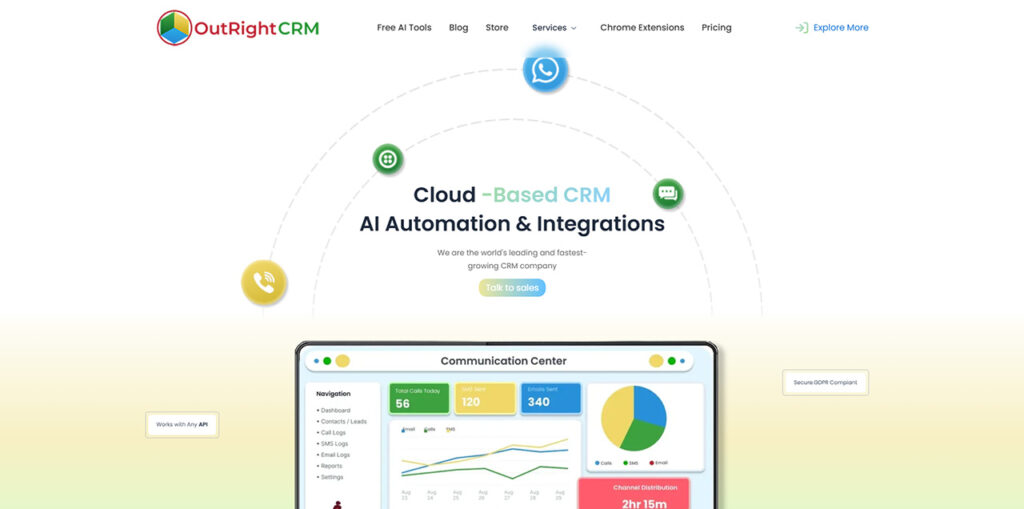
OutRightCRM is not a generic sales tool. It was built specifically for SEO agencies that deal with recurring reports, ongoing retainers, and multiple spreadsheets. Agencies running guest posting and link-building workflows alongside SEO often lean on a dedicated GuestPostCRM setup for that side of the business. It allows you to import your contacts, set up a pipeline, and automate follow-ups in minutes. There is no developer needed.
- Kanban-style pipeline for tracking deals from outreach to signed retainer
- Task and delivery tracking to keep deliverables on schedule
- Built-in email sequences for follow-ups and client check-ins
- Integrates with Gmail, Slack, WhatsApp, Stripe, and Zapier
6. AgencyAnalytics
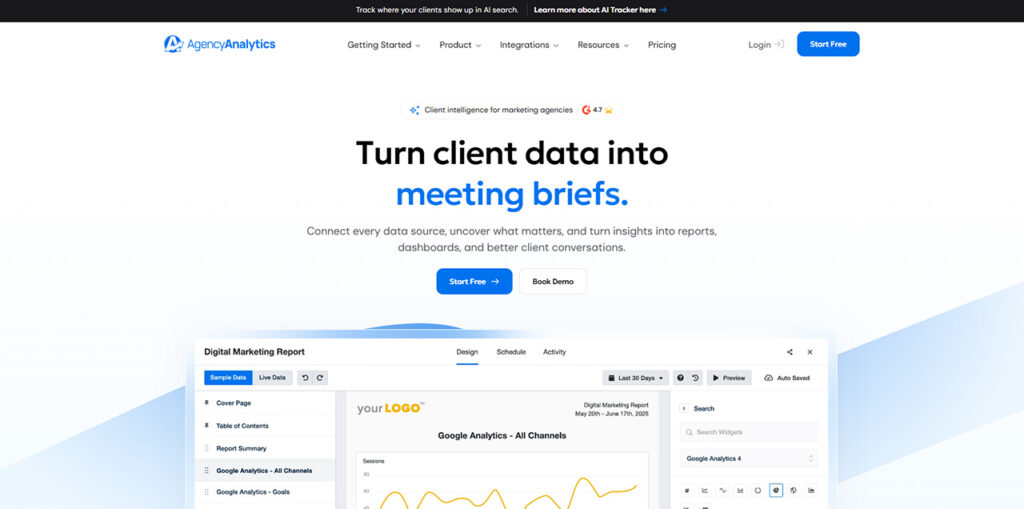
AgencyAnalytics isn't a traditional CRM in the strictest sense, but it fills a gap most CRMs leave open for SEO agencies. It mainly focuses on the part of the job that eats the most time each month, which is reporting and rank tracking. Many agencies pair it with a lightweight CRM to make up for the client relationship side.
- Automated, white-label SEO reports
- Keyword rank tracking built in
- Client-facing dashboards
- Pairs well with a lighter CRM for contact management
7. ActiveCampaign
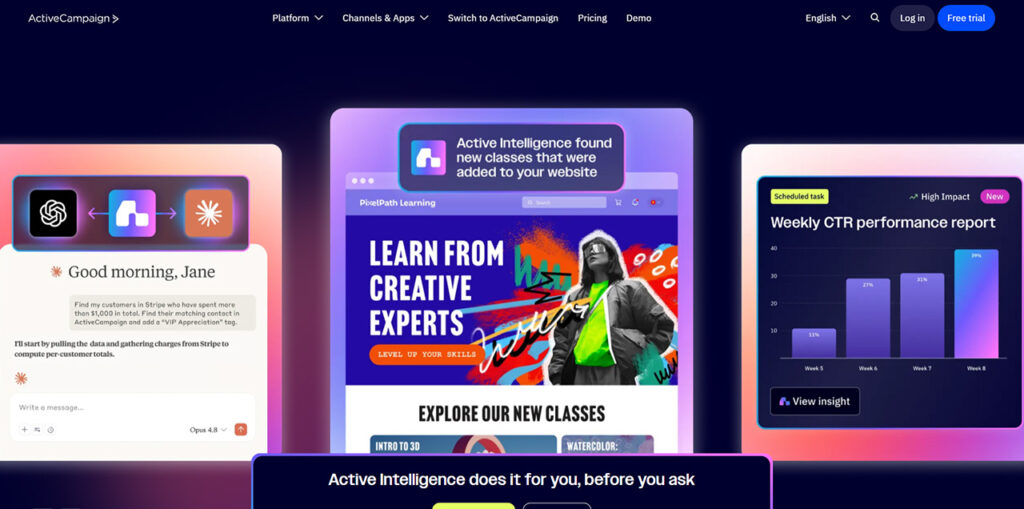
ActiveCampaign focuses more on email as it treats it as the backbone of client communication rather than an afterthought. It brings CRM functions and serious email automation under one roof. It works best for agencies that nurture leads over weeks or months. If your outreach strategy depends on timed, behavior-based emails, this tool was built for exactly that.
- Advanced email automation sequences
- Behavior-based triggers
- Combines CRM and email marketing in one tool
- Useful for agencies that rely on drip campaign
8. Scoro
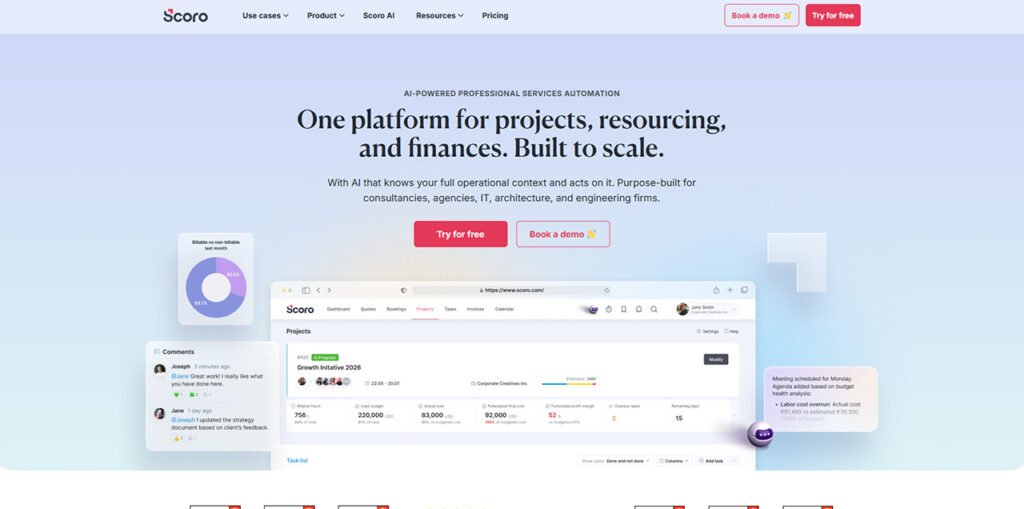
Scoro takes a different approach by trying to combine CRM, billing, and project management into a single system. This makes it a heavier and more involved platform than most on this list, and that's very much by design. Agencies that have outgrown simpler tools and need financial tracking tied to client accounts tend to land here.
- Combines CRM with financial tracking
- Time tracking tied directly to client accounts
- Useful for agencies billing hourly or by retainer
- Better suited to teams that have outgrown simpler tools
9. Nutshell
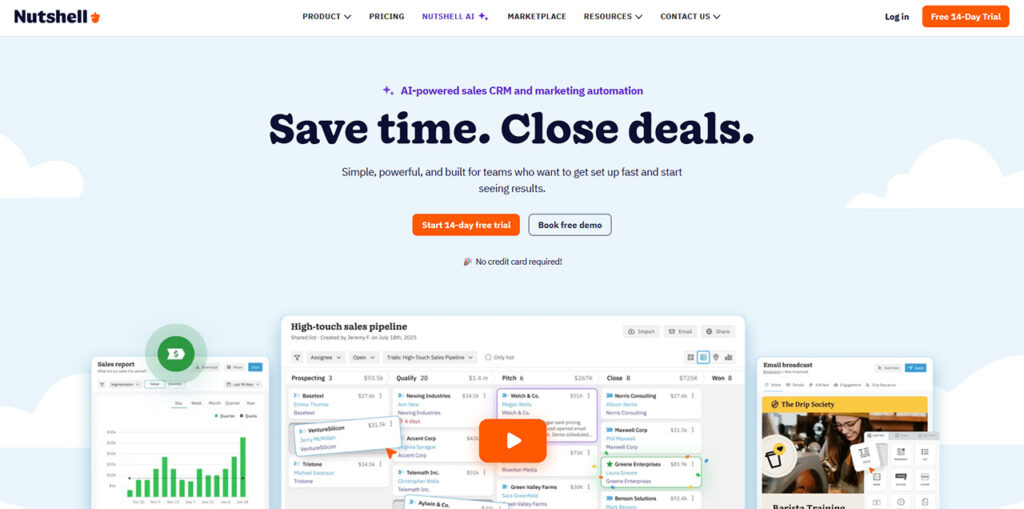
Nutshell's simplicity is its selling point, and it delivers results without cutting corners on what actually matters. There are no overloaded dashboards or unnecessary, fancy features you'll never use; just the essentials done well. It suits small teams who want a CRM that stays out of the way and just works.
- Clean, easy-to-learn interface
- Built-in email sequences
- Solid reporting without the bloat
- A good fit for small teams that want something that just works
How to Improve SEO With CRM Software
Choosing the right CRM is only the first step; using it effectively can also improve how your SEO agency manages clients and delivers results.
Keep SEO Client Communication in One Place: When you keep every email, call note, and report organized in the same system, nobody will have to dig through old threads or rely on someone's memory to recall what was promised last month. That alone cut down on missed follow-ups.
Track SEO Deliverables Against Deadlines: SEO is an ongoing activity, and it's easy for a monthly audit or a batch of backlinks to slip if there's no system flagging it. A CRM with task reminders keeps your team accountable and on their toes.
Identify SEO Clients at Risk of Churning: Most CRMs let you log engagement, like how often a client opens reports or responds to emails. Low engagement usually signals that the client is about to churn, and catching it early gives you a chance to fix it before he leaves for good.
Automate SEO Reporting and Reduce Manual Work: Manually pulling ranking data and building slides every month eats hours you could spend on actual strategy. Tools with reporting automation, or CRMs that plug into one, free up that time.
It's a small example of what CRM in digital marketing is really for, taking scattered client data and putting it to work automatically.
Conclusion
Choosing an SEO Agency CRM is about picking something that matches how your agency actually runs, whether you focus heavily on reporting, white-labeling or just want it to, so your team won't fight every day over data. Start with what's slowing your team down right now, whether it is poor client communication or reports that take too long to build, and let that guide your choice. The right system won't just organize your contacts. It'll help you keep clients longer, which is really what SEO retainers are all about.
Frequently Asked Questions (FAQs)
Is a free CRM good enough for a small SEO agency?
Yes, if you're just starting out. Free tiers like HubSpot's cover the basics fine for a small team. Just know you'll likely need to upgrade once your client list starts growing.
Can a CRM replace SEO reporting tools?
Not really. A CRM is great for managing relationships and pipelines, but it's not built for rank tracking. Dedicated tools like AgencyAnalytics still do a much better job of handling actual SEO reports.
How much should an agency budget for a CRM?
It really depends on your setup. Costs range from completely free to around $100 a month per user, depending on the features you need, your team size, and how much automation you want.
Do I need a white-label CRM?
Only if you're reselling the platform under your own brand name to clients. If you're just using it internally to manage your own agency's work, a regular standard CRM will work perfectly fine.
What's the biggest mistake agencies make choosing a CRM?
Picking a CRM built for quick, one-time sales instead of long-term client relationships. SEO work runs on retainers, not single transactions, so the tool needs to support that ongoing relationship, not just closing deals.
%201.png)

%201.png)

%201.png)