
Employee monitoring software might be a major problem if it disrupts employees’ work consistently. So, the issue is choosing a platform that ensure valuable work data while ascertaining low visibility.
This is exactly where stealth or low-visibility employee monitoring software proves to be valuable. Such platforms can keep track of work time, website and app activity, productivity, screenshots, and other employee activity with distinct levels of control and visibility.
For businesses, remote teams, and agencies, low-visibility monitoring can minimize manual check-ins and provide managers a better view of work patterns. Teams can also compare employee time tracking apps to evaluate time records, productivity insights, and team-management features. However, not every platform manages monitoring in the same way. Some offer transparent tracking controls, while others provide deeper background monitoring.
In this guide, we’ll compare the best stealth and low-visibility employee monitoring software options, including their monitoring features, pricing, visibility controls, and the types of teams they are built to support.
Quick Overview
For teams that require low-visibility employee monitoring, Apploye emerges as the right choice, specifically for small teams that aim to keep costs low. The Starter plan is free for close to 10 users and still involves the standard monitoring and time-tracking characteristics you need to get standard. The free plan involves time tracking, app and URL tracking, screenshots, timesheets, activity analytics, projects, and attendance tools, so you can cover all the basics.
If you require in-depth remote employee monitoring and more options for management, the Elite Plan of Apploye begins at $4.50/user/month with annual billing. For smaller teams, the Starter plan begins free forever for close to 10 users, so it is not a temporary trial that expires.
Teramind, Trackpilots, TMetric, WorkTime, Time Doctor, Insightful and Hubstaff also provide employee tracking, with distinct levels of activity visibility, background tracking, and management controls. Features and pricing change, so the best choice relies on how visibility your team requires and how you can manage monitoring transparently.
8 Best Stealth Employee Monitoring Software at a Glance
| Software | Stealth / Low-Visibility | Screenshots | App & Website Tracking | Time-Tracking | Starting Price |
| Apploye | Yes | Yes | Yes | Yes | $4.50/user/mo |
| TrackPilots | Yes | Yes | Yes | Yes | Free |
| Teramind | Yes | Yes | Yes | Yes | $14/user/mo |
| WorkTime | Low-visibility | No | Yes | Yes | Free |
| TMetric | Configurable | Yes | Yes | Yes | Free* |
| Hubstaff | Low-visibility | Yes | Yes | Yes | $4.99/user/mo |
| Time Doctor | Background tracking available | Yes | Yes | Yes | $6.67/user/mo |
| Insightful | Yes | Optional | Yes | Yes | $8/seat/mo |
1. Apploye: Best for Stealth Monitoring With Time and Project Tracking
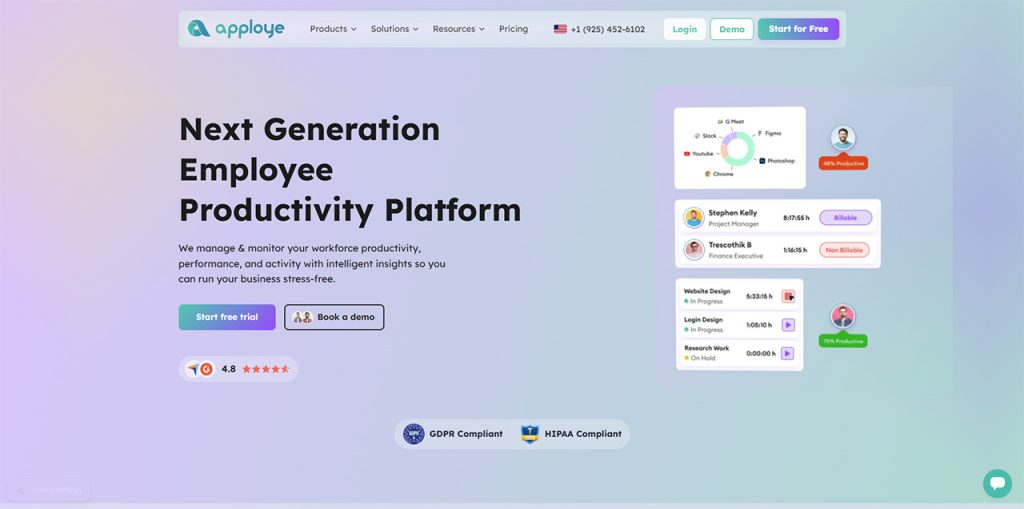
If you need quiet monitoring without juggling between different tools, Apploye is a top option. It centralizes employee monitoring together with time tracking, tasks, projects, reporting, timesheets, invoicing, and payroll, so your team can handle everything from a centralized platform.
Its Stealth Mode quietly runs in the background on devices owned by the company. It can gather app and website usage, screen activity, screenshots, and productivity signals without hampering the work of employees with the usual tracking interface. This means you get valuable activity data without constant distractions or reminders on their screens.
Apploye refers to a cross-platform app for tracking employees that operates on macOS, Windows, and Linux. If your team utilizes mix of devices, it is worth assessing compatibility before you release it.
Stealth monitoring is only aspect of the workflow, not a separate product you need to handle on its own. You can synchronize monitored activity to tracked projects, hours, timesheets, tasks, and client work in a single place, which also makes Apploye a practical time tracking software for consultants.
Managers get a much better context behind each logged hour, which makes billing, reviews, and payroll a lot simpler. Instead of transitioning between a separate time tracker and a monitoring platform, you work from a simple dashboard. This can save time and make sure that your reporting remains consistent.
Key Features
- Stealth monitoring
- Screenshots
- App and URL tracking
- Activity analytics
- Real-time active view
- Time tracking
- Timesheets and approvals
- Projects and tasks
- Client invoicing
- Payroll
- Custom reports
- Integrations with project management apps
Pricing Details of Apploye
- Apploye's free employee monitoring software on the Starter Plan is free for up to 10 users, but its monitoring features are limited: one screenshot per hour, three applications per day, five websites per day, and seven days of activity history.
- The Elite Plan starts at $4.50 per user per month when billed annually. Stealth Mode is an additional $2 per user per month.
- The Power Plan starts at $8 per user per month annually.
Pros
- Free plan for small teams: The Starter plan is free forever for up to 10 users. It's not a time-limited trial.
- Affordable paid plan: The Elite plan starts at $4.50 per user per month with annual billing, which is much more affordable than most of the employee monitoring platforms.
- Stealth Mode: You can quietly run monitoring in the background on devices that the company owns.
- Operates on all platforms: Your team can utilize it on all platforms, including macOS, Windows, and Linux.
- Popular integrations: It also synchronizes with Jira, Asana, ClickUp, Zapier, and Trello, so it aligns with the tools that your team uses already.
- Broad feature Set: It encompasses screenshots, time tracking, activity analytics, app and URL tracking, projects, timesheets, and attendance platforms.
- All-in-one Workflow: You can connect monitored activity to tasks, projects, timesheets, invoicing, client work, and payroll without a separate tool.
Cons
- Free Plan Cap: Once your team is more than 10 years old, you will require a premium plan.
- Advanced Characteristics Need Additional Cost: In-depth remote monitoring and management options exist in the Elite plan, not the free plan.
- May Be a Lot More Than You Require: If you only require straightforward time tracking, a platform with invoicing, monitoring, and payroll may feel like extra.
Best for: Apploye is the right option for teams that need project tracking, time tracking, and quiet monitoring in a single place. It helps small teams on remote teams, budget, and agencies billing clients, and anyone who needs monitoring connected to payroll and tasks.
2. TrackPilots: Best for Dedicated Stealth Monitoring
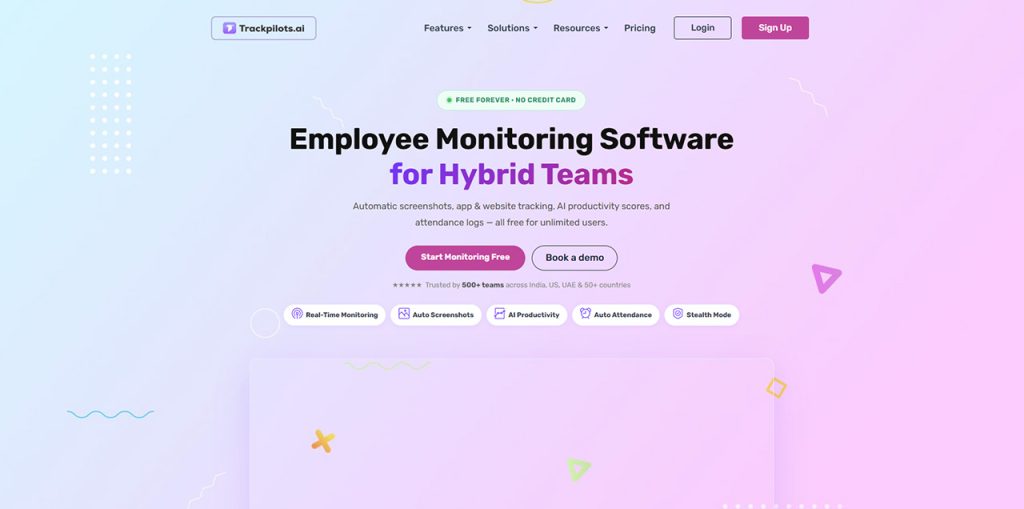
TrackPilot is one of the most reliable names for the stealth-monitoring use case. Its feature of dedicated stealth monitoring involves background activity tracking, website monitoring and invisible app, stealth screenshots, and analysis of hidden work-session.
The platform can keep track of websites and applications without alerting employees, and its screenshot feature collects periodic screenshots in the background. TrackPilots also ensures timeline data that indicates idle time, active time, applications, productive hours, and visited URLs.
TrackPilots says its platform works on Windows, Linux, and Mac. Its website presently advises a free offering for unlimited users as well as a 14-day free trial.
3. Teramind: Top Choice for Sophisticated Stealth and Security Monitoring
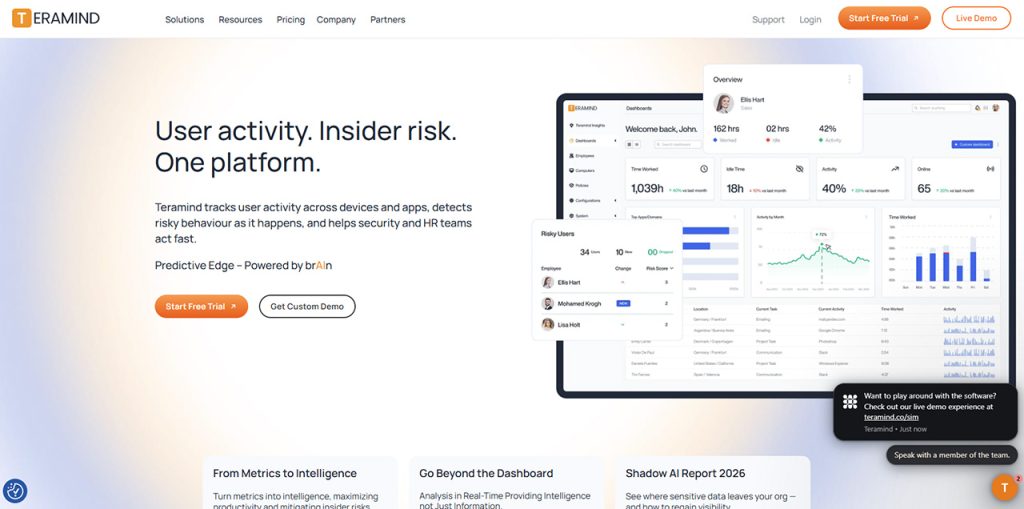
Teramind is built for in-depth employee activity monitoring and security use cases. Unlike platforms that simply hide notifications or reduce interruptions, Teramind has a dedicated Stealth Agent.
According to Teramind's current documentation, its Stealth Agent does not require user acknowledgement and has no user interface. It is intended for discreet monitoring where user awareness is not required. Teramind also requires administrator privileges to install the stealth agent.
The platform goes beyond basic time tracking with features for screen monitoring, application and website activity, behavioral analysis, alerts, and security investigations.
Teramind's plans currently start at $14 per user per month, with UAM at $28 and DLP at $32. All paid plans have a five-seat minimum.
4. WorkTime: Best for Non-Invasive Monitoring
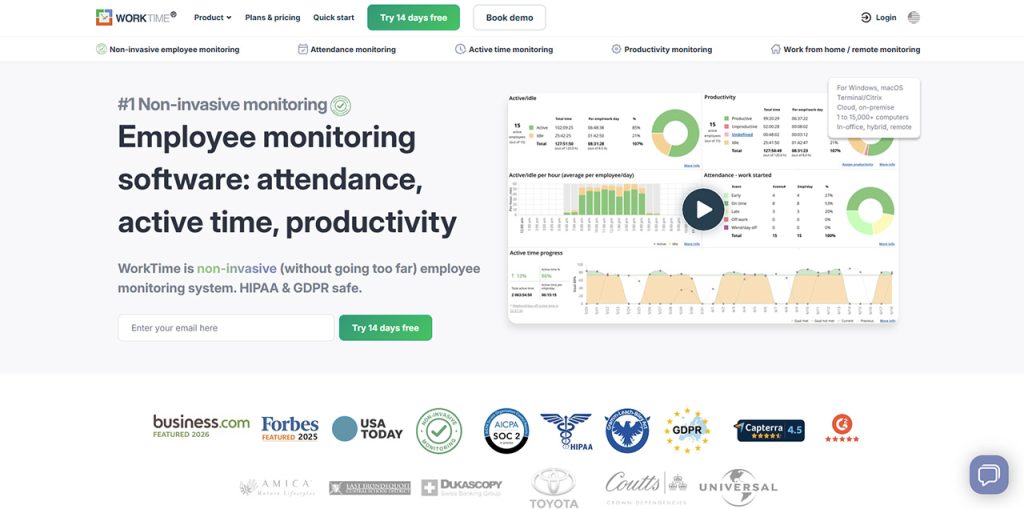
WorkTime takes a distinct approach from conventional stealth-monitoring tools. Instead of recording employee screens or collecting detailed content, it focuses on work patterns, including idle and active time, and website and application usage, productivity, and attendance.
This makes it a useful option for low-visibility monitoring without extensive content surveillance.
WorkTime's free plan supports up to three employees and provides two weeks of data history. The standard plan begins at $6.99/employee/month, while Premium begins at $8.99 and Enterprise at $10.00.
The Premium plan includes features like distraction scores, productivity reports, customized working hours, and alerts.
5. TMetric: Right Option for Configurable Employee Activity Tracking
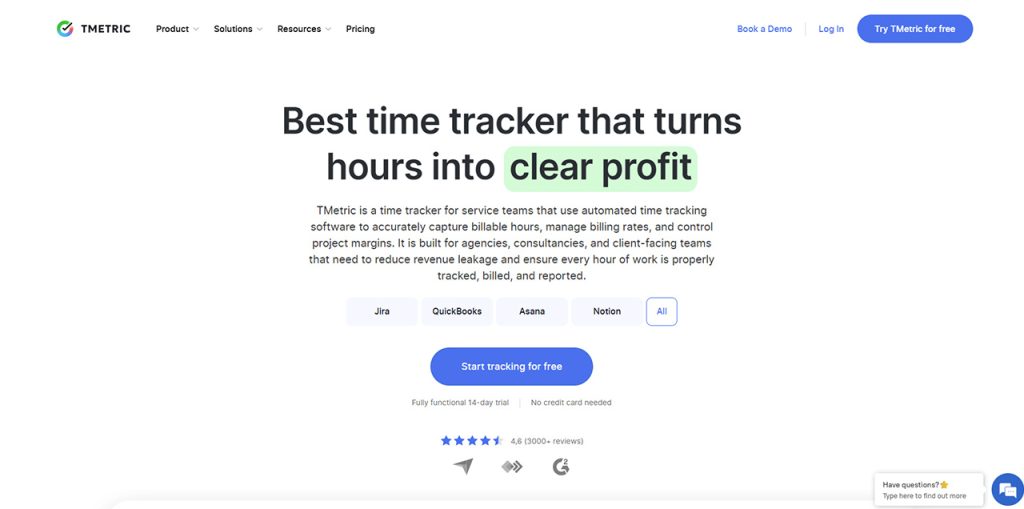
TMetric mainly began as a time-tracking platform but now provides employee monitoring characteristics for teams. Its Business plan includes website and app monitoring, activity tracking, screenshots, team dashboards, and productivity insights.
Its monitoring system is configurable rather than being positioned primarily as a hidden monitoring platform. Screenshots can be blurred, tracking can be limited to work hours, and employees can access their own tracked data.
The free plan supports up to two seats for basic time tracking. Employee monitoring features, such as screenshots and app/site tracking, are included in the Business plan.
6. Hubstaff: Best for Transparent Low-Visibility Monitoring
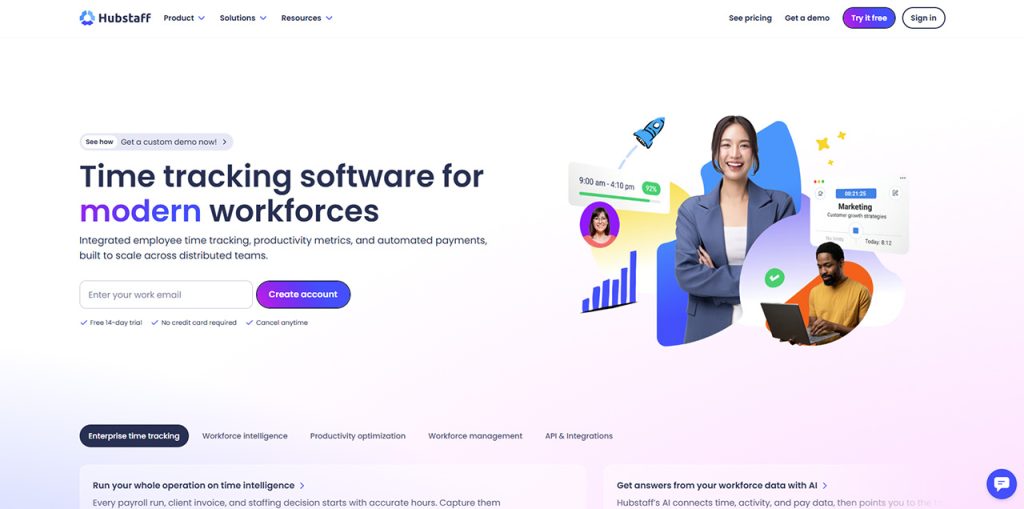
Hubstaff provides activity rates, screenshots, URL and app tracking, work tracking, and timesheets. However, it is significant to differentiate Hubstaff from dedicated stealth tools.
Hubstaff says that its apps are explicitly designed around transparency. Employees can check when tracking is active, when they do receive notifications when screenshots get captures, and control when they begin and stop tracking.
That makes Hubstaff better classified as a low-interruption or configurable monitoring platform, rather than true hidden monitoring.
Its Starter plan starts at $4.99 per user per month when billed annually, while Grow is $7.50 and Team is $10. Paid plans have a two-seat minimum.
7. Time Doctor: Best for Background Productivity Tracking
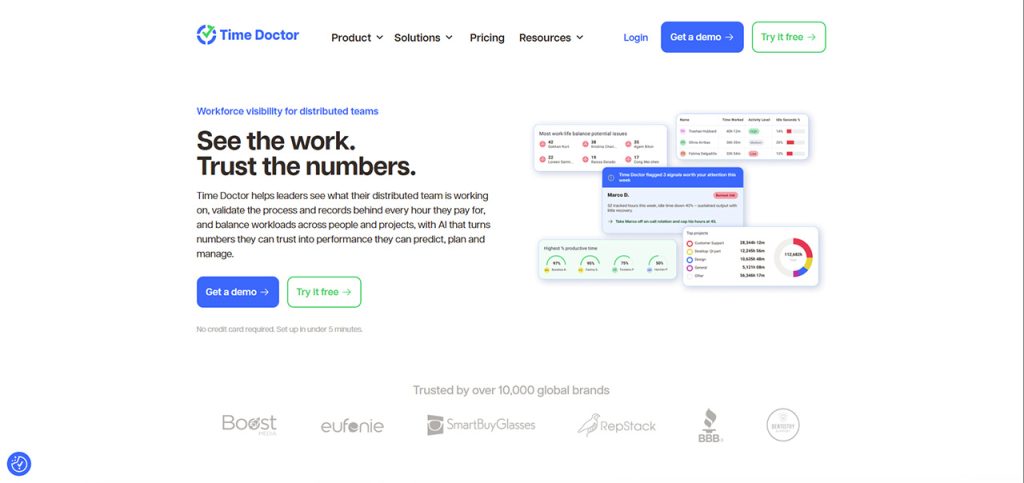
Time Doctor integrates automatic time tracking with projects, screenshots, timeline reports, projects, tasks, and productivity tracking.
Its standard plan begins at $6.67/user/month when billed every year and involves projects and tasks, automatic tracking, online/offline tracking, screenshots, and timeline reports. Standard begins at $11.67 and includes features like app and web usage reports, productivity ratings, activity summaries, attendance, and payroll.
Time Doctor provides support to automatic background tracking, but it also provides an interactive tracking model. That makes it more appropriate to describe it as background-capable monitoring rather than dedicated stealth monitoring.
8. Insightful: Best for Stealth Workforce Analytics
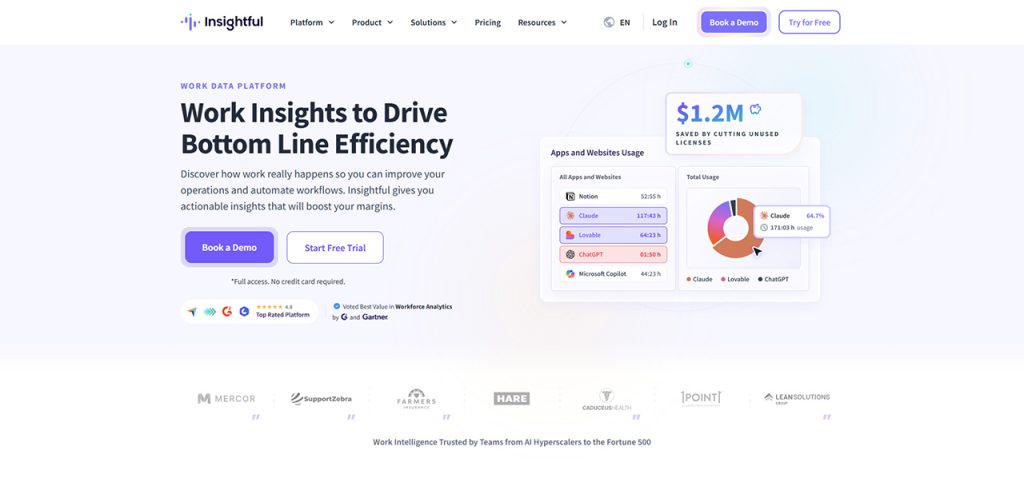
Insightful is another platform with an explicit stealth option. It is written in its setup documentation that administrators can select between Visible and Stealth mode.
In Stealth mode, employees cannot interact with the Insightful application. Administrators can also setup the frequency of screenshots, with around 30 screenshots/hour, as per the setup documentation.
Its Workforce Analytics plan begins at $8/seat/month, billed every year, and involves a real-time capacity analysis, overview, app and website usage, and screenshots. Additional options involve increased screenshot frequency, screenshots, and screen recording.
How to Choose Stealth Employee Monitoring Software?
The best solution relies on how discreet the monitoring needs to be and how much data you need to collect really.
1. Decide Whether You Require Genuine Stealth Monitoring
If employees need not see or interact with the tracking application, look for a stealth agent or stealth mode.
TrackPilots, Apploye, Insightful, and Teramind document stealth capabilities explicitly. On the other hand, Hubstaff takes a transparency-driven approach.
2. Check What the Software Really Records
“Stealth” does not tell you what data the software collects.
Check whether the platform records:
- Screenshots
- Screen video
- App usage
- Website activity
- Keyboard and mouse activity
- Active and idle time
- Files or communications
- Location data
A platform that quietly records only work-related activity is very different from one that captures detailed screen or content data.
3. Look at privacy controls
Privacy features matter even when monitoring is intentionally low-visibility.
Check for controls like work-hour restrictions, screenshot blurring, privacy models, data-retention settings, and role-based access.
4. Consider Whether you Require Project and Time Tracking
If monitoring is also utilized to understand billable work, employee workload, or project progress, select a platform that connects activity data with projects and time.
TMetric, Apploye, Time Doctor and Hubstaff all integrate tracking with capabilities of time-tracking, while Apploye also connects tracked work with tasks, projects, payroll, and invoicing.
5. Compare the Overall Expenses
The advertised starting price should not always be considered as the final cost.
Check whether additional screenshots, stealth monitoring, security features, screen recording, or sophisticated reports need separate add-ons.
For instance, Apploye's Stealth Mode comes at around an additional $2/user/month, while Insightful provides numerous security capabilities and screenshots as paid add-ons.
Stealth vs. Low-Visibility vs. Non-Invasive Monitoring
These terms are typically utilized interchangeably. However, they describe distinct approaches:
| Type | What it means | Example |
| Stealth monitoring | The monitoring agent operates without a normal employee-facing interface or awareness | Apploye, Teramind, TrackPilots |
| Low-visibility monitoring | Monitoring runs with limited interruption, but employees may still know when tracking is active | Hubstaff, Time Doctor |
| Non-invasive monitoring | Focuses on work patterns without capturing detailed screen or content data | WorkTime |
| Configurable monitoring | Administrators choose which monitoring features to enable and how they operate | TMetric, Insightful |
The difference is quite significant since stealth does not mean more useful monitoring automatically. If you only require work-hours as well as application data, a non-invasive solution may render sufficient visibility without recording screens.
Final Takeaway
Low-visibility and stealth monitoring tools are all built for the same purpose.
TrackPilots and Teramind mainly focus on discreet monitoring, while Apploye integrates stealth monitoring with projects, time tracking, invoicing, reporting, and payroll. Insightful integrates stealth mode with workforce analytics, while WorkTime takes a considerably less invasive approach by emphasizing productivity and activity data.
TMetric, Hubstaff, and Time Doctor are better suited to teams that want monitoring integrated with time tracking and productivity workflows, with different levels of employee visibility.
The right choice depends on how discreet your monitoring needs to be, what data you need to collect, the level of privacy control you require, and whether you also need time, project, or workforce-management features.
Frequently Asked Questions
A- Stealth employee monitoring software keeps track of work activity in background without employees the normal tracking interface. Features can change by platform.
A- TrackPilots, Apploye, Insightful, and Teramind presently record dedicated stealth or hidden capabilities of tracking.
A- The legal requirements mainly rely on the workplace, jurisdiction, ownership of device, collection of data, and purpose of tracking. Businesses need to review applicable privacy, employment, and data-protection needs before implementing stealth monitoring.
A- Stealth monitoring works without any employee-facing interface. Visible monitoring allows employees to see when tracking becomes active and what data is being collected.
A- Apploye integrates stealth monitoring with projects, time tracking, timesheets, tasks, invoicing, reporting, and payroll, making it a right choice for businesses that require tracking along with work management.
A- Yes. Numerous platforms provide support for stealth or background monitoring. The precise behavior relies on the operating system, product, administrator settings, and monitoring mode.
%201.png)

%201.png)

%201.png)