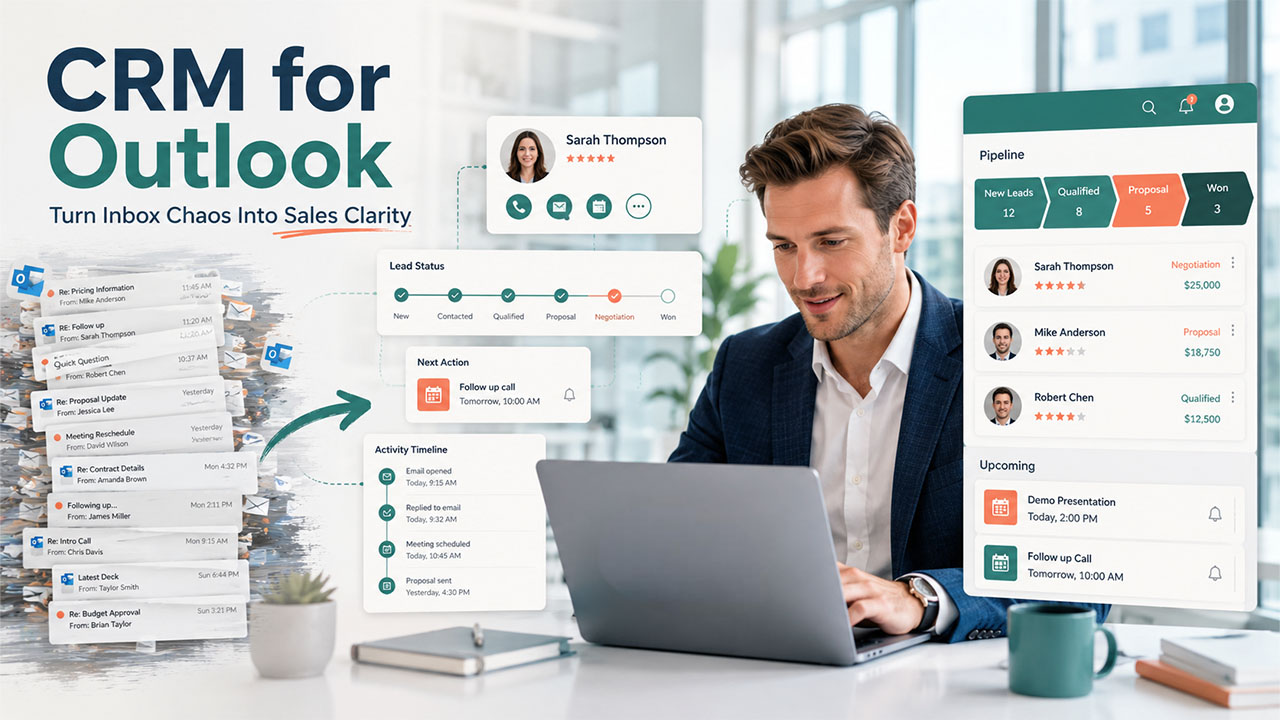

You probably spend more time in Outlook as everything related to your professional life such as Emails, calendar invites, follow-up reminders, and contact threads, lives there. It works fine for quite some time. However, at some point, things start falling apart in ways more than you think. You miss a follow-up, forget what was discussed in last week’s call, or your colleague reaches out to a contact you already emailed yesterday.
That's the problem you face when you rely on Outlook alone to manage customer relationships. Why? Because it wasn’t designed for that. Customer relationship management needs something more structured, more connected, and a lot more intelligent. That's exactly where a CRM for Outlook comes in.
- Outlook alone can't manage customer relationships; it was never built for that
- A CRM for Outlook connects your inbox, calendar, and contacts so everything is tracked in one place
- We broke down what features actually matter before you commit to any tool
- Compared 5 CRMs side by side: Salesflare, HubSpot, ActiveCampaign, Zoho, and Freshsales
- Salesflare gives you the deepest Outlook integration with the most automation built in
- HubSpot is the stronger pick if you want marketing and sales under one roof
- Zoho is a reliable CRM for solopreneurs and budget-conscious teams getting started
- Also covered how to move from Outlook to a CRM without losing your data or disrupting your team
What Is CRM for Outlook?
A CRM for Outlook refers to a customer relationship management system that integrates directly within Microsoft Outlook. It brings both CRM and Outlook together, so you don’t have to ask your team to switch between an inbox and a separate CRM dashboard. You can sync and access your emails, calendar, contacts, and deal data from one place.
You don’t have to do anything manually anymore. Every email that you send or receive will automatically get logged, meetings get tied to the respective contact record, and follow-ups get tracked.
Essential CRM for Outlook Features to Look For
Not every CRM serves as a useful integration. So, let’s learn what a genuinely useful CRM for Outlook should offer before you commit to anything:
- Two-Way Email and Calendar Sync: Your Outlook emails and Microsoft 365 calendar meetings should automatically sync to the CRM in real time, not just one way.
- Access CRM Data Directly Inside Outlook: You can update contact records, check the status of deals, and log activities without having to leave Outlook. A CRM that forces you to open a browser tab is not doing its job at all.
- Automatic Contact Capture and Management: The CRM automatically creates a contact when you email someone new for the first time. You do not need to do manual entry.
- Email Open and Engagement Tracking: A good Outlook CRM allows you to see whether a prospect has opened your email or clicked on a link. There is no need for any extra setup.
- Contact Enrichment: There are some CRMs that pull data from multiple sources, such as email signatures, LinkedIn profiles, and other sources, to automatically enrich your contact records. This means less manual work and better data.
- Automated Follow-up Reminders: When a customer's conversation goes quiet because you forget or get busy with other things, CRM flags it to bring it to your attention.
- Sales Pipeline Tracking and Lead Management: Whether you're running a CRM for sales teams or managing deals solo, you need to see where each deal stands without digging through email threads to piece it together. Every lead is recorded automatically in the system for everyone, so they are not left guessing or waiting for updates.
5 Best CRM for Outlook Tools in 2026: Quick Comparison
Here's a quick overview before we dig deeper:
| CRM | Best For | Starting Price |
|---|---|---|
| Salesflare | Full inbox integration + automation | $29/user/month |
| HubSpot CRM | All-in-one platform | $100/seat/month |
| ActiveCampaign | Email marketing + sales automation | $79/month (1,000 contacts) |
| Zoho CRM | Budget-friendly option | $23/user/month |
| Freshsales | User-friendly sales CRM | $39/user/month (Pro) |
Here's a detailed breakdown of each Outlook CRM, so that you can make informed decisions after weighing your options.
1. Salesflare
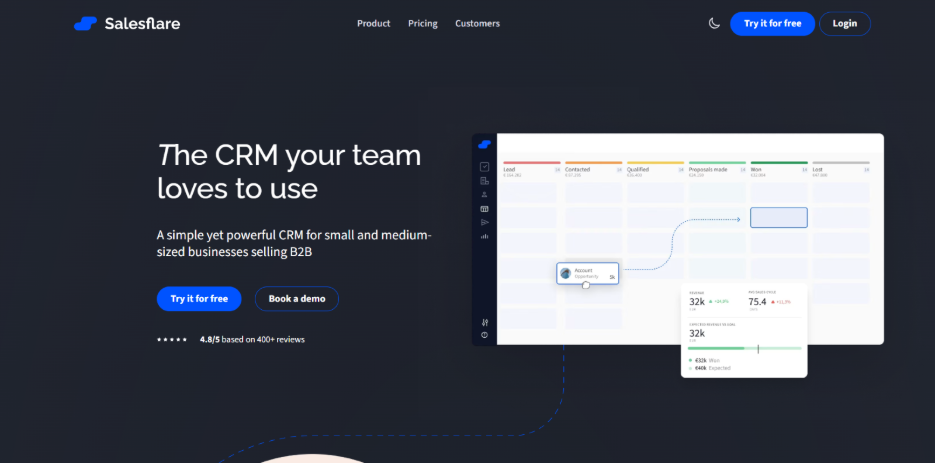
If you are looking for the deepest Outlook integration, Salesflare is the best place to start. Its Outlook plugin works right inside your inbox, offering you 100% of the CRM’s functionality. You can see everything from contact records and deal updates to email sequences and relationship scores in the sidebar as you work through your emails. Salesflare’s automation runs quietly in the background.
It's primarily used by small and medium-sized B2B businesses and consistently tops the charts on review platforms for ease of use and quality of support.
Key Features:
- Full CRM access directly from the Outlook inbox; no browser tab needed
- Auto-creates contacts from people you email or meet with
- Live syncs Outlook emails and Microsoft 365 calendar meetings to contact records
- Enriches contact profiles using email signatures and social media data
- Tracks email opens and link clicks sent from Outlook
- Sends automated, personalized email sequences from your inbox
- Relationship strength scoring; it shows how well your colleagues know a contact
- Alerts you when customer conversations have gone quiet
Pricing: From $29/user/month (billed annually). Free trial available for up to 30 days.
2. HubSpot CRM
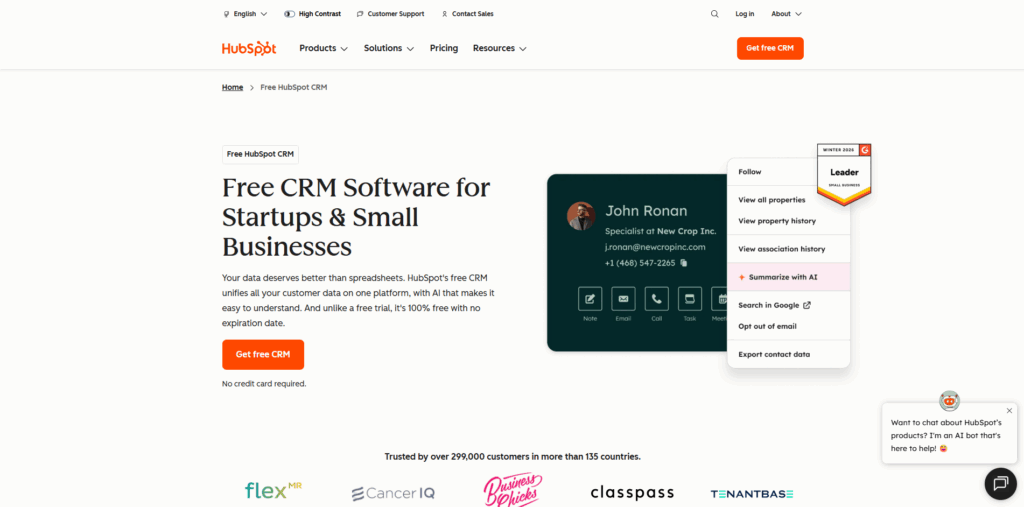
The Outlook add-in gives you a sidebar with contact details, recent activity, and deal information. Email and calendar sync work reasonably well, and you get a solid set of features for managing outreach and tracking engagement. However, HubSpot's Outlook integration isn't as deep as Salesflare's. It doesn't auto-create contacts from emails, and occasionally it still needs manual updates.
Key Features:
- Outlook sidebar with instant access to contact details, deals, and recent activity
- Live sync of Outlook emails and Microsoft 365 calendar to the CRM
- Automated, personalized email sequences sent from the Outlook inbox
- Shared and private email templates available within the CRM
- Tracks email opens and link clicks from Outlook
- Website visit tracking for contacts who clicked email links
- Contact database enrichment via email signature sync
Pricing: From $100/seat/month (billed annually) + $1,500 onboarding fee. Free trial available for 14 days.
3. ActiveCampaign
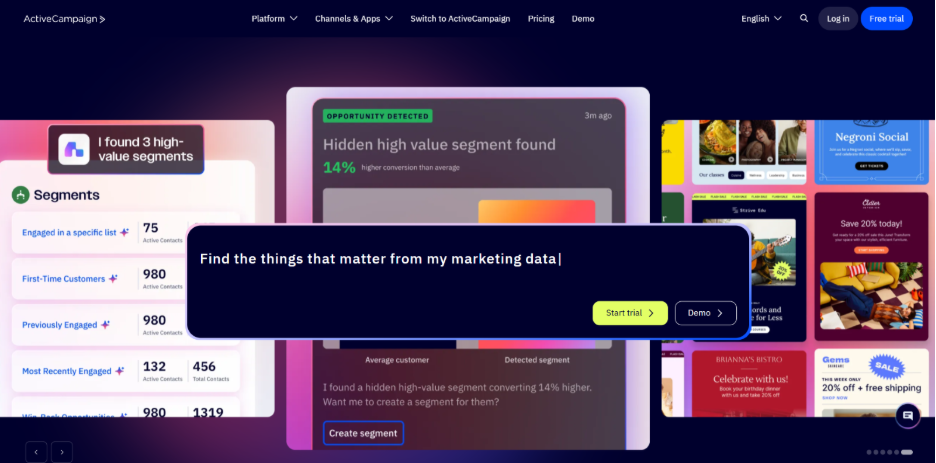
ActiveCampaign emerged as an email marketing and automation platform. Later in 2014, it added CRM capabilities which make it a hybrid tool.
Its Outlook integration offers automatic sequencing of emails, and you can use templates from within your inbox. However, CRM capabilities are limited. It does not automatically live-sync emails and calendar events to contact records. Additionally, there is no automatic contact creation from your email activity. It can feel limited to B2B teams with an active sales pipeline who are looking for tight Outlook integration. The platform also has a steeper learning curve.
Key Features:
- CRM access and management from within the Outlook inbox
- Automated, personalized email sequences sent directly from Outlook
- Shared and private email templates available inside the CRM
- Website visit tracking for contacts who click email links
- Complex automation workflows for consistent follow-up
- Wide range of third-party integrations
Pricing: From $79/month on the Pro plan (billed annually, for 1,000 contacts). Free trial available for 14 days.
4. Zoho CRM
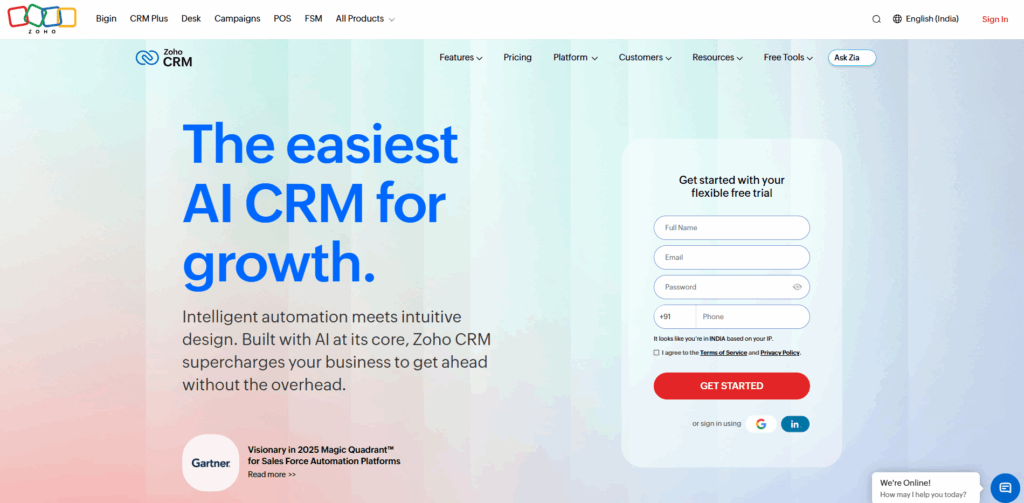
Zoho CRM has consistently earned the position of a cost-effective alternative to Salesforce.
The Outlook integration covers the basics well enough. It lets you update records from your inbox, sync emails and calendar events, and use email templates. The add-in works across Windows, Mac, and the web. However, the integration is not as deep as you expect it to be. There's no automatic contact creation, email open tracking, contact enrichment, and follow-up alert. Users also reportedly struggled to link emails to specific contact records.
Key Features:
- CRM record updates and management from the Outlook inbox
- Live sync of Outlook emails and Microsoft 365 calendar to the CRM
- Shared and private email templates accessible within the CRM
- Outlook add-in available on Windows, Mac, and web
- Budget-friendly pricing with a free tier available for up to 3 users
- Wide range of Zoho ecosystem integrations (Zoho Books, Zoho Desk, etc.)
Pricing: From $23/user/month on the Professional plan (billed annually). Free trial available for 15 days.
5. Freshsales by Freshworks
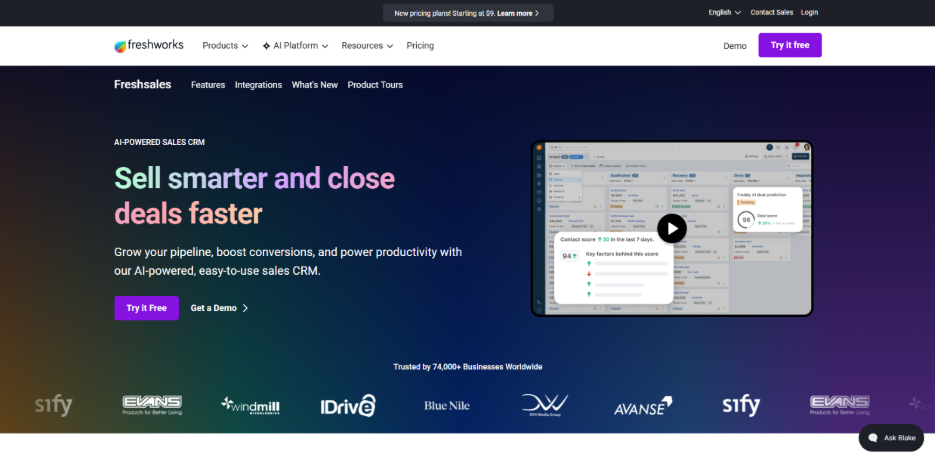
Freshsales is a sales CRM from Freshworks, a company known for making feature-rich software genuinely easy to use. It offers a much cleaner interface than many of its competitors, and the Outlook add-in is available across Windows, Mac, and the web.
From inside Outlook, you can update records, log activities, add leads, and manage deals without switching tools. Email and calendar sync work well for the basics. However, it lacks automation depth. There's no automatic contact creation, no contact enrichment from email signatures, no email open tracking from Outlook, and no follow-up reminders for conversations that go cold. Additionally, sometimes you need to search manually to find contact information. It is a reliable option for teams that value clean interfaces and don’t need the deepest Outlook integration.
Key Features:
- Full CRM record management from within the Outlook inbox
- Live sync of Outlook emails and Microsoft 365 calendar to contact records
- Automated email sequences (available on Pro and Enterprise plans)
- Shared and private email templates accessible within the CRM
- Outlook add-in available on Windows, Mac, and web
- Ability to add leads, activities, and tasks directly from the inbox
Pricing: From $39/user/month on the Pro plan (billed annually). Free trial available for 21 days.
How to Integrate Outlook with a CRM System: Step-by-Step Guide
Switching to a CRM doesn't mean you are abandoning Outlook. You are just making Outlook work smarter. Here's how to make the transition cleanly, without losing data or disrupting your team mid-cycle.
Export and Organize Outlook Contacts Before Migration
Go to File > Open & Export > Import/Export in Outlook and save your contacts as a CSV file. Before you start importing anything, take a few minutes to remove duplicates, fill in missing fields, and delete outdated entries.
Install and Connect Your CRM for Outlook
Most CRMs on this list have an add-in available through Microsoft AppSource or within the CRM's own settings. Installation usually takes just a few minutes. Once it's in, import your cleaned CSV, map the fields carefully, and your contact base is ready to go.
Sync Outlook Emails and Calendar Activities
Once your Outlook inbox and Microsoft 365 calendar are connected, your emails and meetings start flowing into the CRM automatically. There is no manual logging needed.
Set Up Your CRM Pipeline and Sales Automation
Recreate your sales process inside the CRM. Define your deal stages, set up follow-up reminders, and configure any automation rules, so the system reflects how your team actually works.
Test the Integration Before Full CRM Adoption
Don't cut over immediately. Let the sync run, verify that emails and meetings are being captured correctly, and identify if you are facing any issues first. Most teams are fully up and running within a day or two.
Conclusion
The problem does not lie with Outlook. The issue arises when none of the activities are being captured, organized, or connected to anything meaningful. However, a CRM for Outlook fixes that easily. It integrates into your existing workflows to log every email, track follow-ups, and record conversation, so that it can be visible to the whole team.
If you’re a beginner, Salesflare offers the tightest Outlook integration with the most automation. HubSpot is a strong choice if you want a single platform across marketing and sales. Zoho is a solid pick if budget is the primary constraint, and it doubles as a reliable CRM for solopreneurs who are just getting started. You'll always have to work inside an inbox, so you might as well make it your most powerful sales tool.
FAQs About CRM for Outlook
Q. Does Microsoft Outlook have a built-in CRM?
A. No. Outlook is an email client, not a CRM. You need a third-party tool to add CRM functionality.
Q. What is the best CRM for Outlook?
A. Salesflare ranks highest for Outlook integration depth, offering full CRM functionality directly inside the Outlook inbox.
Q. Can I use Microsoft 365 as a CRM?
A. Microsoft 365 doesn't include a CRM, but it integrates well with many CRM tools that sync emails, contacts, and calendars.
Q. Is Microsoft Dynamics 365 a CRM for Outlook?
A. Yes. Dynamics 365 includes a CRM component and integrates with Outlook, though it's built primarily for large enterprises.
Q. How long does it take to set up a CRM with Outlook?
A. Most CRMs take less than a day to integrate with Outlook, including contact import, email sync, and basic pipeline configuration.
%201.png)

%201.png)

%201.png)