

The guide explores the top 5 best CRM for freelancers and lists key features, limitations, and ideal usage for each platform.
Freelancing offers users freedom, flexibility, and control over the work, but managing all these tasks, which include leads, clients, proposals, follow-ups, invoices, and projects, can quickly become overwhelming. This is where CRM (or Customer Relationship Management) systems offer its capabilities.
The best CRM for freelancers generally does more than just store contact information. It also helps in remembering who to follow up with, tracking potential projects, organizing client communication, managing sales pipelines, and automating repetitive administrative work.
With multiple CRM platforms available in 2026, choosing the right one for freelance tasks can become challenging.
What is a CRM for Freelancers?
A CRM for freelancers is a type of software tool that helps freelancers or independent professionals organize and manage their relationships with potential and existing clients. A CRM system offers a centralized location for freelancers to keep client information, instead of it being scattered across spreadsheets, email inboxes, and messaging apps.
For freelancers, a CRM can act as a central hub for the entire client journey, which includes everything from finding a potential client and sending a proposal to managing communication, following up, and turning that prospect into a long-term customer.
How Does a CRM Help Freelancers?
For freelancers, the CRM system offers key benefits, which include:
- Manage Contacts: The CRM platform stores client names, email addresses, company details, notes, and communication history.
- Track Leads: The platform keeps track of people who have shown interest in the services and shows where each prospect is in the sales process.
- Manage Follow-Ups: Freelancers can set up reminders, so they don't forget to reply to a prospect or contact a previous client.
- Track Proposals: Freelancers can also know which proposals have been sent, accepted, rejected, or are still awaiting a response.
- Automate Repetitive Tasks: Freelancers can send follow-up emails, create reminders, or move leads through different stages automatically.
Top 5 Best CRM for Freelancers
The right CRM can help freelancers spend less time managing spreadsheets, emails, and follow-up reminders. However, every CRM is designed differently, and some focus on client work.
The top 5 best CRM for freelancers are as follows:
1. HoneyBook
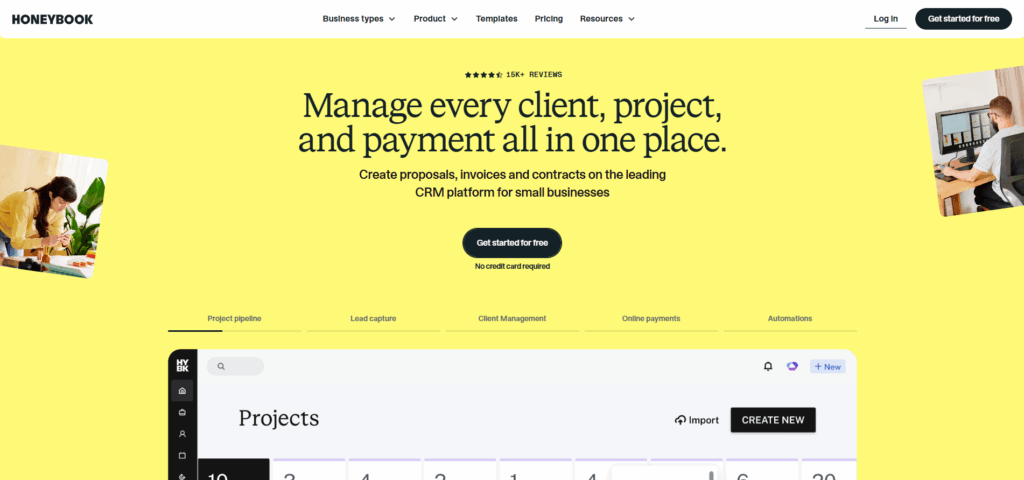
HoneyBook is a client flow management platform designed to serve independent professionals and small businesses. The platform combines CRM capabilities with tools for managing proposals, contacts, invoices, payments, scheduling, and client communication.
Key Features
- Client and contact management
- Lead and project tracking
- Proposals and contracts
- Invoicing and online payments
- Client portal
Limitation
- Primarily designed around clientflow and business management
Ideal Usage
- Photographers, designers, consultants, coaches, and marketers.
2. Bonsai
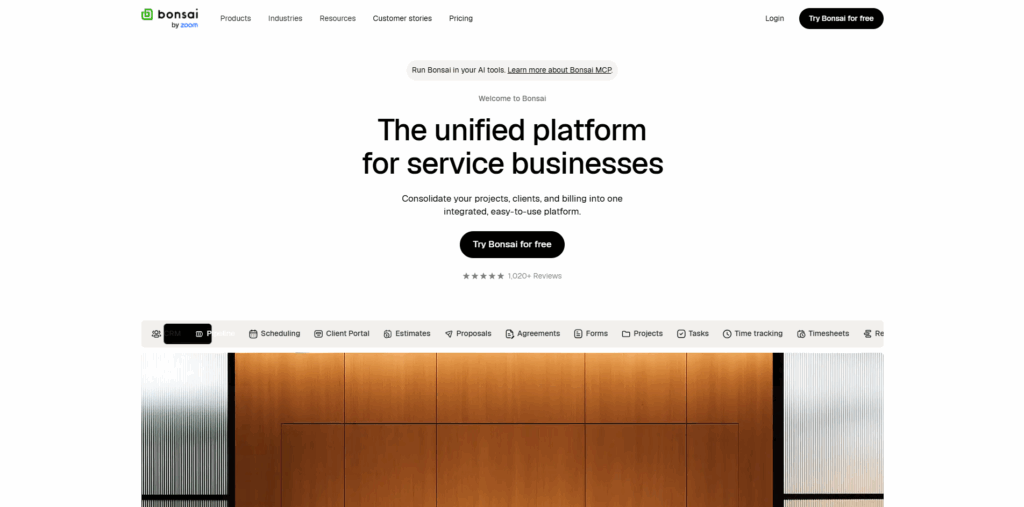
Bonsai is an all-in-one business management platform that is built with freelancers, agencies, and service businesses. Bonsai's CRM allows freelancers to organize contacts, clients, projects, notes, rates, and other important client information.
Key Features
- CRM and client management
- Client profiles
- Lead and deal pipeline
- Proposals and contracts
- Project management
Limitations
- May not be as deep as a dedicated sales CRM.
Ideal Usage
- Freelancers who want an all-in-one business solution.
3. HubSpot CRM
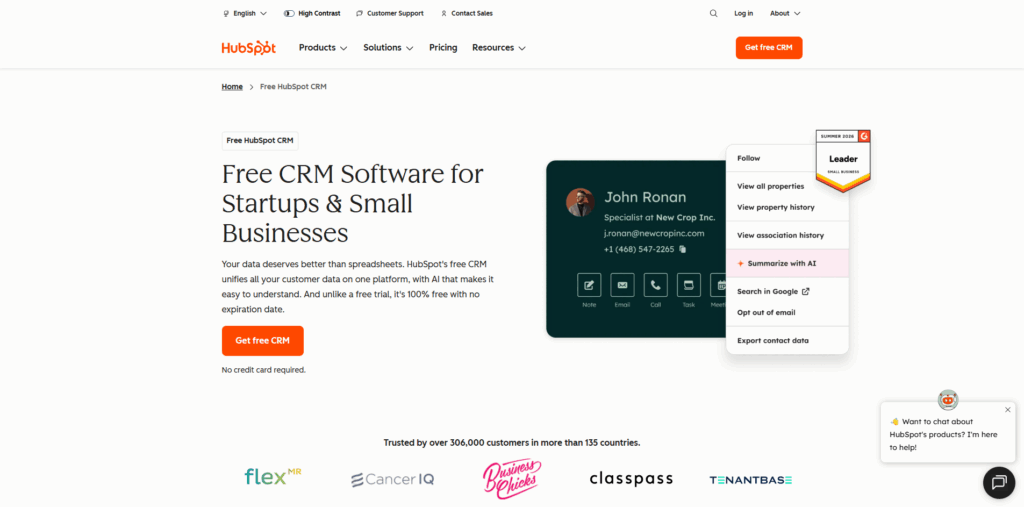
HubSpot is among the most popular and flexible CRM for solopreneurs looking for powerful solutions. Its free CRM brings customer data, contacts, deals, tasks, and sales activities into a centralized platform.
Key Features
- Contact management
- Deal and pipeline management
- Task management
- Email tracking
- Sales activity tracking
Limitations
- Can become more complicated and expensive when freelancers move beyond the basic CRM
Ideal Usage
- Freelancers who want to start with a free CRM
4. Pipedrive
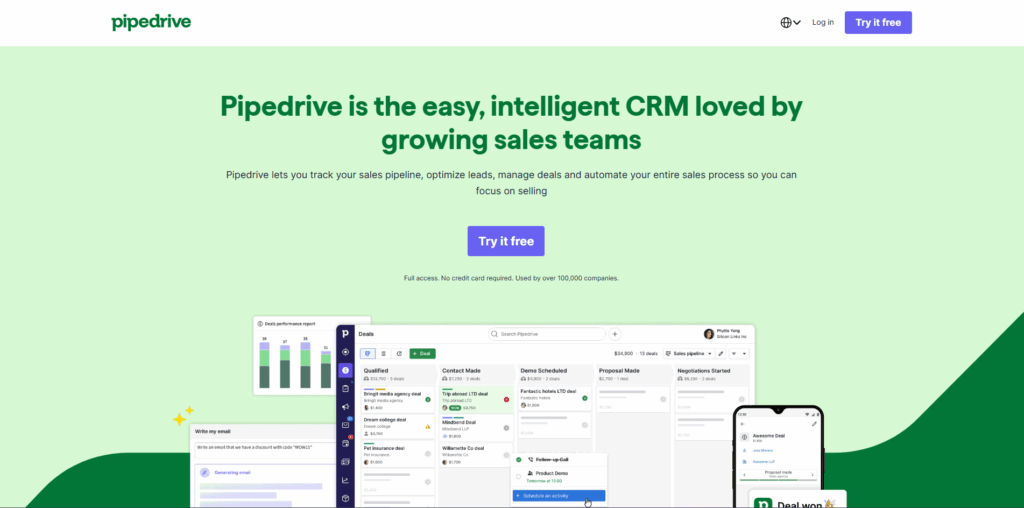
Pipedrive is generally a sales-focused CRM that is designed around visual pipeline management. The platform helps users track prospects through different stages of the sales process, making it particularly useful for freelancers.
Key Features
- Visual sales pipeline
- Lead and deal management
- Contact management
- Email integration and tracking
- Follow-up activities
Limitation
- Paid subscription models may also be less attractive to freelancers.
Ideal Usage
- Sales-focused freelancers and consultants.
5. Monday CRM
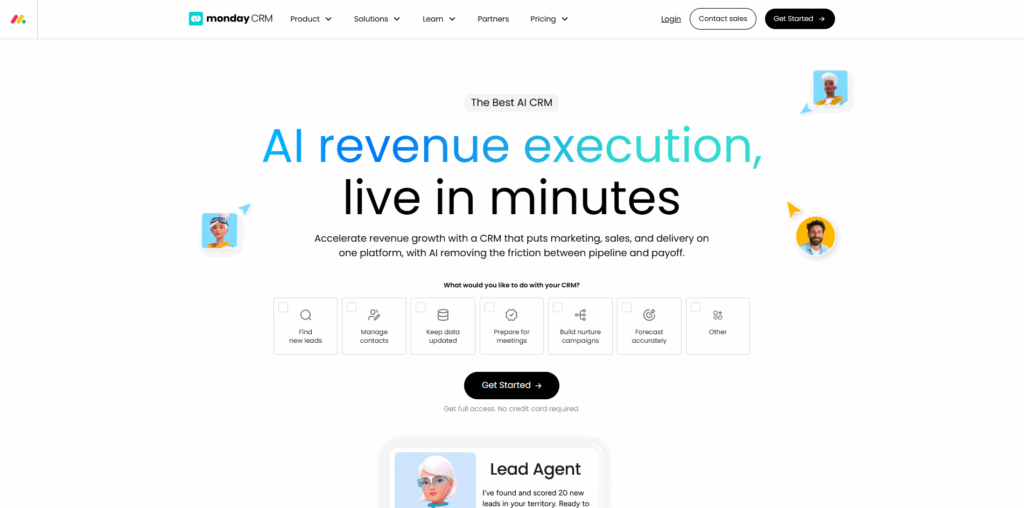
Monday CRM is a customizable CRM platform that is built on the broader Monday work platform. Monday CRM allows users to customize boards, fields, pipelines, automations, and dashboards, rather than forcing every freelancer into the same workflow.
Key Features
- Customizable CRM workflows
- Lead and contact management
- Multiple sales pipelines
- Email integration
- Activity management
Limitations
- Flexibility can be more complicated to set up.
Ideal Usage
- Freelancers who want a highly customizable system.
Choosing the Best CRM for Freelancers
Freelancers have different needs from those of an organization or a large team. The best CRM for freelancers should reduce administrative work, keep client information organized, prevent missed follow-ups, and fit naturally into your existing workflow. While choosing a CRM platform, freelancers should consider the following factors:
- Identify Main Requirement: Freelancers should determine what they actually want the CRM to solve. If the user needs proposals, contacts, invoices, and payments, they can consider platforms like Bonsai or HoneyBook. If they need lead and contact management, they can choose HubSpot.
- Consider Ease of Use: For a freelancer, managing sales, client communication, projects, and finances all by themself can be difficult. A CRM that takes hours to configure or requires extensive training may create more work rather than save time.
- Check the Features Actually Needed: Freelancers should avoid paying for features that they will never use. They should focus on key features like contact management, lead tracking, sales pipelines, follow-up reminders, email integration, and scheduling, among others.
Productivity Tips for Freelancers Using a CRM
By combining a CRM with practical productivity tips, freelancers can streamline repetitive tasks, manage client relationships more efficiently, and spend more time on billable work.
Here are some simple ways to improve productivity with a CRM:
- Keep client information organized: Store contact details, notes, project information, and communication history in one place.
- Set follow-up reminders: Schedule reminders immediately after calls or proposals, so potential opportunities don't get forgotten.
- Automate repetitive tasks: Use CRM automation for follow-up emails, task creation, notifications, and lead updates.
- Prioritize high-value leads: Focus your time on prospects that have a higher likelihood of becoming paying clients.
Conclusion
Choosing the right CRM for freelancers generally depends on the workflow of solopreneurs. An ideal CRM platform helps freelancers organize client relationships, manage leads, automate follow-ups, and reduce administrative work. The best CRM isn't necessarily the one with the most features. It is the one that freelancers use consistently. To select the ideal CRM for freelancers, users need to identify their biggest administrative problems, which include finding leads, following up, managing projects, sending proposals, getting paid, or keeping client information organized. Freelancers should also choose the CRM that can solve key problems with the least friction.
Frequently Asked Questions (FAQs)
Do freelancers really need a CRM?
Yes, freelancers need a CRM. A CRM can help freelancers organize client information, track leads, manage follow-ups, monitor proposals, and automate repetitive tasks.
What is the easiest CRM for freelancers to use?
The easiest CRM for freelancers depends on the user's workflow. Freelancer-focused platforms such as HoneyBook and Bonsai can be easier for managing the complete client journey, while HubSpot, Pipedrive, and Monday CRM may be better for freelancers who need more specialized CRM capabilities.
Is Pipedrive suitable for freelancers?
Yes, Pipedrive is considered ideal for freelancers. It is particularly suitable for freelancers who regularly generate leads, pitch prospects, send proposals, and manage multiple sales opportunities.
Can freelancers use a CRM to manage multiple clients?
Yes, freelancers can use a CRM to manage multiple clients. CRM software allows freelancers to organize multiple clients and prospects in one centralized system.
%201.png)

%201.png)

%201.png)