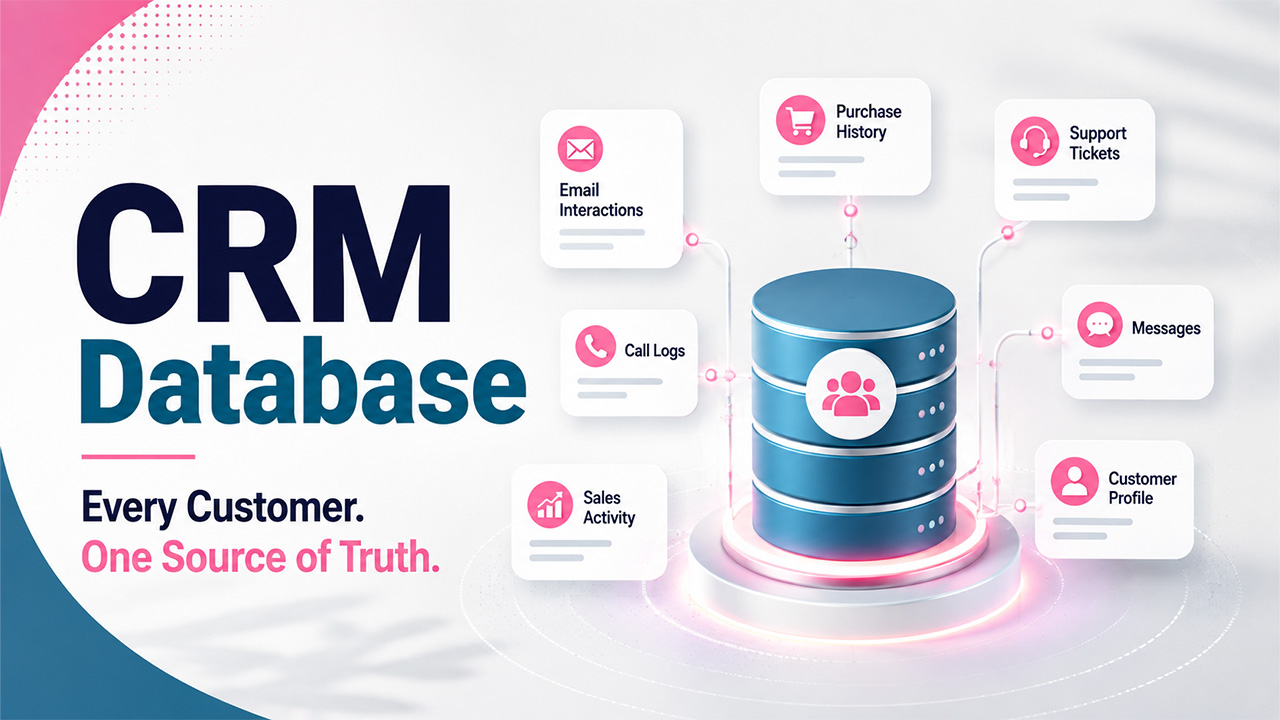

Suppose a customer calls you regarding an order that they placed two months ago. The support rep pulls up one system to check the purchase, another to see if the customer emailed before, and a third system to check if sales ever followed up on a complaint. It took ten minutes, and the customer is now annoyed. The rep is also frustrated as nobody in the company actually knows this customer. The details are scattered across five different tools that don’t talk to each other. This happens more often than most businesses would like to admit, and it’s almost always a data problem, rather than a people problem. This is where a CRM database comes into the picture. Once you understand what it actually does and how it helps businesses manage workflow better, you start to see why it’s a necessity more than a “nice to have”.
What Is a CRM Database?
A CRM database is software where a business stores every piece of information it has about its customers, such as their names, phone numbers, emails, support tickets, past purchases, and every conversation from the first touchpoint to the last. This information lives inside one organized system that is accessible to everyone, rather than scattered across spreadsheets, inboxes, and sticky notes.
It acts as a shared memory for the whole company. Sales, marketing, and support teams all work from a single source of truth. So, nobody has to guess anything or ask a customer to repeat themselves for the third time.
The Role of Data in a CRM Database
CRM isn’t really about the software. It's about the data that flows through it. Without good- quality data, even the most advanced CRM tool is just an empty shelf. Data is what turns a database from a filing cabinet into something that can actually predict, guide, and support real decisions.
- Powers Customer Segmentation: Businesses use data to categorize customers by their behaviors, location, spending habits, or interests. This way, marketing teams aren’t left guessing who to target; they already know. These patterns become far easier to spot once they're turned into visuals through data visualization for CRM.
- Tracks the Customer Sales Journey: Data includes every lead, every follow-up, and every stalled deal, which means sales teams can identify where opportunities are slipping through the cracks.
- Reveals Customer Trends and Patterns: If support tickets about one issue spike, or a customer suddenly goes quiet, the data flags it early enough to actually do something about it.
Top Benefits of a CRM Database
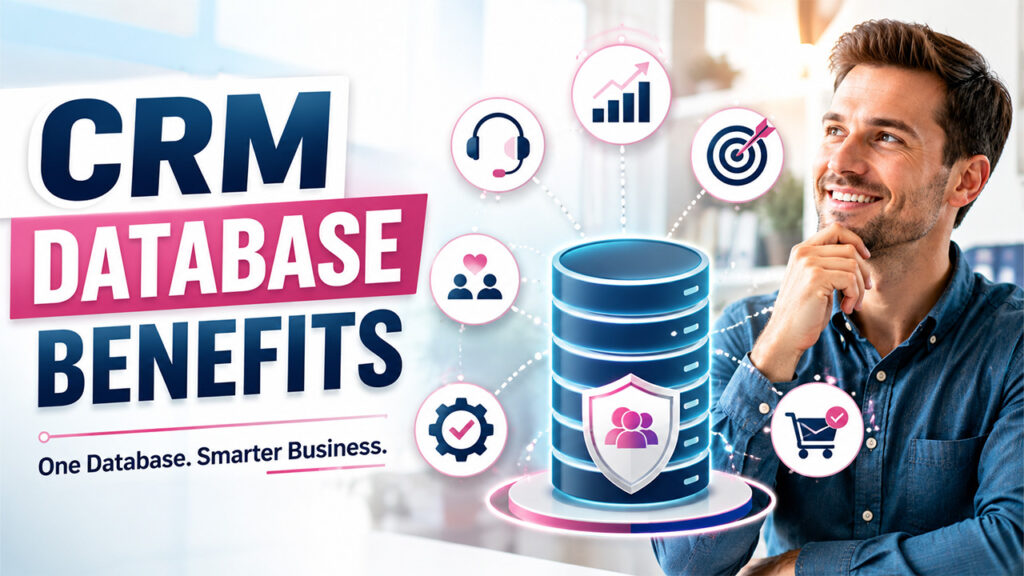
A well-managed CRM database changes the way business runs. Here’s what it actually looks like in practice:
- Better CRM Contact Management: Businesses store all customer details in one centralized place instead of scattered through notes, spreadsheets, and someone’s personal inbox. When all information is organized in one place, nobody has to dig around or ask a colleague for a customer’s email address.
- Improved Customer Service: A support agent can see a customer's entire history the moment they open the ticket. That means they can provide answers faster and won’t have to ask customers to repeat their queries.
- Stronger Customer Retention: When a business understands customers and their needs, they can act before the customer looks elsewhere. Most customers today expect brands to keep up with them, not the other way around.
- Higher Sales and Revenue: When sales reps can see buying patterns and preferences by analyzing data, they know exactly when to pitch in, upsell, or hold back. Over time, that precision gives you a business advantage.
- Better Business Decision-Making: Good-quality data allows leaders to look at real trends and plan accordingly, so they’re not left behind. Instead of guessing, they know which products to push, which campaigns to run, or where to invest next.
- More Targeted Marketing: Segmented data lets you run more targeted campaigns that actually reach the right people with the right message, instead of blasting everyone with the same generic email that might get ignored or end up in spam. This same targeting logic is at the heart of CRM in digital marketing.
- Improved Productivity Through CRM Automation: It can automate everyday tasks like data entry, lead scoring, and follow-up reminders. This frees people to focus on actual conversations with customers.
Types of CRM Databases
Every CRM database works differently. Therefore, it is essential to pick the right type of CRM database. Broadly, they fall into a few categories:
- Analytical CRM: This CRM is built to analyze data, identify trends, predict customer behavior, and recognize patterns that one could miss at first glance. It's less about performing day-to-day tasks and more about looking at the bigger picture.
- Operational CRM: This one focuses on running everyday tasks smoothly. It automates sales, marketing, and service tasks, so emails and follow-ups get sent without someone having to remember them. This way, nothing falls through the cracks.
- Collaborative CRM: This CRM is built to ensure smooth communication and collaboration among teams. This keeps sales, marketing, support, and sometimes outside partners on the same page, so a customer never has to repeat anything or receive conflicting information.
- Open-Source CRM: This is a fully customizable CRM and is often free to start with. However, it needs technical knowledge to set up and maintain it afterwards. It works well for businesses that want total control and have the resources to manage it.
- On-Premise CRM: It is hosted on a company's own server. It offers more control and often more features. However, one downside is that it has higher upfront costs and needs dedicated IT support.
- Cloud-Based CRM: It is hosted by the provider, and you can access it from anywhere with an internet connection. There are no servers to maintain, it has predictable monthly costs, and scales easily as a business grows, which is why many smaller and mid-sized businesses lean this way.
Businesses that need something more tailored often turn to custom CRM software development instead.
Core Elements of a CRM Database
You can’t just pick any CRM software and dump data in it. This is not what you call a good CRM database. A few core pieces need to be in place for it to actually work. The table below breaks down exactly what each one covers.
| Core Element | What It Does |
| People Management | Shows who owns each lead, support case, or deal, so responsibility is always clear. |
| Contact Management | Keeps every phone number, email, and interaction updated in one place; no duplicates. |
| Lead Management | Tracks leads through the pipeline, assigns them automatically, and flags overdue follow-ups. |
| Customer Service Integration | Connects support history to sales and marketing, so agents never start from scratch. |
| Marketing Automation | Enables segmentation and automated campaigns, reaching the right audience without manual sorting. |
| Reporting and Analytics | Turns raw data into dashboards built around real KPIs people can actually act on. |
New teams usually get up to speed faster once they understand how to use a CRM day to day.
How to Optimize CRM Database Data
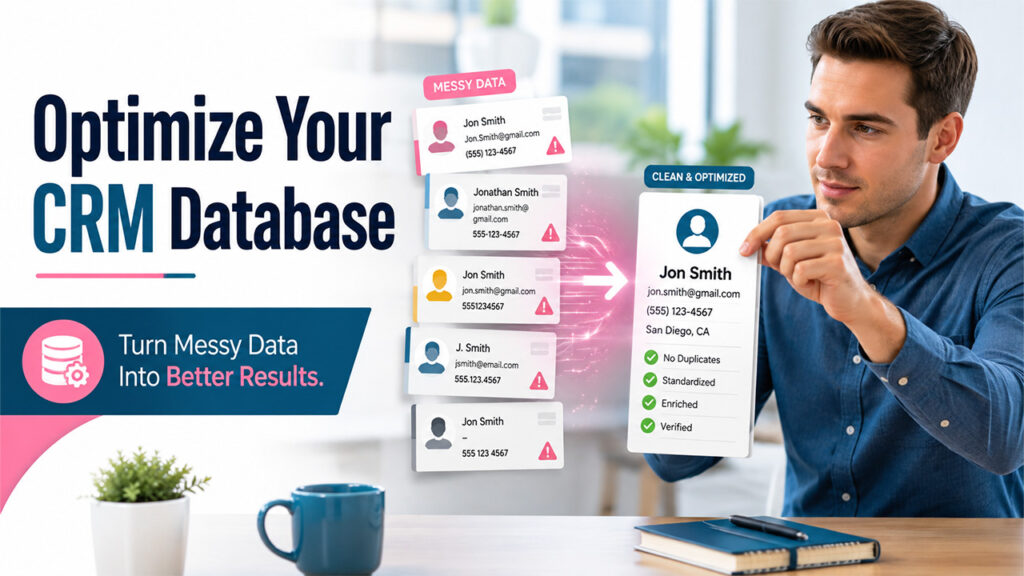
Even a good CRM database gets cluttered over time due to duplicate entries, old contacts, and inconsistent formatting across teams. Keeping it clean isn’t a one-time job; it’s ongoing maintenance. Here's how to stay on top of it:
- Find and Remove Duplicate CRM Records: Duplicate records take up storage space and cause confusion. For example, two reps might end up contacting the same lead without knowing it.
- Enrich CRM Data From Other Sources: When you pull out details from various sources like social media, website behavior, or loyalty programs, it gives a fuller picture of each customer, not just the basics.
- Standardize CRM Data Formats: Dates, currencies, and even how names are entered should follow one consistent format, or reporting becomes a headache.
- Establish CRM Data Governance Rules: Decide who owns the data, who can access it, and how it should be handled, so you know who is responsible for what instead of chaos. Clean, well-governed data is also what keeps a CRM dashboard accurate instead of misleading.
- Train Teams on CRM Data Management: A CRM is only as clean as the people enter data into it. A little training goes a long way in preventing messy records down the line.
- Schedule Regular CRM Data Cleaning: Don't wait for the database to become unusable. Regular clean-ups catch outdated or incomplete records before they pile up.
Conclusion
A CRM database is more than just a cabinet where you store customer contact details. It is the backbone of how a business actually understands and serves its customers. The tools and features are important; however, none of them means much if the data underneath is outdated, messy, and of poor quality. When you get the data right, keep it clean, and choose the right type that fits how your team actually works, the CRM stops being just another piece of software to maintain. It becomes the thing that quietly makes every customer interaction feel less like guesswork and more like genuine understanding.
Frequently Asked Questions (FAQs)
What is a CRM database?
It's a centralized system that stores all customer information like contact details, purchase history, and interactions in one accessible place for teams to use.
What kind of data does a CRM database hold?
Contact info, communication history, purchase records, service requests, and marketing preferences, basically everything a business knows about a customer.
Is a CRM database secure?
Reputable providers use encryption, access controls, and regular backups. Cloud-based CRMs also usually follow strict industry compliance and data privacy standards.
Can a CRM database connect with other business tools?
Yes. Most CRM databases integrate with accounting software, marketing platforms, and other systems, keeping data consistent across the entire business.
How often should CRM data be cleaned?
Regularly, ideally on a set schedule. Waiting too long lets duplicates and outdated records pile up, making the database harder to trust.
%201.png)

%201.png)

%201.png)